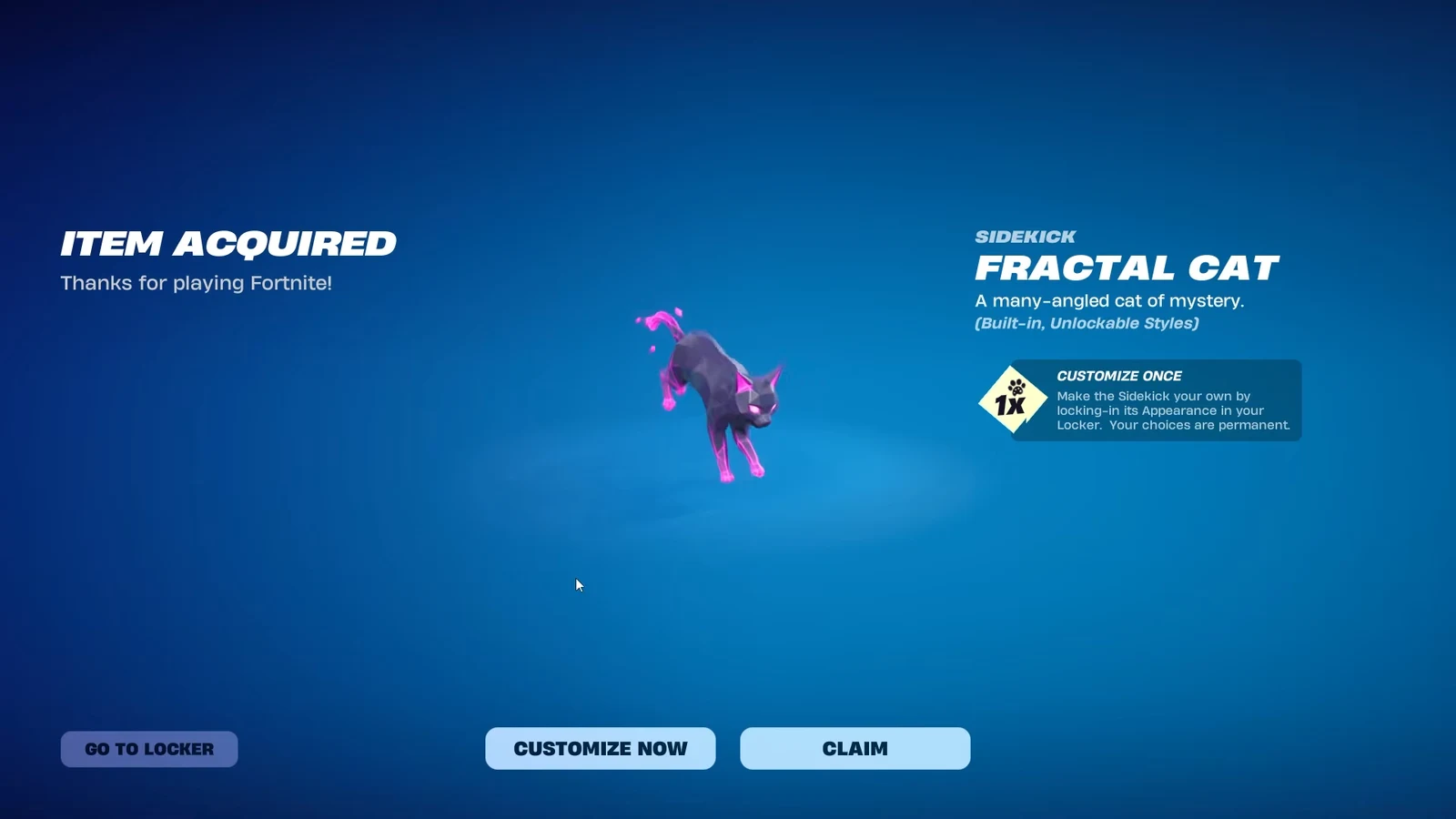
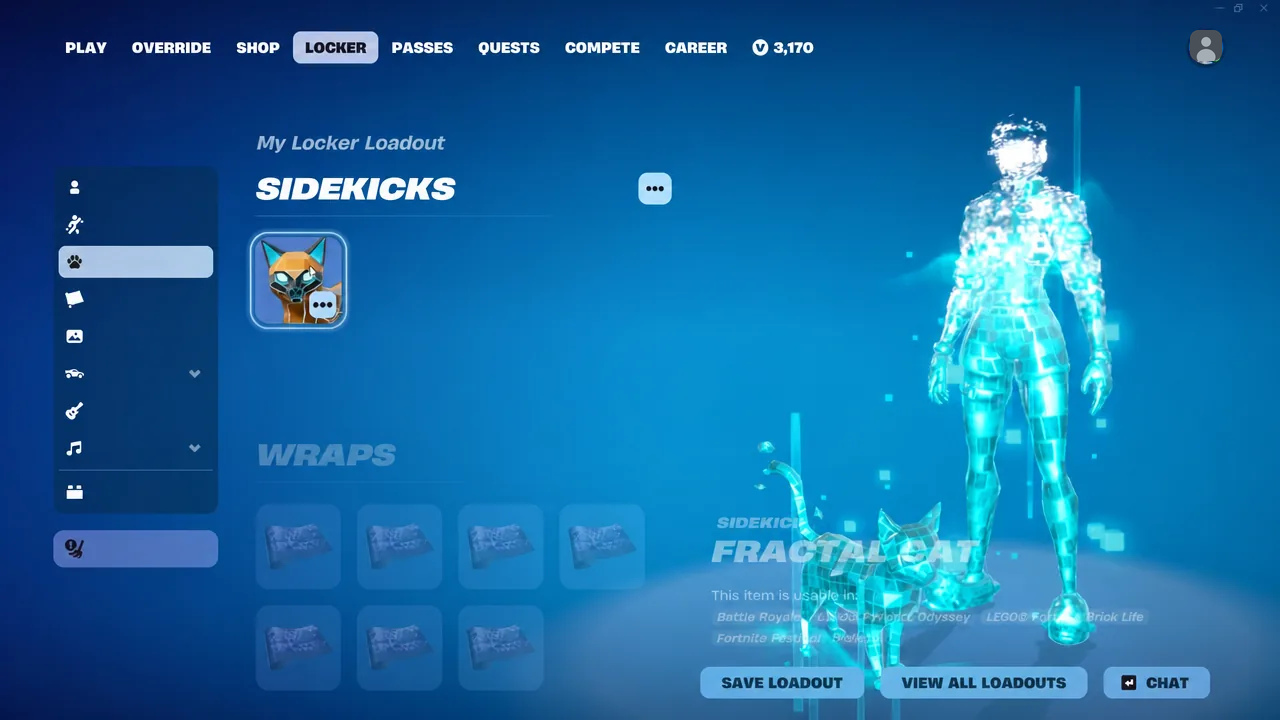
The Fractal Cat is a customizable Sidekick that follows you around Fortnite matches, described in the Item Shop as “A many-angled cat of mystery.” It arrived alongside Fractal Brite Bomber but is sold on its own, and its look is decided by a one-time customization pass that cannot be redone later.
Quick answer: Buy the Fractal Cat for 1,200 V-Bucks from the Spotlight Drops row of the Item Shop, then set its base, accent, and eye colors once — those colors are locked permanently after you confirm.
Fractal Cat Sidekick price and Item Shop window
The Sidekick is a standalone purchase. It is tied to Fractal Brite Bomber thematically, but it is not included in her bundle, so there is no discounted route to it.
| Detail | Value |
|---|---|
| Price | 1,200 V-Bucks |
| Shop section | Spotlight Drops |
| Released | September 3, 2026, 8PM ET |
| Scheduled to leave the shop | September 12, 2026, 8PM ET |
| Bundle | Sold separately, no bundle discount |
How to buy and set up the Fractal Cat
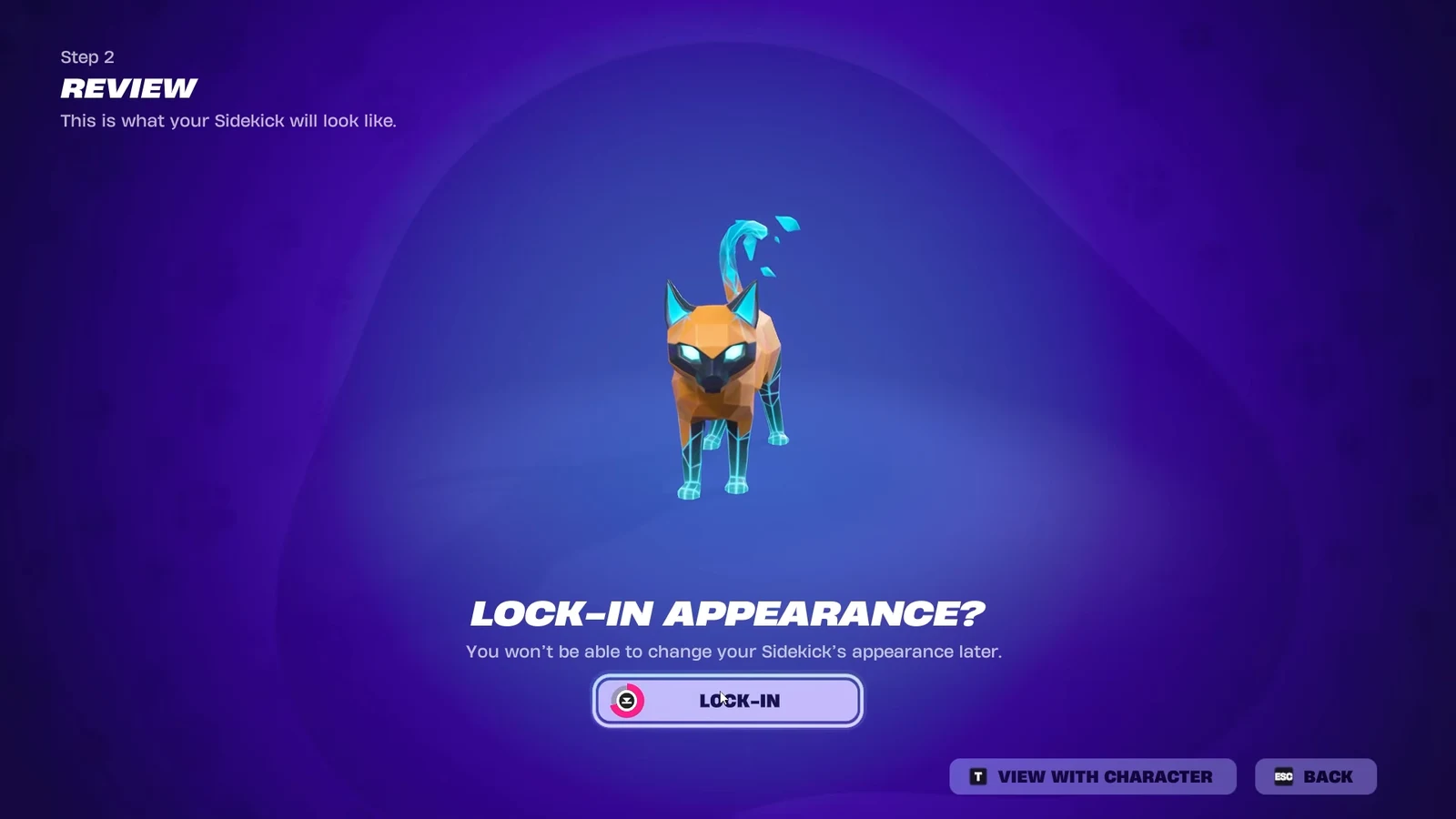
Every Fractal Cat color option (permanent choices)
Customization runs across three layers. The base covers the body, the accent handles the secondary panels, and the detail setting drives the eyes. Buying the Sidekick a second time is not a way around a color you regret, so treat the first pass as final.
| Layer | Options |
|---|---|
| Base color | Dark purple, Silver, Blue, Green, Orange, Light purple |
| Accent color | Light purple, Black, Green, Blue, Red |
| Detail / eyes | Purple, Blue, Red, Gold |
Note: the colors you pick here are not cosmetic-only in the strictest sense. The Sidekick’s unlockable emote pulls from the same palette, so a loud combination such as orange with blue detailing carries through to that animation.
If the Next Step button is greyed out during the flow, you have not yet made a selection on the current layer. Epic’s Sidekick appearance support article walks through the same flow if the menu stalls.
Unlockable styles and the Fractal Cat’s Beam emote
Owning the cat is only the starting point. Spending time with the Sidekick earns Sidekick Points, and those points move a small reward track that adds accessories, a reaction, and an emote. Everything on the track is cosmetic and none of it changes the colors you locked in.
| Reward | Type |
|---|---|
| Bandana (Lite) | Style |
| Fractalized Heart | Reaction |
| Bandana (Dark) | Style |
| Fractal Cat’s Beam | Emote |
The bandana slot also has an off setting, so you can switch back to the plain look at any time from the Locker. The Fractal Cat’s Beam is the standout unlock: it summons an oversized holographic cat head that fires lasers tinted to match your chosen customization colors.
Fractal Cat gameplay behavior in a match
Equip the Sidekick from the Locker before queuing, then drop into any mode from the lobby. It travels with you for the whole match and does not affect combat in any way.
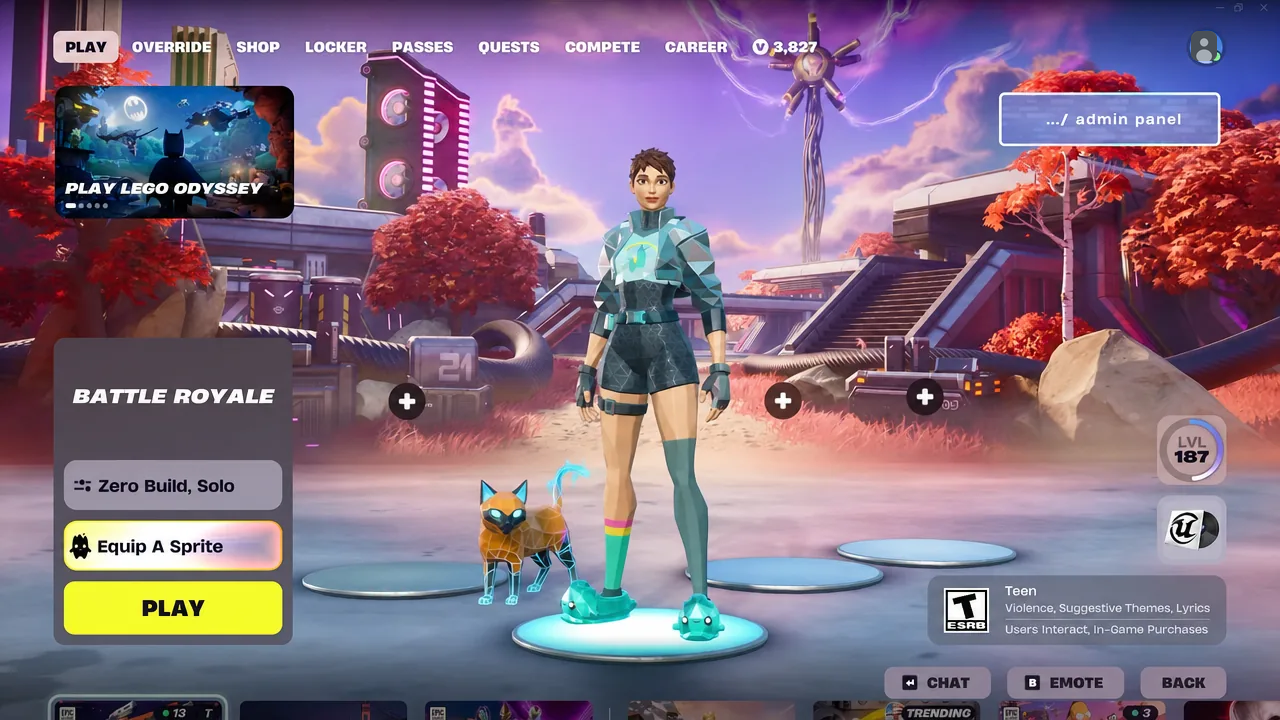
The most distinctive touch is audio. Because the cat is built from angular, crystal-like panels, its footsteps land as a light glass tapping sound while it walks and runs beside you. You can also stop and pet it, which triggers a dedicated animation.
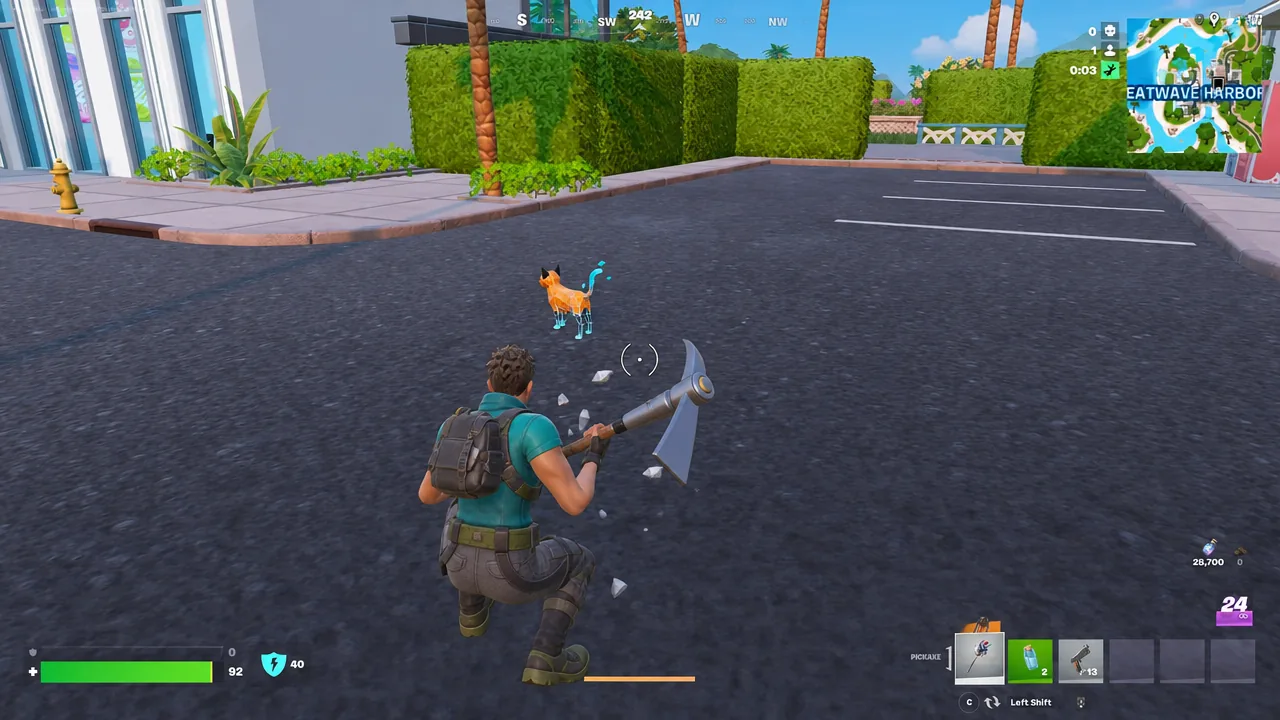
It also reacts to what you do. Emoting, aiming a weapon, or simply standing still each pull a different response, including a sitting idle pose when you stop moving for a moment.
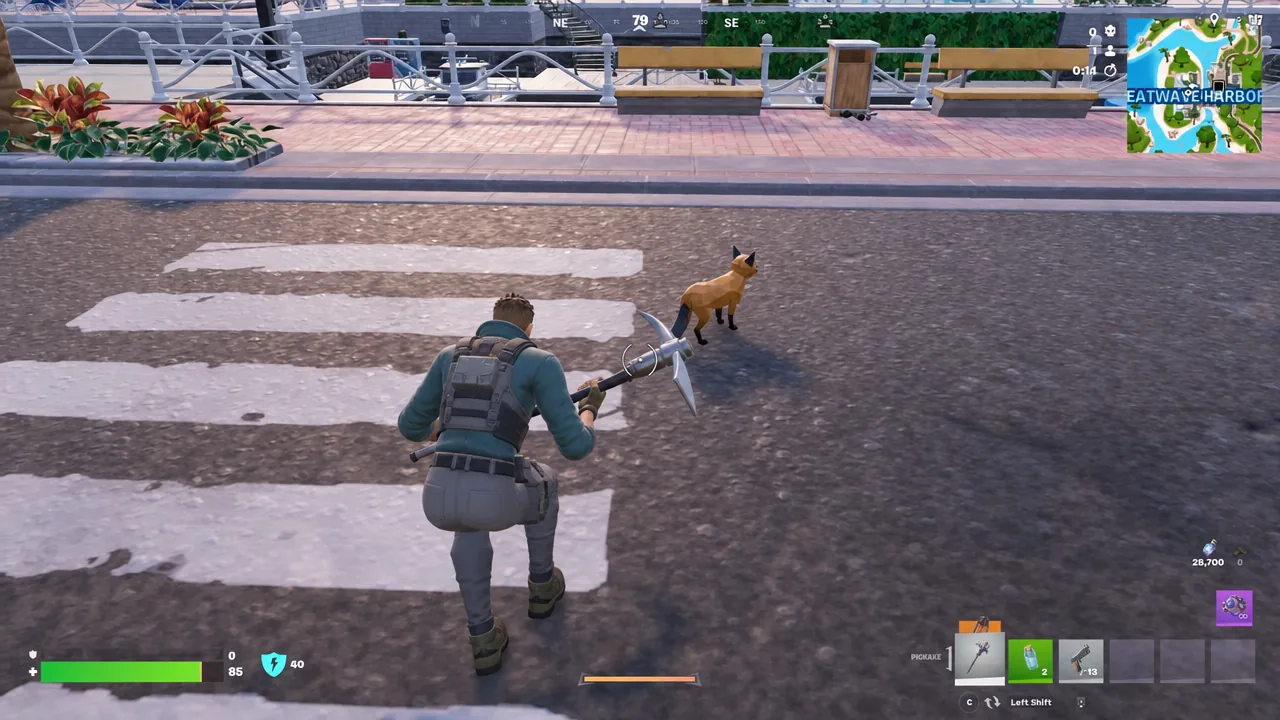
Opening chests sets off its own set of reactions, with the cat stretching or spinning next to the loot. These are the same animation triggers other Sidekicks use, so the difference here is presentation rather than function.
At 1,200 V-Bucks with no bundle to soften the cost, the decision comes down to whether you want the glass-panel look and the beam emote specifically, since the underlying behavior matches the rest of the Sidekick lineup. If you do buy it, spend a minute on the color screen before locking in — that combination is the one thing you cannot revisit.