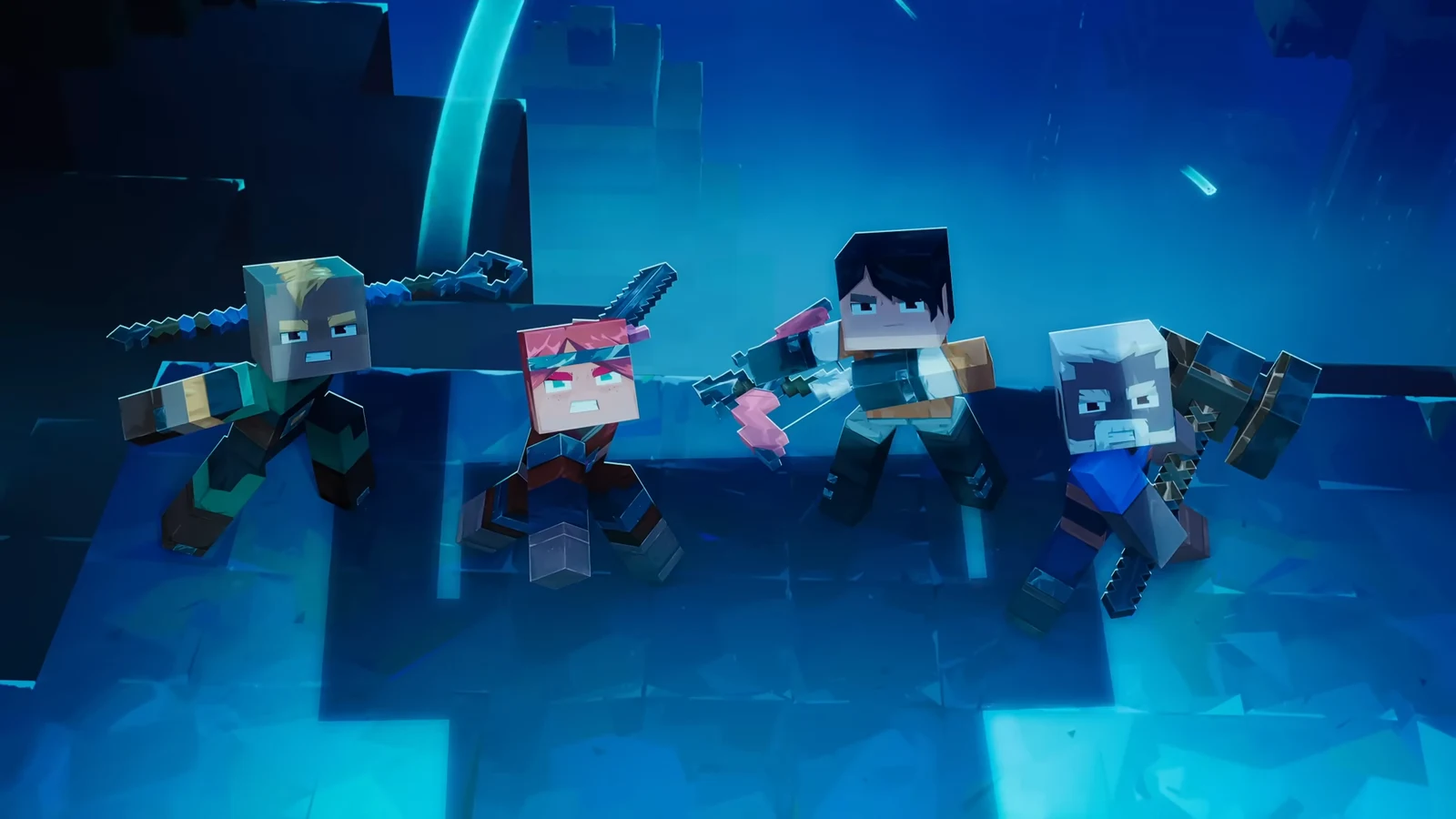
Minecraft Dungeons 2 is built for co-op, and cross-platform play lets a party mix players on PC, PlayStation 5, Xbox Series X|S, and both Nintendo Switch models in the same session. The connection runs through a Microsoft account rather than each console’s own friends list, so the setup is nearly identical no matter where you play.
Quick answer: Sign in to a free Microsoft account, then turn on Cross-Platform Play in the game’s settings and add friends by their Microsoft Gamertag.
Which platforms can play together
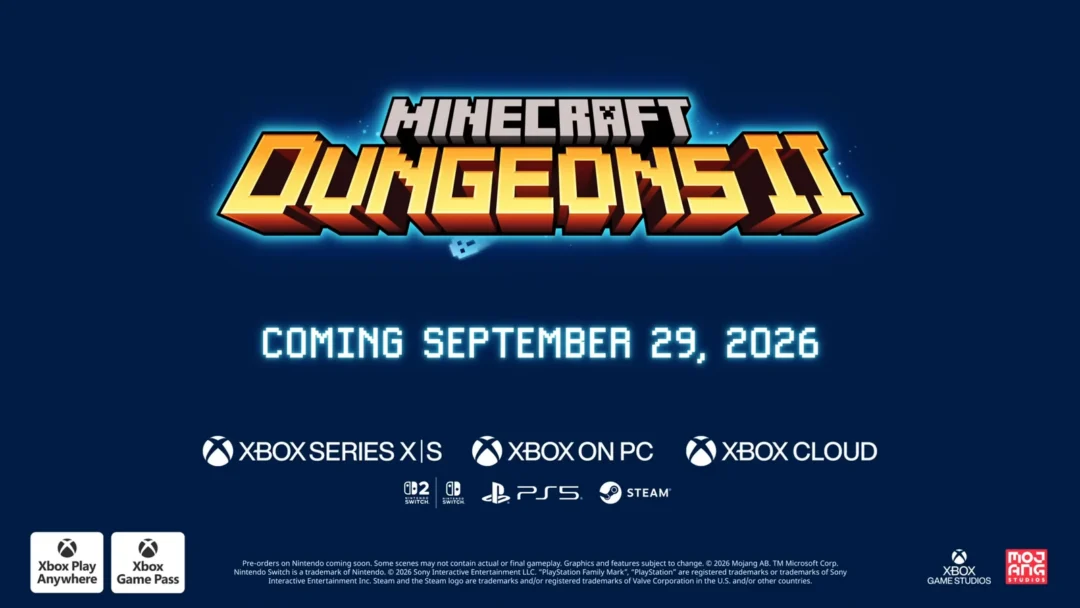
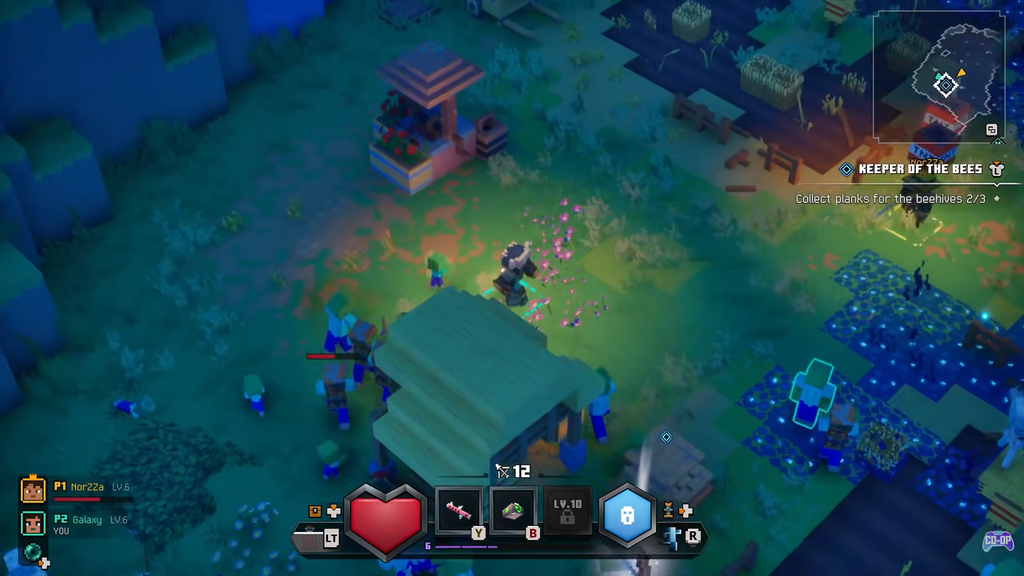
Crossplay covers every launch platform, and any combination works together in a party of up to four players. The game also supports Xbox Play Anywhere, so a single supported Xbox purchase grants access on both Xbox consoles and Windows PC.
| Platform | Crossplay | Online co-op | Local co-op |
|---|---|---|---|
| PC (Steam / Microsoft Store) | Yes | Yes | No |
| Xbox Series X|S | Yes | Yes | Yes |
| PlayStation 5 | Yes | Yes | Yes |
| Nintendo Switch | Yes | Yes | Yes |
| Nintendo Switch 2 | Yes | Yes | Yes |
Online co-op and local couch co-op both support 2 to 4 players, and mixed sessions let couch players on one system connect with others online. The standard edition is included with Xbox Game Pass Ultimate and PC Game Pass from day one.
What you need before you start
Cross-platform play depends on one shared identity across every device, plus an active online membership on consoles. Confirm these before you try to invite anyone.
- A free Microsoft account. Xbox players already have one tied to their profile; players on other platforms link their existing account.
- Xbox: Game Pass Essential, Premium, or Ultimate for online console multiplayer.
- PlayStation 5: an active PlayStation Plus membership.
- Nintendo Switch and Switch 2: an active Nintendo Switch Online membership.
- PC: Playing on PC doesn’t call for a console-type subscription.
Solo play and couch co-op on the same device work without an online plan. If you still need a Microsoft account, you can sign up for one at no cost before starting the game.
Turn on Cross-Platform Play in Minecraft Dungeons 2
The activation flow follows the account-linking process used across Minecraft experiences. Work through the menu once, and cross-platform play stays enabled by default afterward.
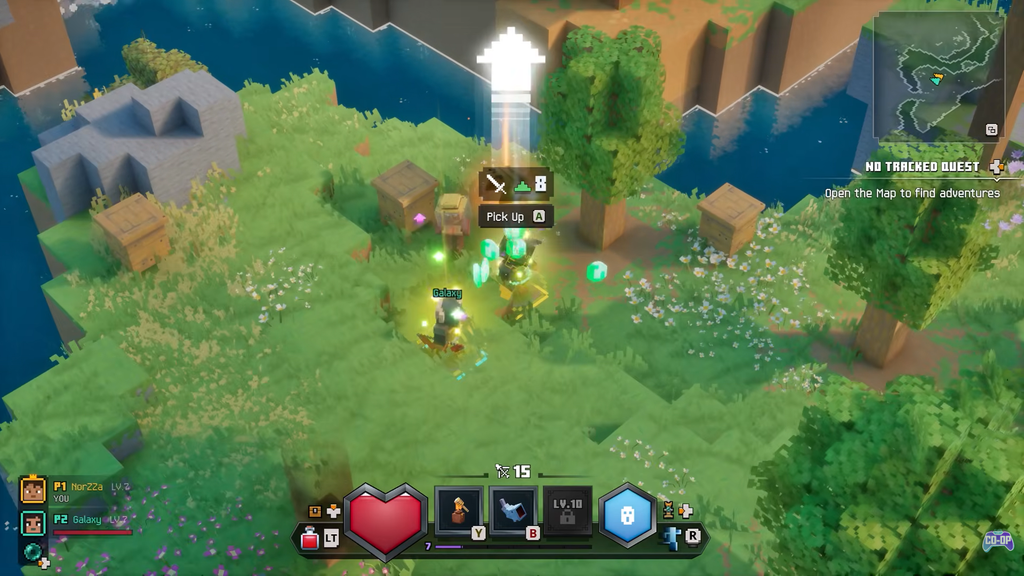
You know it worked when the game updates with your linked account and cross-platform play shows as active. To disable it or unlink later, return to the same Cross-Platform Play settings page.
Because Xbox players sign in with their profile automatically, the manual link step mainly applies to PlayStation and Nintendo Switch players connecting an existing Microsoft account.
Add friends and start a cross-platform party
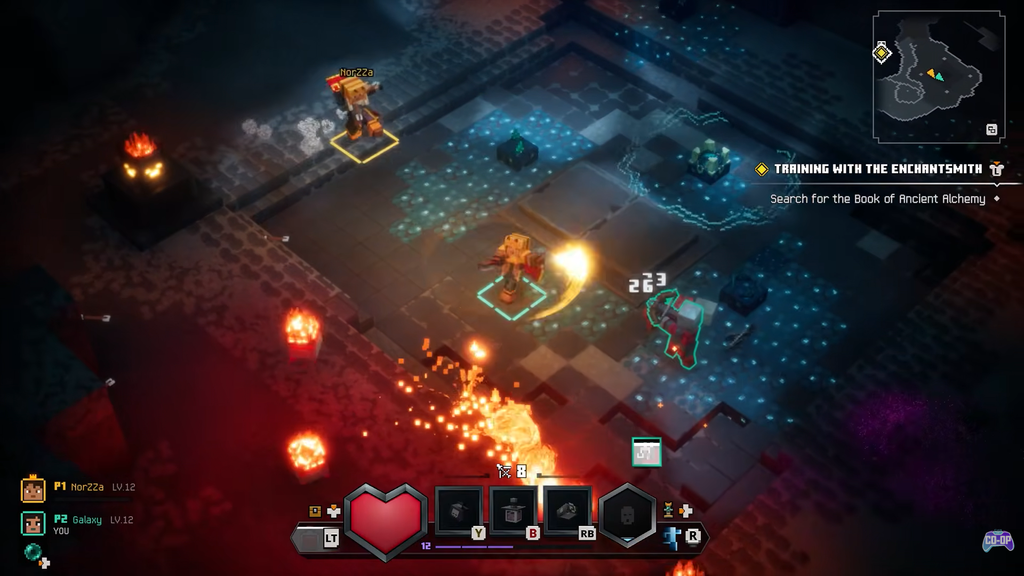
Once your account is linked, friends are added by their Microsoft Gamertag, not by PSN IDs or Switch friend codes. That Gamertag is the universal identifier that lets a Steam player group up with someone on PlayStation 5 or Switch 2.
Crossplay versus cross-progression
These are two separate features. Crossplay lets players on different platforms share a session, while cross-progression is about carrying a saved character and progress from one platform to another. Crossplay is confirmed for Minecraft Dungeons 2, but the full details of cross-progression between console platforms are not yet confirmed.
Because the setup ties to a Microsoft account, keeping the same account signed in on every device is the practical way to see your purchases and progress line up where the game supports it. The complete picture becomes clearer now that the game has reached its September 29, 2026 launch across all platforms.