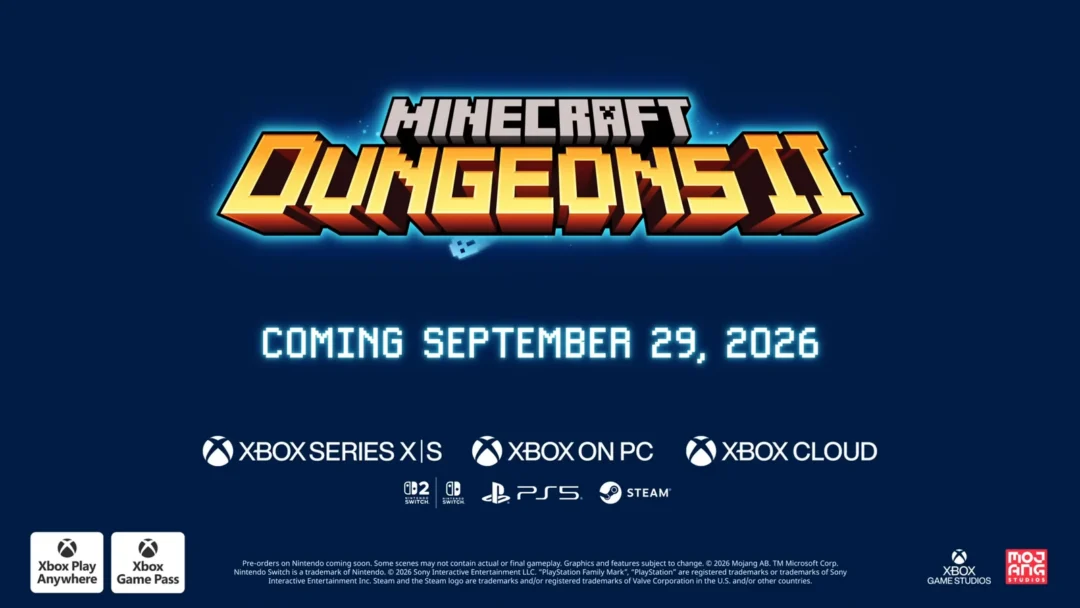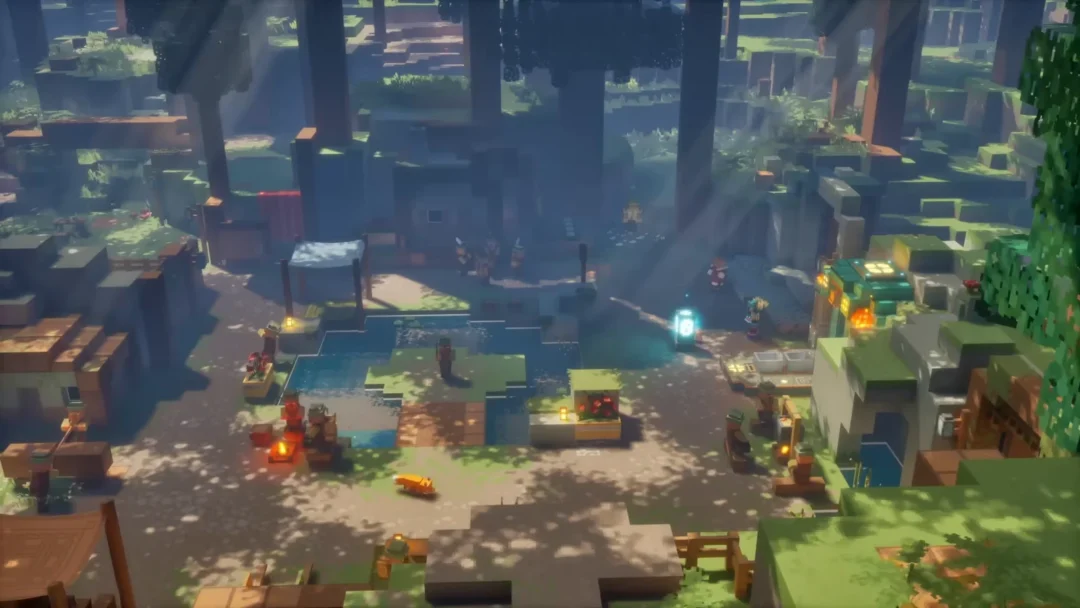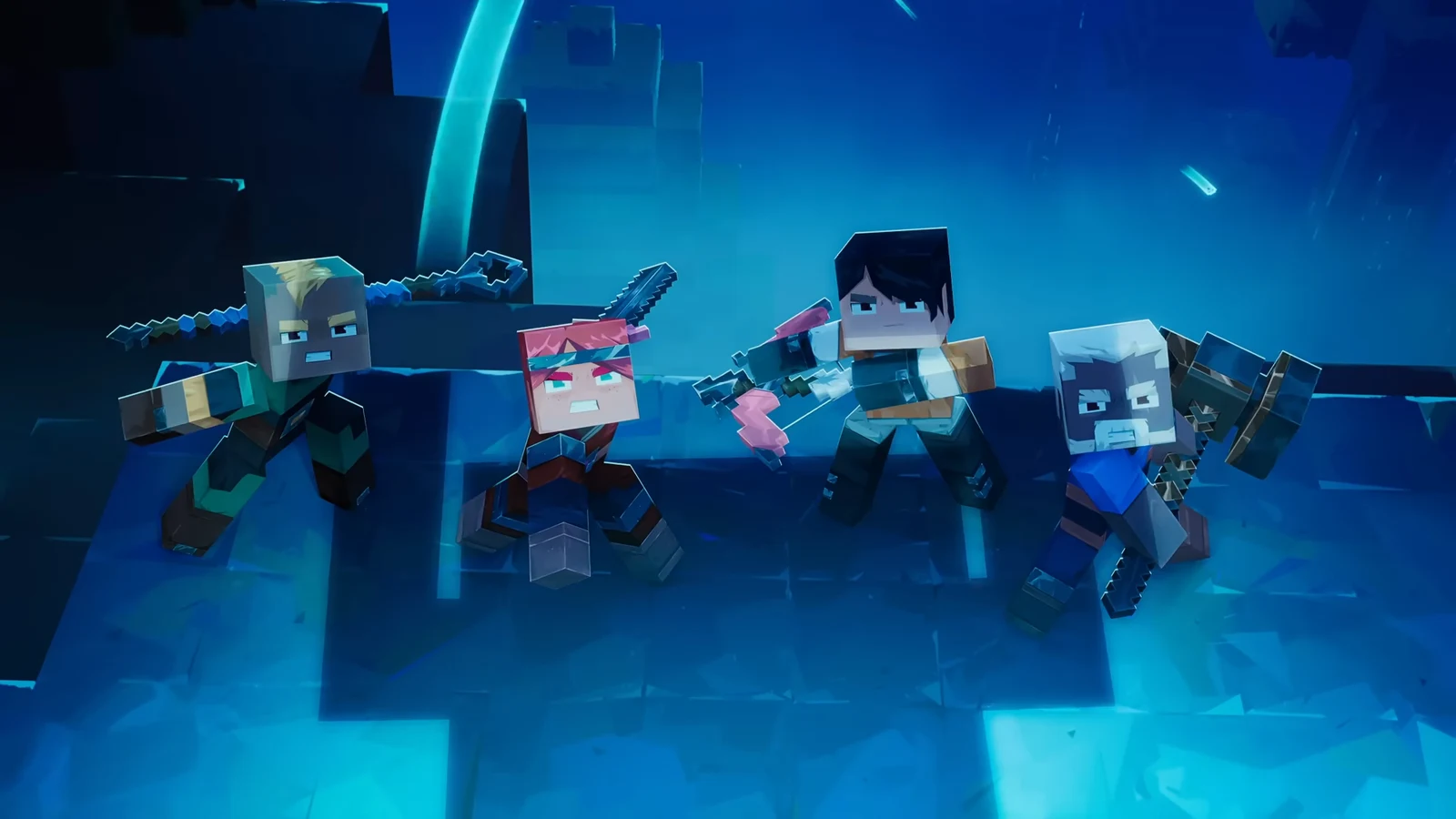
Minecraft Dungeons 2 is built as a four-player action RPG that you can play entirely alone or fill with friends. It supports couch co-op, online play, and a mix of both, with cross-platform play across every version. The one setting that shapes your whole session happens the moment you make a hero.
Quick answer: Yes. You can play solo or in co-op with up to four players total, using local couch play, online matchmaking, or a mixed party, and online play is cross-platform. Create your hero as “online” if you ever plan to play with remote friends.
Co-op modes and player limits
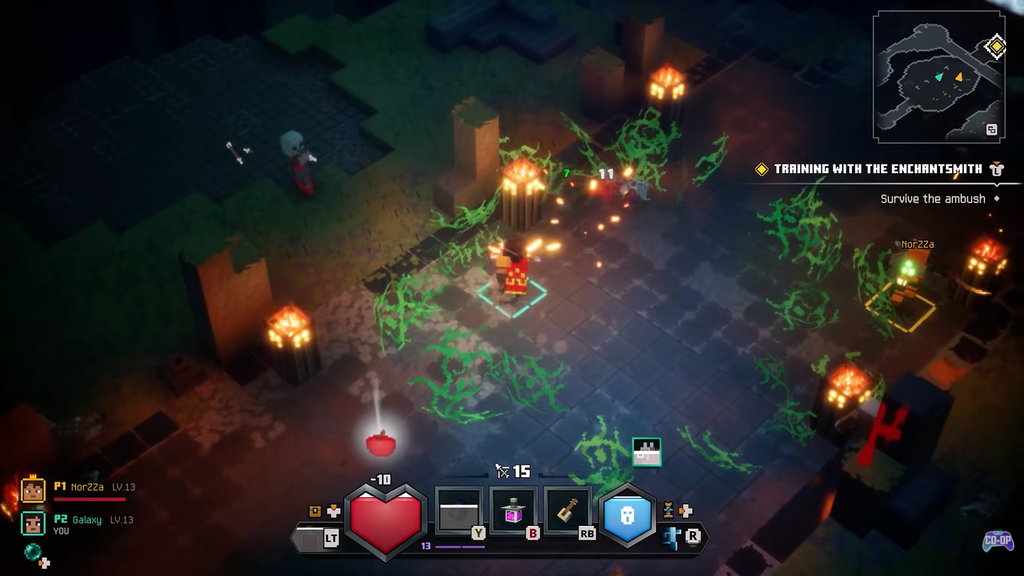
The party cap is four in every mode, matching the original game. Mojang confirms you can adventure alone or team up with as many as three other heroes, and the campaign scales to your group. Mixed co-op is new to the series and lets local and online players share one party.
| Mode | Players | What it needs |
|---|---|---|
| Solo | 1 | No connection or subscription for offline heroes |
| Couch co-op | Up to 4 | One controller per player on one system |
| Online co-op | Up to 4 | An online hero, plus a console subscription |
| Mixed co-op | Up to 4 | Couch players and online players in one party |
| Matchmaking | Up to 4 | An online hero |
To reach any of the online options, choose Play Online after launching the game. That unlocks couch co-op, matchmaking, and mixed sessions from one place. Solo and local play do not need a connection.
The online or offline hero choice that locks you in
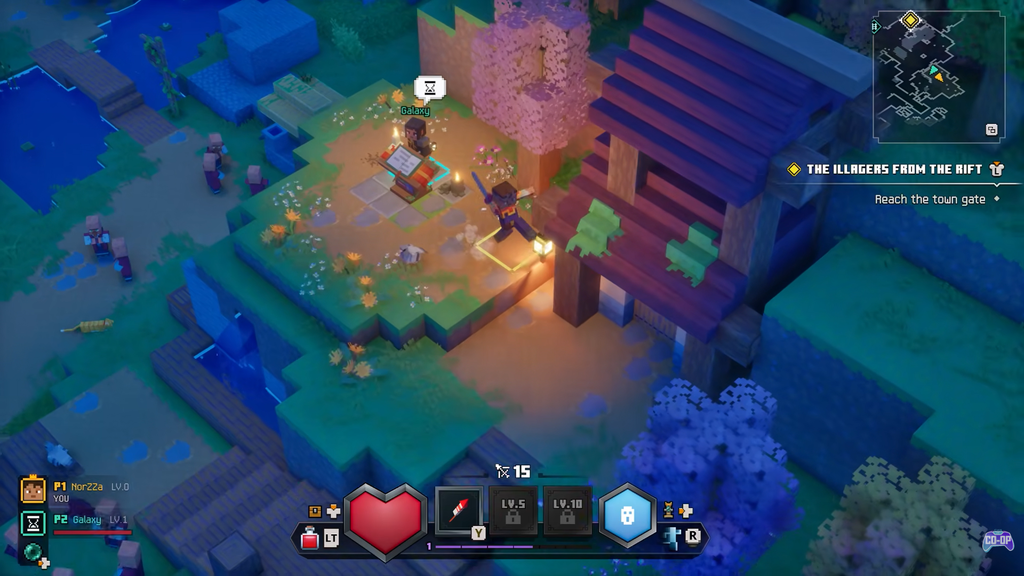
When you create a hero, you pick whether it is online or offline, and that decision cannot be reversed. An offline hero is limited to single-player and couch co-op. An online hero can use crossplay, group with friends or strangers, and still join couch sessions.
An online hero still requires a connection for solo sessions. If you may play with friends over the internet, choose an online hero as your main character and reserve offline heroes for solo-only or couch play.
Crossplay and supported platforms
Crossplay is confirmed. Mojang calls online play “cross-play,” and the store listings tag the game with cross-platform multiplayer and co-op. That means players on different hardware can share a party. The game launches on September 29, 2026 across five platforms.
- PC (Steam and the Xbox app)
- Xbox Series X|S
- PlayStation 5
- Nintendo Switch
- Nintendo Switch 2
Xbox Play Anywhere covers the Xbox and PC versions, so a single purchase there works on both console and PC at no extra cost. The exact platform-by-platform compatibility matrix has not been published, so confirm the combinations you want in the friends menu on your launch build before promising a specific party.
Subscriptions needed for online play
Online co-op on consoles requires that platform’s paid membership, sold separately. Couch co-op and solo play do not need any subscription.
- Xbox Series X|S: Game Pass Essential, Premium, or Ultimate
- PlayStation 5: PlayStation Plus
- Switch and Switch 2: Nintendo Switch Online plus a Nintendo Account
- PC: No console-style subscription; a Microsoft account is required
How to get friends into your session
There are three useful ways to form a party. Matchmaking can place you in another hero’s session or bring strangers into an open slot in yours. For a particular friend, sharing a party code is the easiest option. Once you’re in the same world, use the map to teleport to a friend nearby.
Players can join while a run is underway. The session adjusts its scaling to the new player count, then scales down again when someone leaves. Currency is shared equally, but each player gets separate loot drops, so newcomers can’t take a veteran’s gear and friends at very different levels can still play together.
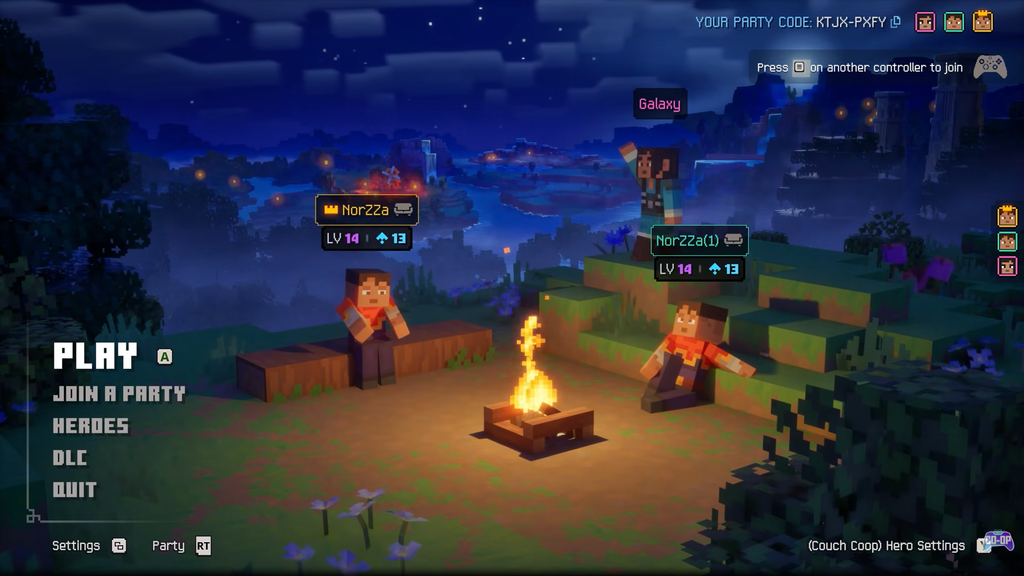
On consoles, create or invite from town so everyone loads into the same hub and sees the same vendors before you head out.
Couch co-op on one screen
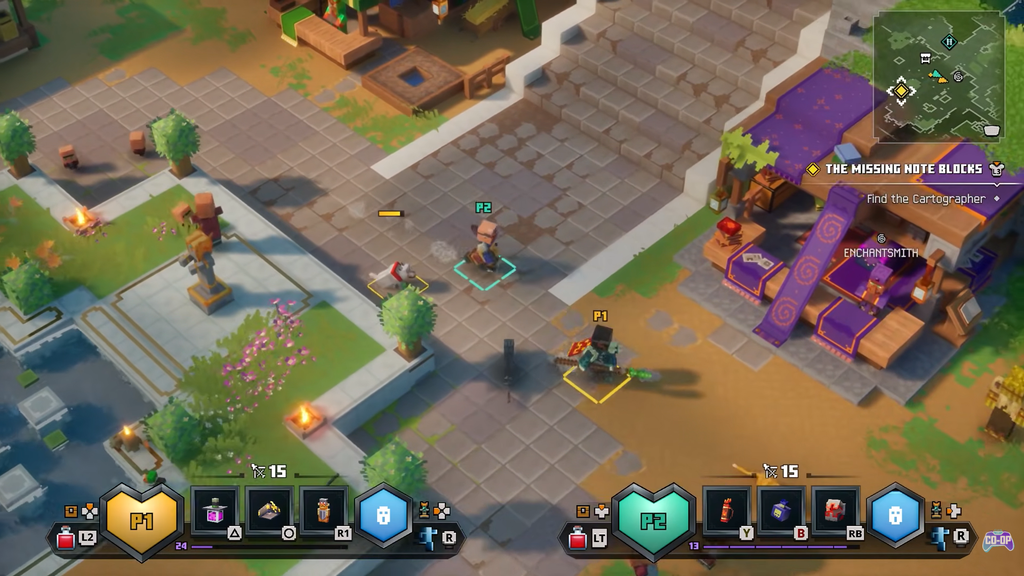
Up to four players can share a single system, with one controller each. Couch guests can hop in without their own account, and a guest joining mid-playthrough can copy the main player’s build and level. On PC, Steam lists shared and split-screen co-op along with Remote Play Together for sharing a local session over the internet.
A key change for local groups is the inventory. Pressing up on the D-pad opens the full menu, while holding it opens a compact overlay so everyone can swap gear at the same time instead of taking turns. Use the overlay in combat and save the full menu for town.
What co-op play involves
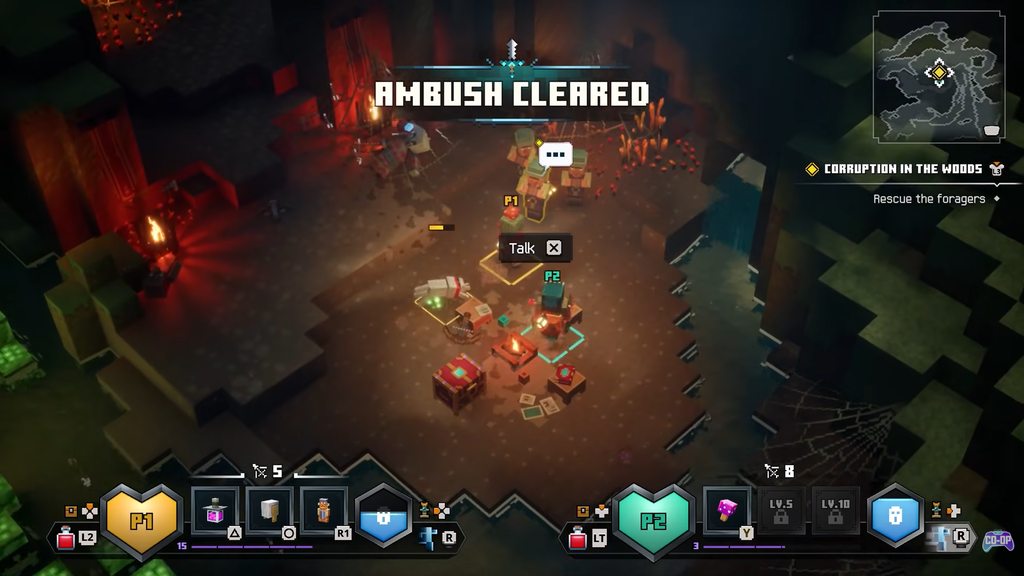
Co-op runs through the interconnected Overworld and the new Sift dimension, where you clear mobs, chase main and side quests from NPCs, collect gear, and fight bosses. New movement helps in a group: heroes can jump and use jump attacks on top of the returning dodge roll.
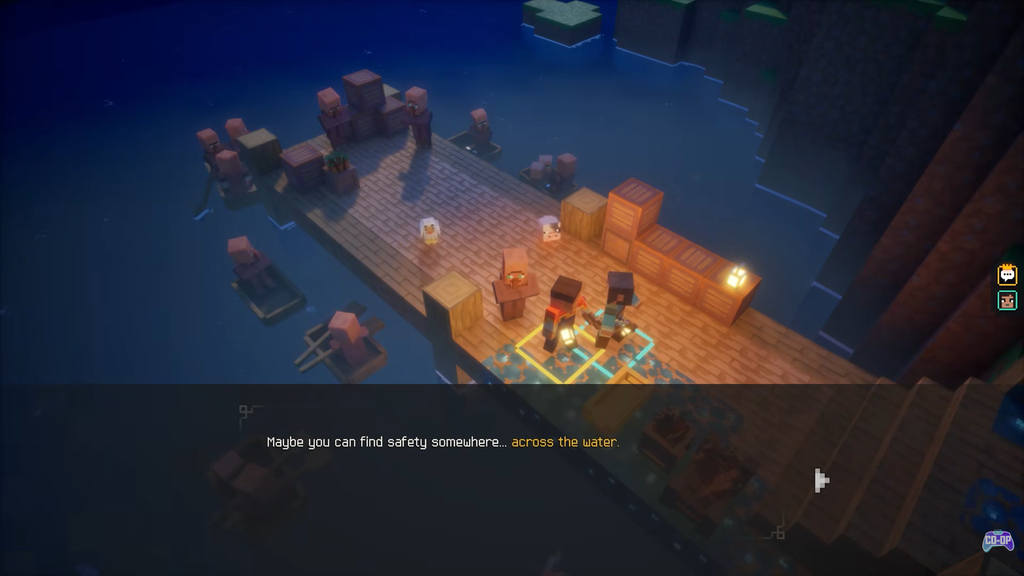
As in the first game, you can revive fallen teammates, which matters during long boss fights. There are no classes, so roles come from your gear and enchantments rather than a fixed pick. A balanced four-player party usually mixes a melee frontliner, ranged damage, a support or pet build, and a flexible slot for bombs or crowd control.
Cross-progression status
Cross-progression is only partly settled. Xbox and PC are covered through Xbox Play Anywhere, letting a single copy move between console and PC on one account. For PlayStation and Nintendo, Mojang has not published a cross-progression policy, so treat save transfer between those platforms as unconfirmed and keep progress on the platform you play most.
You will know your setup is correct when your hero is created as online and the social menu populates with your friends list after choosing Play Online. From there, an invite, a party code, or a matchmaking join places the other player into your session and adjusts the difficulty to your active party size.