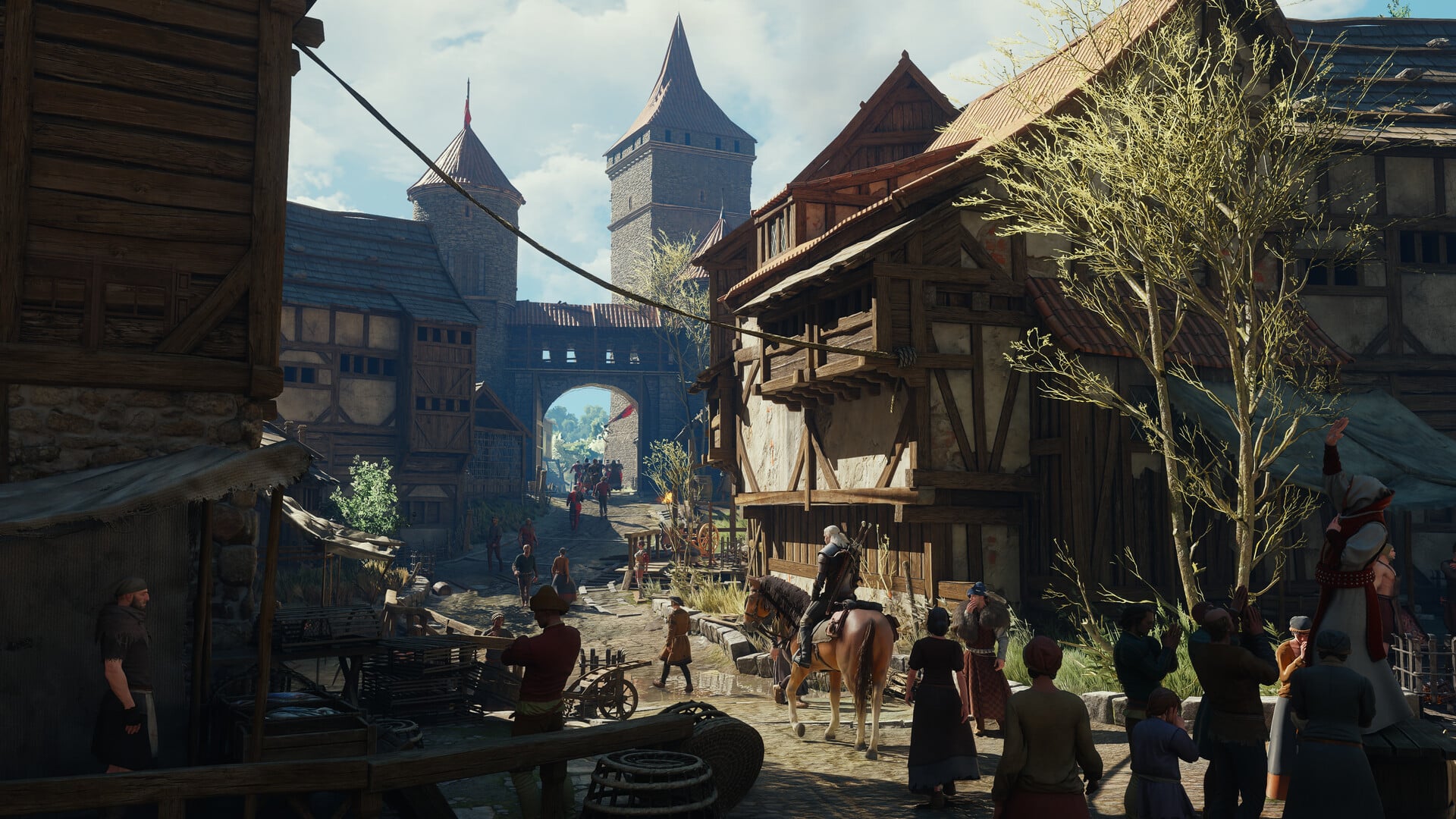
Patch 5.00b is the first update for The Witcher 3: Wild Hunt — Remastered after its September 29, 2026 launch. It went live on October 1, 2026 for PlayStation 5, Xbox Series X|S, and the PC Xbox Play Anywhere version. The update is small and targeted, focused on restoring DLSS where it was missing, correcting interiors that rendered too dark, and bringing the console builds closer to the PC version.
Quick answer: Update the game on PS5, Xbox Series X|S, or Xbox Play Anywhere (PC) to version 5.00b. It fixes the missing DLSS option on Xbox Play Anywhere PC, brightens overly dark interiors, and adds parity tweaks. The PC save bug is handled by a separate hotfix, 5.00c.
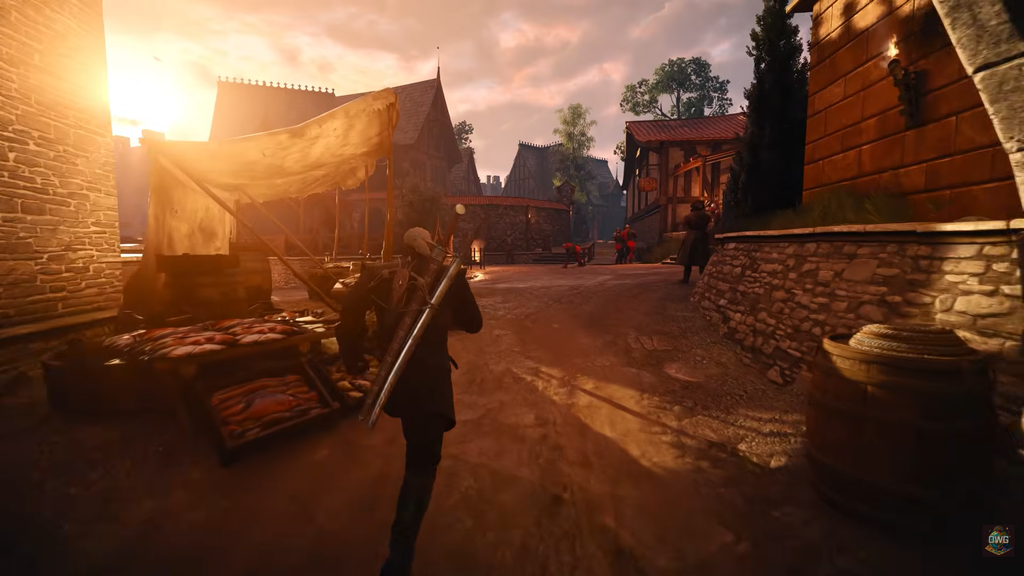
What Patch 5.00b changes
The update makes three changes, which you can read in full in the official Patch 5.00b notes:
- Restored DLSS access on PC for the Xbox Play Anywhere edition, where the feature had been unavailable.
- Adjusted lighting in several areas, correcting interiors that were rendering excessively dark.
- Applied additional changes to bring the console builds in line with the PC version.
On PS5 the update carries the build label 5.000.020 and weighs about 1.1GB. On PC through Steam and GOG, the client downloads the relevant update the next time you launch it.
DLSS restored on Xbox Play Anywhere (PC)
If you play the game on PC through the Xbox Play Anywhere version, the DLSS setting was simply absent before this update. Patch 5.00b puts it back. DLSS is NVIDIA’s upscaling technology, and having it available again lets owners of compatible NVIDIA graphics cards raise frame rates while keeping the image stable.
After updating, the DLSS option should appear in your graphics settings on the Xbox Play Anywhere PC build. If it shows up where it was previously missing, the fix applied correctly.
Lighting and dark interior fixes
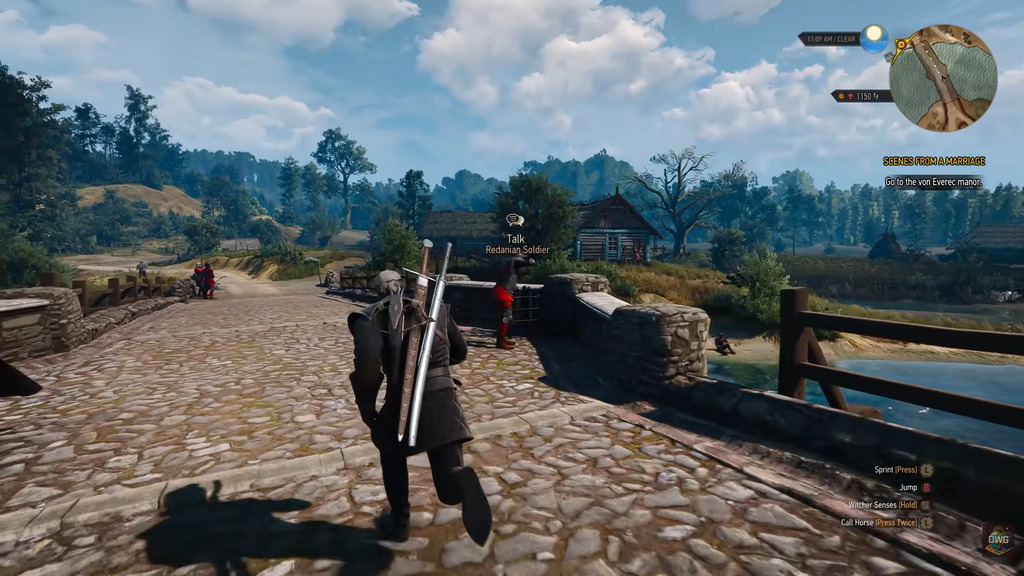
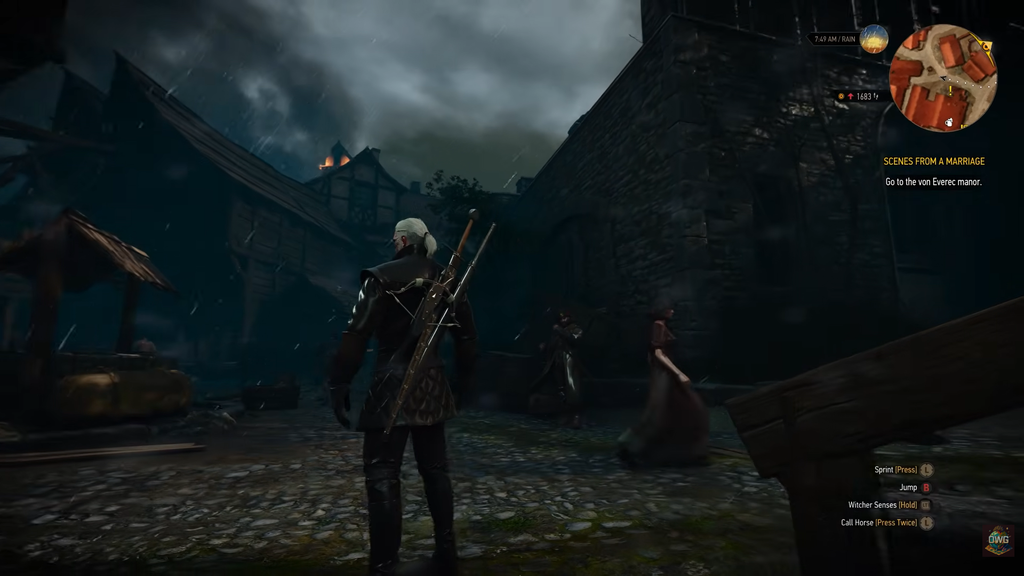
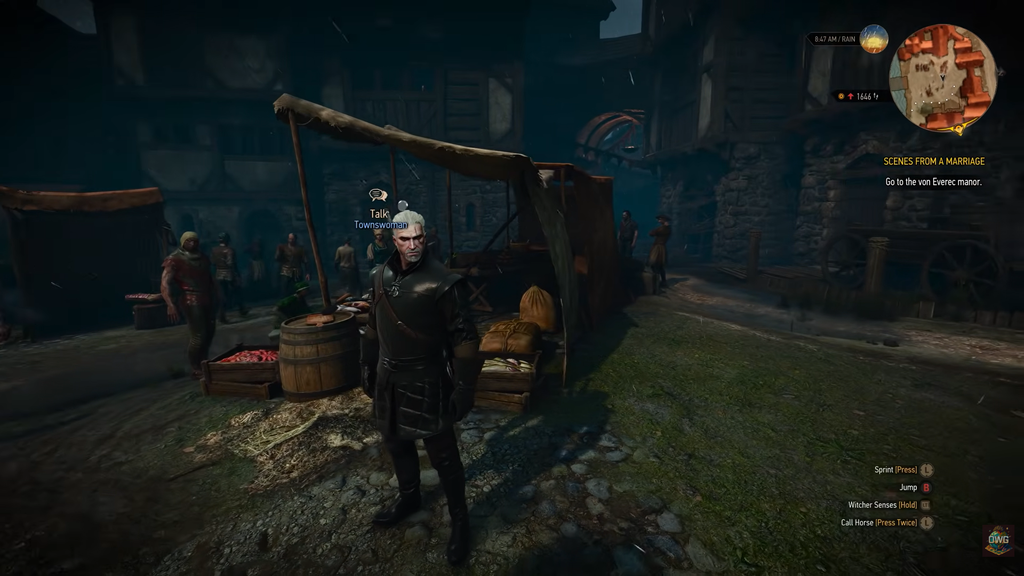
Many players reported that some interiors looked far too dark after launch, including caves and dungeons. Patch 5.00b adjusts the lighting so those spaces read more clearly, and it tunes other lighting behavior across environments, shadows, and reflections.
CD Projekt RED describes the change only as lighting adjustments with some overly dark interiors fixed. The developer has not tied the change to the separate complaints about the game looking too bright or washed out in places, so treat the two as distinct reports.
PC save fix is a separate hotfix (5.00c)
Some PC players could not save their game and instead saw a “Not Enough Storage Space Available” error. Patch 5.00b does not address this. The save problem is handled by a separate PC hotfix, 5.00c, which also released on October 1, 2026 for Steam, GOG, Epic Games Store, Battle.net, and the Xbox Play Anywhere PC version.
Hotfix 5.00c targets several PC issues beyond saving:
- Save and load operations failed when the Documents folder path included special characters.
- Changing tabs in the pause menu could leave voiceover audio much quieter than the rest of the sound.
- Velen receives visual refinements to Bloom, vegetation illumination, saturation, and Path Tracing.
- Reverted a change that caused HairWorks performance and visual problems for some users.
- Marketing telemetry preferences now retain their selected settings correctly.
- Restored the ability to start the game’s Classic (1.32) version.
If your saves failed on PC, check whether your Documents folder path contains special characters such as accented letters. That was the named trigger, and after installing 5.00c you should test a save and a load before starting a long session.
HairWorks performance warning
NVIDIA HairWorks remains under investigation, with some players reporting severe frame-rate losses when they enable it. Leave HairWorks off until the problem is resolved. On PC, hotfix 5.00c rolled back a change behind major HairWorks performance and visual problems for some users. After applying the hotfix, you may want to turn HairWorks back on and test it, although not everyone was affected.
Recommended graphics drivers
If you see performance drops after updating, confirm your graphics driver is current. These are the recommended versions:
| GPU vendor | Driver version |
|---|---|
| NVIDIA | 617.14 |
| AMD | 26.9.2 |
| Intel | 32.0.101.8993 |
How to confirm you are updated
CD Projekt RED is still looking into reports that come through its Technical Support portal, and no console performance fix has been listed yet. If something stays broken on your platform after updating, that portal is where the developer is collecting reports.