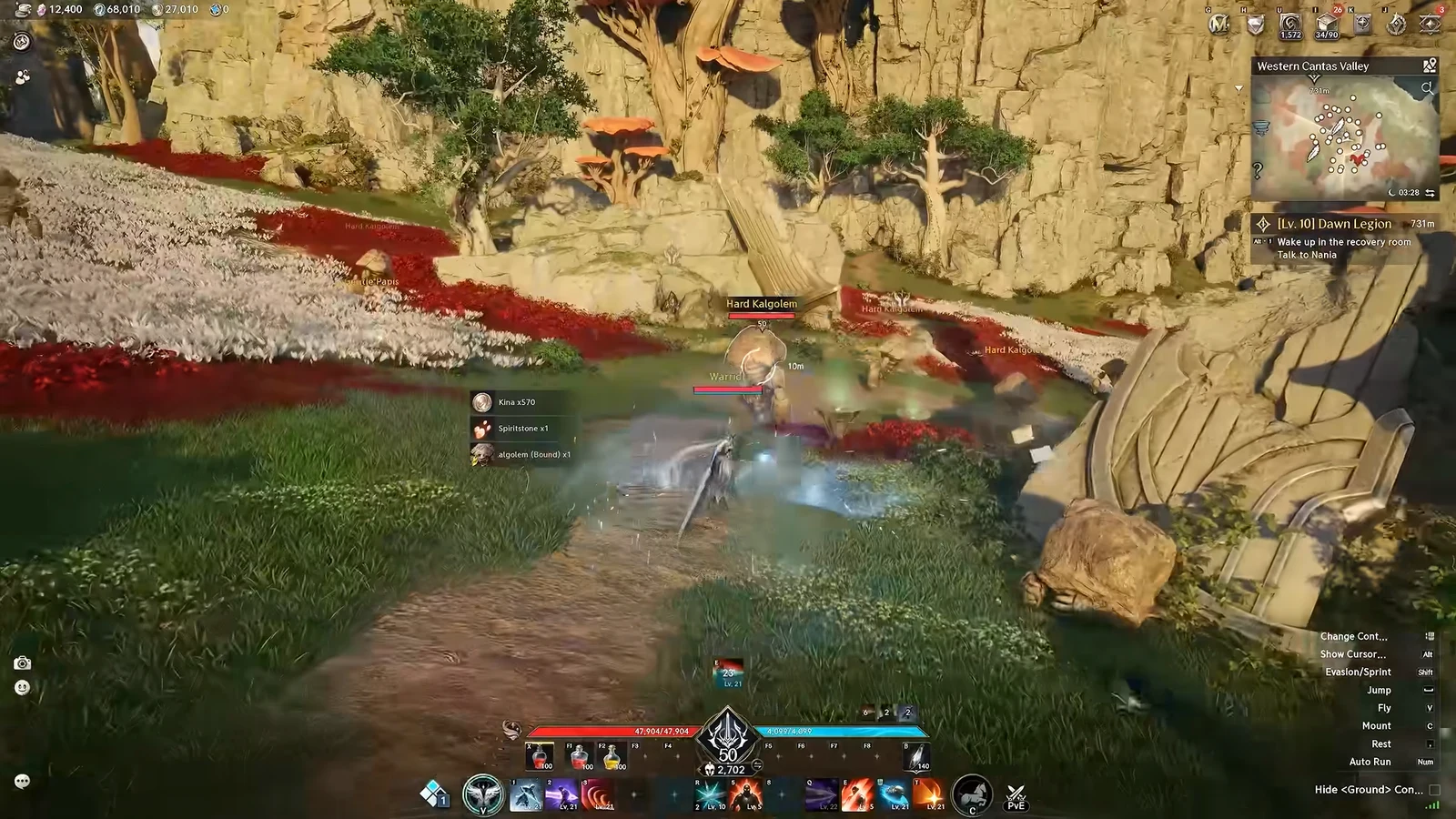
Aion 2 lets you stack up to four skills on a single hotbar key, and pressing that key does not just cycle through them in the order you might expect. The game picks one skill based on a fixed priority rule, and if you arrange the stack wrong, some of your skills will never go off at all. Once you understand the rule, you can set up a column that fires your cooldown abilities on time and fills the gaps with a spammable attack automatically.
Quick answer: Pressing a key checks the bottom skill first and uses it if available; if it is on cooldown or its condition is not met, the game moves up the column. Put cooldown and conditional skills at the bottom, spammable skills at the top.

How skill priority reads the column
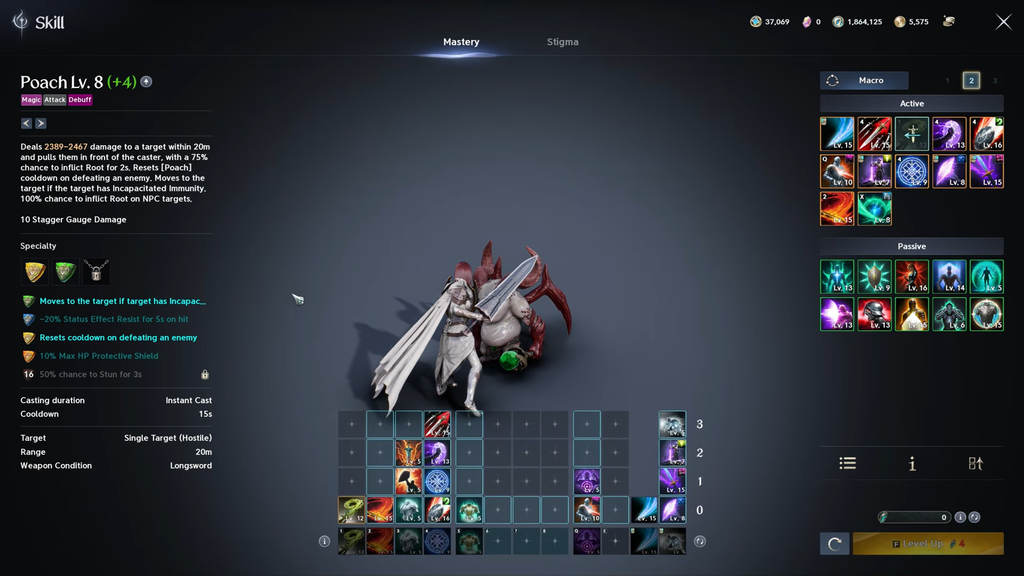
Each quick slot can hold up to four active skills, controlled by one key. When you press that key, the game starts at the lowest skill in the column and works its way up.
- It checks the bottom skill first.
- If that skill is available, it fires and nothing above it matters for that press.
- If the bottom skill is blocked by a cooldown or an unmet condition, the game skips it and tries the skill directly above.
- It keeps climbing until it finds a skill it can use.
The lower slots stay the top priority on every press. The moment a lower skill comes off cooldown or meets its requirement, the next keypress goes back to it instead of the higher one. So the game is constantly re-checking the bottom of the column and only reaches the top when everything below is unavailable.
The correct order: cooldowns low, spammables high
Because the bottom slot has priority, that is where your most valuable skill belongs. Skills with cooldowns or activation conditions go low in the column, and instant-cast skills with no cooldown that you can press forever go high.
| Column position | Skill type to place here |
|---|---|
| Top | Spammable, instant-cast, no cooldown (your filler) |
| Bottom | Skill with a cooldown or activation condition |
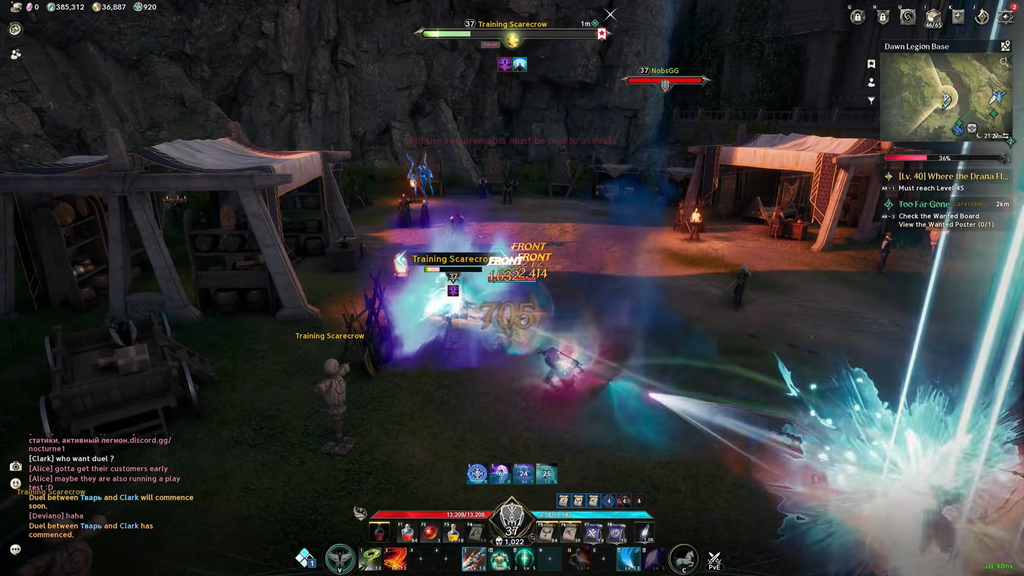
With this layout, your first press fires the cooldown skill. Press again and the game sees it is on cooldown, so it climbs to the spammable skill at the top and uses that instead. All the while it keeps watching the bottom slot, and the instant the cooldown skill is ready again it jumps back to it before returning to the filler. The result is a single key that always uses your strong skill on cooldown and never leaves you standing idle in between.
Why a reversed column hides your best skill
Reversing the setup causes it to fail: the no-cooldown skill is always ready in the bottom slot, so the game has no reason to check above it. The cooldown skill in the upper slot will never activate, no matter how many times you press the key.
This is a common source of confusion about how a class performs. A key ability can look weak or broken when the real problem is that it is sitting above a skill that is always ready. If a skill on a stacked key never seems to fire, check whether something with no cooldown is parked below it.
Keep situational skills on their own keys
Not every skill belongs in a priority stack. Abilities you need to time yourself are better left on their own quick slots so you decide the exact moment they go off.
- Healing skills you want to hold until you actually take damage.
- Defensive abilities that should answer a specific threat.
- Important buffs you want to line up with a damage window.
- Charge skills, which are easier to control manually so they reach full charge instead of releasing early as part of a stack.
General filler attacks are fine toward the top of a column, but anything you only want in a specific situation should stay off the priority system entirely.
Skill priority is not the same as a macro
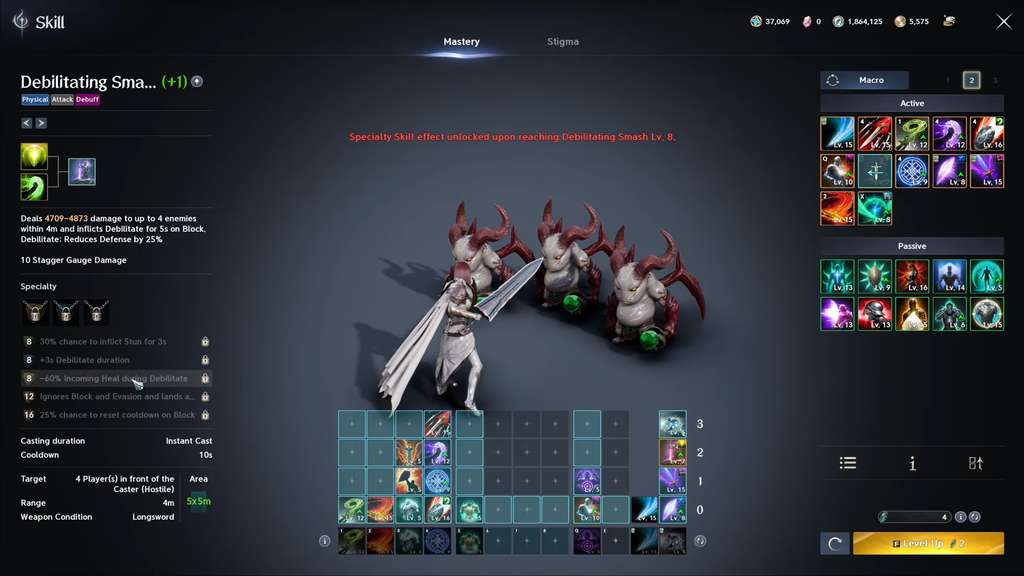
These two systems are easy to mix up. Skill priority decides which single skill fires when you press one quick slot. A macro is a separate feature that runs through several quick slots in sequence for as long as you hold its assigned key.
You can use both together. A macro can trigger a quick slot that already has a priority stack set up, so holding one macro key will work through several columns while each column still follows the bottom-to-top availability rule. The cleanest approach is to arrange one solid priority column first, then add that button to a macro if you want it automated.
Confirm your order works on a training dummy
Once you have arranged a column, the fastest way to verify it is to hit a training dummy and watch what actually comes out. Press the key repeatedly and confirm the bottom skill fires on cooldown while the top skill fills the gaps. If a skill in the stack never appears, move it lower or check whether a no-cooldown skill is blocking it from below. When the rotation plays out the way you expect on the dummy, the column is set up correctly.