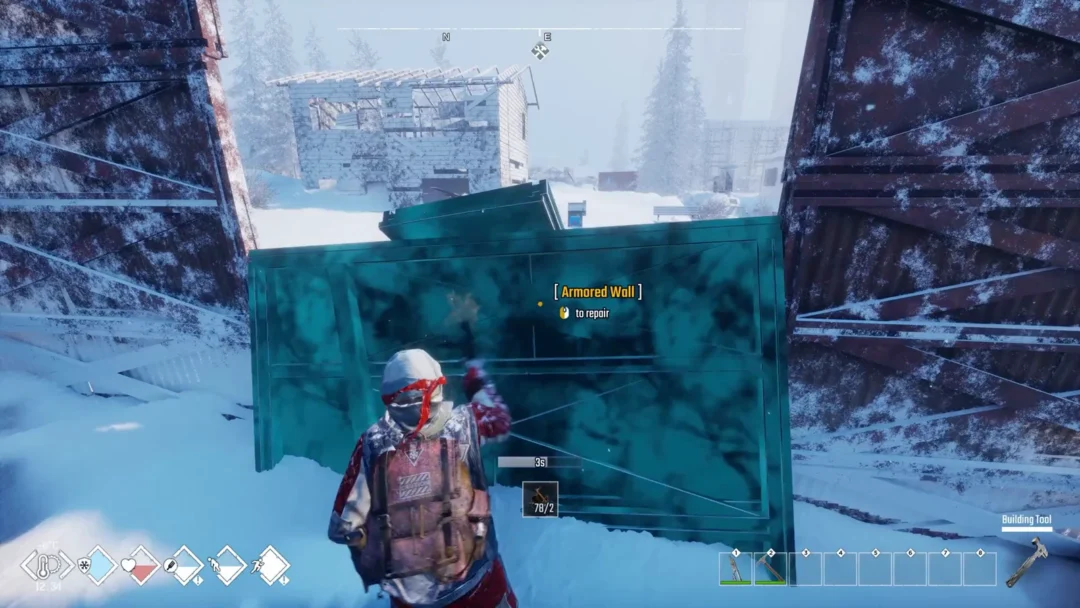
Your respawn point in Permafrost lives on whichever bed or sleeping bag you have claimed. Claiming also gives you a spot to Rest on the spot or Sleep through to morning, and the game writes your progress to disk by itself as you play. Here is exactly how each part works in the current early access build.
Quick answer: Look at a bed or sleeping bag and press E to claim it. The “RESPAWN POINT SET” banner confirms it. Hold E on a claimed bed for the Rest and Sleep wheel, and save manually through TAB → GAME → SAVE GAME.
Claim a bed to set your respawn point
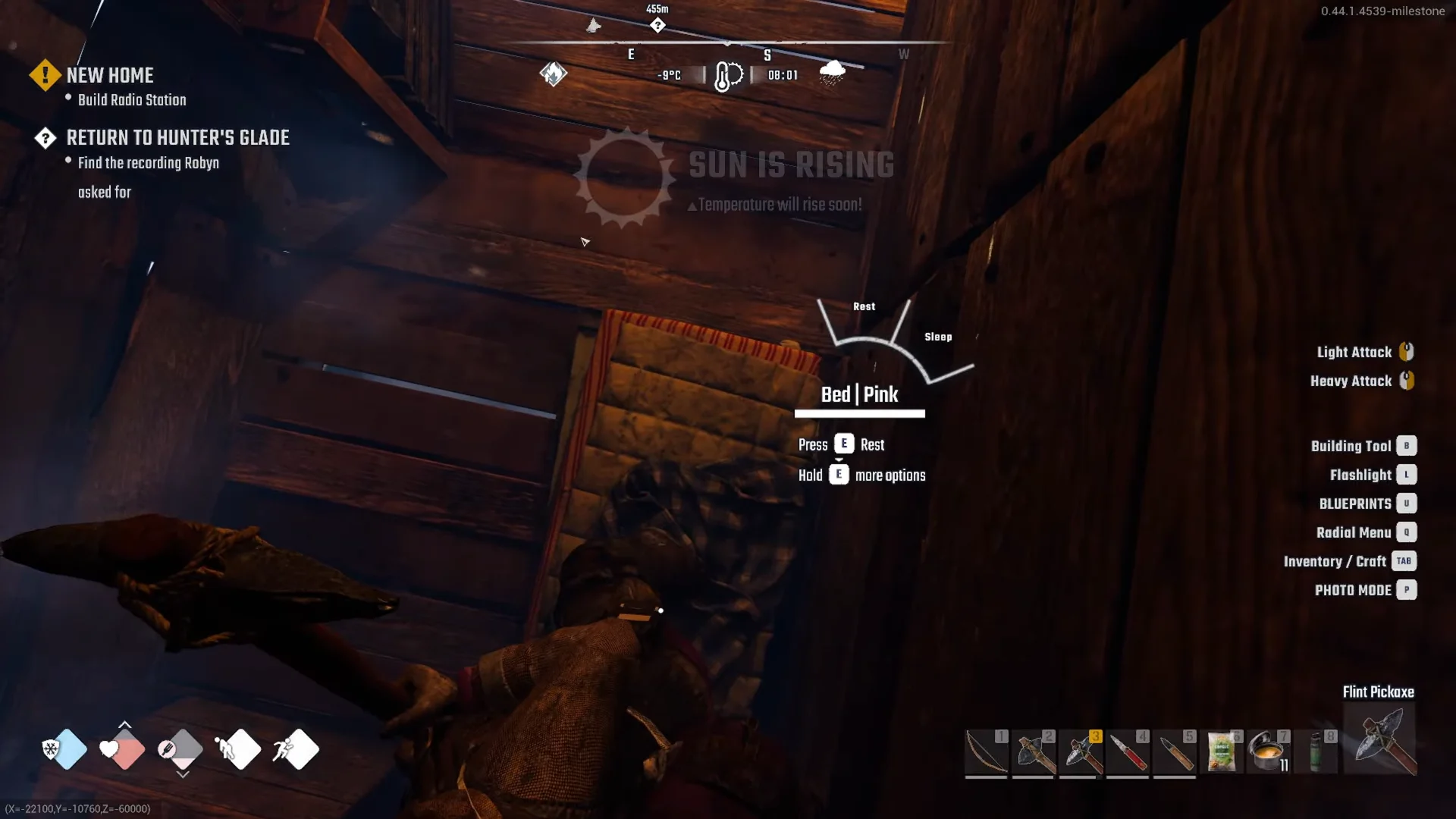
Your respawn location changes only when you claim another bed. Each claim triggers the “RESPAWN POINT SET” banner; afterward, your name appears beside that bed in the form “Bed | your name“. The “CLAIMING A BED” tutorial explains that a bed you claim is reserved for you, not other players.
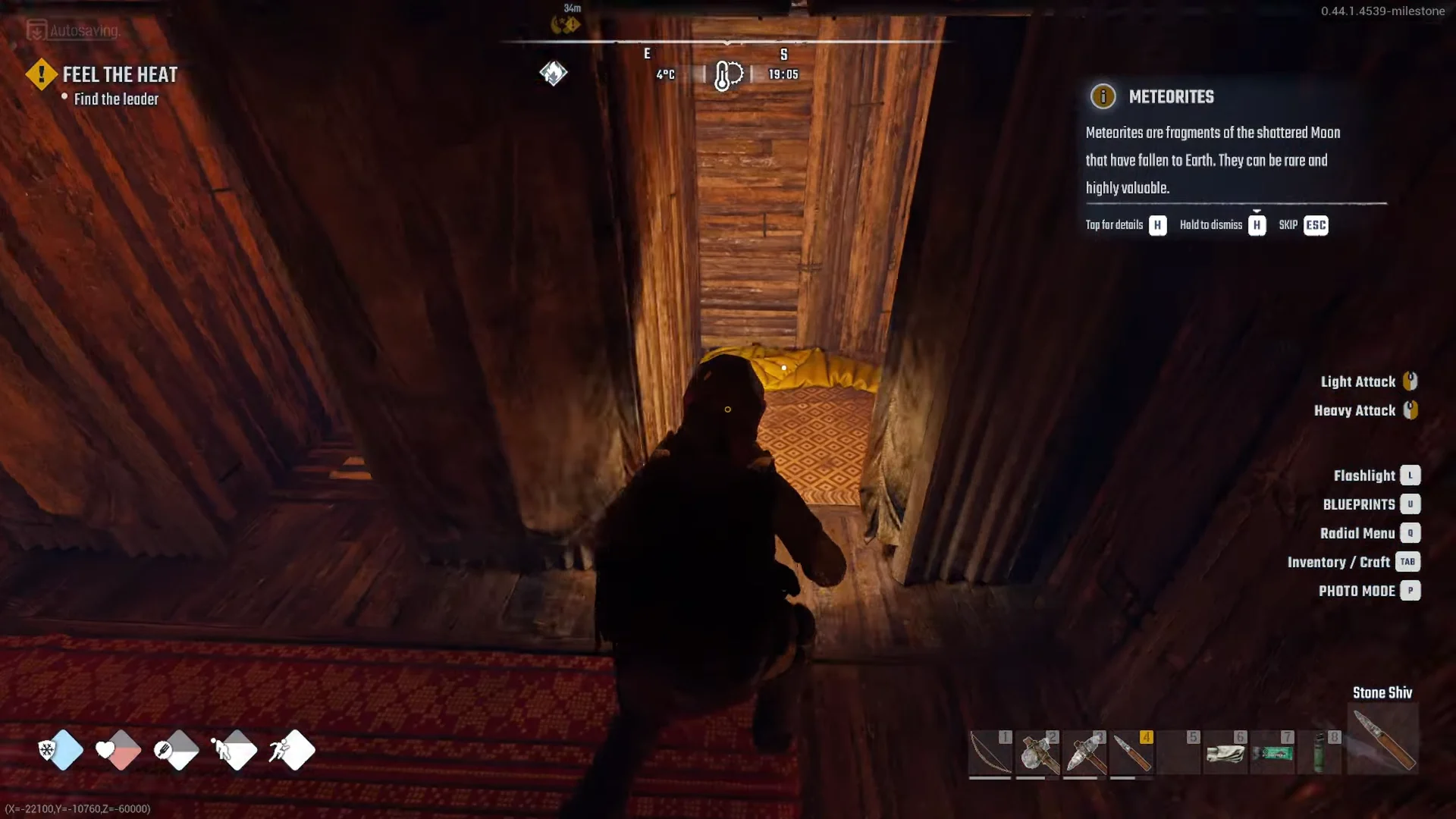
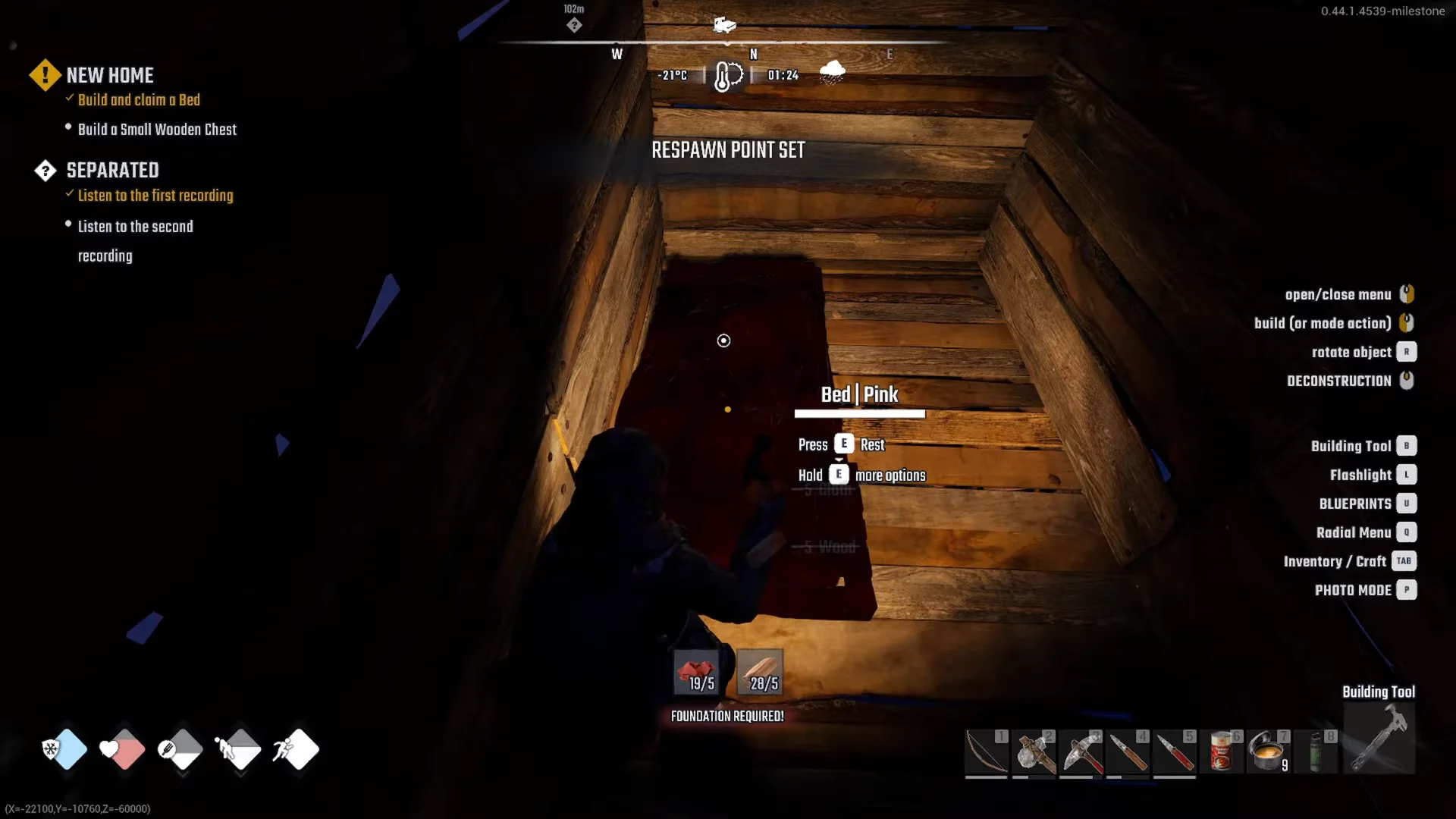
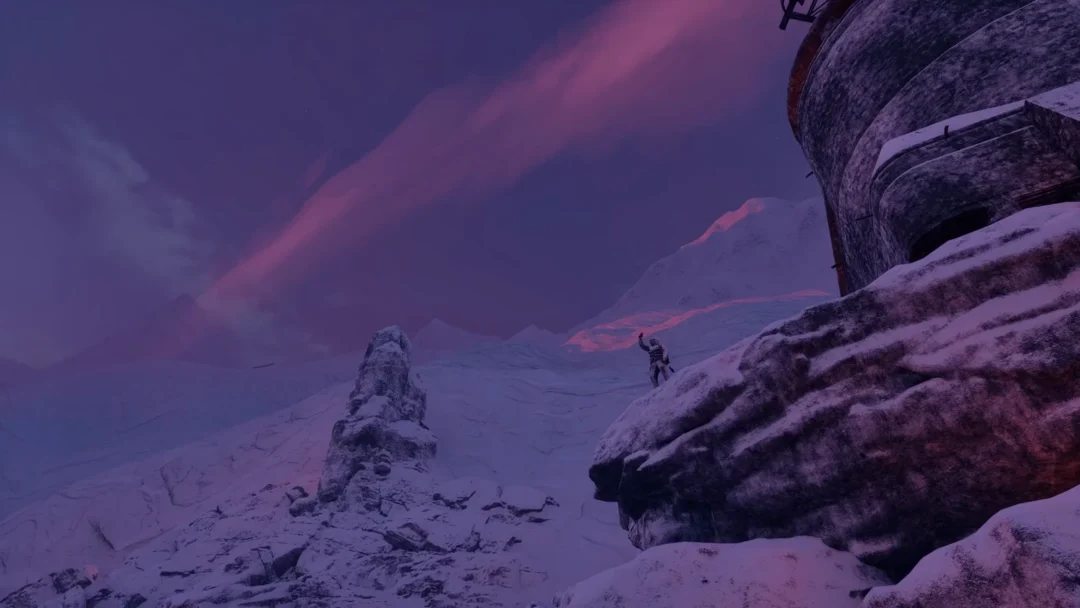
In ruins, beds that can be restored show up as blue ghosts. Use the Building Tool to repair one, then claim it as you would any other bed. That gives you another respawn point away from home, for example at the tower in Hunter’s Glade, where a bed has been repaired.
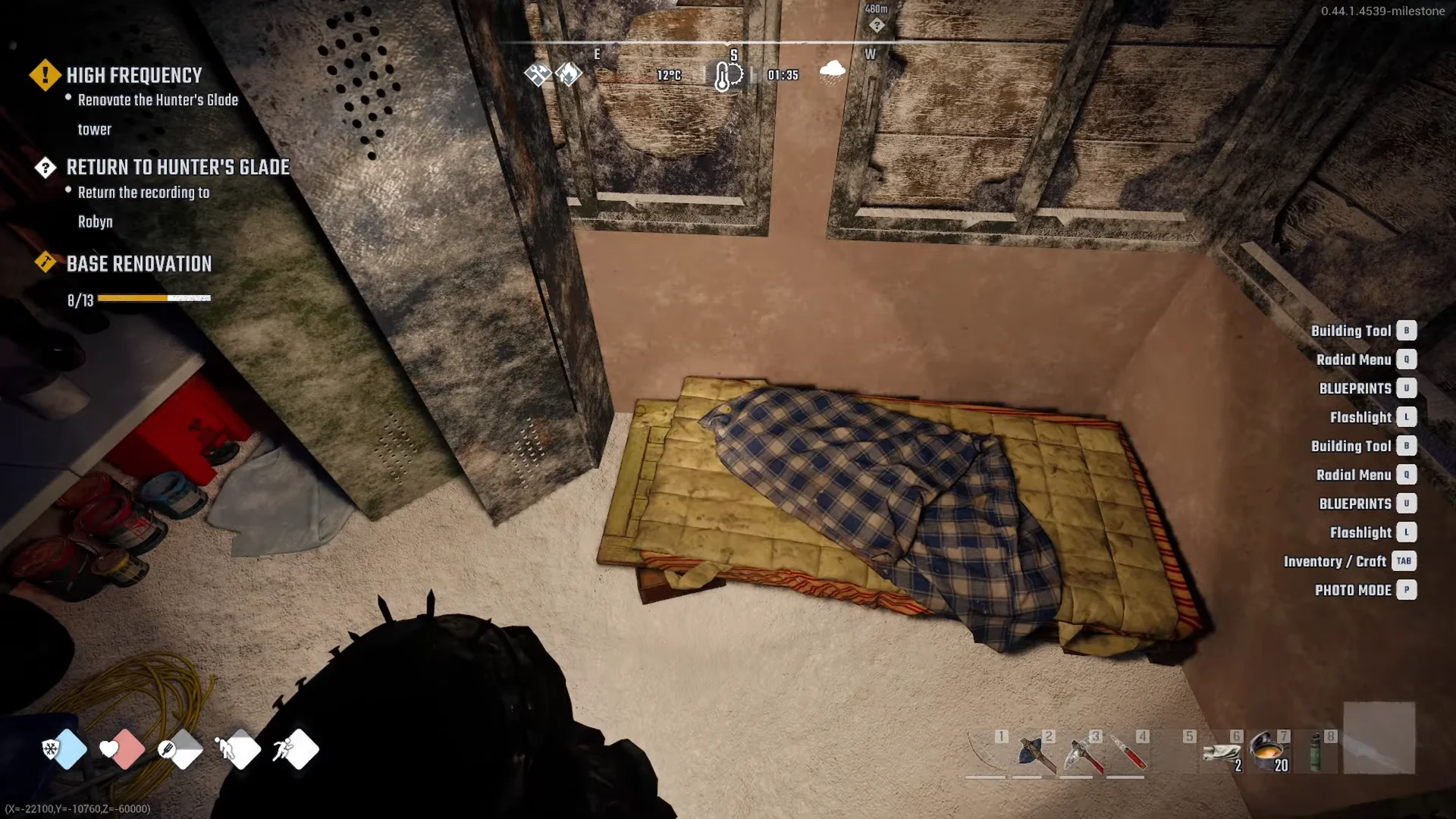
Bed construction is disabled inside Horizon because settlements are No Build Zones. Use the bunkhouse sleeping bag there instead.
Rest versus Sleep: what each one does
A claimed bed shows “Press E Rest” and “Hold E more options”. A quick press rests you where you are; holding E opens a two-way wheel with Rest and Sleep. They behave differently.
- Press E (Rest): Your screen fades as you rest in place. Movement interrupts the rest, while damage ends it immediately.
- Hold E, then Sleep: This carries you through the night, and you get up at 08:00 as the air begins to warm; the banner reads “SUN IS RISING”.
To remove WEARY, whose description reads “Light fatigue slows recovery. Some rest is needed.”, sleep; the status reduces Stamina Gain Rate by −15%, and resting removes it. Beds restore energy more efficiently than other options, hence the Survival description “comfy and safe”.
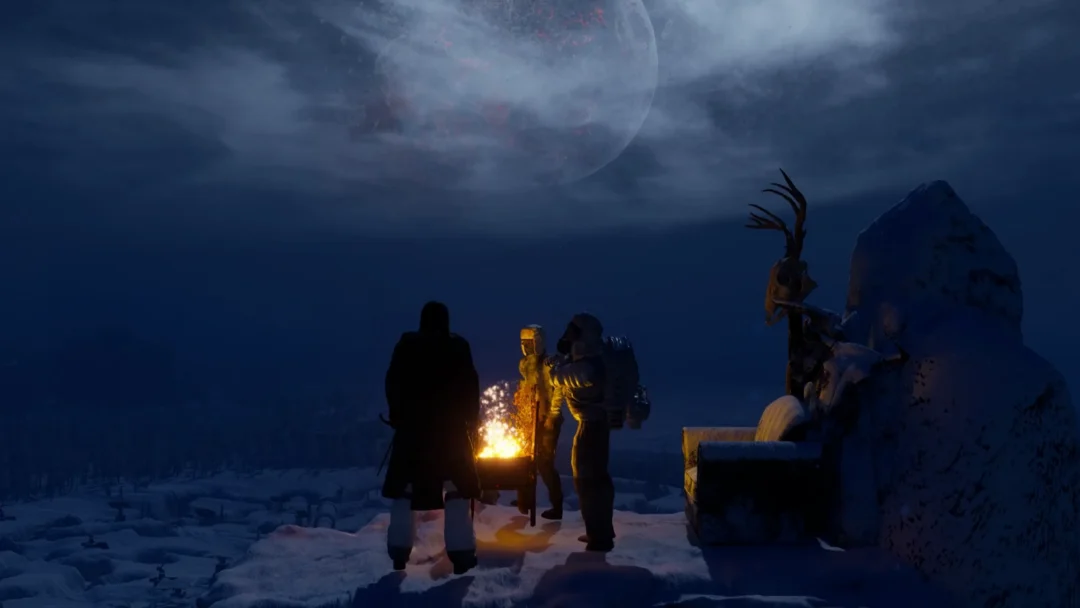
Night is the coldest stretch of the day. When the “SUN IS SETTING – Temperature will drop soon!” warning appears, sleeping through to 08:00 is the simplest way to skip the −27°C and colder hours. Before you sleep, eat first because hunger keeps falling, load Wood into the Wall Torch or campfire and light it, and shut the door.
How saving works
The game records progress on its own every few minutes and when you reach quest steps. A disk icon and the “Autosaving…” message appear in the upper-left corner during these saves, so most progress is captured automatically.
For a manual save, press TAB to open the menu and switch to the GAME tab. It holds SAVE GAME, UNSTUCK ME, SKIP TUTORIAL, MAIN MENU, and QUIT. UNSTUCK ME is there for when your character gets wedged in terrain.
A bed is not a fast travel point. To jump between discovered locations, use a Fast Travel Point, such as the wooden post with a sled in Horizon’s square (“Fast Travel: Horizon – Press E Unlock”). It is unavailable during combat or severe snowstorms.
What “REST INTERRUPTED” means
If a rest ends early with “REST INTERRUPTED: DAMAGE TAKEN”, something is hurting you while you lie there. This happens in a cold hut at night with the torches out, for example. Deal with the cause first, then hold E and choose Sleep again.
- Warm the room by loading and lighting the Wall Torch or campfire.
- Eat if your hunger is draining, then bandage any wound.
- Shut the door so cold and threats stay outside.
If a bed refuses to place, the ghost turns red with “AREA OBSTRUCTED” or “CAN’T BUILD IN AIR”. It needs to sit flat on a floor with clear space around it. Placing it against the back wall of a hut usually works.
Permafrost is in early access, so recipe costs, prompts, and the exact clock behavior can change with updates. The core rule should hold: the bed you claim most recently is where you come back, Sleep carries you to 08:00, and autosaving keeps your run current between manual saves.