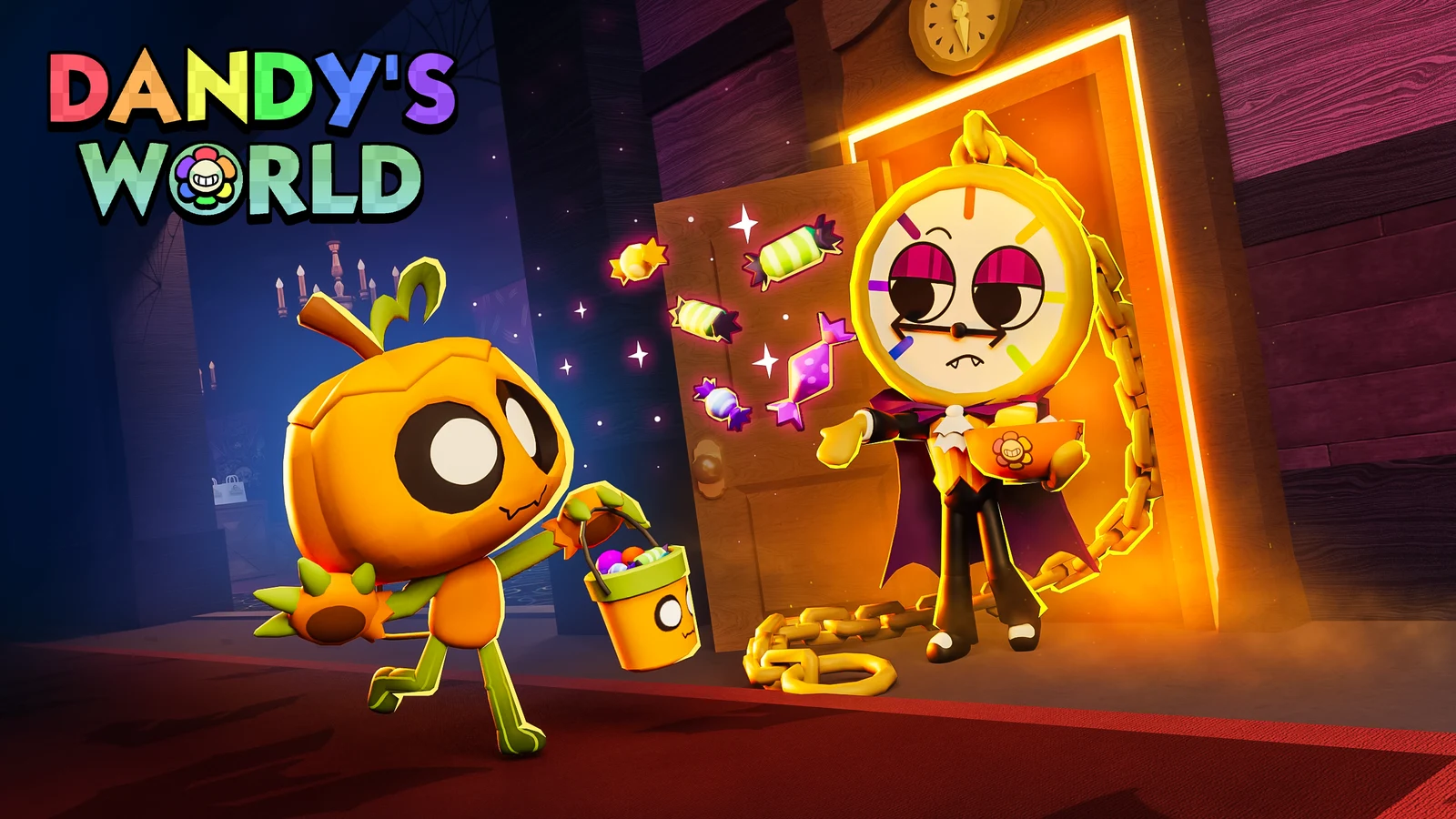
Eclipse is a Halloween Toon available for a limited time in Dandy’s World. She has three Holiday Quests, which award the Golden Eclipse skin when completed. The quests were added in the October 9, 2026 update titled 2 New Golden Skin Quests, and objectives count only while she is the Toon you are playing. Two counters depend on random spawns and luck, so progress mainly means creating the right conditions and completing enough runs.
Quick answer: Own five or more Toons, buy Eclipse for 1,500 Pumpkins from the Event Shop, equip her, then finish all three Holiday Quests in order to claim the Golden Eclipse skin.

How to unlock Eclipse in Dandy’s World
You can purchase Eclipse from the Event Shop in the Halloween Lobby for 1,500 Pumpkins. You must own at least five Toons before buying her, so add to your collection first if needed. After purchasing her, put her on before entering a run. Each of her three quests requires Eclipse as your active Toon; playing as someone else makes no progress.
While working toward the price, earn Pumpkins through regular gameplay. An ordinary Floor has two Pumpkin pickups worth 5 each; completing a Machine grants another 5, and each Twisted encounter awards 1. Currency may also be available from the Halloween login calendar, so collect that before grinding the remaining Floors.
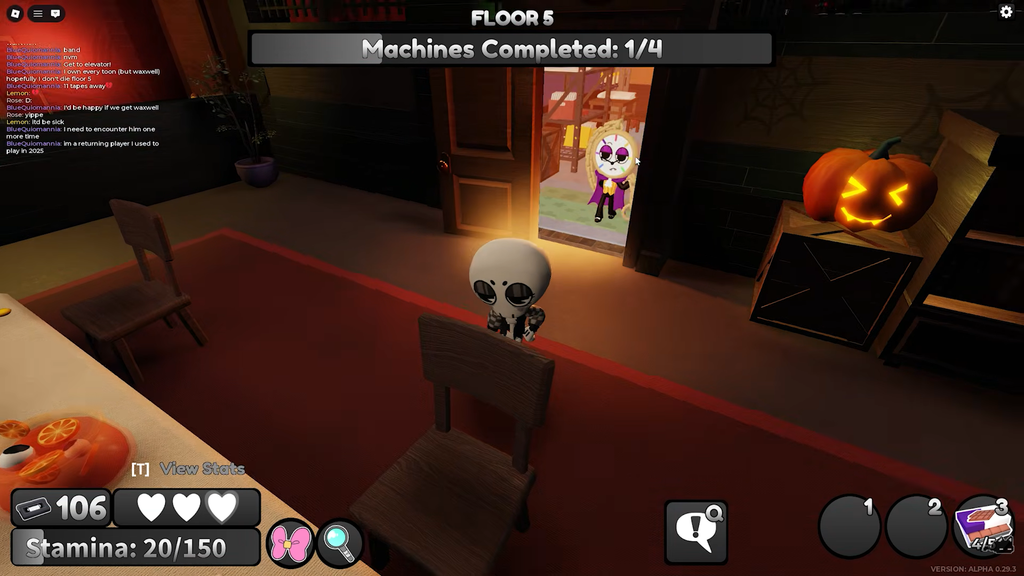
The three Eclipse Holiday Quests
You will find Eclipse’s panel under Calendar > Quests, listed as Holiday Quests #3. The capsule next to her portrait fills as you finish objectives, and the To Do note asks you to complete them in order before the Golden Eclipse skin unlocks. Work the list top to bottom.
| Objective | Where it counts |
|---|---|
| Encounter Twisted Eclipse 5 times | Any Floor during the Halloween Event |
| Experience 5 Blackouts | Regular Floors or Trick or Treat Doors |
| Complete 35 total Floors | Any run |
Encounter Twisted Eclipse 5 times
During the Halloween Event, the Rare Holiday Twisted Eclipse may appear on any Floor. Rare Twisteds spawn more frequently on later Floors, so play deeper and watch for her to count the encounter. Her appearance alone doesn’t qualify: she must notice you. Then check the panel to see whether the counter increased.
While the event is active, Event Twisteds may be selected for the Daily Twisted Board. The featured Twisted gets improved spawn odds, so look at the board before playing; if Twisted Eclipse is listed, use that session to work on this counter.
When Twisted Eclipse howls, other unoccupied Twisteds are drawn toward you. Choose an escape path before allowing her to spot you.
Experience 5 Blackouts as Eclipse
Ordinary Blackouts begin on Floor 3 with a 5% chance. Each completed Floor adds 2 percentage points, and the chance caps at 30%. The Electrician card lowers both the increase and the cap, so skip that card while farming Blackouts.
Halloween adds a second route. Trick or Treat Doors can set off the “Did the lights just flicker?” trick, which triggers a Blackout and can happen as early as Floor 1. Door results are random, so each door is a chance at a Blackout rather than a guarantee. Open them during your runs to stack more attempts.
Stay as Eclipse when a Blackout starts, since her transformation kicks in at that moment and she needs to be active for the counter to register.
Complete 35 total Floors as Eclipse
You need 35 completed Floors in total across your runs; they don’t all have to be in a run that reaches Floor 35. Leave Eclipse active and finish Floors as you progress. Fast-extracting teammates can reduce the grind by completing Machines sooner and speeding up the elevator.

Eclipse stats and the Total Eclipse ability
Here are Eclipse’s base stats. Her ability is especially relevant to the Blackout counter because she transforms only during Blackouts.
| Stat | Value |
|---|---|
| Health | 3 Hearts |
| Skill check | 25% chance, Size 150, Value 2.00, Speed 3 |
| Movement speed | 17.5 walking, 27.5 sprinting |
| Stamina | 150 |
| Stealth | 5 |
| Extraction speed | 1 |
Total Eclipse turns her into a werewolf during Blackouts. She gives off a brighter glow, gains 2 Stamina Stars, and picks up a 20% Movement Speed boost, which puts her at 21 walking and 33 sprinting. All Twisteds on the floor are briefly highlighted when she transforms. Those are the same Blackouts your quest needs, so the boost works in your favor while you grind the counter.
Claiming the Golden Eclipse skin
After all three counters are complete, you can claim the reward. In the quest panel it’s named Golden Eclipse; in the skin gallery, the name is Golden Wolf. Check for either title.
Progress toward Golden skins for Event Toons remains saved once the event ends, so Halloween’s conclusion won’t reset the counters. For other Halloween Toons, including Ribecca and Gourdy, claim the skin through the same Calendar > Quests panel.