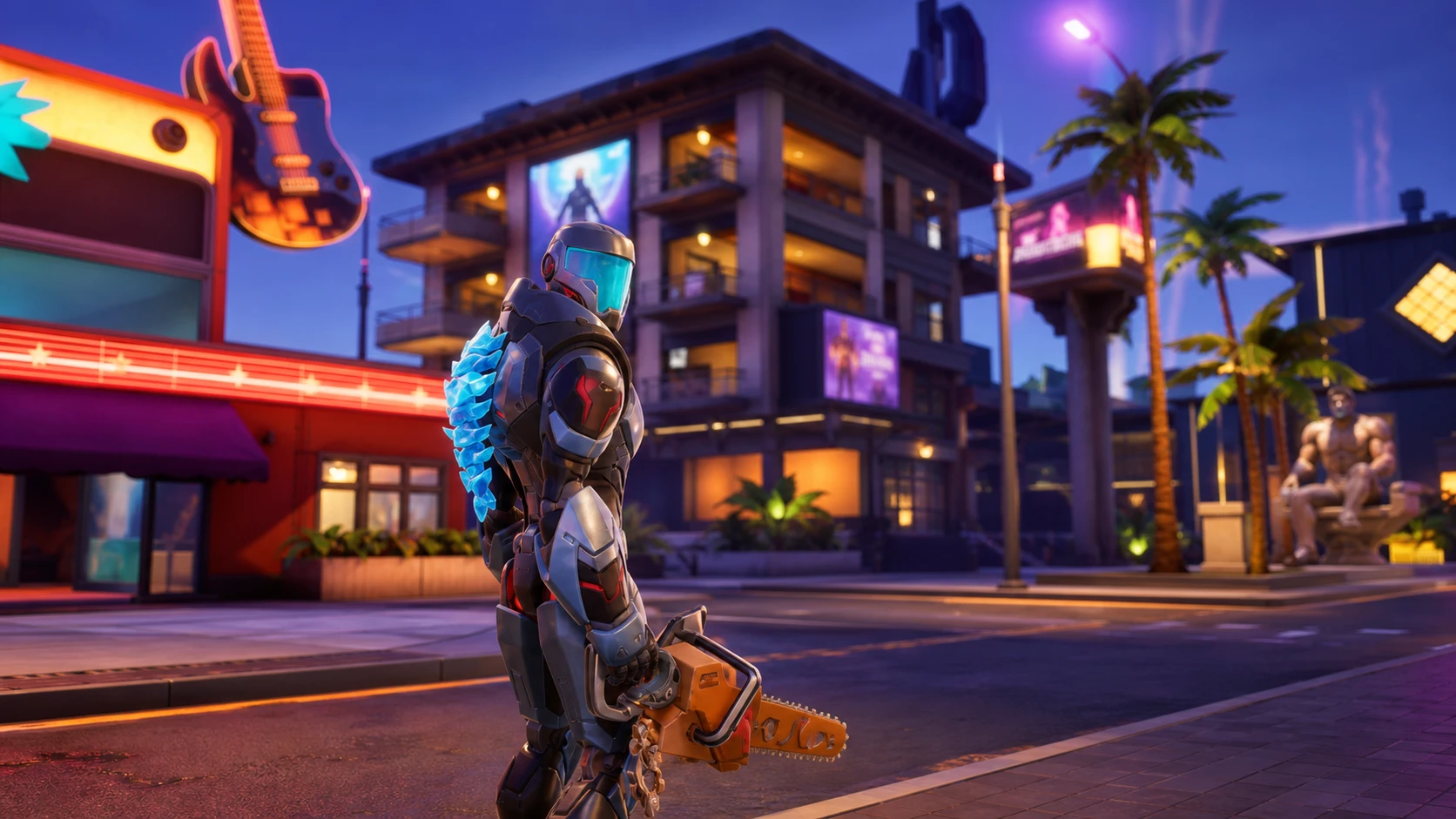
Sprites are the centerpiece of Fortnite Chapter 7 Season 3, and a few of them are rare enough that you may never stumble onto them in a normal match. There’s no official trading system inside the game, but players have figured out a reliable way to hand a Sprite to a friend and receive one in return using the season’s extraction mechanic. The trick relies on dropping a Sprite, swapping it, and extracting at the same site together.
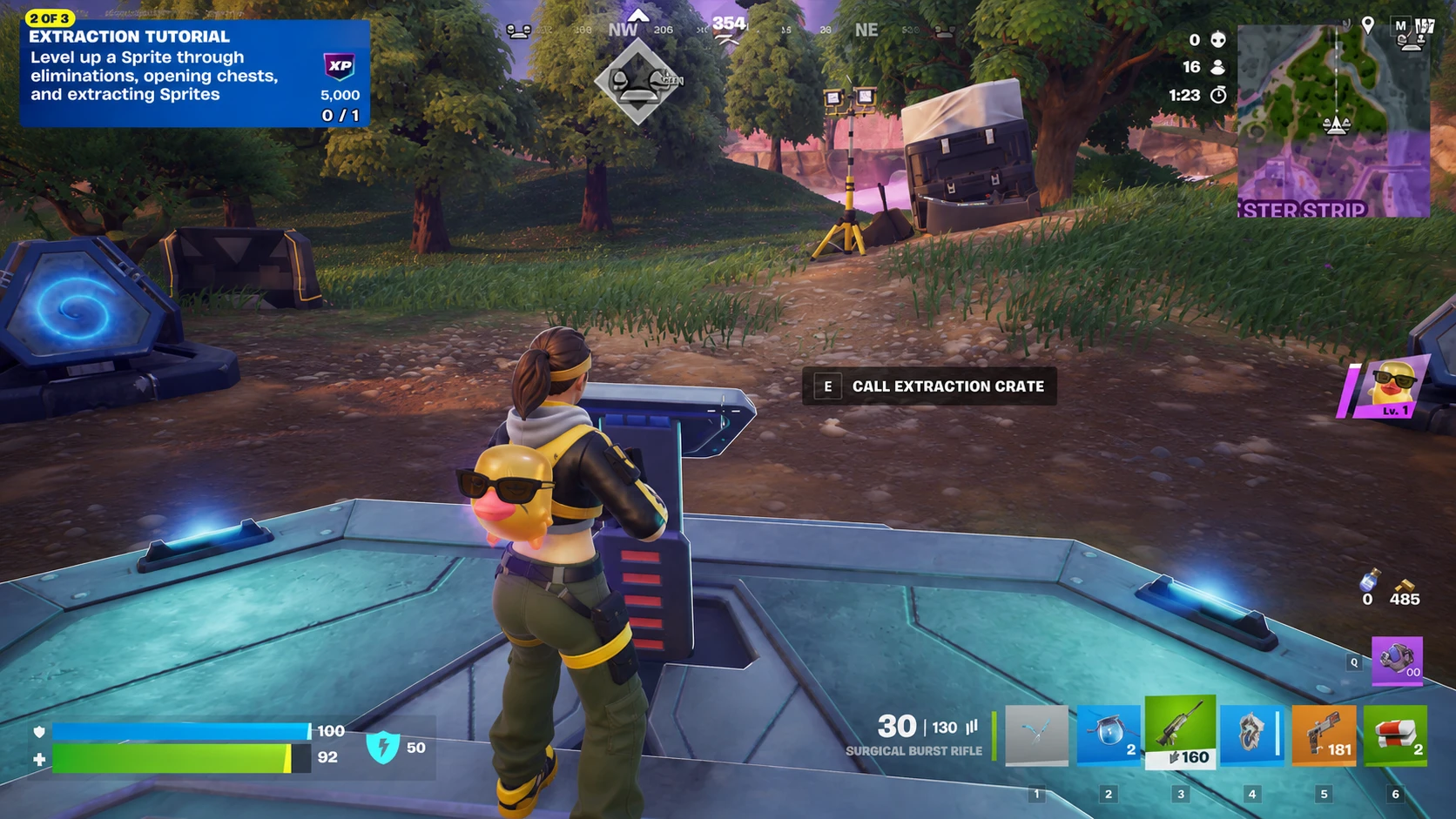
Quick answer: Match up with another player in a bot lobby, each carry one spare Sprite, drop the Sprite you want to give away, pick up the one your partner dropped, then extract it at an Extraction Site. The traded Sprite lands in your collection once extraction completes.
There is no official way to trade Sprites. This is a community-created method.
What you need before trading Sprites
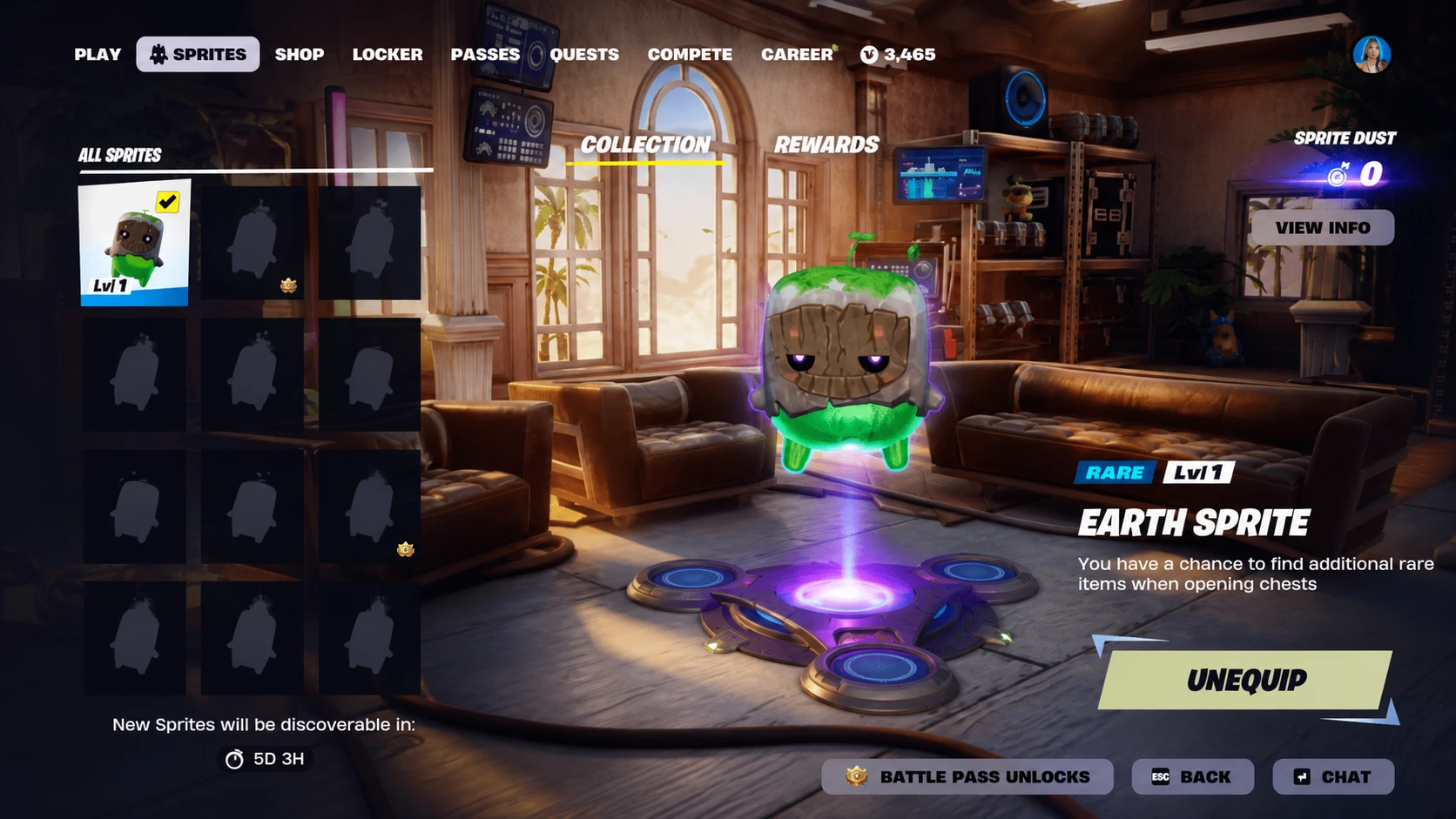
The method works because Sprites are physical pickups that you can drop and re-collect during a round, and because extraction permanently banks whatever you carry into your collection. To run a clean trade, both players need a partner, a private lobby, and a spare Sprite each.
| Requirement | Why it matters |
|---|---|
| A trade partner | The other player drops the Sprite you want and picks up yours. |
| Bot lobby | Keeps random players from killing you mid-extraction and ruining the swap. |
| A spare Sprite each | You need a second Sprite in your inventory so you can swap and free up the one you’re trading away. |
| Access to an Extraction Site | Extraction is what banks the traded Sprite into your permanent collection. |
The most active place to line up a partner is the community-run Sprite Trading HQ Discord server, where players post which Sprites they own and which ones they’re hunting. You can browse the Sprite Trading channel, list what you want to give and receive, or send a direct offer to someone with a matching want.
How to trade Sprites step by step
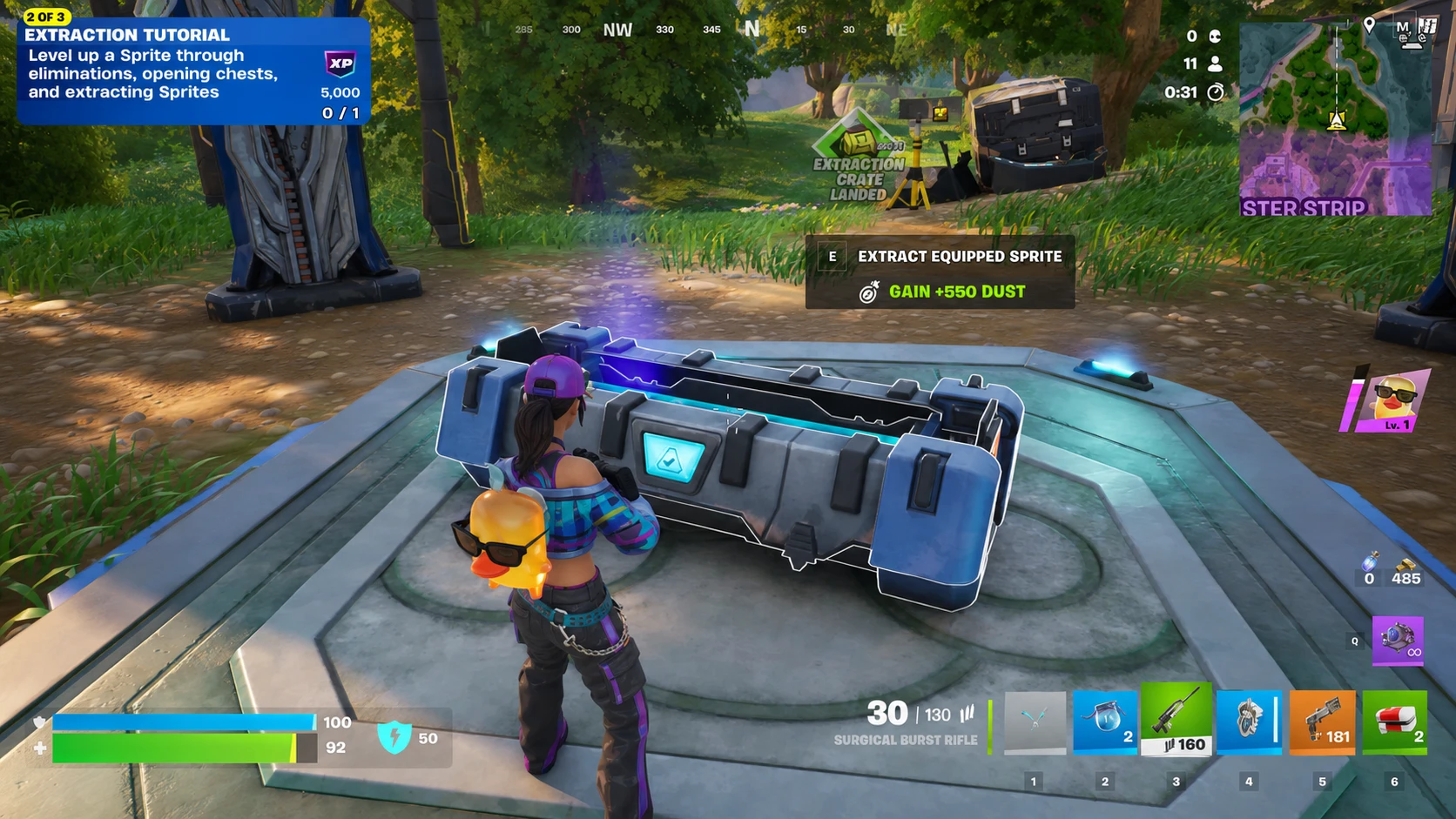
How to confirm the trade worked
Once the extraction completes, open your collection. The new Sprite will be listed there, and you can equip it at the start of a future match by spending the necessary Sprite Dust. The Sprite you gave away isn’t gone forever either. Trading only removes it from your active inventory temporarily, so it stays in your collection alongside the one you received.
The most common reasons a trade fails are getting eliminated during the extraction timer and not carrying a spare Sprite. The Extraction Site makes noise and draws attention, which is exactly why a bot lobby matters. If you skip the second Sprite, you won’t have anything to swap into your backpack, and the drop-and-pickup exchange won’t line up.
Run the process patiently and you can fill out missing variants across your whole Sprite collection, including the rarer ones you’d otherwise have to grind for over many matches.