Z-Step is one of the core movement techniques players lean on in VV: Ultimatum, the stylized Roblox fighting RPG built around Shinigami, Quincy, and Hollow combat. It is a momentum tool that lets you reposition quickly during a fight, which matters because the game runs on a posture system where standing still gets you punished.
Quick answer: To Z-Step, use a launcher move, chain into a skill, then press your flash step key (Q on the default layout) to cancel the recovery and slide into a new position. You have it right when your character dashes out instantly instead of finishing the skill animation.
What Z-Step does in VV: Ultimatum
Z-Step is a cancel technique. Instead of waiting out the full animation of a launcher or skill, you interrupt it with a flash step (Shunpo) input. The result is faster repositioning and tighter combo timing, which is why it shows up in nearly every serious PvP rotation.
The technique sits inside the same movement family as the game’s other speed tools. Because both PvE and PvP reward mobility, being able to close gaps or escape a combo string with a Z-Step gives you a clear advantage over players who only walk and block.
Requirements before you can Z-Step
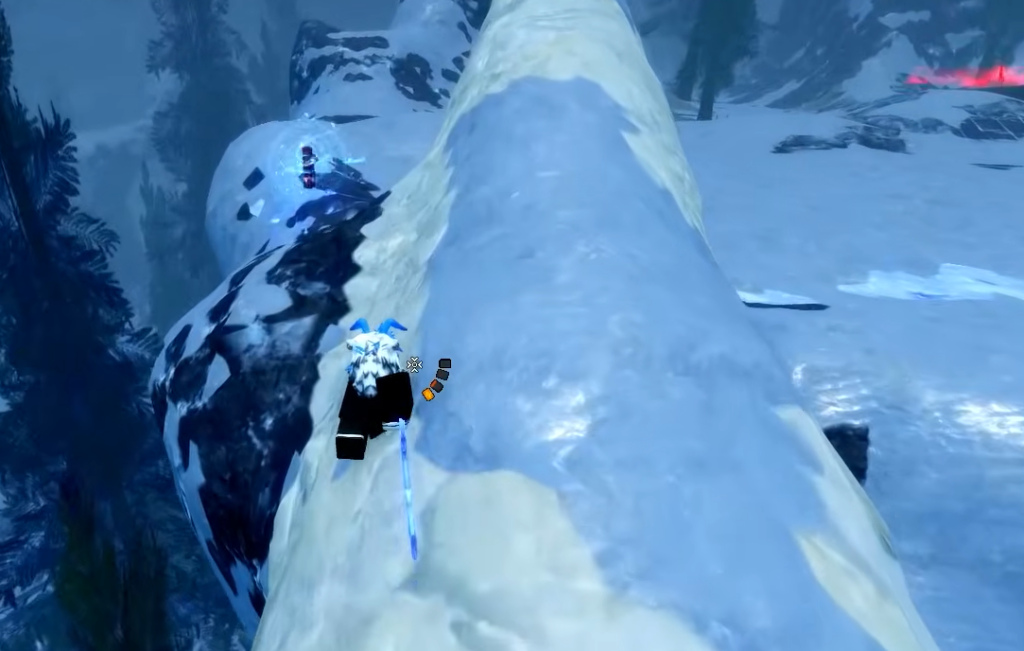
The single hard requirement is access to Shunpo, the flash step that powers the cancel. Shunpo lives in the Speed skill tree, which every build is expected to invest in regardless of faction. Without it, there is no flash step input to cancel into, so the Z-Step cannot happen.
| Requirement | Where it comes from |
|---|---|
| Shunpo (flash step) | Speed skill tree, unlock it as early as possible |
| A launcher move | Your equipped weapon or skill set |
| A follow-up skill | One of your assigned ability slots |
| Correct keybinds | Check the in-game controls menu, since inputs vary by weapon |
Keybinds differ depending on your weapon and setup. Open the controls menu to confirm which keys your launcher, skill, and Shunpo are mapped to before you practice the timing.
How to perform a Z-Step
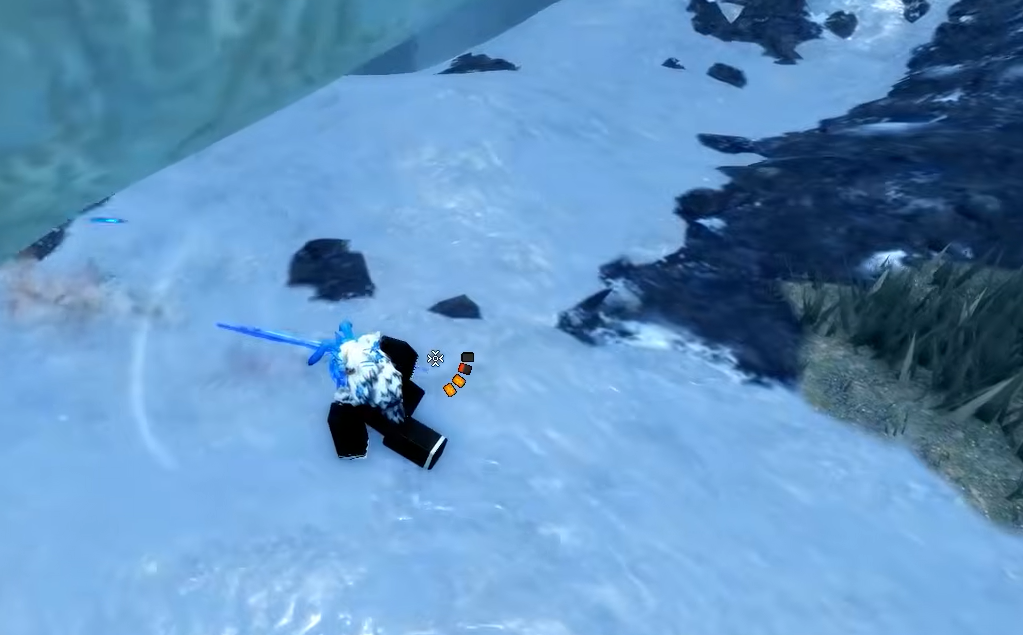
How to know it worked
A clean Z-Step looks and feels like an instant slide. Your character cuts the previous animation short and dashes to a new position with no landing lag. If the full skill animation plays out and you only move afterward, the cancel did not register and you need to tighten the timing.
Common reasons the Z-Step fails
- Shunpo is not unlocked yet, so there is no flash step to cancel into. Spend points in the Speed tree first.
- The flash step key is pressed too late, after the recovery window closes, so the animation finishes normally.
- Wrong keybinds. If your launcher, skill, or Shunpo keys differ from the default, the inputs will not line up until you confirm them in the controls menu.
Z-Step rewards repetition more than anything else. Once the launcher, skill, and Shunpo inputs feel automatic, you can mix it into combos and use it to escape pressure, keeping your posture intact and your opponent guessing.