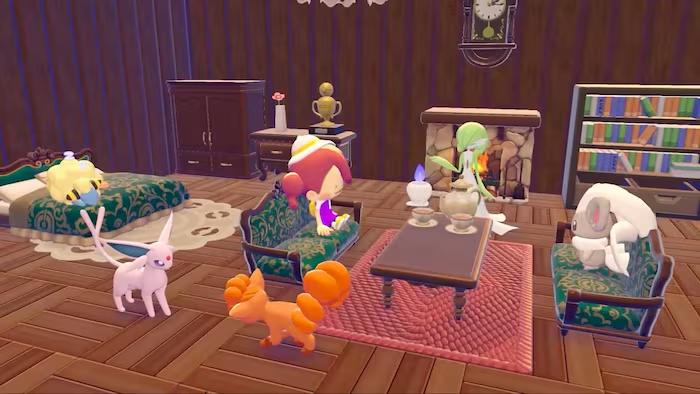
Pokémon Pokopia distributes free in-game items through its Mystery Gift system, carrying on a long-standing Pokémon series tradition. The rewards currently on offer are habitat decorations — pieces you can place around your islands to create more personalised spaces for your Pokémon.
Working Pokémon Pokopia Mystery Gift codes
We checked for new codes — the following rewards are currently active. The Chansey Plant is redeemed by entering a code, while the Ditto Rug is available through the internet option at any Pokémon Center PC, with no code entry required.
P0K0P1AGARDENS— Chansey Plant habitat decoration (can occasionally appear as a rare Ditto form; also obtainable through regular gameplay; expires October 7, 2026)
Ditto Rug — internet claim, no code required: Available to players who pre-ordered Pokémon Pokopia. Claim it by selecting “Get via Internet” at any Pokémon Center PC. The rug can also be found through normal gameplay, and the Mystery Gift version remains available until January 31, 2027.
How to unlock Mystery Gift in Pokémon Pokopia
The Mystery Gift feature becomes available after you complete the opening tutorial. The unlock happens once Ditto rests alongside Professor Tangrowth, Charmander, Squirtle, and Bulbasaur following the lighting of your first campfire — a point that typically arrives around 30 minutes into a fresh save. After that, Mystery Gifts appear under the “Get Items” option on any Pokémon Center PC.
How to redeem a Mystery Gift code in Pokémon Pokopia
Your Nintendo Switch 2 must be connected to the internet, with your profile linked to a Nintendo Account. No Nintendo Switch Online membership is required for any of the current gifts.
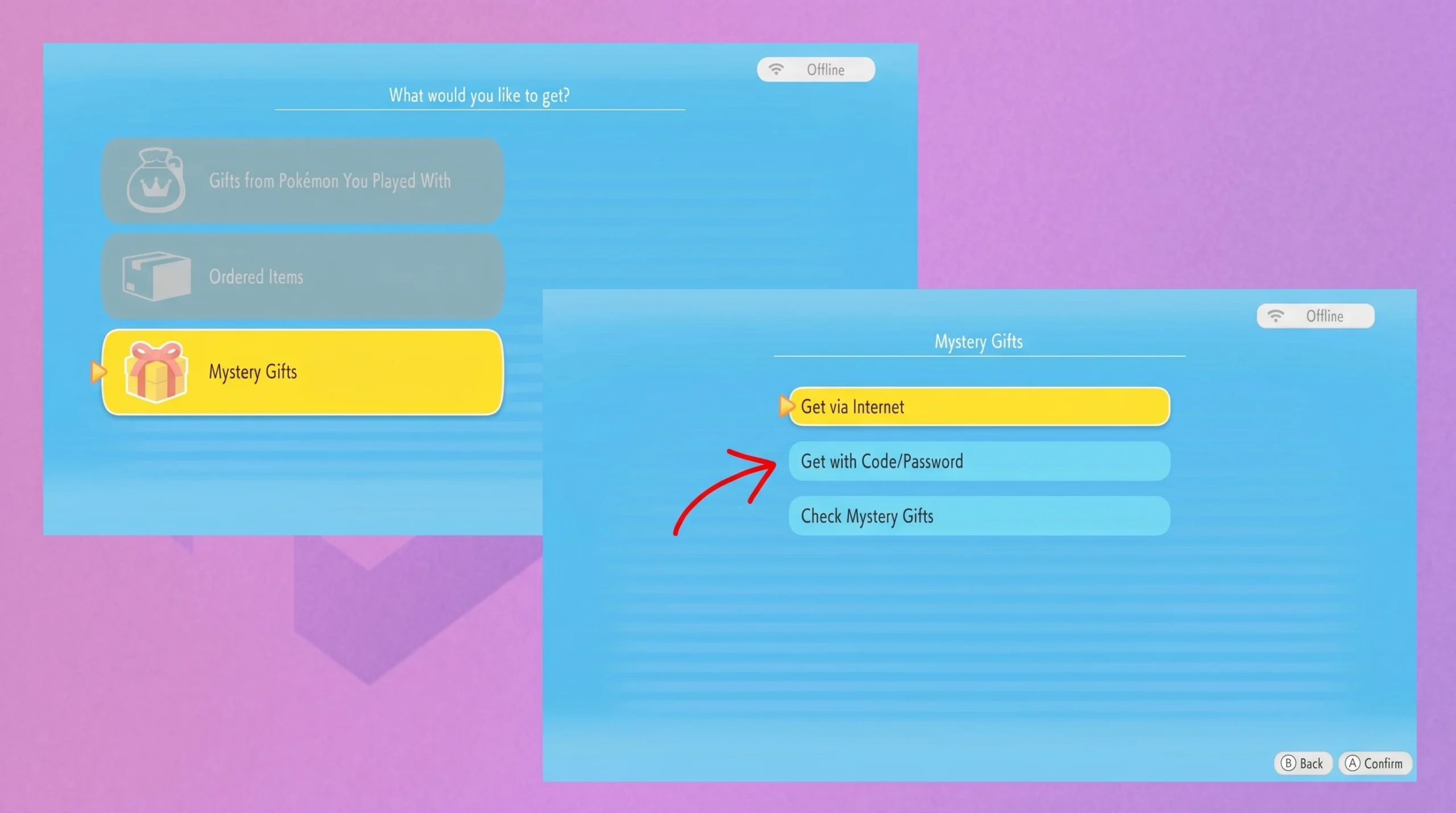
Only one code can be submitted at a time. If you have more than one to enter, work through them individually from the same menu.
How to claim a Mystery Gift via Internet
Note: Pre-order bonus codes delivered by email are entered through the “Get with Code/Password” path, not the internet option. Each of those codes is unique to your account.

The “Check Mystery Gifts” option on the same menu shows a full history of every reward you’ve already downloaded — useful if you can’t remember whether a particular gift has been claimed.
No Pokémon Pokopia Mystery Gift codes have expired so far, meaning every distributed reward remains redeemable through its respective method within the active windows listed above.