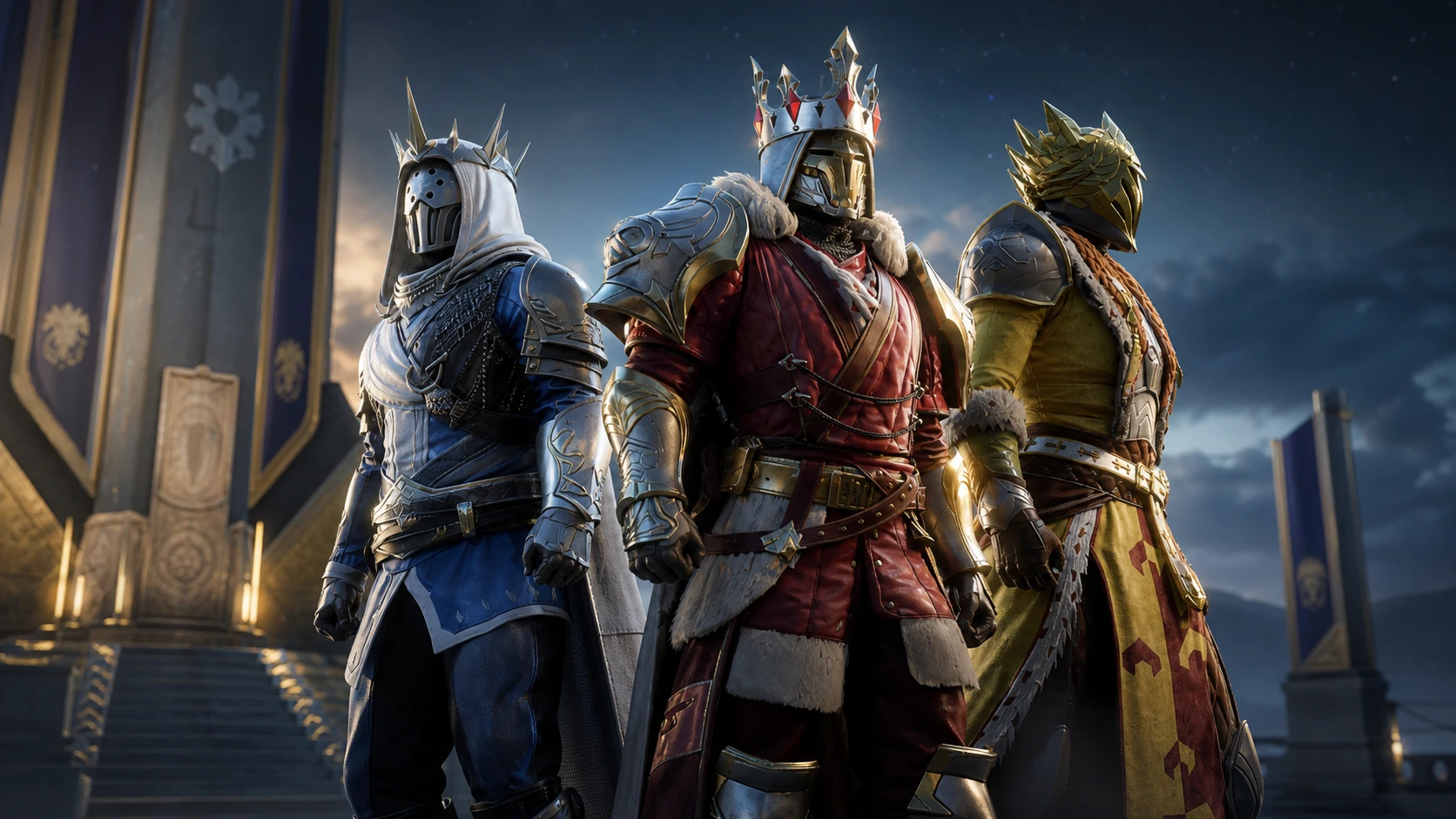
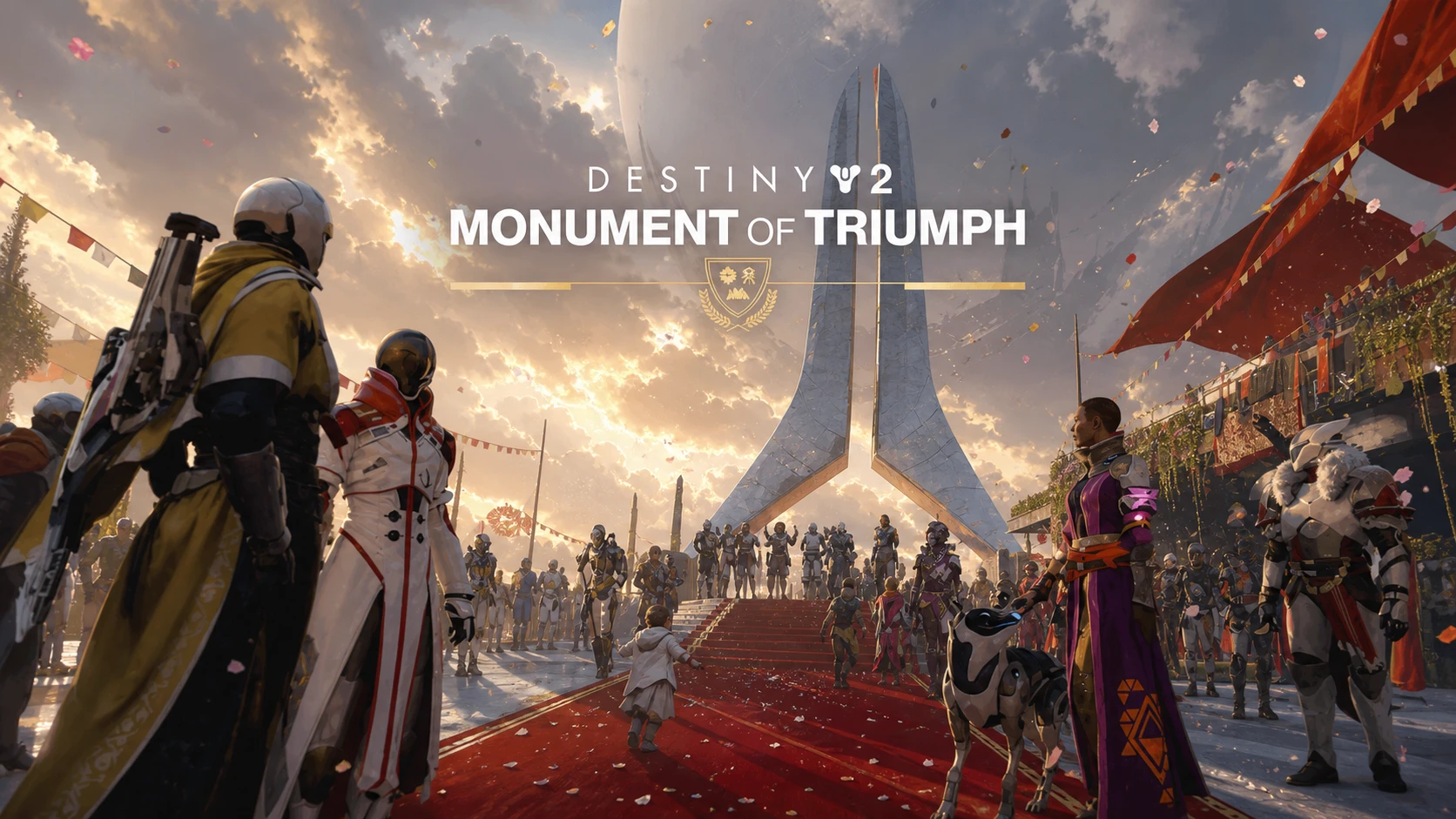
Destiny 2’s final live-service content update, Monument of Triumph, ships as Update 9.7.0 and adds a new Title, an armor ornament set, and the Monument itself in the center of the Tower courtyard. There is no separate early preload for it. The download becomes available once Bungie’s maintenance brings the game back online, and the new content stays in the game indefinitely after that.
Quick answer: Update 9.7.0 went live across all platforms and regions at roughly 10:00 AM PDT (UTC‑7) on June 9, 2026. Launch Destiny 2, let the update download fully, then log back in. You are on the right build once you can sign in without being kicked to the title screen.
Maintenance and download availability timeline
Destiny 2 goes through scheduled maintenance before a major update. You cannot download the new files until the servers come back up, so the times below set the earliest point you can start pulling the update.
| Time (June 9, 2026) | What happens |
|---|---|
| 5:00 AM PDT / 12:00 UTC | Sign-on and game integration features go offline on web, mobile, third-party apps, and the Bungie Store. |
| 5:30 AM PDT / 12:30 UTC | Destiny 2 and all APIs go offline. Players are removed from activities, and Destiny 1 may be affected. |
| ~10:00 AM PDT / 17:00 UTC | Update 9.7.0 becomes available on all platforms and regions. Players can log back in, though some may be queued. The API comes back online and clan features may stay offline a while longer. |
| ~11:00 AM PDT / 18:00 UTC | Maintenance is expected to conclude. |
How to download Update 9.7.0 on console
How to download Update 9.7.0 on PC (Steam)
Free up storage before the download
Make sure you have enough free space for the full install before the update goes live. A shortage of storage is one of the most common reasons a download stalls or fails partway through.
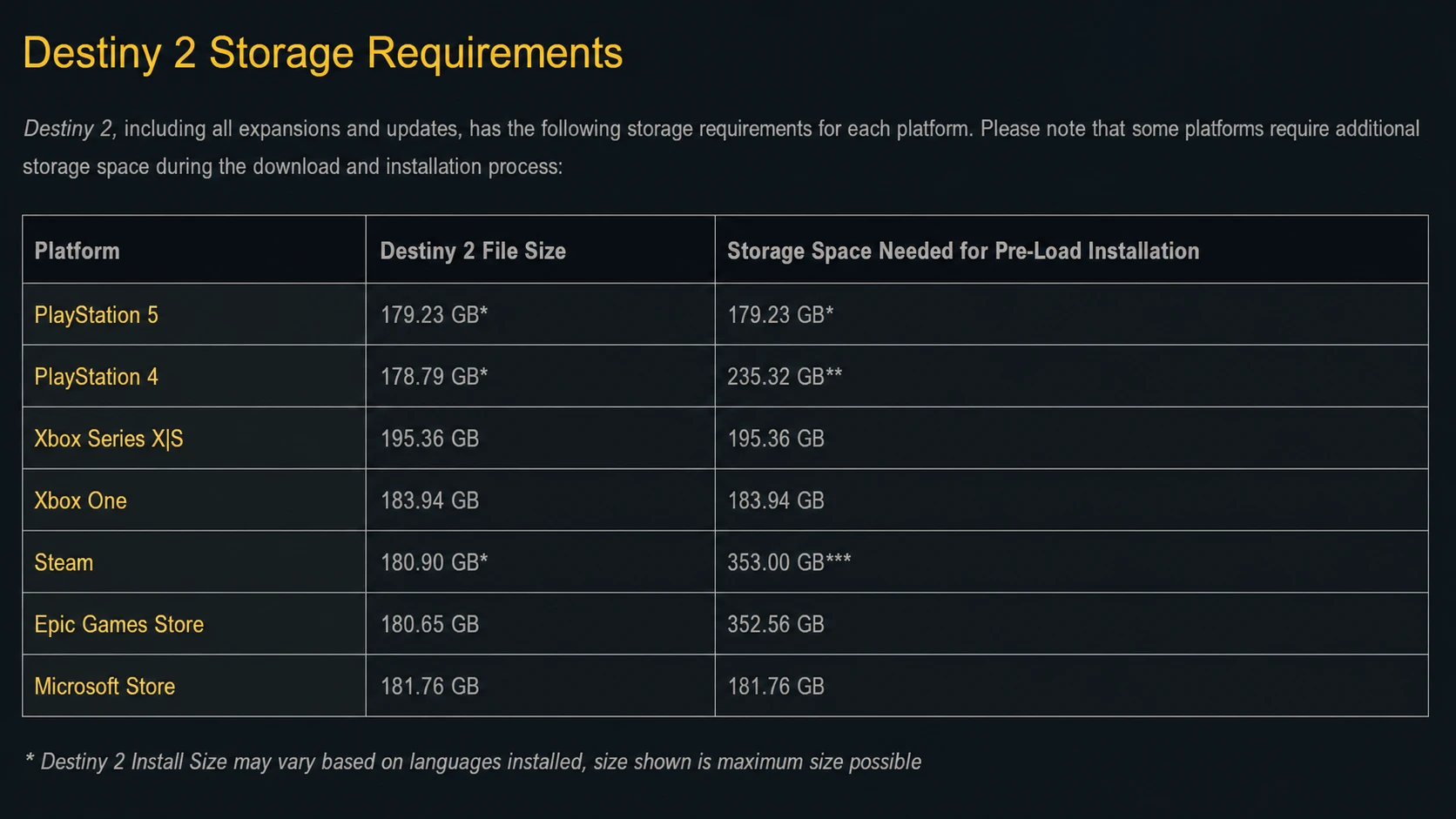
Some consoles verify all previously downloaded content before applying a new update. If that verification is interrupted or finds a problem, the previous content can be deleted and re-downloaded in full. Leave the process alone once it begins so you are not forced into a much larger download.
Common error codes after the update
Two error codes show up most often around an update. Both point back to the same fix, which is making sure every player is on the latest build.
| Error code | Cause and fix |
|---|---|
| CAT | You were returned to the title screen during a maintenance window. Take the latest update before you try to resume playing. |
| SHEEP | You tried to join a Fireteam where a member had not updated. Have everyone close Destiny 2 and install the latest version. |
If you hit connection problems after maintenance has ended, basic steps usually clear them. Power cycle your network hardware, clear the console cache, and confirm you are running 9.7.0 before troubleshooting further.
Confirm the update installed
You know the update applied correctly when Destiny 2 lets you log in past the title screen without a CAT error, and when you can group up without triggering SHEEP. Inside the Tower, the new Monument standing in the center of the courtyard is a clear visual sign you are on the Monument of Triumph build.
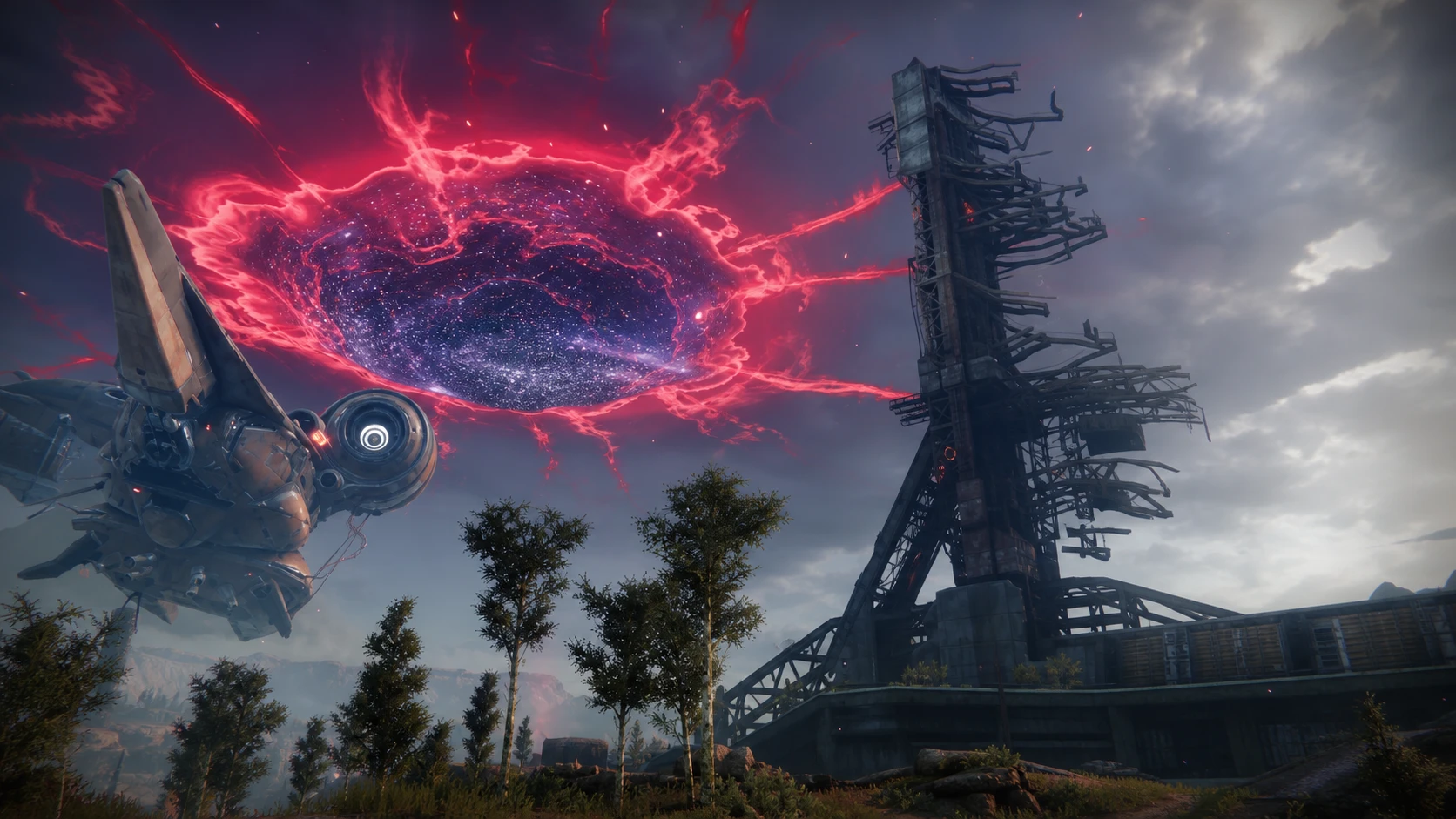
With the build installed and the servers back up, you are free to dive into everything the update brings. The new Title and armor ornament set are available to all players and stay in the game for good, so there is no time pressure to grind it the moment you log in.