Traits in Anime Squadron are stat modifiers you attach to individual units, and a strong roll can change a unit’s performance more than a straight upgrade. They are entirely RNG-based, so getting top options like Superior or Cloner comes down to repeated rolls. Below are all current traits, their exact effects, their roll chances, and the precise way to assign or change them.
Quick answer: Walk to the Traits NPC in the Upgrade area, pick a unit, and press the Roll button to assign or change its trait. The new trait shows up on the unit card once the roll finishes.
All Anime Squadron traits, effects, and roll chances
Each roll pulls from the pool below. Common traits fill most of your rolls, while the highest-impact options sit at fractions of a percent. The rarer the trait, the larger its stat package.
| Trait | Effects | Roll Chance |
|---|---|---|
Endure  | +10% HP | 20% |
Sight  | +10% RNG | 20% |
Powerful  | +10% DMG | 20% |
Ranger  | +25% RNG | 11.33% |
Tank  | +30% HP | 11.33% |
Knight  | +20% DMG, +5% HP | 11.33% |
Wealthy  | -20% Cost, +10% DMG | 1.25% |
Lethal  | +20% DMG, -10% CD | 1.25% |
Sniper  | +20% DMG, +40% RNG | 1.25% |
Juggernaut  | +50% HP | 1.25% |
Rebirth  | +35% DMG, +50% HP, +20% RNG, Respawns with 50% HP upon dying (once) | 0.4% |
Entrepreneur  | -40% Cost, +30% DMG, +30% HP | 0.3% |
Cloner  | +40% DMG, +60% HP, Spawns 2 units instead of 1 | 0.2% |
Superior  | +200% DMG, +300% HP, +30% RNG, -15% CD, +1 Spawn Cap | 0.1% |
Superior is the single strongest option at a 0.1% chance, stacking damage, health, range, cooldown, and an extra spawn cap. Cloner is the next priority because doubling a strong unit often beats raw stats, while Entrepreneur’s cost reduction makes expensive units far easier to field.
How to roll traits in Anime Squadron
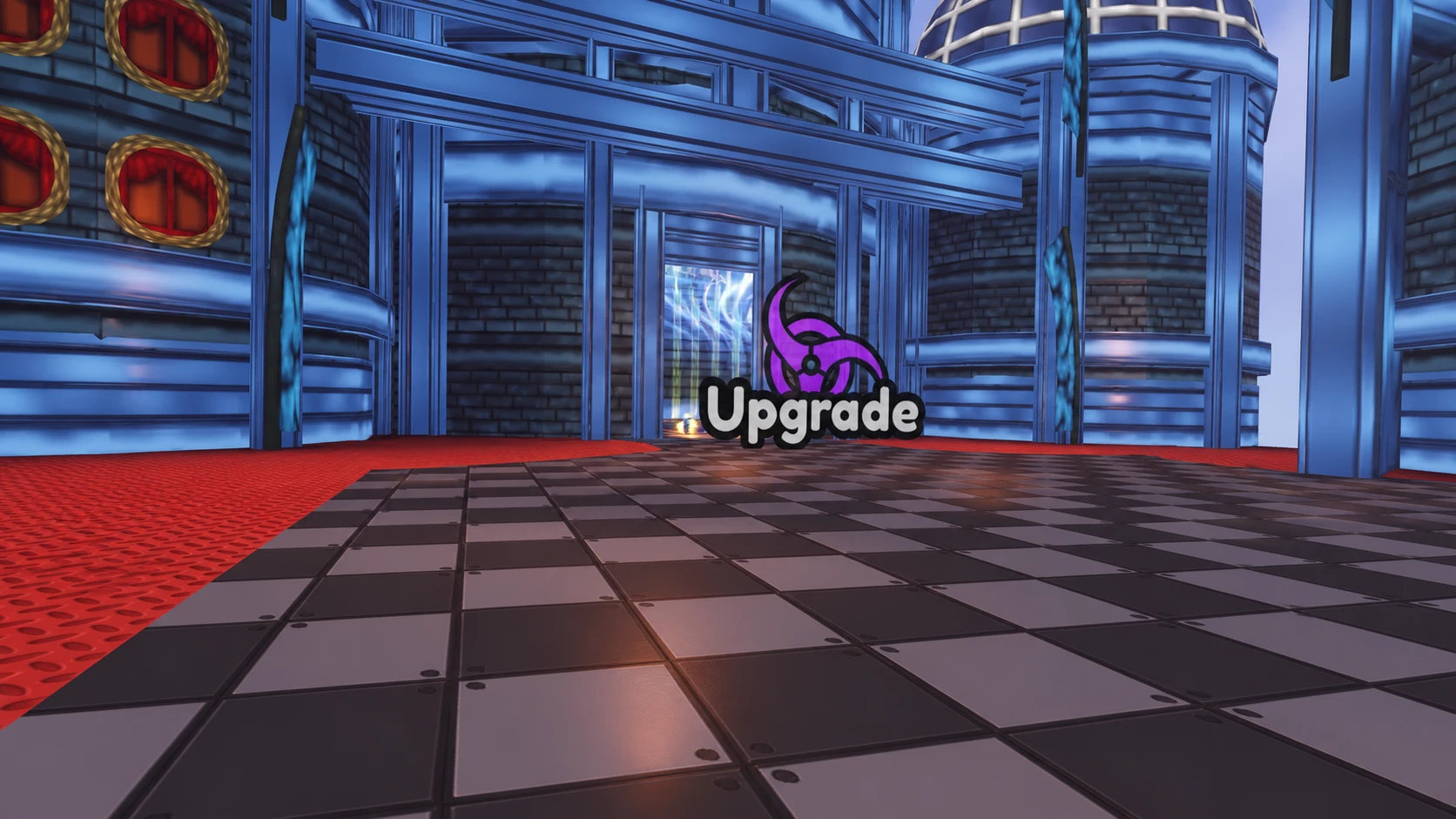

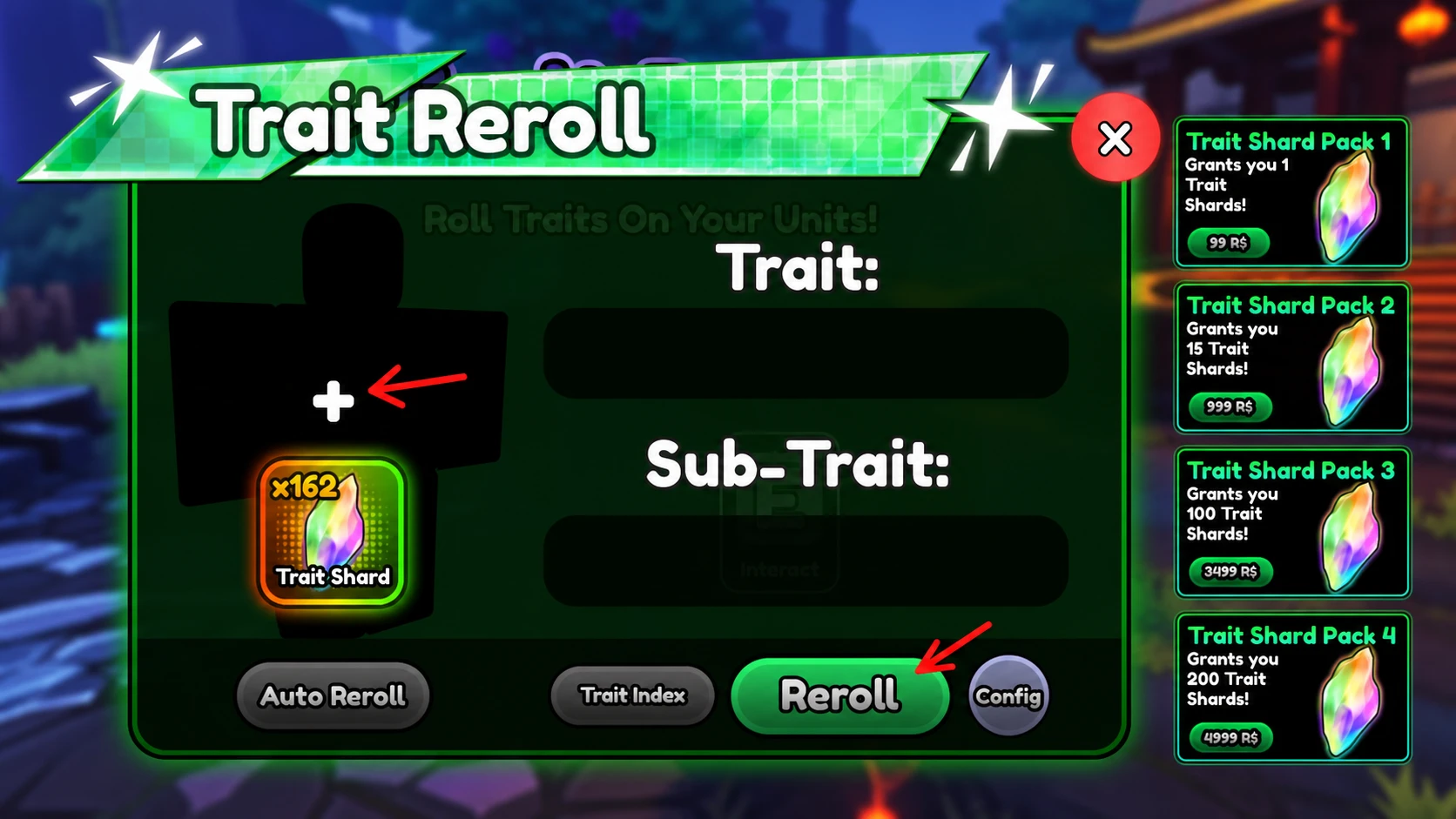
You know the roll worked when the unit’s trait label updates to the new result and its stats reflect the listed effect. If the trait does not change, you have not confirmed the roll, so press Roll again on the selected unit.
How to use Auto Reroll for specific traits
Because top traits like Superior and Cloner appear so rarely, rolling by hand can take a long time. Auto Reroll repeats the roll for you and stops only when it hits a trait you marked as wanted.
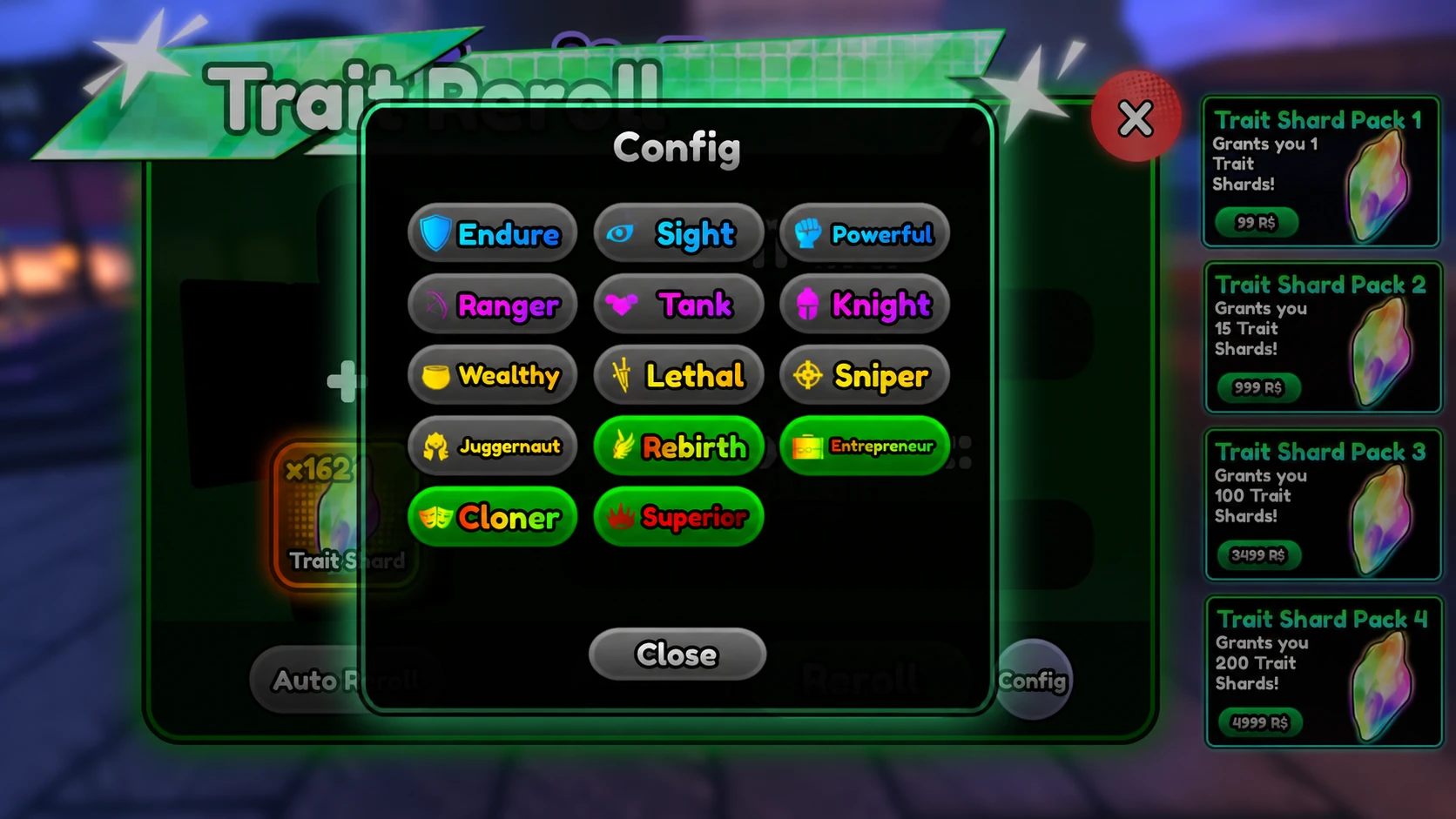
Set Auto Reroll to target only the traits worth the resources, such as Superior, Cloner, and Entrepreneur. Targeting low-tier traits like Sight or Endure wastes rolls since they offer minimal stat gains and are common reroll candidates anyway.
Focus your strongest rolls on your main carries and money units, since a high-impact trait there moves your whole run forward. Keep rerolling on those units until the trait you want locks in, and leave filler units on whatever common trait they pull.