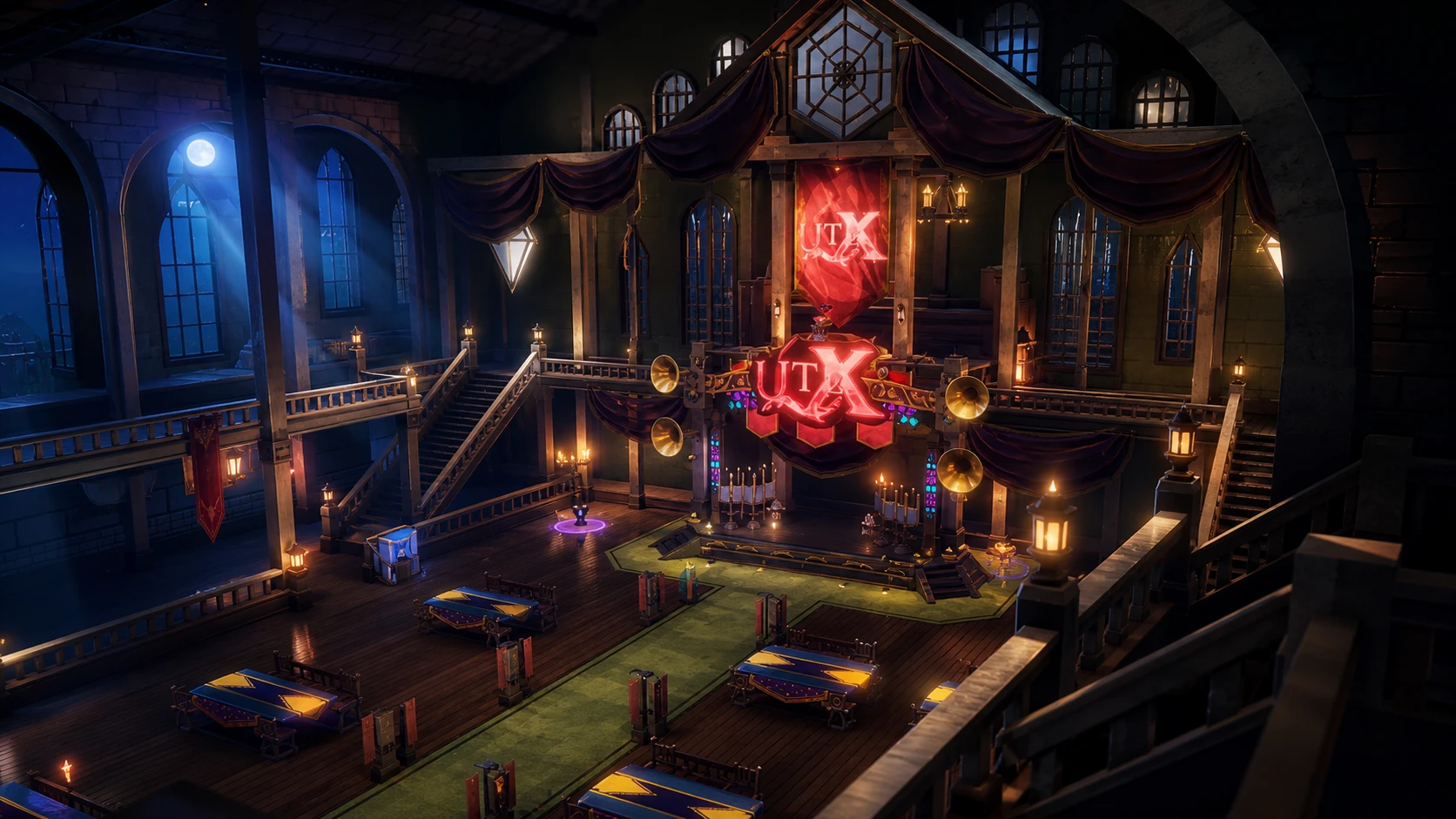
Guilds arrived in Universal Tower Defense X with Update 3.0 Part 1 on May 17, 2026, adding factions that let players pool resources, unlock shared rooms, and compete on a seasonal leaderboard. The system turns the game into a cooperative loop where members donate to a shared pot, those donations unlock rooms, and those rooms hand back passive rewards to everyone inside.
Quick answer: To start your own faction you must be above Level 50 and hold at least 100,000 Gold. If you do not meet that, open the Guilds menu, browse listings, and send a join request to an existing faction instead.
What the Guild system does
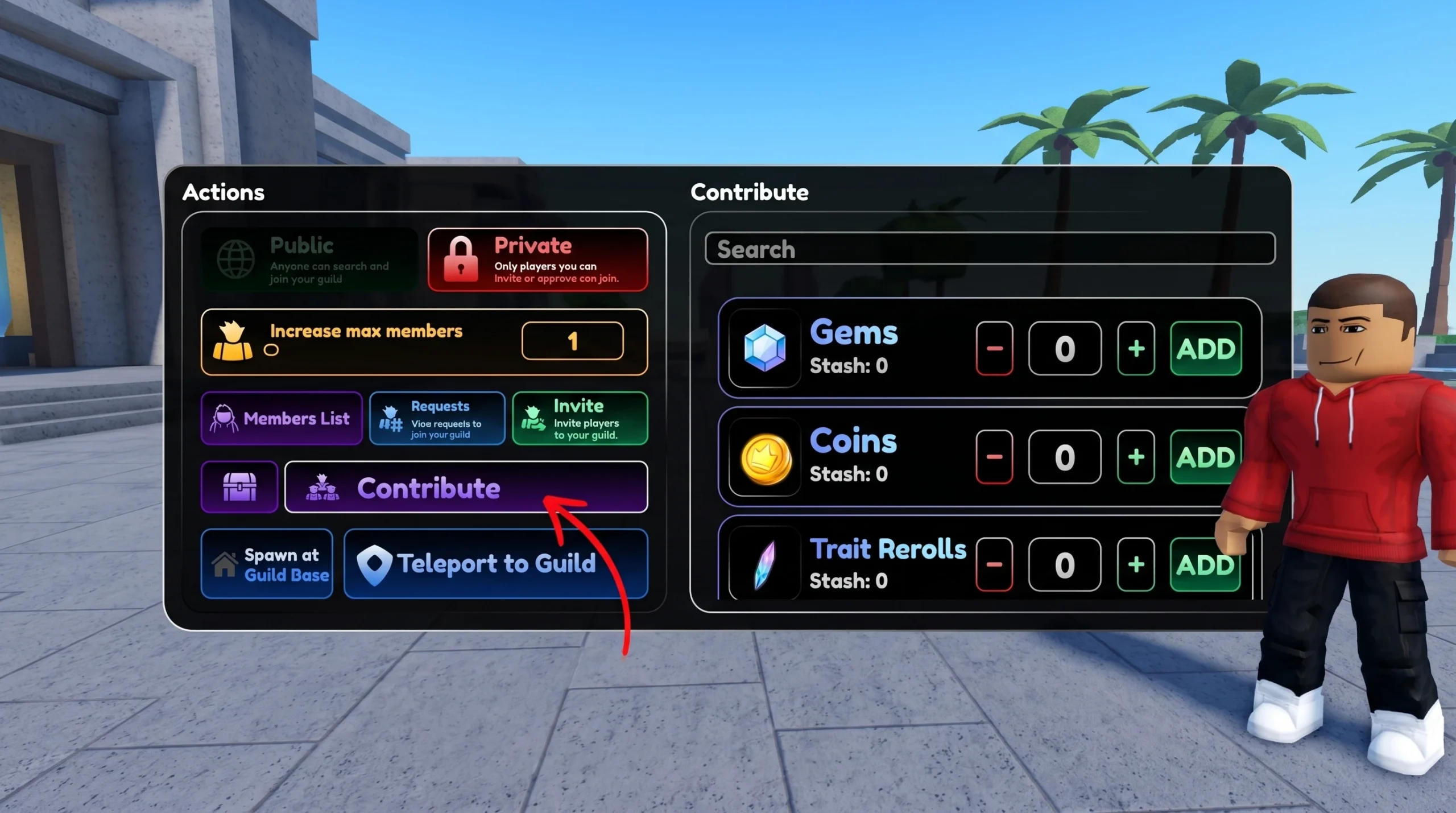
Every faction is built around a Guild Hall, the central hub for all guild activity. Inside it you will find the Guild Operations Table, the Guild Gem Pot, and several NPCs. The Operations Table is where the Owner or an Admin manages settings, reviews join requests, sets public or private visibility, and tracks member contributions. Members can open the same table to check status and view Guild Leaderboard goals.
The gameplay cycle is simple. Members contribute to the Guild Gem Pot, those gems fund room unlocks, and the rooms deliver ongoing benefits back to the whole faction. The more active your members are, the faster you open features and the higher you climb on the leaderboard for end-of-season prizes.
Requirements to create a Guild
Two conditions gate guild creation. Your account must be above Level 50, and you need at least 100,000 Gold to cover the one-time creation fee. The Gold requirement is the part that catches free-to-play players off guard, so it is worth farming story missions and resource modes until you clear the threshold before committing.
| Requirement | Value |
|---|---|
| Account level | Above Level 50 |
| Gold cost | 100,000 (one-time) |
| Default member cap | 20 (expandable via upgrades) |
How to create a Guild
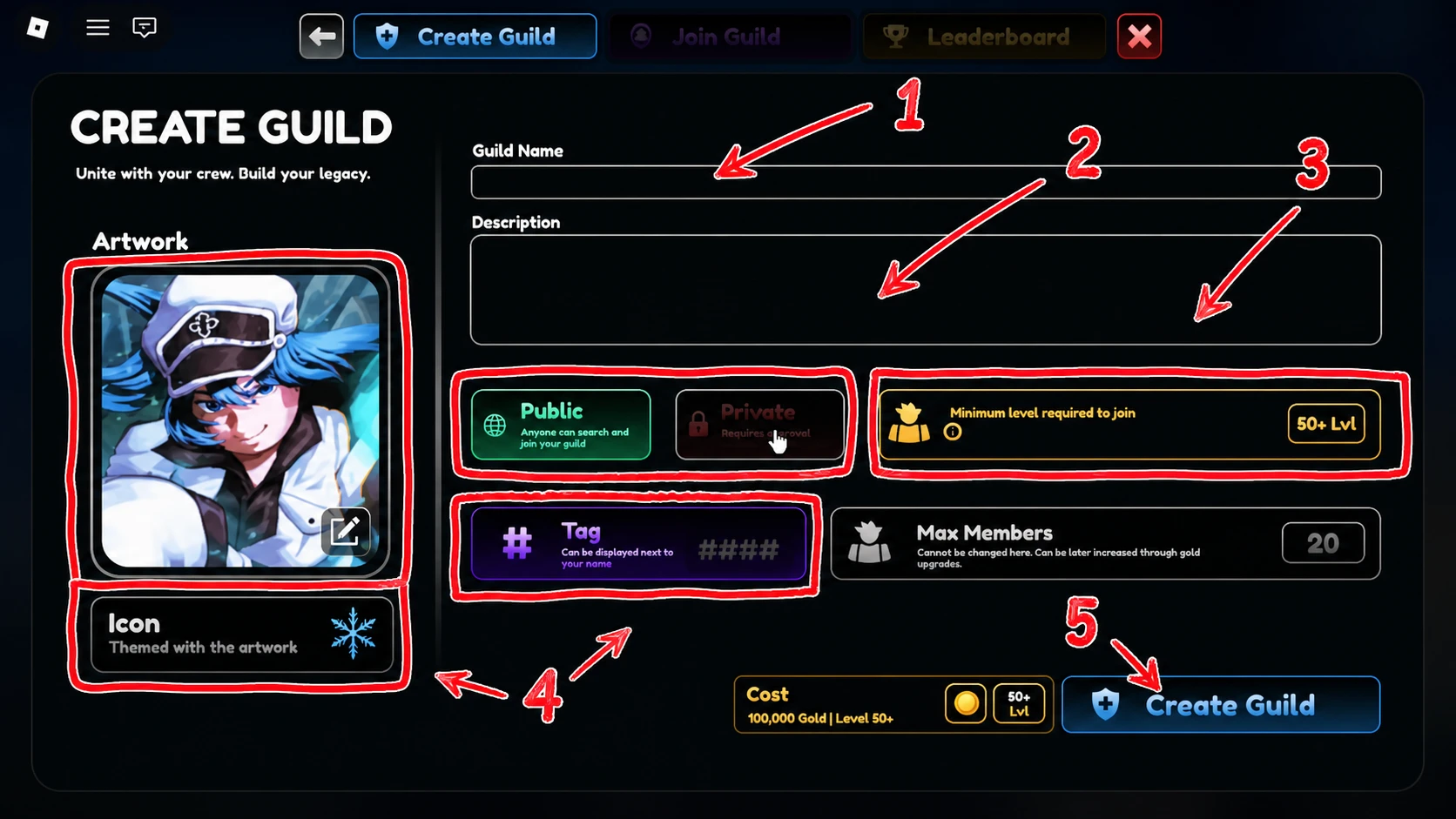
A new faction starts with a maximum of 20 members. That cap can be raised later through guild upgrades, and you manage invites and visibility from the Guild Operations Table inside the hall.
How to join an existing Guild
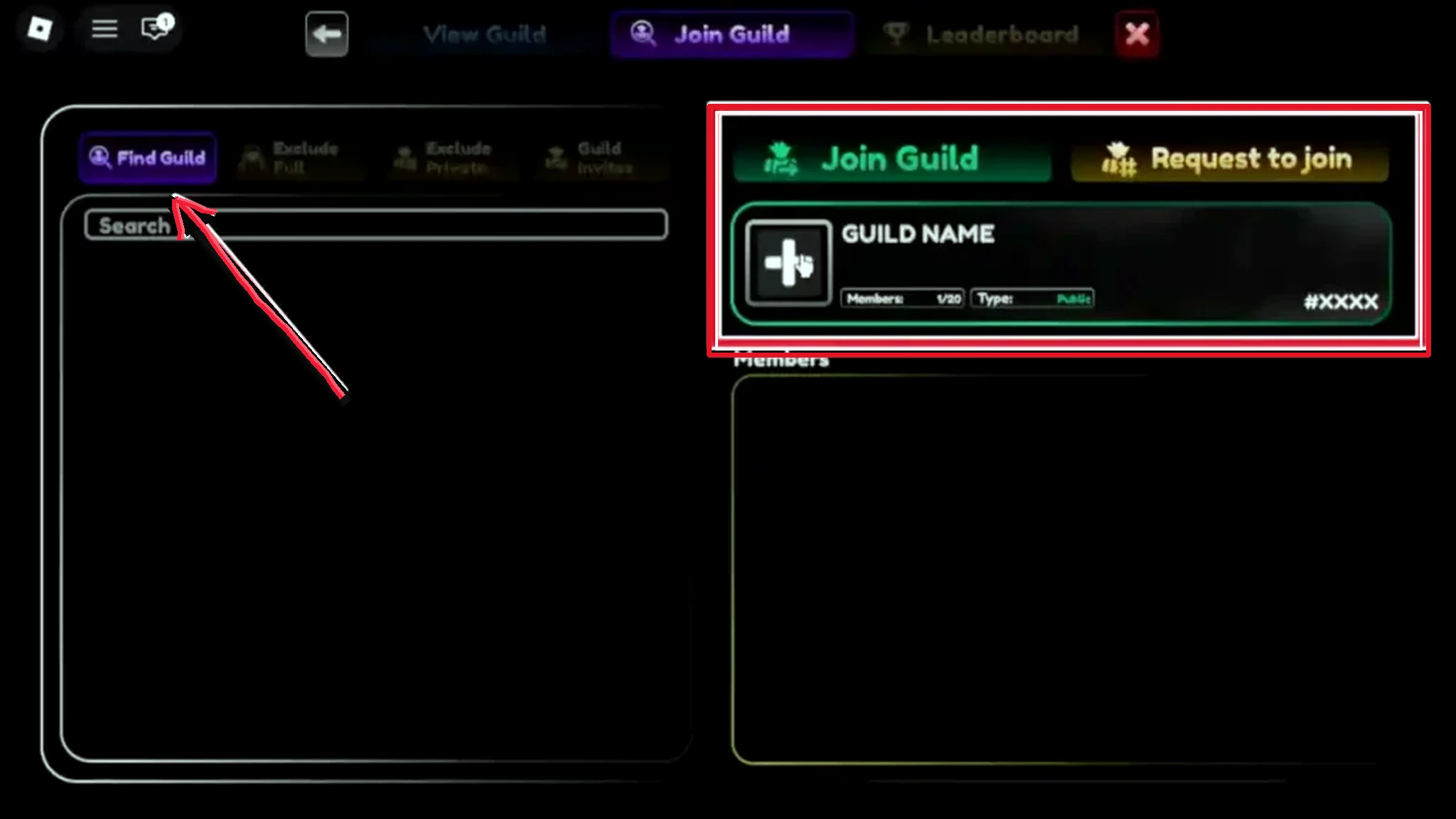
If you would rather skip the Gold cost, joining is the faster route to the same benefits. Open the Guilds menu and swap to the Join a Guild tab to browse available factions by name, member count, and activity.
Pick one and either join directly or send a join request, depending on the Owner’s settings. Public guilds appear in the browser for anyone to find, while private guilds need a direct invite from the Owner or an Admin. Once the Owner or an Admin approves your request, you become a full member and can take part in all guild activities.
If you cannot locate your faction after joining, look under your active guild entry rather than searching the public listings again, since the browser search can be unreliable.
Guild Gem Pot and contributions
The Guild Gem Pot is the engine that powers every unlock. Members donate to it, and the Owner spends the accumulated gems to open rooms and upgrades. Rooms can be unlocked in any order once the pot reaches the gem threshold for the room the Owner wants, so factions are free to prioritize based on their goals.
Guild Hall rooms and what they do
Beyond the Guild Hall itself, there are five rooms to unlock, bringing the base to six total spaces. Each one serves a distinct purpose, and the two passive-farming rooms are the reason most players join in the first place.
| Room | Function |
|---|---|
| Leveling Room | Holds six leveling pods that passively level a unit you leave inside. |
| Mining Room | Generates resources when you assign a Miner tag unit to it. |
| Game mode Room | Provides podiums for every game mode from inside the base. |
| Game mode Shop Room | Houses Shop NPCs for all game mode shops. |
| Lounge Room | A hangout space for members to gather between matches. |
Leveling Room
The Leveling Room is the standout feature for most factions. Place a unit in one of its six pods and it gains experience passively, even while you are offline. Leveling stops automatically once a unit reaches its cap, which is Level 70 for standard units and Level 100 for Unrivaled or Boundless units.
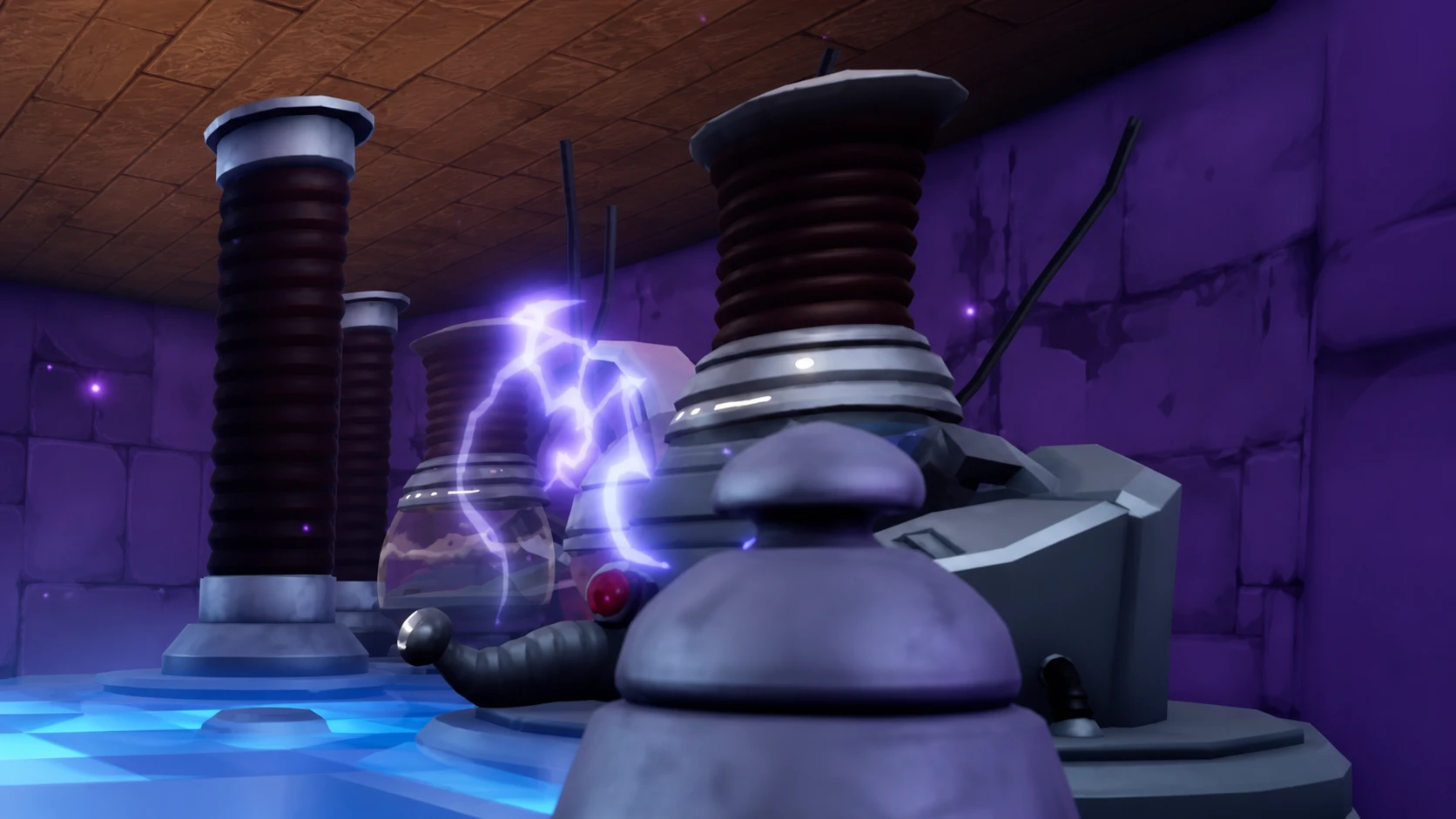
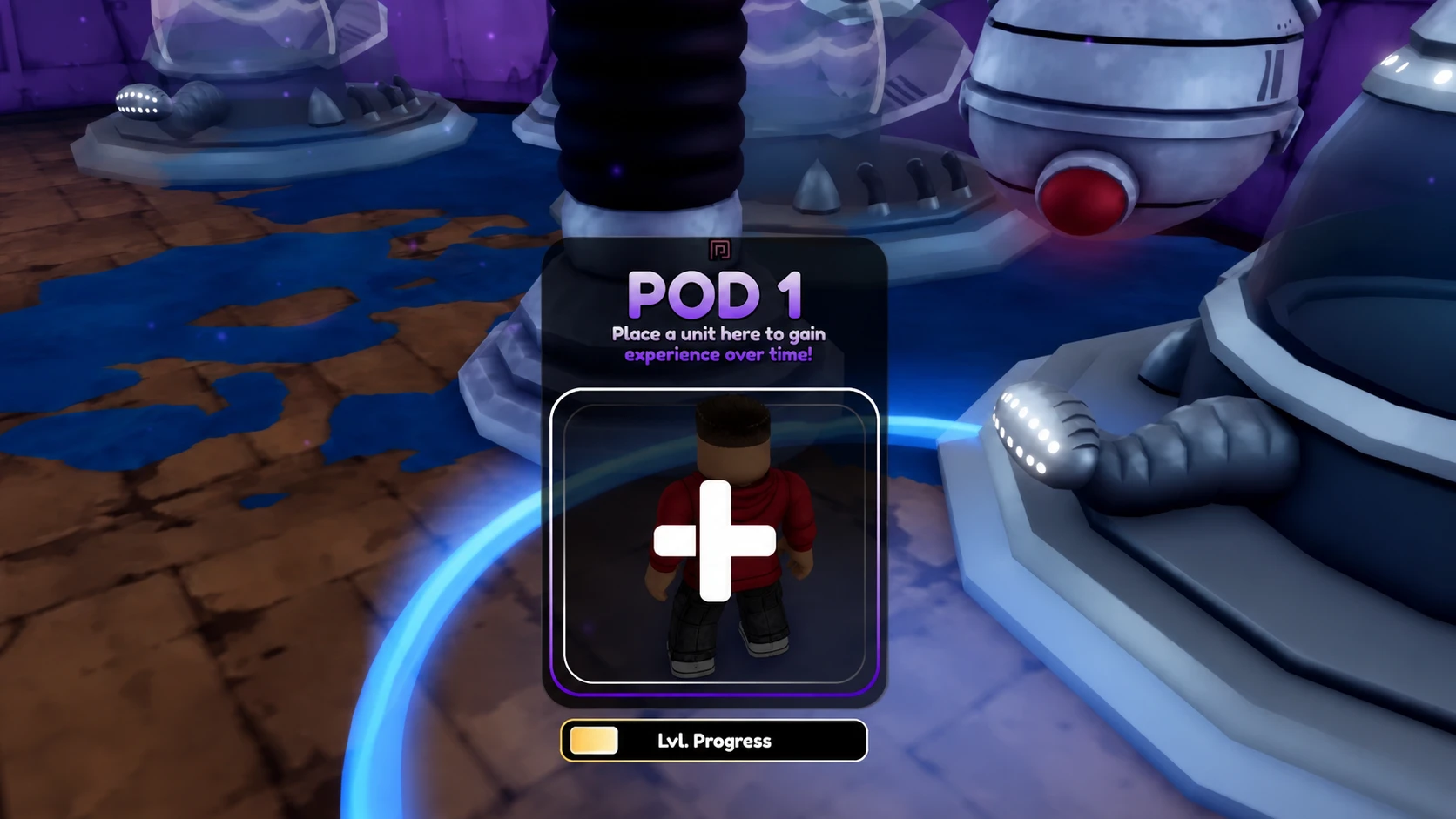
The room costs gems to unlock, and each pod inside carries its own separate cost on top of that. Coordinate with your members so everyone gets fair time in the available pods rather than one player monopolizing them.
Mining Room
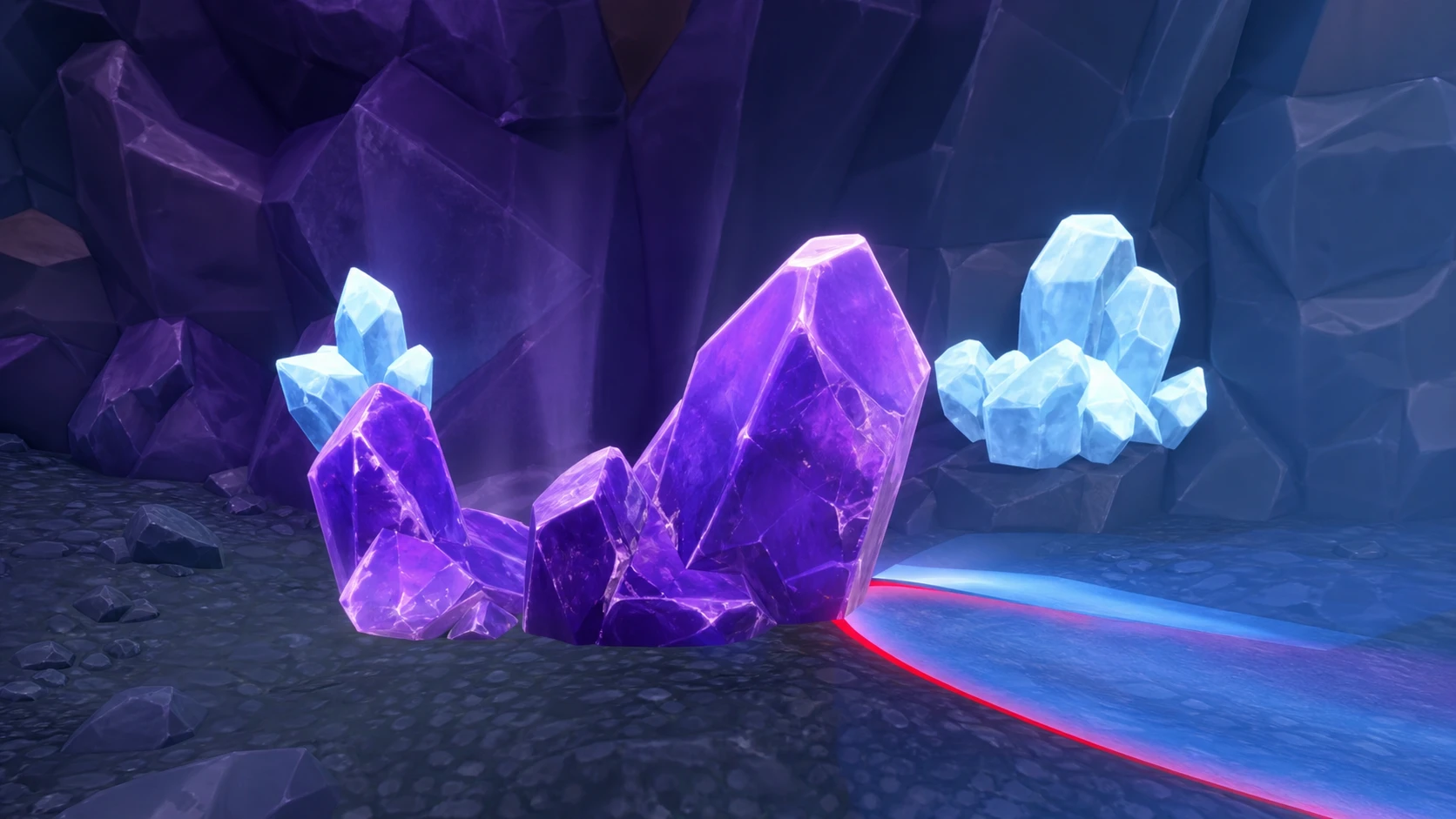
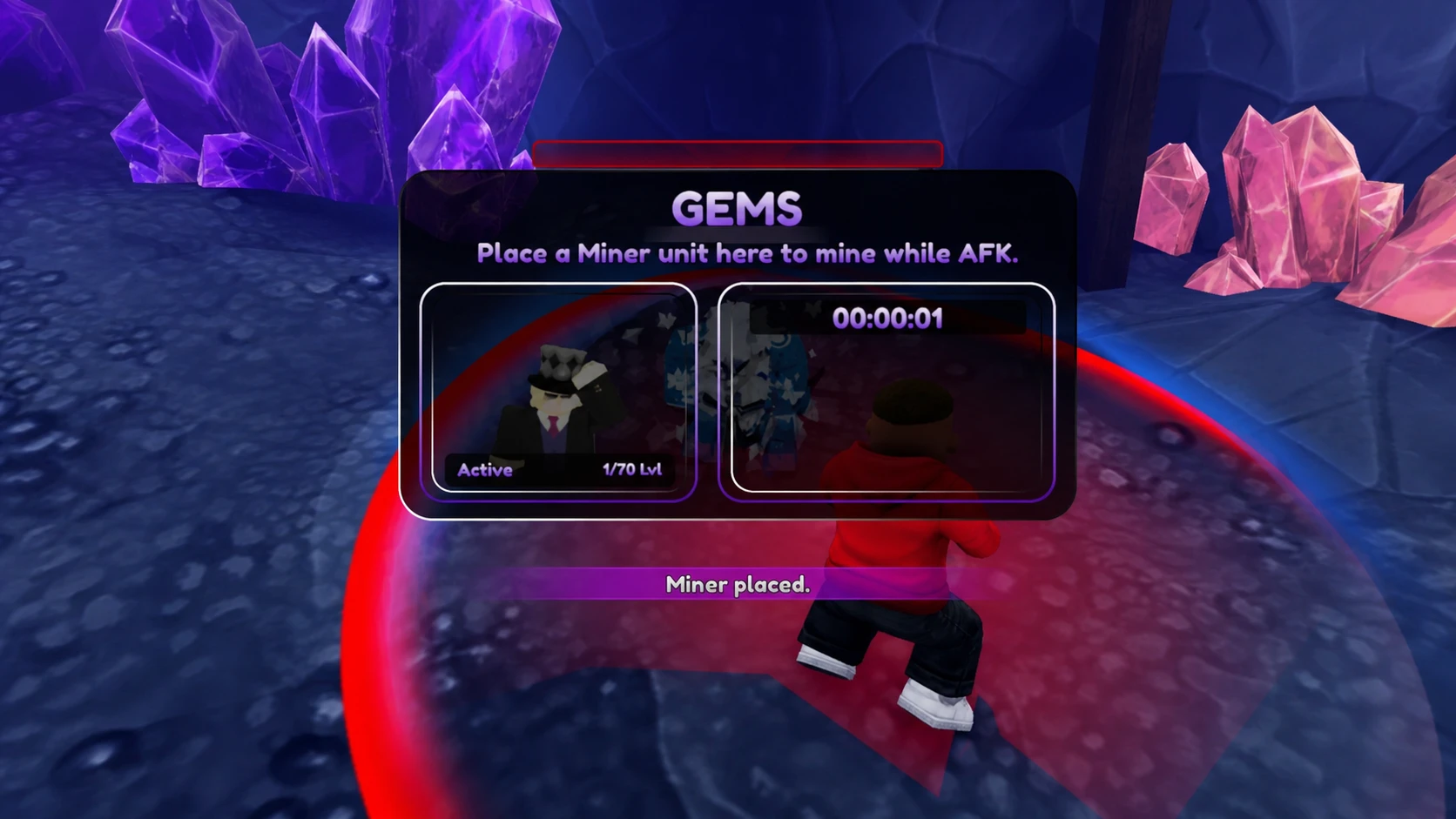
The Mining Room produces resources around the clock once you assign a Miner tag unit to it. It runs in the background on a continuous cycle, so consistent membership steadily builds up resources at no extra cost. Stronger miner units produce more per cycle, so swap in better ones as you collect them.
Game mode and Shop rooms
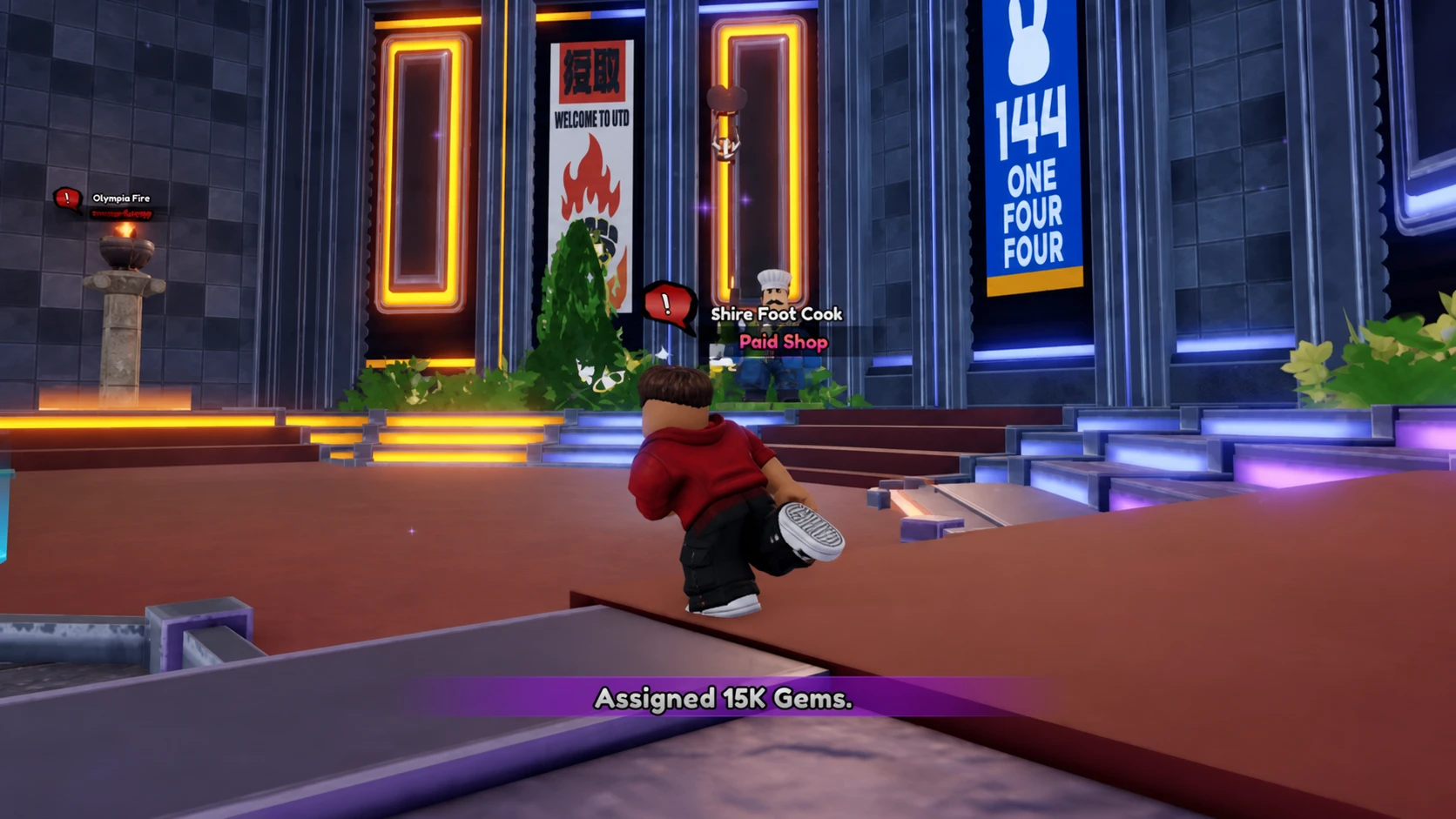
The Game mode Room brings every mode’s podium into the base, so you can launch content without leaving the hall. The Game mode Shop Room adds Shop NPCs for all of those modes in one place, giving members guild-exclusive access without traveling between menus.
Lounge Room
The Lounge Room is the social space. It offers no direct gameplay bonus, but it gives members a place to gather, chat, and stage before group content. That sense of belonging helps keep a faction together, which matters when retention is the hardest part of running one.
Which rooms to unlock first
Since rooms open in any order, prioritize the two that hand value to every member immediately. The Leveling Room is the strongest first pick because passive unit leveling is the benefit players notice fastest. Pair it with the Mining Room to lock in your passive income, then move to the Game mode Room for competitive content and the Shop and Lounge rooms after that.
| Priority | Room | Reason |
|---|---|---|
| 1 | Leveling Room | Immediate passive leveling for all members. |
| 2 | Mining Room | Establishes round-the-clock passive resources. |
| 3 | Game mode Room | Supports leaderboard and competitive play. |
| 4+ | Shop Room, Lounge Room | Convenience and retention. |
The faction you join or build becomes a persistent hub that pays out whether or not you ever chat with your guildmates. Even treated purely as a silent resource engine, the Leveling and Mining rooms generate measurable value over weeks of membership, and a high leaderboard finish layers seasonal prizes on top of that baseline.