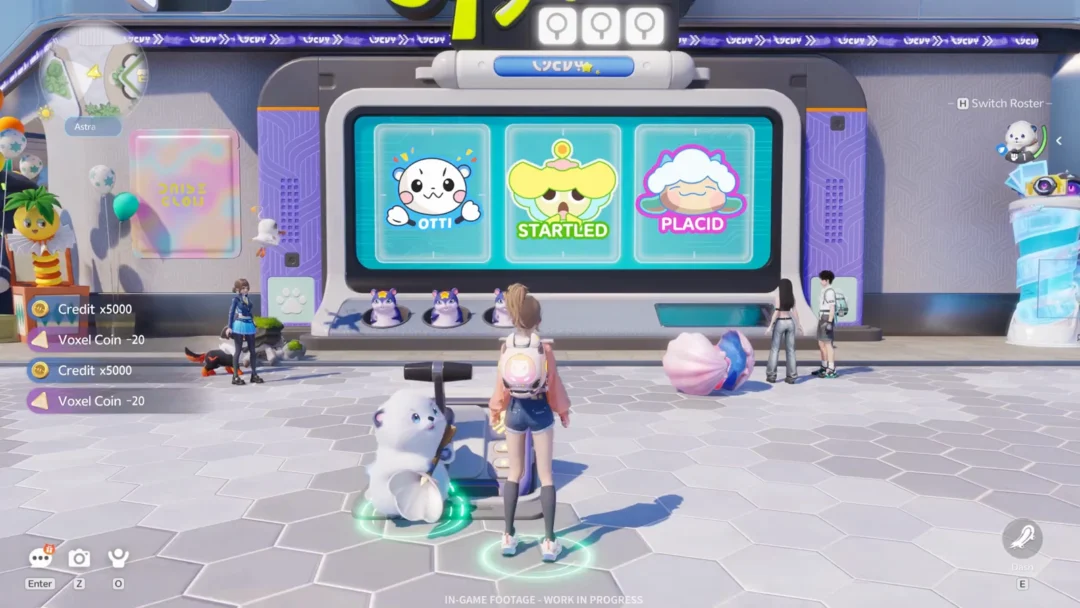
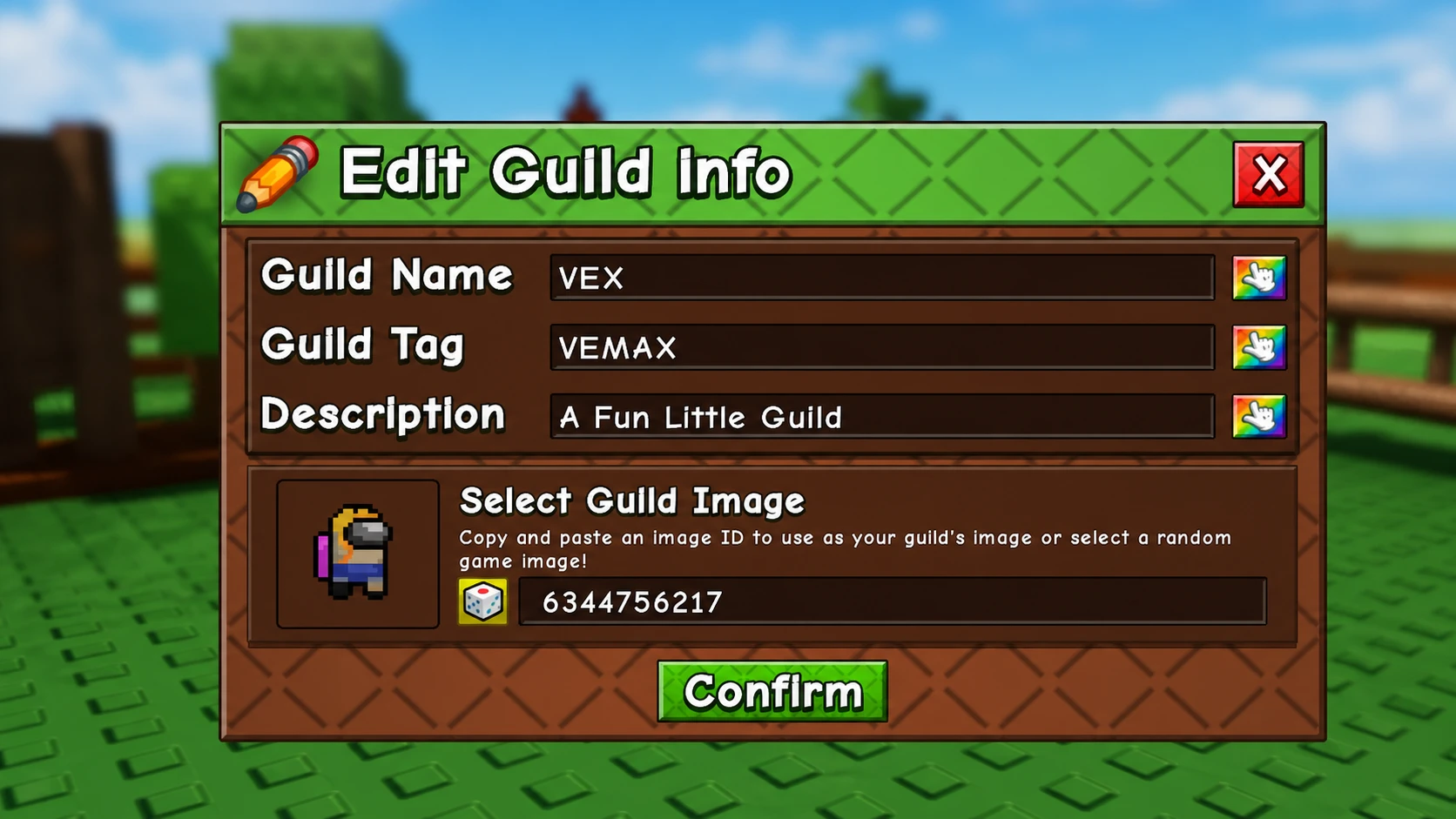
Guilds in Grow A Garden 2 give players a way to farm cooperatively, chase leaderboard rankings, and earn shared rewards. Guild owners can set a custom image for their guild by entering a decal ID in the Edit menu — a small detail that gives your group a distinct visual identity. The 50 image IDs below span anime characters, horror icons, internet memes, pop culture references, and gaming moments.
All Guild Image ID Codes for Grow A Garden 2
Each entry below lists the decal ID you need to paste into the guild image field, followed by the image name. The selection covers anime series like Demon Slayer, One Piece, and Blue Lock, alongside recognizable faces from horror, cartoons, gaming, and meme culture.
110444066627259— 67119071626107045— An South Asian120304766136019— Appraiser6344756217— Among Us Skii12182738647— Bad Agent5865291365— Bobby113488079374496— Chicken Jockey112173324149675— Chicken Jockey 276931761198336— CJ Minecraft6967178345— Constantine Shot10306904699— Demon Slayer Siblings117494756865379— Devil Boss8964489619— Dog OP12513739276— Fat Ronaldo10271776147— Freddy FNAF80644834677173— GAG Queen Bee11348348263— Gangster Cat6053758032— Gundam8670234663— Haikyuu6777333627— Hinata7279137093— How Do I Type7279156932— I am drowning126780015070988— I Love GAG106614075983427— I’m am Object Blox Guy12490432762— IShowSpeed Is a W86550846377312— Jandel16408842876— Kai Cenat Caller9609536589— Luffy9478562323— Luffy Jolly Roger11397736815— Luffy Timeskip12028510331— Meguru Blue Lock5153349351— MJ6147540175— Nezuko5262144870— Pennywise10432428942— Phonk Skeleton80365101032448— Predator14686752172— Ray Barbie6981510683— Red Imposter12028515583— Reo Mika5996229973— Rinnegan6842461300— Sharingan131434296771944— Sheldon DAD18834584530— Skibidi Toilet7484353182— Sonic6324328851— South Park14012109495— Spongebob6862780932— Troll Face126443287301798— Wolf Dead Rails7096561444— XQC Confusion11105448053— Zoro Lost
How to apply a Guild Image ID in Grow A Garden 2
You need an active guild before you can assign an image. Guild creation and image assignment both go through Gilbert, the Guild NPC located at the center of the map.