MECCHA CHAMELEON shipped on Steam with official modding tools and full Steam Workshop support, so the casual hide-and-seek game runs far more than its four built-in stages. Community creators publish custom maps ranging from themed mansions and compact arenas to cartoon recreations, and any of them can be loaded into a hosted lobby once you subscribe.
Quick answer: Open the MECCHA CHAMELEON Steam Workshop, click Subscribe on a custom map, launch the game, create a server, then pick that map in the lobby’s map settings before hitting Play. The map is installed correctly when it appears in the in-game picker.
What Workshop support adds to MECCHA CHAMELEON
The game launched on June 9, 2026 for Windows PC, developed and published by lemorion_1224, and the modding tools arrived at release. That means custom stages are not a workaround. They run through the same map picker the official maps use, and hosts choose them in private or public lobbies.
Two patches matter for how mods behave. Patch 1.1.0 disabled the default stage skylight on custom maps so community lighting reads correctly instead of fighting the official sky preset. Patch 1.2.0 added mod integration without recreating the server, which lets you swap Workshop maps mid-session, and it added the official “Penguin Hotel” map along with faster stage loading.
| Version | Workshop-related change |
|---|---|
| Launch | Official modding tool released; community encouraged to share custom maps |
| 1.1.0 | Default skylight disabled on custom Workshop maps |
| 1.2.0 | Mod integration without recreating the server; optimized custom map loading |
Install and play Workshop maps
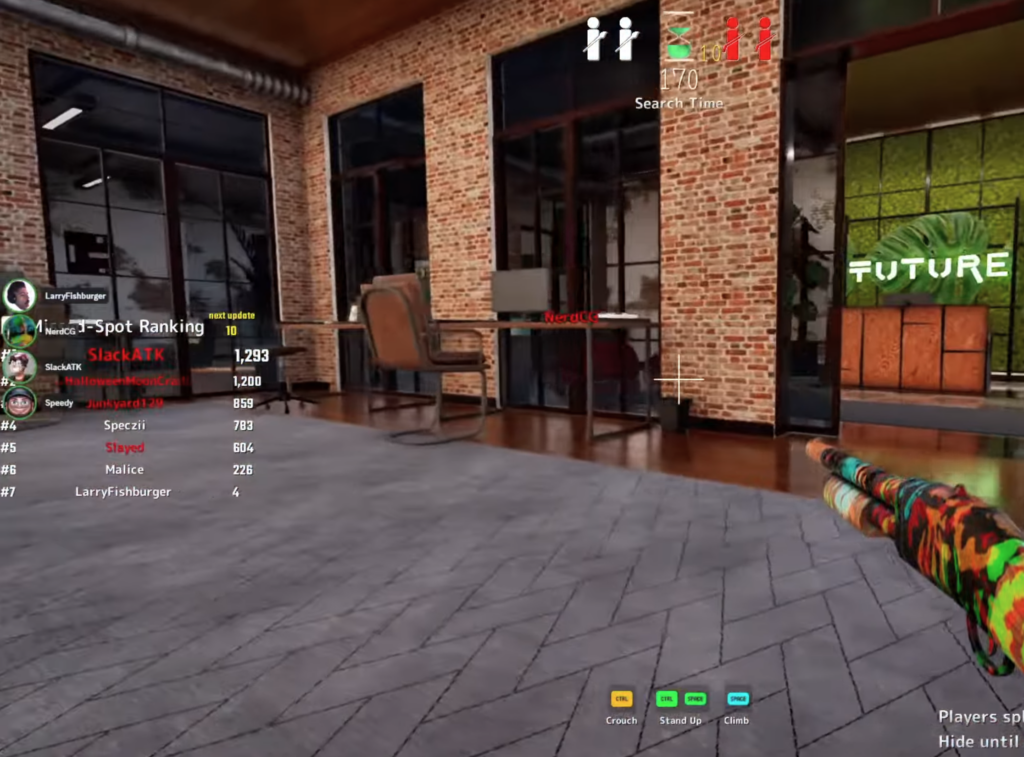
Note: A subscribed map that does not show up in the picker usually means Steam has not finished downloading it or your game version is older than the map’s. Restart the client and verify the update before troubleshooting the host or the game itself.
Popular MECCHA CHAMELEON Workshop maps
Ratings shift daily, so treat these as well-tested starting points rather than a fixed ranking. The most-rated community uploads shortly after launch covered a mix of large indoor builds and fast arena layouts.
| Map | Type |
|---|---|
| FNAF Security Breach — PARTS & SERVICE | Large indoor fan recreation, most-subscribed at launch |
| Last Man Standing Map | Compact arena, good for fast rounds and streamer lobbies |
| Courage the Cowardly Dog | Cartoon-themed stage with busy textures for gradient camouflage |
| Meccha Original Map | Developer template, useful as a scale reference for creators |
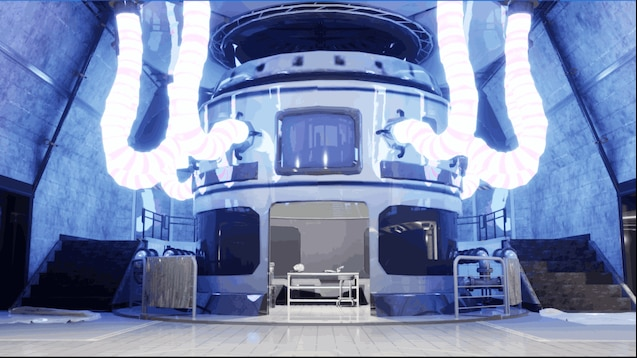
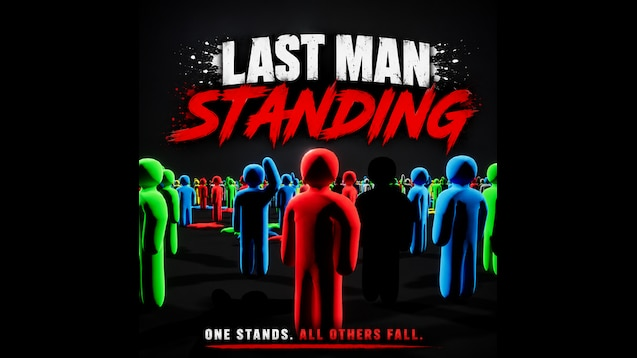
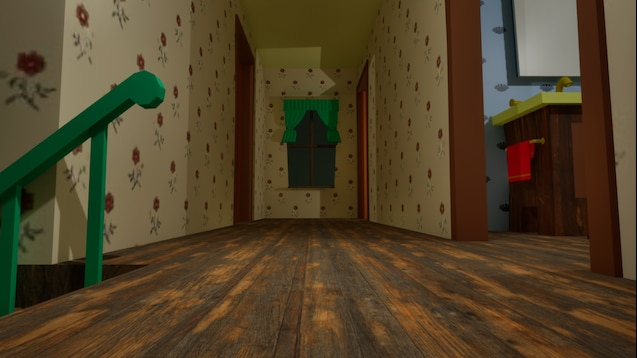
To find current favorites, sort the Workshop by Most Popular or Most Subscribed and read the comments for crash reports, desync, or broken lighting before you commit a full lobby to a new stage.
Playing custom maps well as a Hider
Prep time on custom maps is short, usually around 55 seconds to hide and paint. Pick a hiding spot immediately, then spend the rest of the round matching colors so you are not caught mid-brush.
- Re-sample wall and floor colors with the eyedropper every round, since palettes from official maps rarely transfer to community stages.
- Paint both sides of your body. Hiders are often caught because only one facing was colored.
- Choose poses that match nearby furniture silhouettes; flat wall panels on cartoon maps suit lean poses.
- Avoid hiding so far from the Seeker that your character blinks, because the game flags extreme distance as an unfair spot.
- Run one practice round before judging a cluttered map; dense layouts reward creative paint but punish slow painters.
Create and publish your own custom map
The developer shipped the modding tool at launch and asked players to share their stages on the Workshop. Install the tools from Steam, then study an official map for scale, ceiling height, and default lighting before you place props.
Frequently asked questions
Do Workshop mods work in public matchmaking?
Patch 1.2.0 added mod integration without recreating the server, and custom maps disable the default skylight so lighting behaves correctly. The one hard requirement is that all players in the session run the same game version.
How do I know a map installed correctly?
A subscribed map is ready when it shows up in the lobby map picker alongside the official stages. If it is missing, confirm the Steam download finished and that your client is on the current update.
Where should I avoid downloading mods?
Stick to the Steam Workshop and the official Community hub. Skip any item that asks for an external account, browser extension, executable, or a file outside Steam’s normal flow, since mod searches attract fake tool and download pages.
For changes that touch lobbies, lighting, or maps, the safest habit is to keep a clean baseline. Launch without optional items, confirm rooms work, add one map at a time, and check official update notes on Steam News if a stage starts behaving differently after a patch.