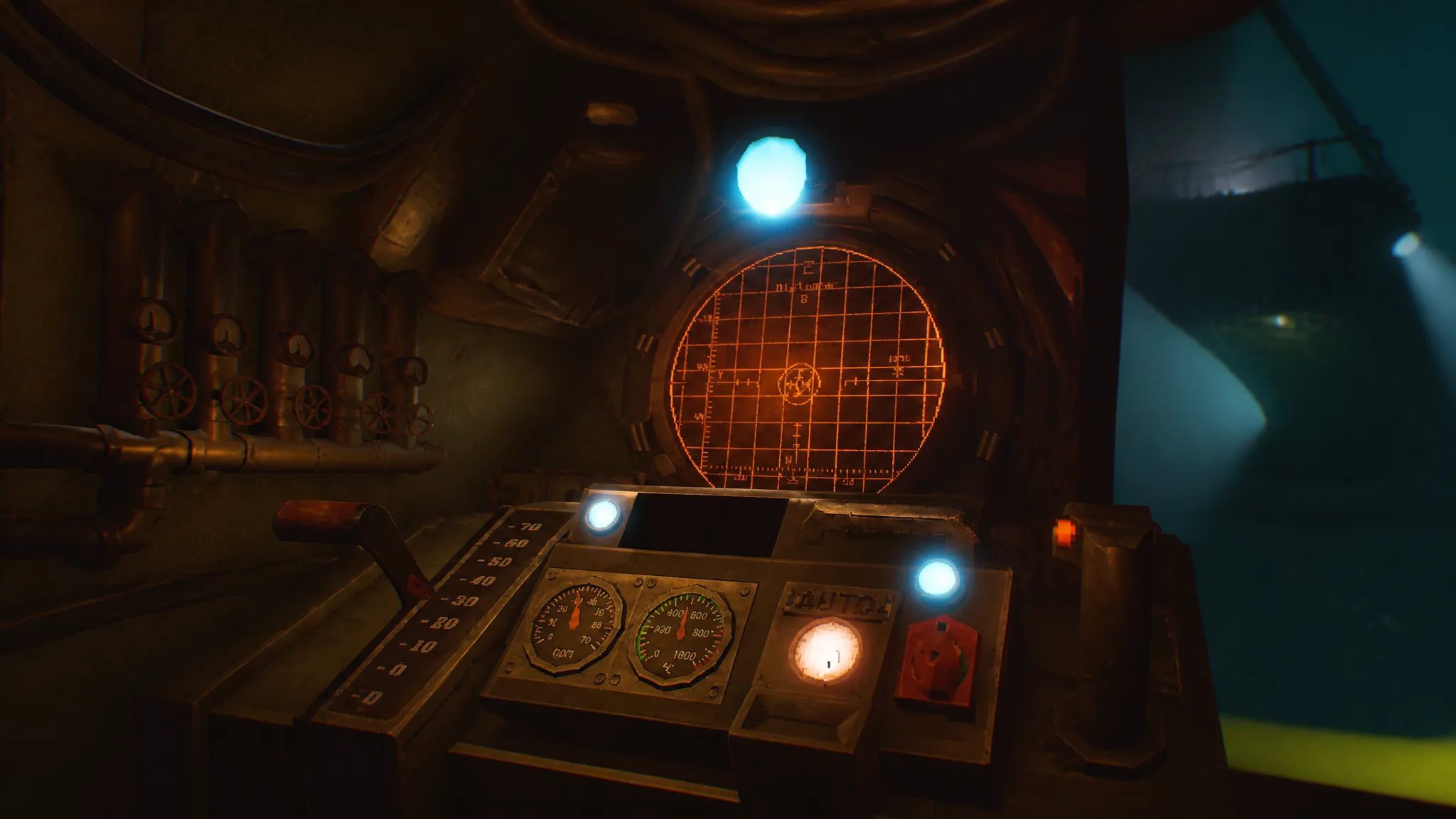
Piloting in MOLE runs on a simple loop hidden behind a wall of unlabeled levers, consoles, and cassettes. You pull seismic data, decrypt it, read off a Y and X position, and steer the drill toward a fixed destination point. Once you know which console does what, every run follows the same rhythm.
Quick answer: Upload the Navigation Cassette at the left terminal, decrypt the data at the opposite computer, reinsert the cassette into the main left-wall console to read your Y and X coordinates, then type both into the keypad at the pilot seat after pulling the red handle.
Find coordinates with the Navigation Cassette
The Navigation Cassette is the core of the early game. It collects seismic data that you decrypt and turn into a Y and X position. You start every coordinate hunt from the cockpit, working between three consoles.
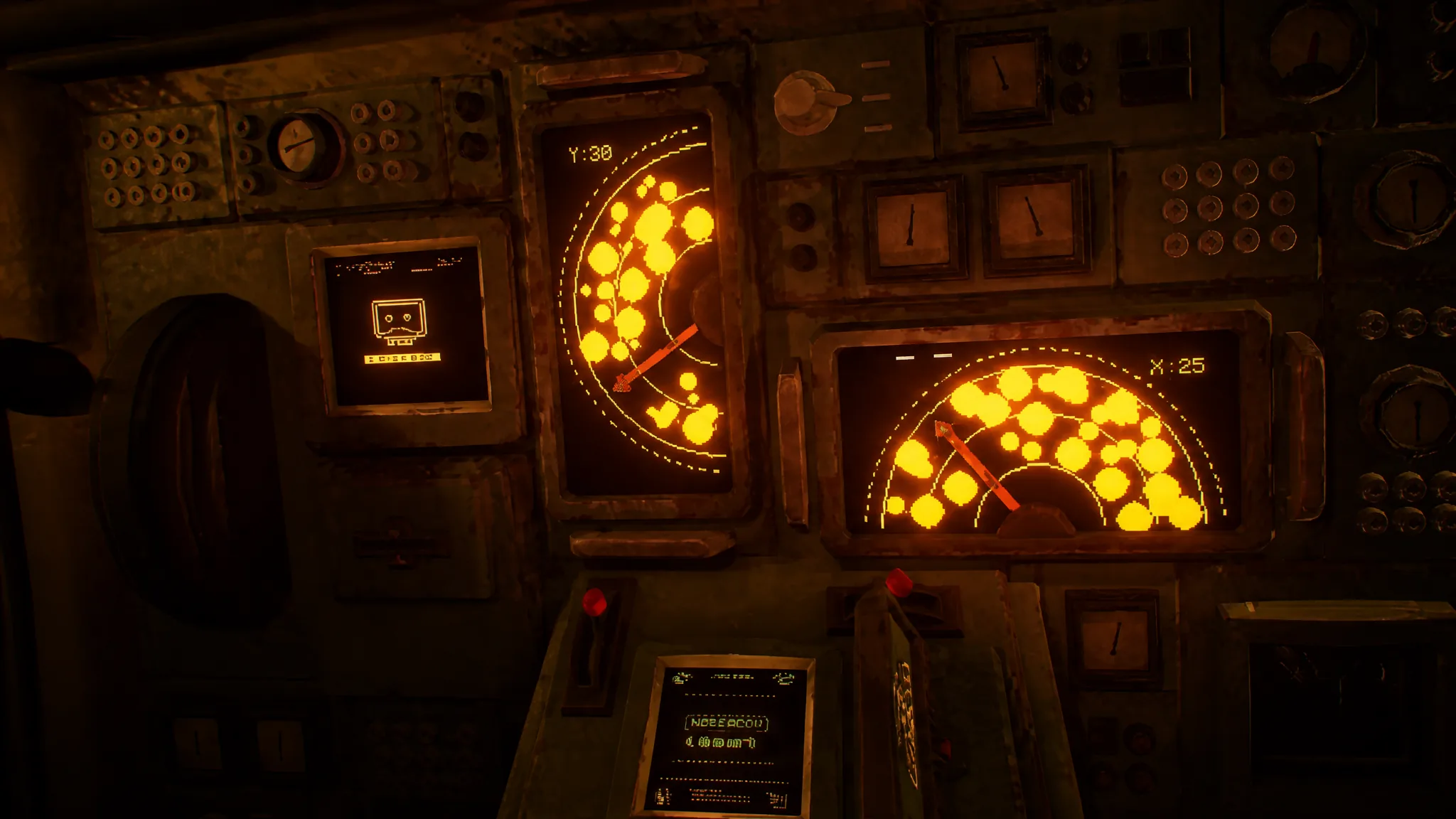
Note: There are two ways to get coordinates, but the second method only matters from day two onward. Until then, the Navigation Cassette covers everything.
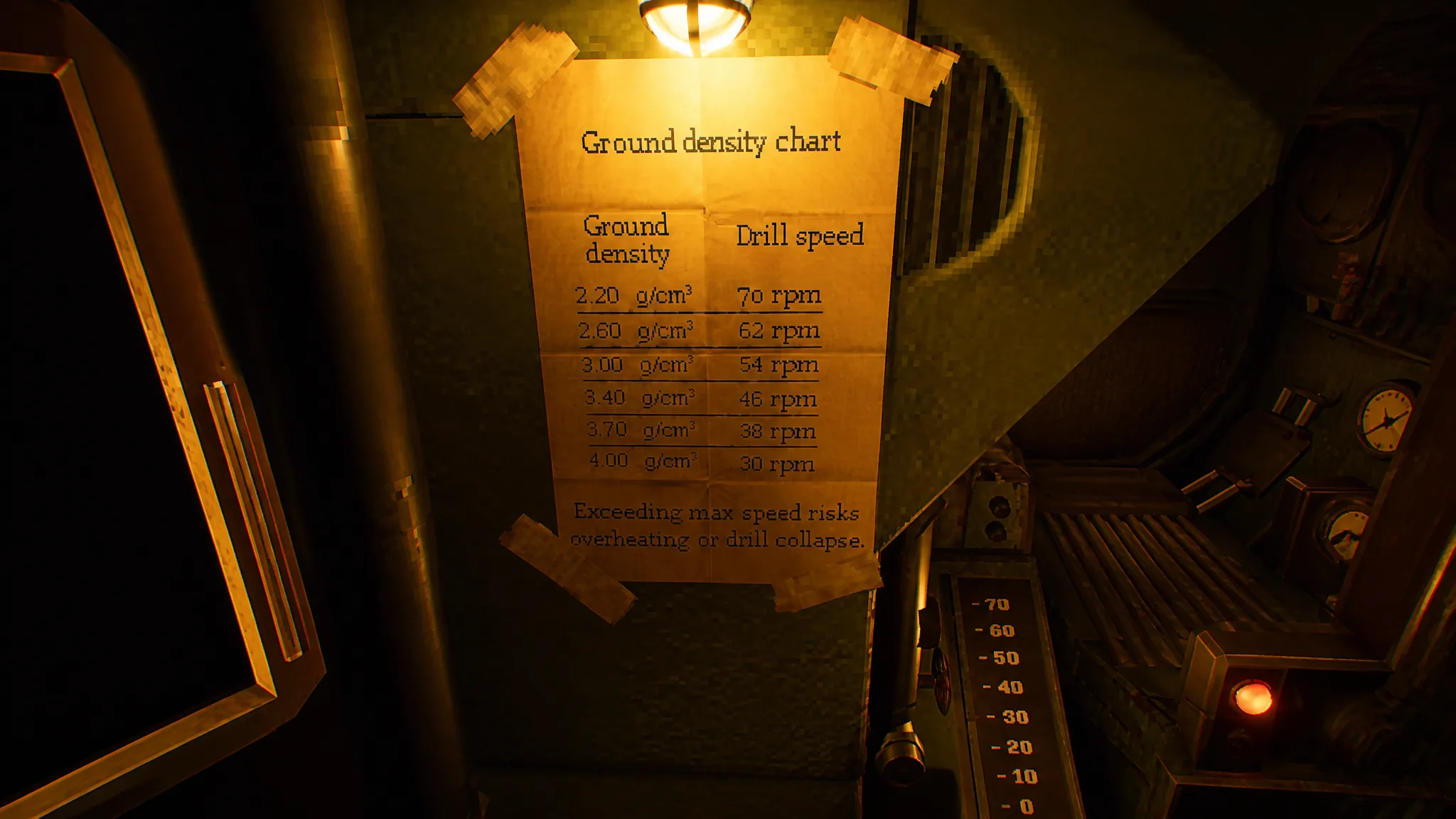
Set drill speed using the ground density chart
With coordinates entered, the next job is matching the drill speed to the terrain. The wrong speed for a given density makes for a rough descent, so this step matters on every run.
Plot a course with the Targeting Cassette
The second coordinate method arrives when the Lab opens on day two. The Targeting Cassette gathers the Signal’s new data and feeds a different conversion process before you fall back to the Navigation Cassette to actually drill.
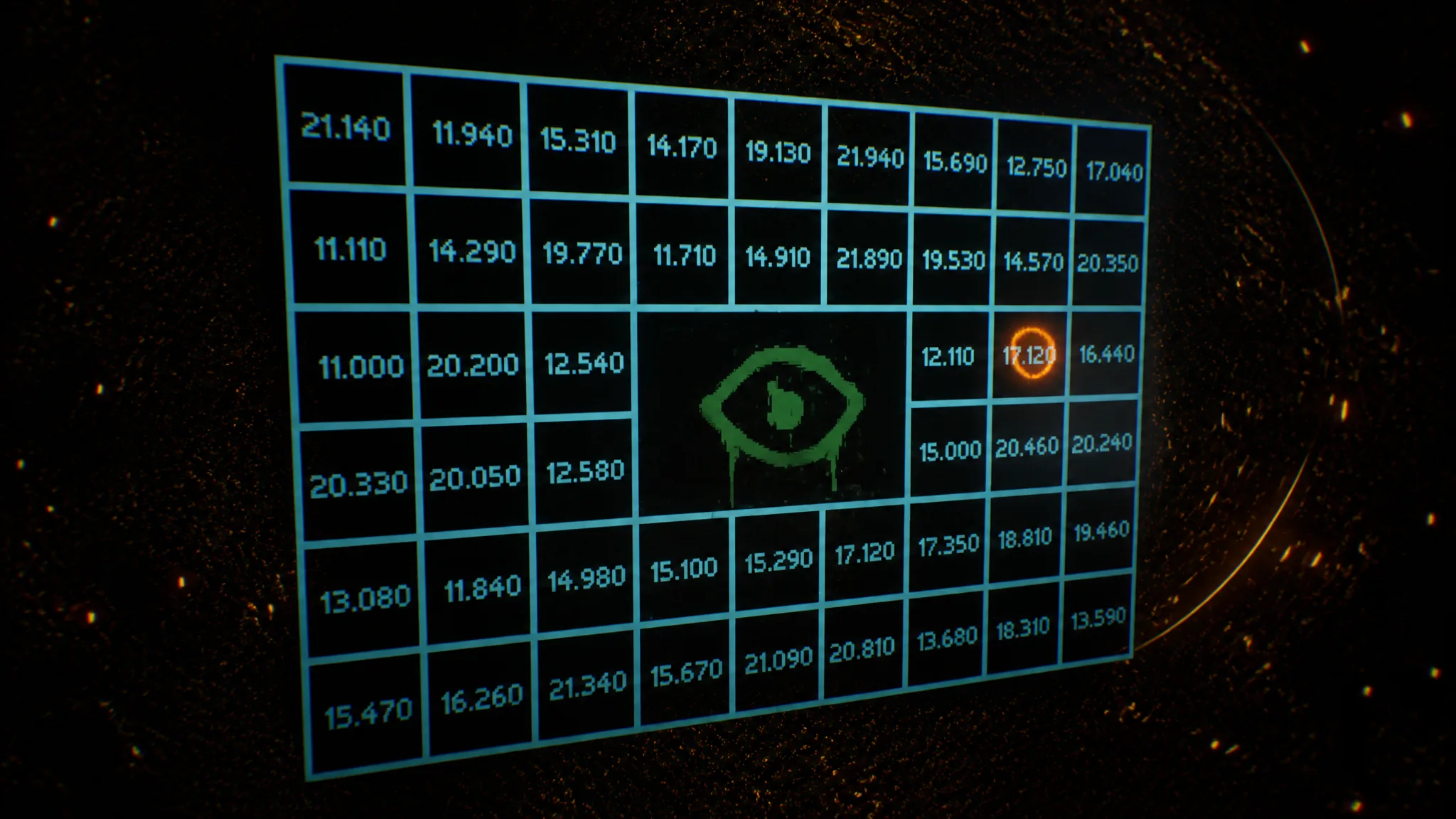
After that conversion, the loop resets. Load the Navigation Cassette and follow the same upload, decrypt, and read sequence to pilot the drill to its destination.
Navigation Cassette vs. Targeting Cassette
| Cassette | Purpose | When it matters |
|---|---|---|
| Navigation Cassette | Pulls seismic data you decrypt to get Y and X coordinates and pilot the drill | From the start, every run |
| Targeting Cassette | Gathers the Signal’s new data and tunes a radio frequency into .xyx coordinate files | After the Lab opens on day two |
You know a run is set up correctly when the keypad accepts both coordinate values, the speed matches the density reading on the chart, and the piloting circle overlaps the stationary destination circle so the Auto button becomes available. From there, the navigator’s job is just to keep feeding clean coordinates and let the drill do the rest.