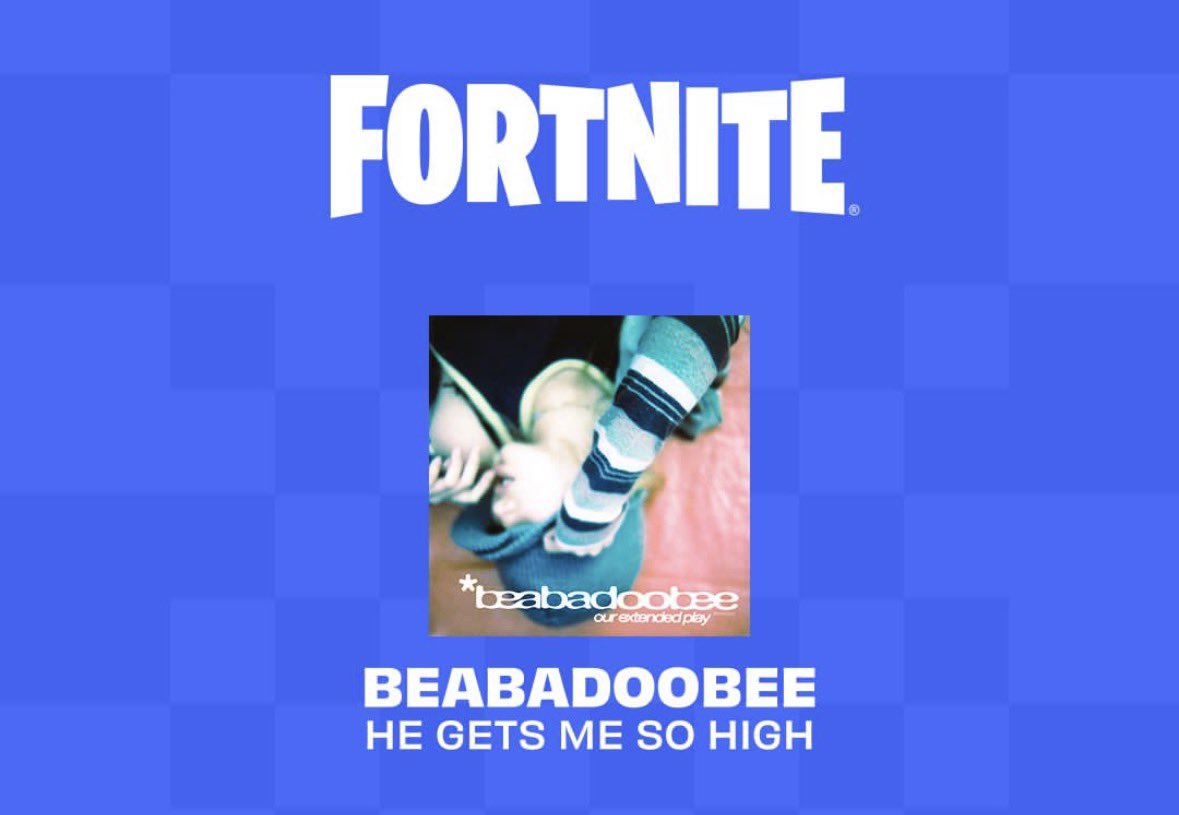
beabadoobee has crossed over into Fortnite through Fortnite Festival, the rhythm-focused mode built around real music. The collaboration ties the artist into the game’s performance experience, with content that players can use inside Festival and across other modes.
Quick answer: Open Fortnite, switch to the Fortnite Festival mode, and check the in-game Item Shop and your Locker for the beabadoobee content. Music tracks tied to the collaboration are played through the Festival stages.
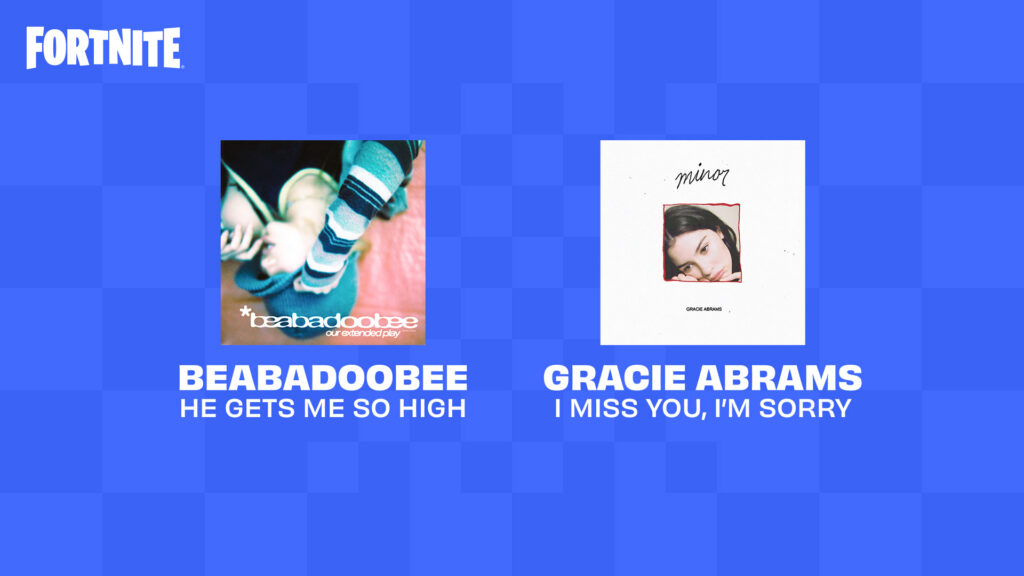
What the beabadoobee x Fortnite Festival collaboration adds
Music collaborations in Fortnite Festival typically bring two kinds of content. The first is playable songs that you perform on the Festival stages. The second is cosmetic items that you equip on your character, such as outfits and emotes inspired by the artist.
For beabadoobee, the tie-in centers on her presence in Festival, with related cosmetics and dance-style emotes that fans have associated with the artist. Demand for an artist emote was a recurring request from her community before the crossover took shape.
Where to find the content in Fortnite
How to confirm you have the items
After a purchase, the item moves into your Locker. Equip an outfit or emote there to see it applied to your character. Music tracks become selectable when you enter a Festival stage, which confirms the song is tied to your account.
If an item does not appear, restart the game so the Item Shop and Locker refresh. Cosmetic availability can rotate, so a specific item may not be on sale at all times.
The beabadoobee crossover sits within Fortnite Festival’s broader lineup of real-world artists, giving players a way to perform her music and carry related cosmetics into the game. Keep an eye on the Item Shop rotation, since that is where the collaboration’s purchasable content surfaces.