The Time System in Neverness to Everness lets you skip the in-game clock forward or backward and swap weather between sunny, rainy, and snowy. It’s a small menu, but it gates a lot of content in Hethereau, including time-restricted races, midnight-only Anomaly Commissions, and an achievement worth 10 Annulith.
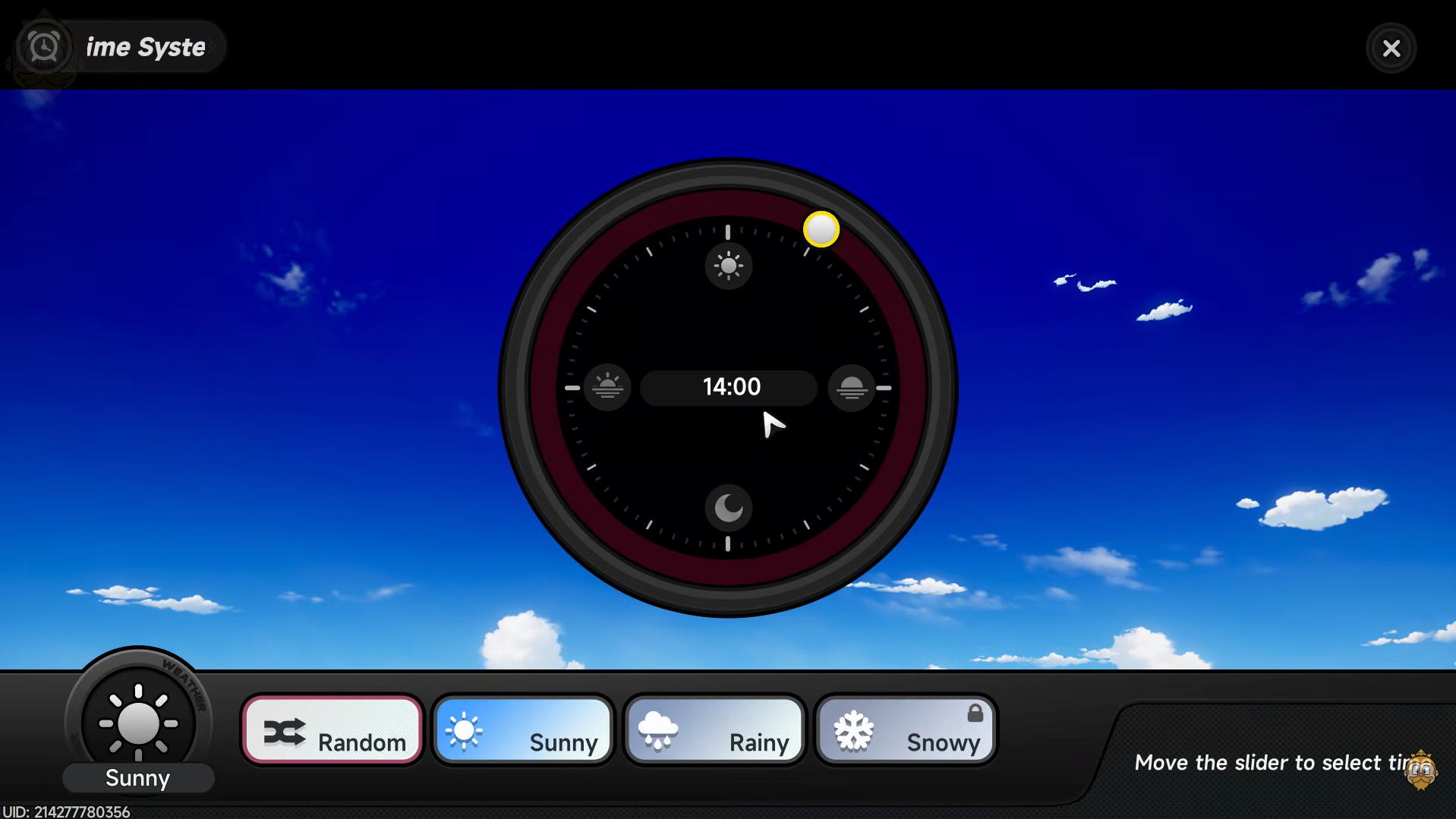
Unlock the Time System first
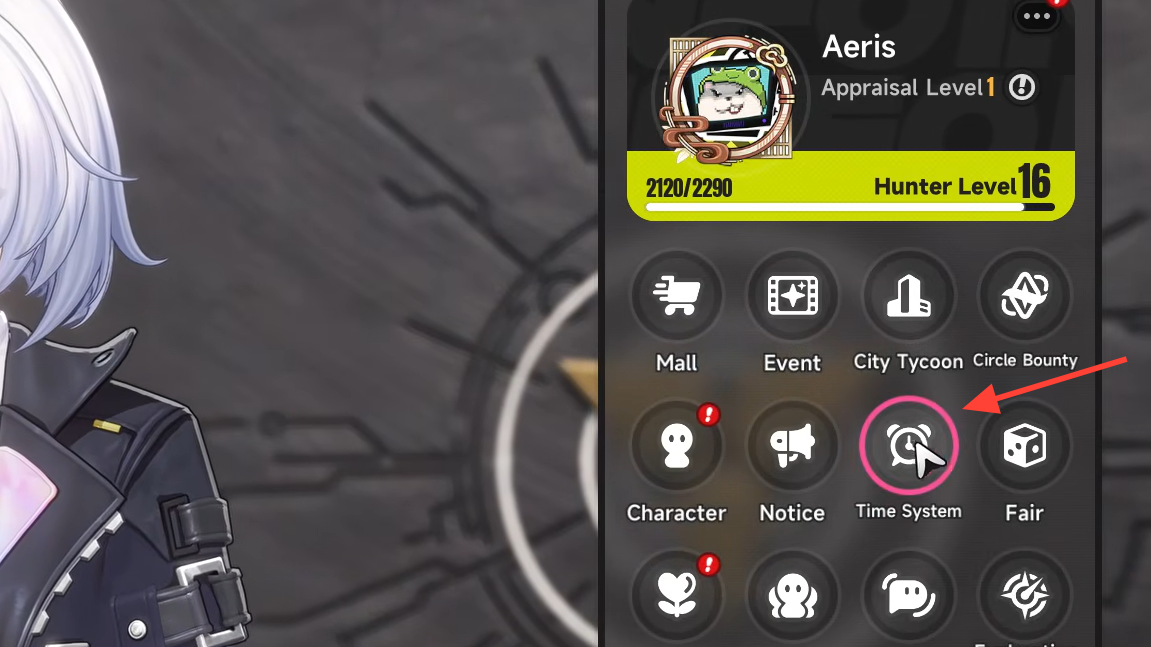
You can’t open the Time System from the start. It becomes available after you finish the early tutorial sequence “Legendary Driver” and buy your first vehicle. Until that point, the clock icon won’t respond, and the weather stays on the game’s default randomization.
Once unlocked, the Time System is permanent and can be opened anytime from the menu, including during free roam in Hethereau.
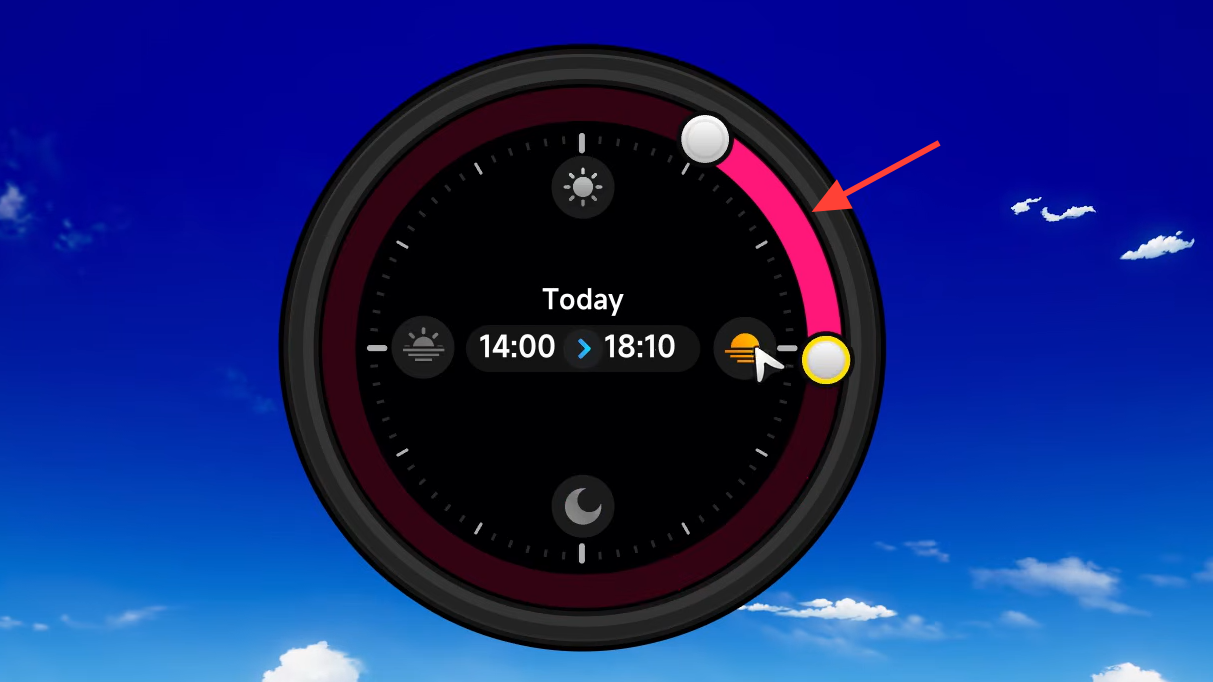
How to change the time
How to change the weather
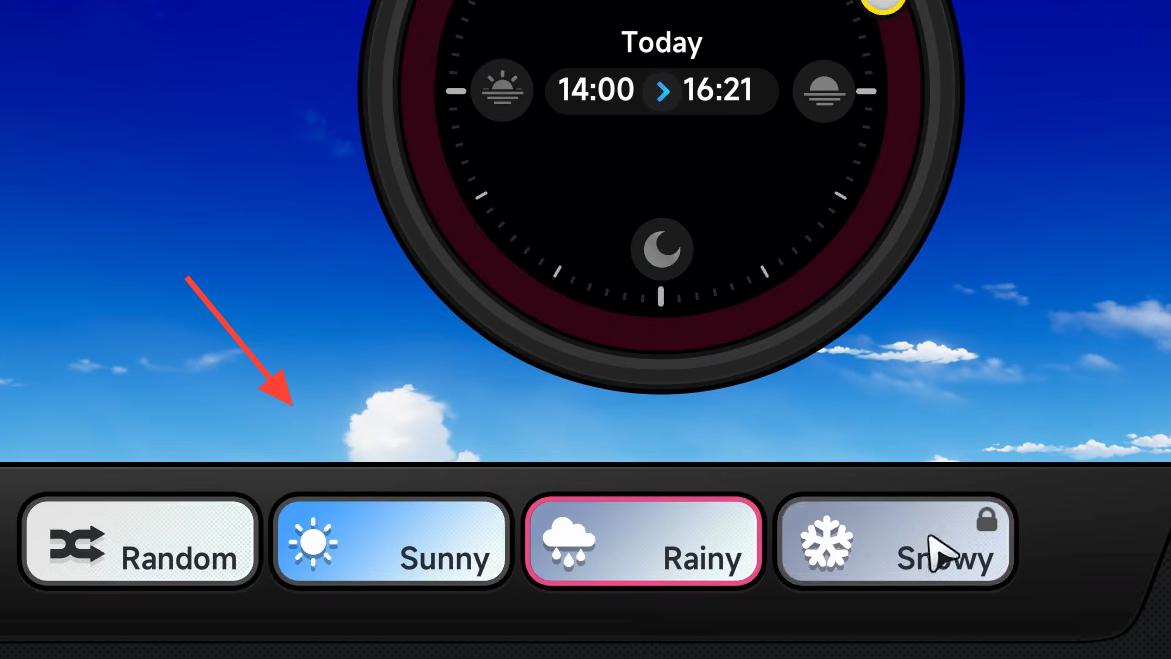
Weather buttons sit at the bottom of the same Time System screen. By default the game randomizes conditions, so if you want a specific look or need a quest condition met, you have to set it manually.
| Weather | Availability | How to unlock |
|---|---|---|
| Sunny | Default | Available once Time System is unlocked |
| Rainy | Default | Available once Time System is unlocked |
| Snowy | Locked | Complete side quest “A Retrograde Poem for You” |
| Random | Default | Game’s automatic weather rotation |
Why the Time System matters
Cosmetic changes are the obvious benefit, but several gameplay systems hinge on the clock and weather state.
Races run on schedules. Each opposing team in the Racing (Challenge) mode is only available during a specific time window. Setting the clock to that window lets you queue into the race immediately instead of waiting for the in-game day to roll over.
Anomaly Commissions can be time-locked. Some commissions, such as the “Headless Rider,” only spawn around midnight. If a commission marker isn’t appearing where it should, the time of day is usually the reason.
Tires care about weather. Standard tires lose grip on rainy or snowy roads, and cornering becomes unreliable, especially during races. Either switch the weather to sunny through the Time System or fit rain- and snow-rated tires from the Vehicle Modification Shop.
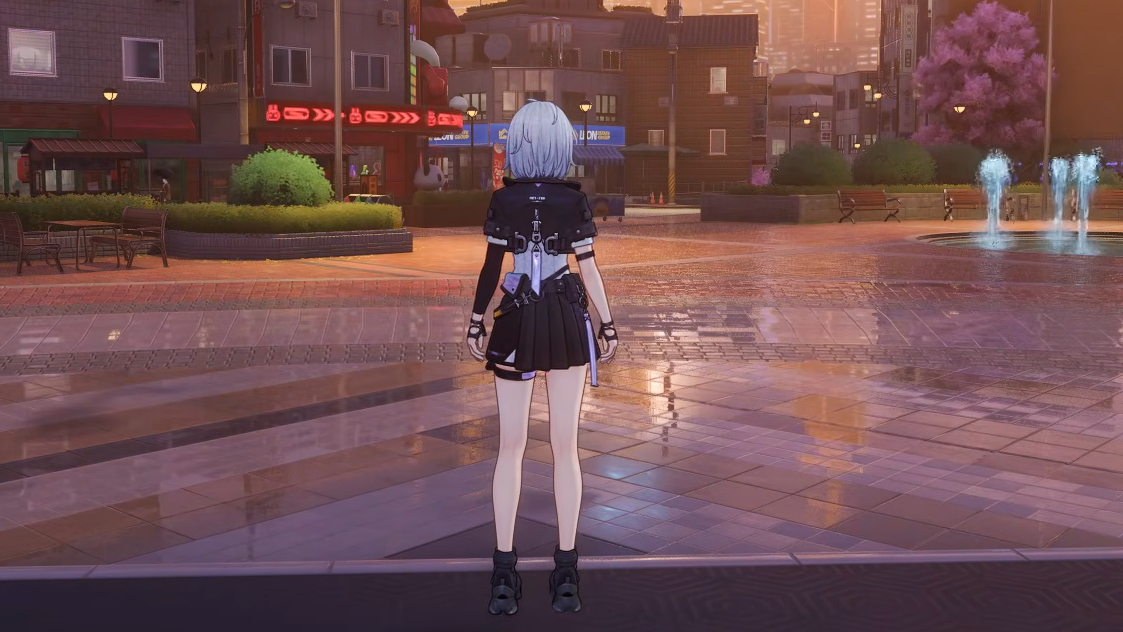
NPCs react to the conditions. Rainy weather puts pedestrians under umbrellas and gets them moving faster. Nights thin out foot traffic. These shifts feed into photo mode opportunities and the city’s atmosphere.
Get the Wind Walker achievement
The first time you change the weather using the Time System, the game awards the “Wind Walker” achievement and 10 Annulith. There’s no extra requirement beyond opening the menu, swapping weather, and confirming. If you’ve been letting the weather randomize, do one manual change to claim it.
If the Time System isn’t working
A handful of conditions can leave the menu unresponsive or the slider greyed out:
- You haven’t completed “Legendary Driver” or purchased a vehicle yet.
- You’re in a story instance, cutscene, or combat zone where world-state changes are blocked.
- You’re trying to select Snowy without having cleared “A Retrograde Poem for You.”
Returning to free roam in Hethereau and reopening the menu typically restores access. Once the slider moves and the Confirm button is active, the change applies instantly to lighting, weather effects, and NPC schedules in the open world.