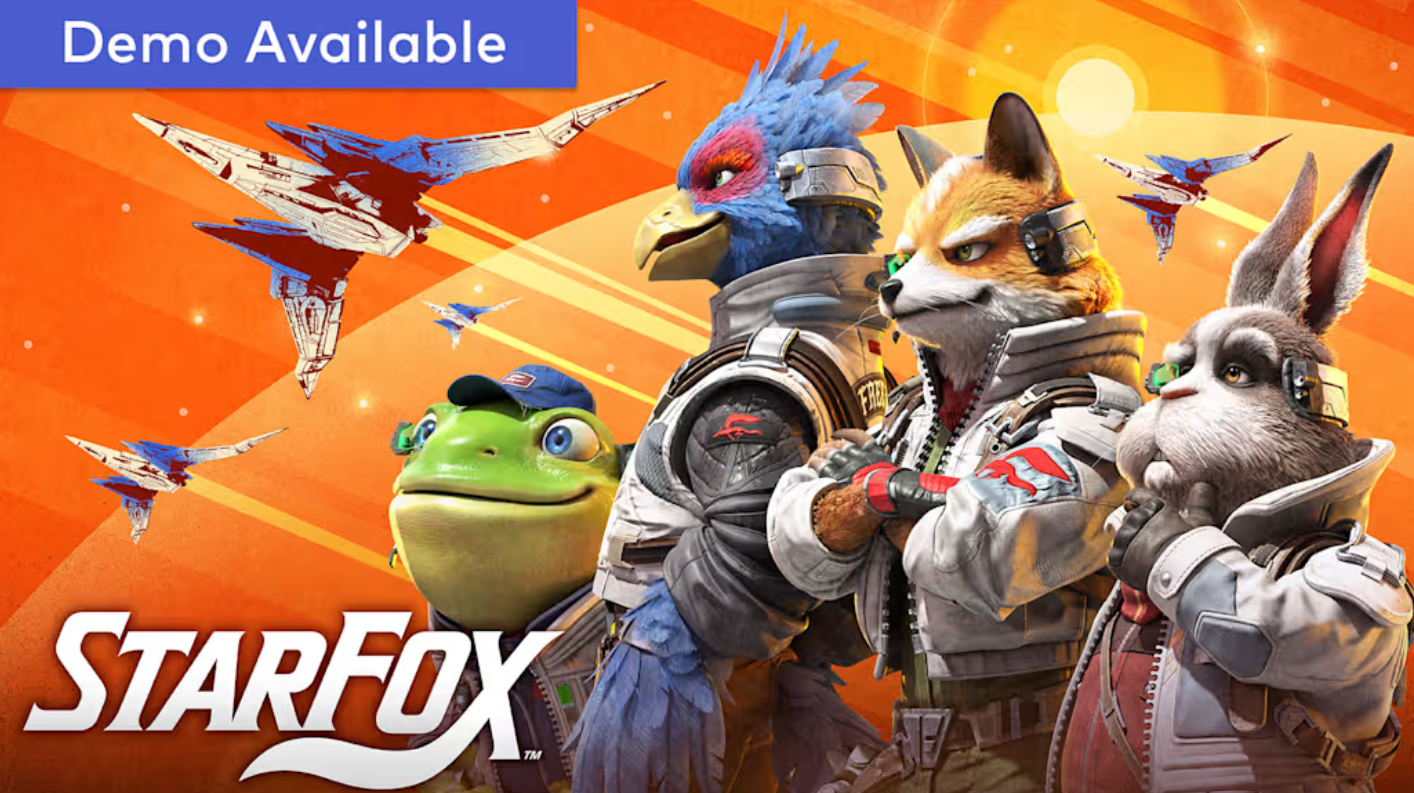
The Star Fox remake for Nintendo Switch 2 keeps two-player Arwing runs alive, but it spreads them across several different setups instead of the old split-screen versus mode. Some options need only one console and a pair of controllers, while others rely on extra hardware, a second copy, or an online membership. Ranking them by how easily you can actually get a friend or family member into the cockpit makes it clear which one to reach for first.
Quick answer: There is no split-screen versus mode in this remake. For two people on a single console in the same room, pick Campaign Co-op: Local from the Campaign menu, then split a Joy-Con 2 so one player pilots and the other gunners.
Star Fox multiplayer tier list (June 2026)
| Tier | Multiplayer option | What it takes |
|---|---|---|
| S | Campaign Co-op: Local | One Switch 2, two Joy-Con 2 controllers, no subscription |
| A | Challenge Mode Co-op: Local | One Switch 2, missions already cleared in Campaign |
| B | Battle Mode via local GameShare | Multiple nearby Switch consoles, only one copy of the game |
| B | Campaign or Challenge Co-op via GameShare (GameChat) | Two Switch 2 consoles, Nintendo Switch Online, internet |
| C | Online Battle Mode | Nintendo Switch Online, matchmaking or private lobby up to 8 |
Why each option lands where it does
Campaign Co-op: Local (S): This is the only mode that puts two players through the full story on one console and one screen with nothing extra to buy. One person flies the Arwing while the other aims and shoots, and you start it straight from the Campaign menu. No second console, no copy-sharing, and no online membership stand in the way, which is exactly what most people picturing couch play want.
Challenge Mode Co-op: Local (A): Same single-system, pilot-and-gunner pairing, just pointed at Challenge Mode instead of the main campaign. It sits a step below because challenges only open up for missions you have already finished in Campaign, and the expert versions stay locked until you clear the standard ones. Great for a focused two-player session, but it is not where a fresh duo should begin.
Battle Mode via local GameShare (B): Battle Mode is a 4v4 team fight, and local GameShare lets people sitting nearby join even if they do not own the game. The catch is hardware. Everyone still needs their own Switch console in the room, and guests can only keep playing while the host’s session stays active. It delivers the most players at once, but the per-person console requirement holds it back.
Co-op via GameShare over GameChat (B): You can run Campaign or Challenge co-op with a friend who is not in the room by hosting a GameShare session inside a GameChat room. The host becomes the pilot, and the guest becomes the gunner. It reaches further than couch play, but it leans on two Switch 2 consoles, a Nintendo Switch Online membership, and a stable connection, so it is convenience-limited compared to handing someone the other half of a Joy-Con.
Online Battle Mode (C): Online Battle Mode supports up to eight players through matchmaking, friend invites, or a private lobby with custom rules. It is the least “shared couch” of the bunch since it requires an online membership and routes everyone through the internet, but it is the right pick when you want the largest lobbies or opponents beyond your household.
A USB camera such as the Nintendo Switch 2 Camera can enable Character Avatars and AR Filters in GameChat, but only the host gets those extras; guests joining a session do not.
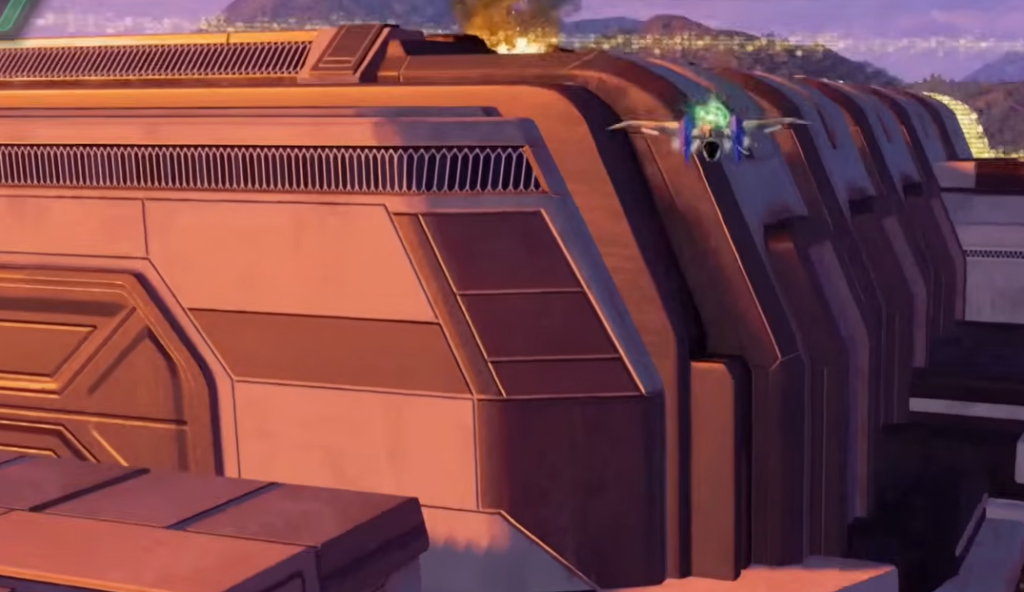
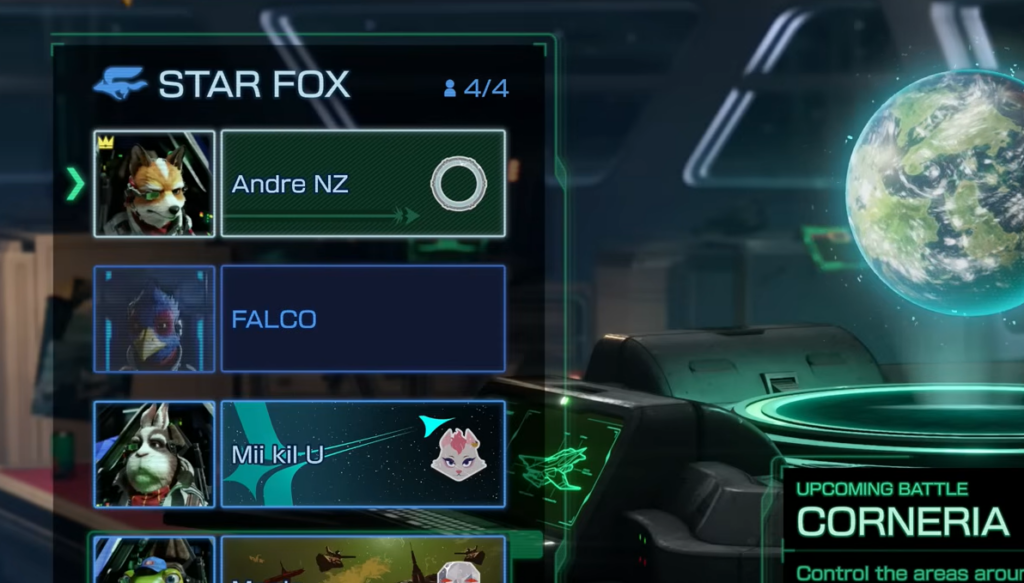
How to start the S-tier mode: Campaign Co-op: Local
You know it worked when the mission begins with one player flying and the other aiming in Mouse Mode. If controller pairing fails, the most common cause is that the second Joy-Con 2 was not woken with its own button press during the pairing prompt.
Requirements at a quick reference
| Mode | Players | Online membership | Extra console needed |
|---|---|---|---|
| Campaign Co-op: Local | 2 | No | No |
| Challenge Mode Co-op: Local | 2 | No | No |
| Co-op via GameShare | 2 | Yes | Yes (Switch 2) |
| Battle Mode (local GameShare) | Up to 8 | No for local share | Yes, one per player |
| Online Battle Mode | Up to 8 | Yes | Yes, one per player |
GameShare also reaches a Nintendo Switch 1, even though the remake itself is a Switch 2 exclusive. Shared features are limited on the guest device, and that device cannot keep playing once the session ends.
How this was ranked: placements weigh how quickly two or more people can play together in the same room, how much extra hardware or subscription is required, and how much of the game each option opens up. This ranking reflects the Switch 2 release as of June 2026. If you were specifically after the classic split-screen versus mode, it is not part of this version, so Campaign Co-op: Local is the closest single-screen experience and the one worth starting with.