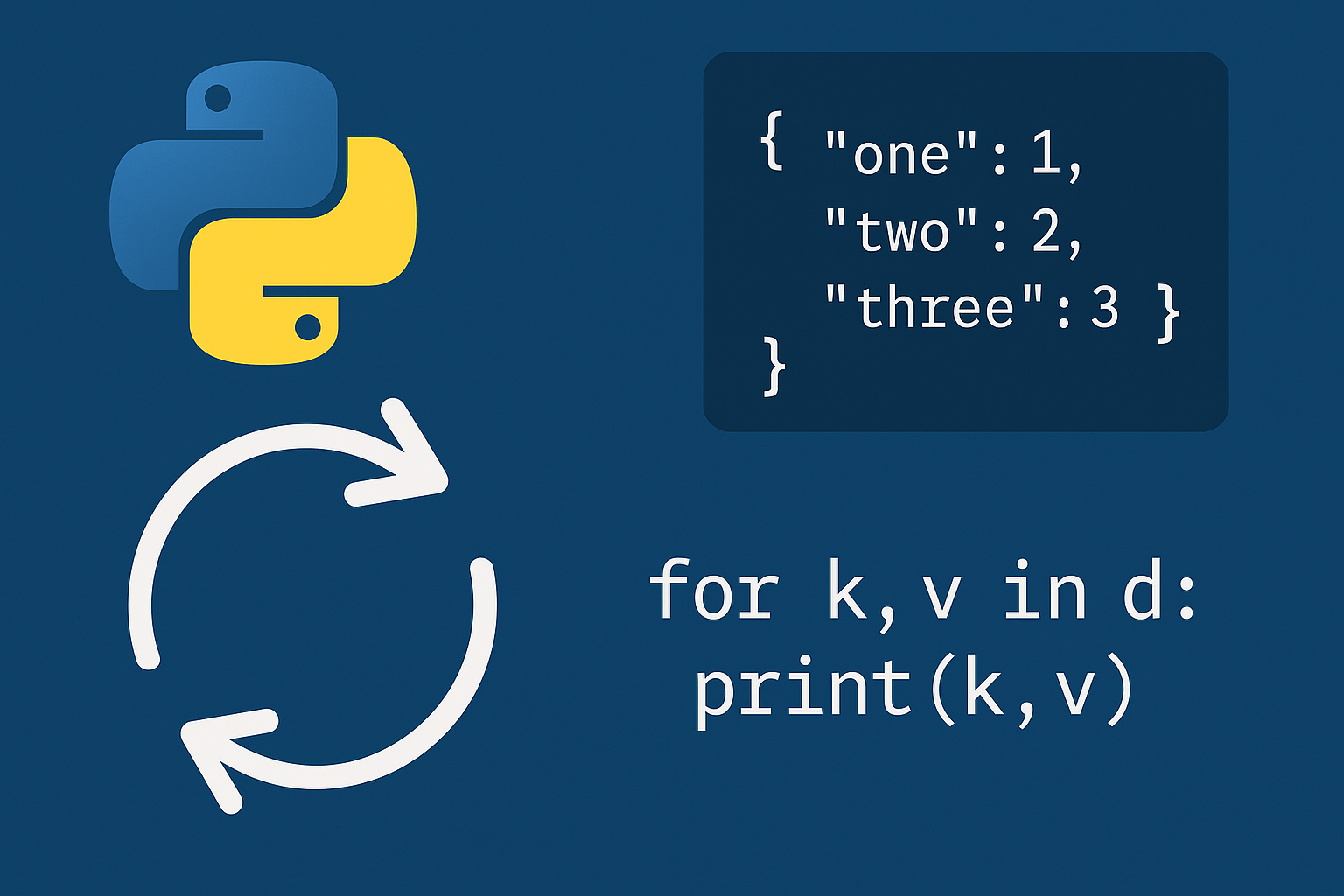
Start with the most direct pattern: iterate key–value pairs using dictionary view objects in the documentation. Views let you traverse keys, values, or items without copying, and they automatically reflect changes to the underlying dictionary.
Method 1: Iterate key–value pairs with dict.items()
users = {"alice": 3, "bob": 7, "carol": 1}for name, score in users.items():
print(name, score)Replace the print with your logic (compute, transform, or call an API) while both the key and value are available.
Method 2: Iterate values only with dict.values()
scores = {"a": 10, "b": 20, "c": 30}

for value in scores.values():
print(value)Method 3: Iterate keys (default) and access values by key
inventory = {"apples": 5, "oranges": 2, "bananas": 8}

for item in inventory:
print(item, inventory[item])Method 4: Iterate in a specific order with sorted()
prices = {"pear": 1.4, "apple": 0.9, "orange": 1.2}

for k in sorted(prices):
print(k, prices[k])for k, v in sorted(prices.items(), key=lambda item: item[1]):
print(k, v)Reverse the order by passing
reverse=True to the reference.for k in sorted(prices, reverse=True):
print(k, prices[k])Method 5: Safely modify a dictionary while iterating
# Remove even values safely
data = {"x": 2, "y": 3, "z": 4}

for k, v in list(data.items()):  # snapshot
    if v % 2 == 0:
        del data[k]

print(data) # {'y': 3}Build new entries in a temporary dict or list, then merge after the loop to avoid size-change errors.
updates = {}
for k, v in list(data.items()):
    if v < 5:
        updates[f"{k}_small"] = v * 10

data.update(updates)
Tip: Iterating a live view while changing size raises a runtime error. A snapshot (list(d.items()) or list(d)) avoids this and keeps the mutation logic clear.
Method 6: Destructively consume items with popitem() (LIFO)
work = {"t1": "A", "t2": "B", "t3": "C"}

while work:
    key, value = work.popitem()
    # Process and discard
print("done:", key, value)Method 7: Transform or filter with a dictionary comprehension
prices = {"apple": 1.00, "orange": 0.80, "banana": 0.50}
discounted = {k: round(v * 0.9, 2) for k, v in prices.items()}
print(discounted) # {'apple': 0.9, 'orange': 0.72, 'banana': 0.45}cheap = {k: v for k, v in prices.items() if v < 0.9}
print(cheap) # {'orange': 0.8, 'banana': 0.5}Method 8: Traverse multiple dictionaries as one with collections.ChainMap
from collections import ChainMap

defaults = {"color": "blue", "lang": "en"}
overrides = {"lang": "fr"}

cfg = ChainMap(overrides, defaults)
for k, v in cfg.items():
print(k, v) # lang fr | color blueRead keys across the chain while updates apply to the first mapping; see the documentation for behavior and methods.
Choose the right loop for the job
- Use
items()to process keys and values together. - Use
values()for value-only computations. - Use direct key iteration for key-focused logic.
- Use
sorted()for predictable order and reversed order when needed. - Use a snapshot or
popitem()to avoid size-change errors while mutating.
A few small patterns cover nearly every need: items() for paired access, sorted() for order, and snapshots or popitem() for safe mutation. Keep loops focused on one goal, and your dictionary code will stay fast and easy to read.