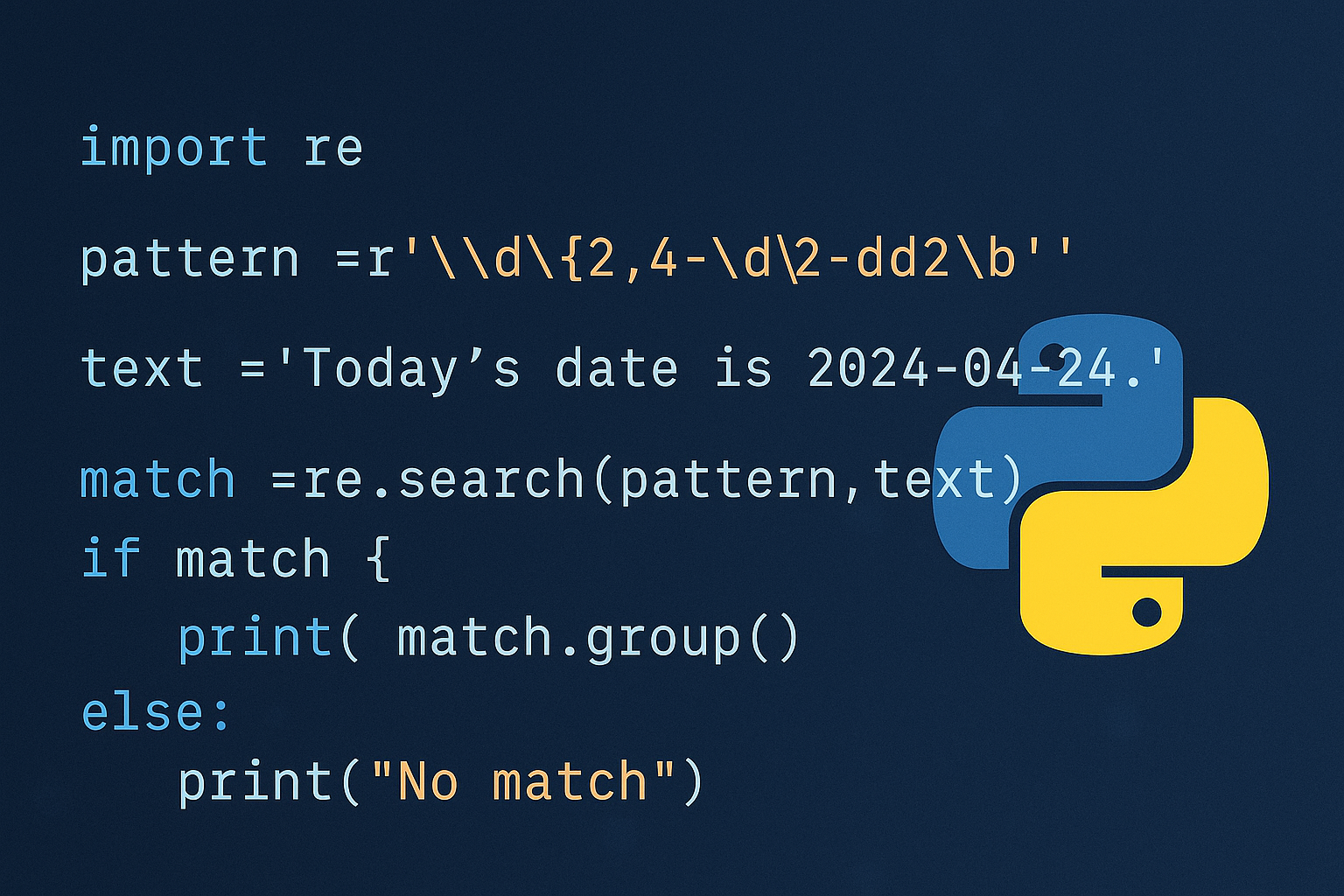
Python’s re module provides fast, pattern-based text processing for searching, extracting, splitting, and replacing strings. This guide shows practical methods, with steps you can copy and adapt, plus the key flags and match APIs you’ll use day to day.
Before you start
Regular expressions (regex) are patterns that describe sets of strings. In Python, patterns live in plain strings, and backslashes both in Python and in regex have special meaning. Use raw strings (prefix r'') for patterns so backslashes aren’t interpreted twice.
Method 1 — Compile a pattern once and reuse it
Compiling is best for loops and repeated use because it avoids re-parsing the pattern each call and gives you convenient methods.
import reemail = re.compile(r'[A-Za-z0-9._%+-]+@[A-Za-z0-9.-]+\.[A-Za-z]{2,}')m = email.search('Contact us at [email protected].')
print(m.group(0)) # '[email protected]'Method 2 — Use module-level functions for quick operations
For one-off checks, call re.search, re.match, or re.fullmatch directly; Python caches recent patterns internally.
searchfinds a match anywhere in the string.matchrequires the match at the beginning.fullmatchrequires the whole string to match.
import re

txt = 'The rain in Spain'
print(bool(re.search(r'Spain', txt)))     # True
print(bool(re.match(r'The', txt)))        # True
print(bool(re.fullmatch(r'\w+\s\w+\s\w+', txt)))  # True
Method 3 — Extract multiple matches with findall or finditer
findall returns a list; finditer yields match objects lazily (better for large inputs or when you need positions).
import re
numbers = re.findall(r'\d+', 'Call 65490, ext 12, ref 2025.')
print(numbers) # ['65490', '12', '2025']for m in re.finditer(r'\b\w+ly\b', 'Carefully but quickly.'):
print(m.group(0), m.span())Method 4 — Split strings by regex delimiters
re.split can use complex separators and optionally keep delimiters with capturing groups.
import re
print(re.split(r'\W+', 'Words, words, words.')) # ['Words', 'words', 'words', '']print(re.split(r'(\W+)', 'Words, words, words.'))
# ['Words', ', ', 'words', ', ', 'words', '.', '']Method 5 — Replace text with sub and count changes with subn
Regex-based replacement can use backreferences or a function for custom logic.
import re
print(re.sub(r'\sAND\s', ' & ', 'Baked Beans And Spam', flags=re.IGNORECASE))
# 'Baked Beans & Spam'def to_hex(m):
return hex(int(m.group(0)))
print(re.sub(r'\d+', to_hex, 'Call 65490, ref 49152.'))
# 'Call 0xffd2, ref 0xc000.'new_text, n = re.subn(r'\s+', ' ', 'Too many spaces')
print(new_text, n) # 'Too many spaces', 2Method 6 — Work with match objects: group, span, start, end
Match objects hold positions and captured groups so you can extract structured data.
import re
m = re.search(r'(?P<month>[A-Za-z]+) (?P<day>\d+)', 'Born June 24')
print(m.group(0), m.group('month'), m.group(2)) # 'June 24', 'June', '24's = 'The rain in Spain'
m = re.search(r'\bS\w+', s)
print(m.span(), s[m.start():m.end()]) # (12, 17), 'Spain'Method 7 — Apply flags for case, multiline, dot matches, and readability
Flags modify how patterns behave. Common ones are re.I (ignore case), re.M (multiline anchors), re.S (dot matches newline), and re.X (verbose pattern layout).
import re
print(bool(re.search(r'foo', 'FOO', flags=re.I))) # Trueprint([m.group(0) for m in re.finditer(r'^bar', 'foo\nbar\nbaz', flags=re.M)])
# ['bar']print(bool(re.search(r'foo.*bar', 'foo\nbar', flags=re.S))) # Truephone = re.compile(r'''
^(\(\d{3}\))? # optional area code
\s* # optional spaces
\d{3}[-.] # prefix
\d{4}$ # line number
''', re.X)
print(bool(phone.search('(712) 414-9229'))) # TrueMethod 8 — Use groups, named groups, and backreferences
Grouping structures data and enables reuse within the same pattern.
m = re.search(r'(foo|bar)+', 'barfoo')
print(m.group(0)) # 'barfoo'm = re.search(r'(?P<user>[\w.-]+)@(?P<host>[\w.-]+)', '[email protected]')
print(m.group('user'), m.group('host'))m = re.search(r'(\w+),\1', 'foo,foo')
print(bool(m)) # TrueMethod 9 — Process files line by line with a compiled regex
For large files, stream lines and apply a precompiled pattern to keep memory usage low and speed consistent.
import re
call = re.compile(r'f\(\s*([^,]+)\s*,\s*([^,]+)\s*\)')with open('input.txt', encoding='utf-8') as fh:
for line in fh:
for a, b in call.findall(line):
print(a, b)Method 10 — Prefer string methods for simple tasks
Benchmarking aside, simple fixed-string operations are clearer and typically faster with built-in string methods or operators.
s = 'swordfish'
print('fish' in s)          # True
print(s.replace('fish', 'pie')) # 'swordpie'Method 11 — Write reliable patterns with raw strings and debug tools
Escaping can be tricky; raw strings and debugging output keep patterns correct and maintainable.
path = r'C:\Users\Name' # not 'C:\\Users\\Name'import re
re.search(r'foo.bar', 'fooxbar', flags=re.DEBUG) # prints tokenizationQuick reference — useful tokens
Common metacharacters you’ll use frequently:
.any char except newline;re.Smakes it include newline.\d \w \sdigits, word chars, whitespace (and\D \W \Sare the opposites).^ $start/end of string; withre.Mthey also match line starts/ends.* + ? {m,n}quantifiers for repetition (append?for non-greedy).[]character class,|alternation,()grouping,(?:)non-capturing group.\A \Z \b \Banchors for start, end, word boundary, and non-boundary.
Regex gives you precise, repeatable control over text processing in Python. Start with compiled patterns for loops, prefer string methods for simple tasks, and lean on flags, groups, and match objects to keep your code both robust and readable.