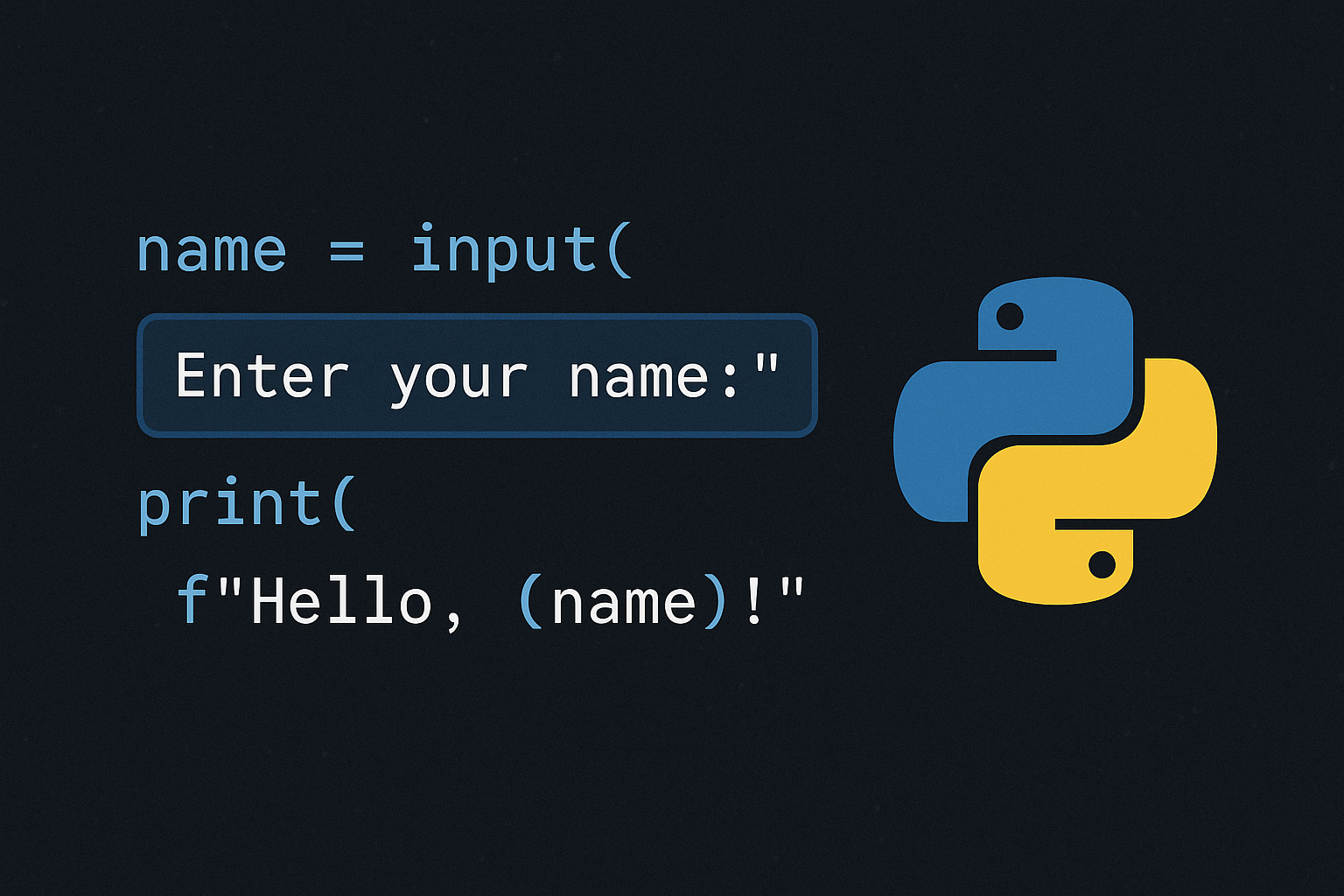
Python’s built-in input() reads a line from the terminal and returns it as text, pausing execution until the user responds. This makes it the quickest way to collect data interactively, which you can then convert to numbers and validate as needed.
Method 1: Read text input with a prompt
name = input("Enter your name: ")print(f"Hello {name}")Facts: input() stops the program until the user presses Enter and returns a string; the prompt text appears on the same line as the input field.
Method 2: Convert input to numbers
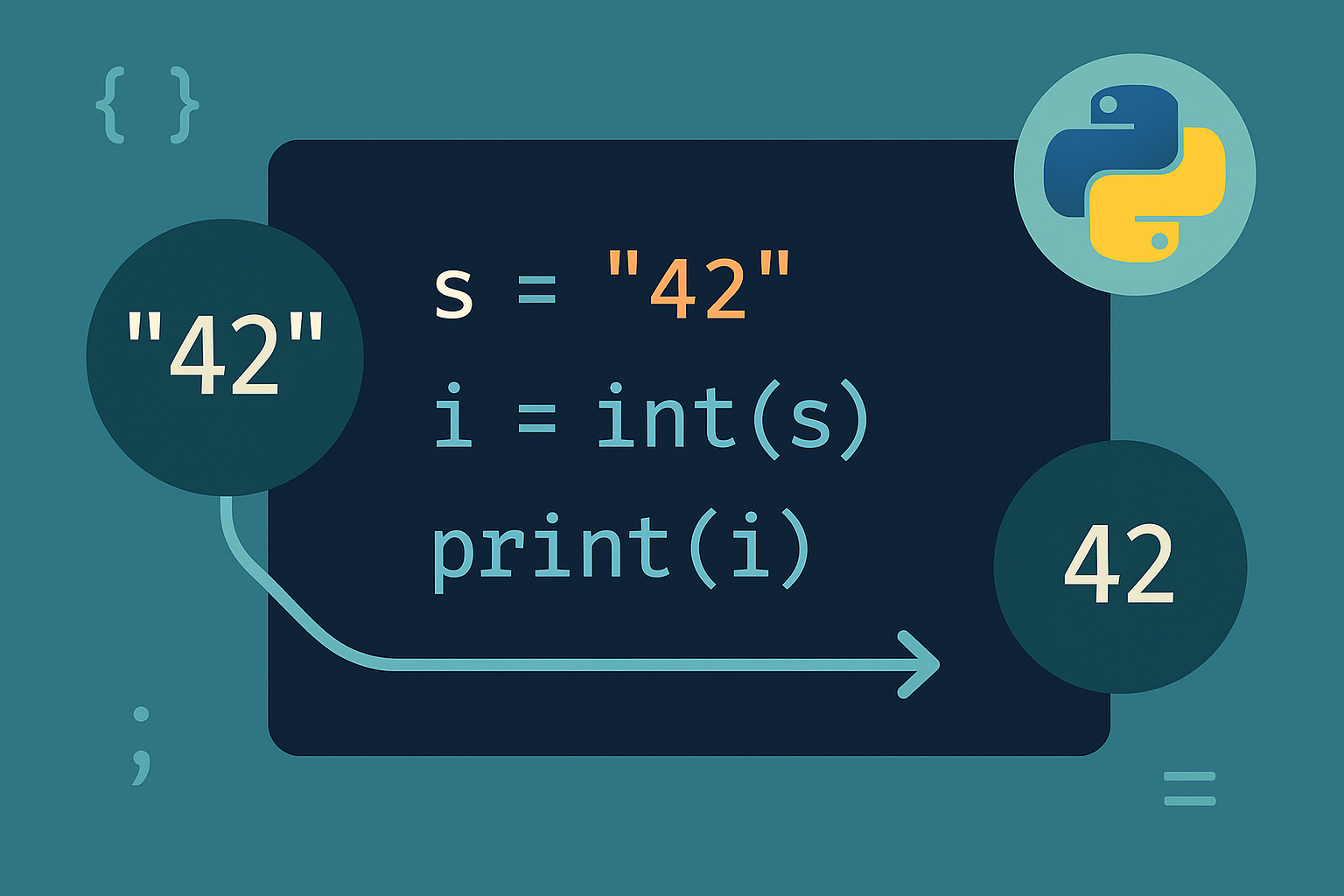
age = int(input("Enter your age: "))price = float(input("Enter a price: "))import math
x = float(input("Enter a number: "))
y = math.sqrt(x)
print(f"The square root of {x} is {y}")Facts: User input is text by default; convert with int() or float() before calculations.
Method 3: Validate and re-prompt until input is correct
# one attempt
try:
    n = int(input("Enter an integer: "))
except ValueError:
print("Invalid input.")while True:
try:
n = float(input("Enter a number: "))
break
except ValueError:
print("Wrong input, please try again.")This pattern avoids runtime errors and guides the user to correct the input.
Method 4: Read multiple values from one line
a, b = input("Enter two values separated by space: ").split()x, y = map(int, input("Enter two integers: ").split())
print("Sum:", x + y)This streamlines multi-value entry for numeric operations.
Method 5: Centralize prompts with a reusable helper
def ask(prompt, cast=str, validate=lambda _v: True, error="Invalid input."):
    while True:
        try:
            value = cast(input(prompt))
        except ValueError:
            print(error)
            continue
        if validate(value):
            return value
print(error)# yes/no normalized to 'y' or 'n'
yn = ask("Continue (y/n)? ", cast=lambda s: s.strip().lower(),
validate=lambda v: v in {"y", "n"},
error="Please enter y or n.")
# menu option from 1 to 4
opt = ask("Choose 1-4: ", cast=int,
validate=lambda v: 1 <= v <= 4,
error="Enter a number between 1 and 4.")This generic pattern reduces duplication and mirrors community advice on using converters plus validation sets/predicates.
Method 6: Accept input from command-line arguments (non-interactive)
import sys
print("Script:", sys.argv[0])
if len(sys.argv) > 1:
print("Args:", sys.argv[1:])# example terminal command
python script.py Hello 42Use this for automation or when prompts would block execution.
Method 7: Collect input in a simple GUI (Tkinter)
import tkinter as tk

def show():
    label.config(text=f"You entered: {entry.get()}")

root = tk.Tk()
entry = tk.Entry(root)
entry.pack()
tk.Button(root, text="Submit", command=show).pack()
label = tk.Label(root, text="")
label.pack()
root.mainloop()This suits desktop apps where console prompts are not appropriate.
Quick tips
- Keep prompts specific so users enter the correct format the first time.
- Always convert text to the required type before arithmetic (e.g.,
int(),float()). - Use loops with
try/exceptto prevent crashes and guide correction.
With input() as your foundation, add type conversion and validation to make prompts reliable, or switch to CLI/GUI input when interactive terminals aren’t a fit.