Hungry Pals in Palworld stop pulling their weight. A worker with an empty hunger bar grows exhausted, loses Sanity, and eventually refuses to mine, farm, or craft. Keeping food flowing is the difference between a base that runs on its own and one you have to babysit.
Quick answer: Give food directly to party Pals from your inventory, use the Feed option on base Pals wandering nearby, or build a Feed Box so hungry Pals eat on their own. The hunger bar sits under each Pal’s health bar, and an empty bar means the Pal is starving.
What you need before feeding Pals
You need at least one captured Pal and some food. Your first Pal comes from a Pal Sphere, crafted with Wood, Stone, and Paldium Fragments. For food, Berries are the easiest early source and can be picked from bushes across the map. Pals are not picky, so almost any edible item works when you are starting out.
Always check the hunger bar shown beneath a Pal’s health bar. When it drains, the Pal takes a hit to performance, and base workers become stressed and tired.
Feed Pals in your party
Party Pals are the ones traveling with you. Feeding them works the same way as feeding your own character.
Unlock the Small Feed Bag at Technology level 10 and craft it at the Primitive Workbench. Once equipped, it appears under Key Items with a food slot. Fill that slot and party Pals eat from it automatically whenever they get hungry, so you don’t have to feed them by hand.
Feed base Pals one at a time
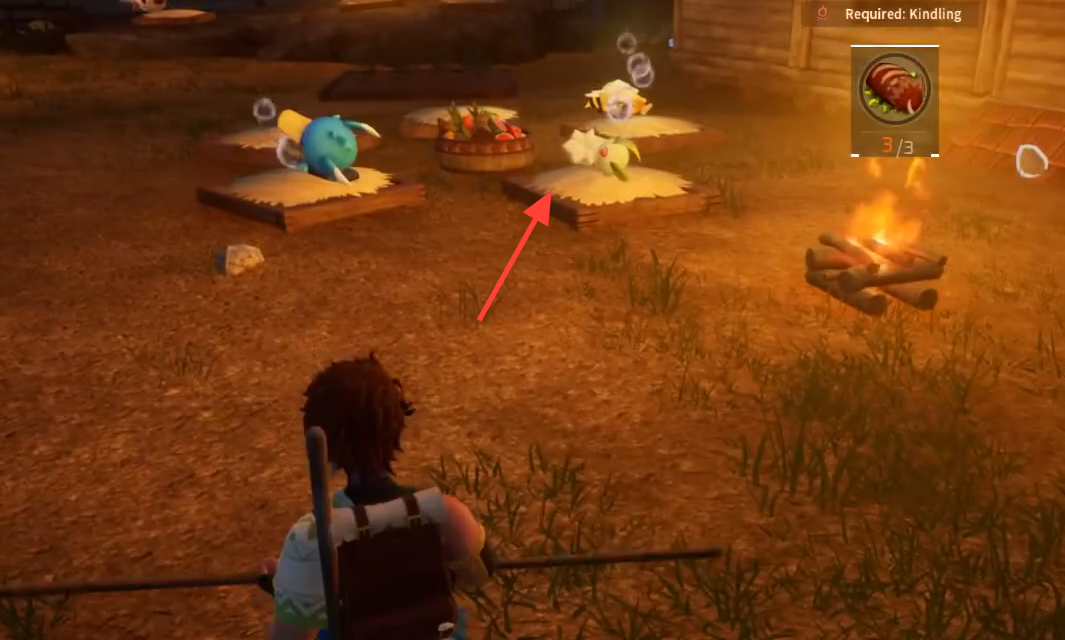
Pals assigned to your base roam and work within the Palbox radius. Early on, before you have automated food, you can feed them individually.
Automate feeding with the Feed Box
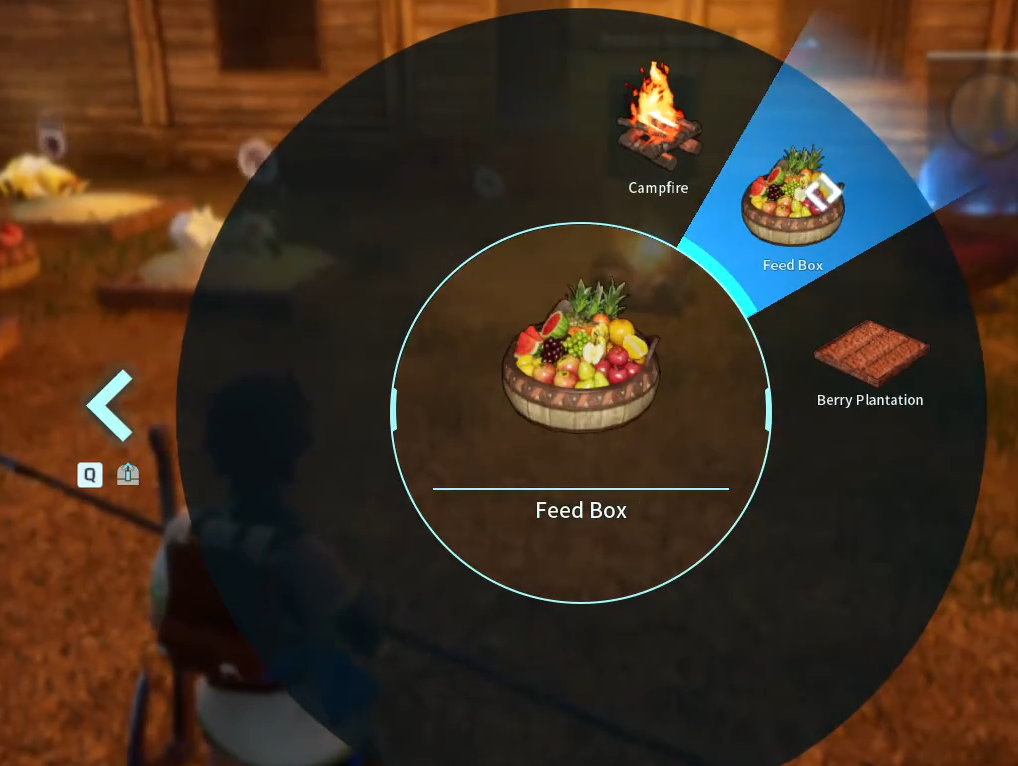
The Feed Box is the long-term answer for base feeding. It acts as a shared food store that hungry Pals visit on their own. Unlock it through the Technology menu once your base reaches level 3, then build it for 20 Wood. It costs 2 Technology Points, which you earn by leveling up your character.
Once the box is placed, base Pals walk over and eat whenever their hunger drops. You can stock it two ways.
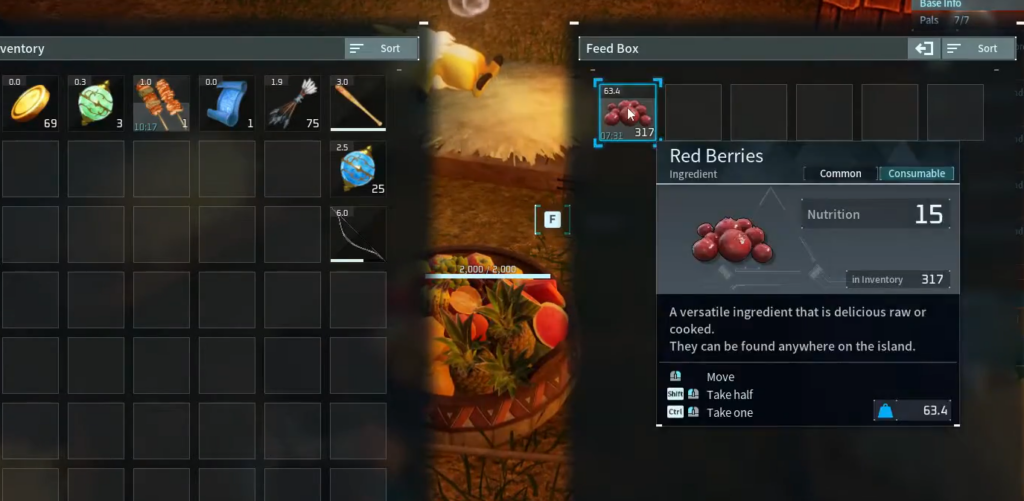
Stock the Feed Box by hand
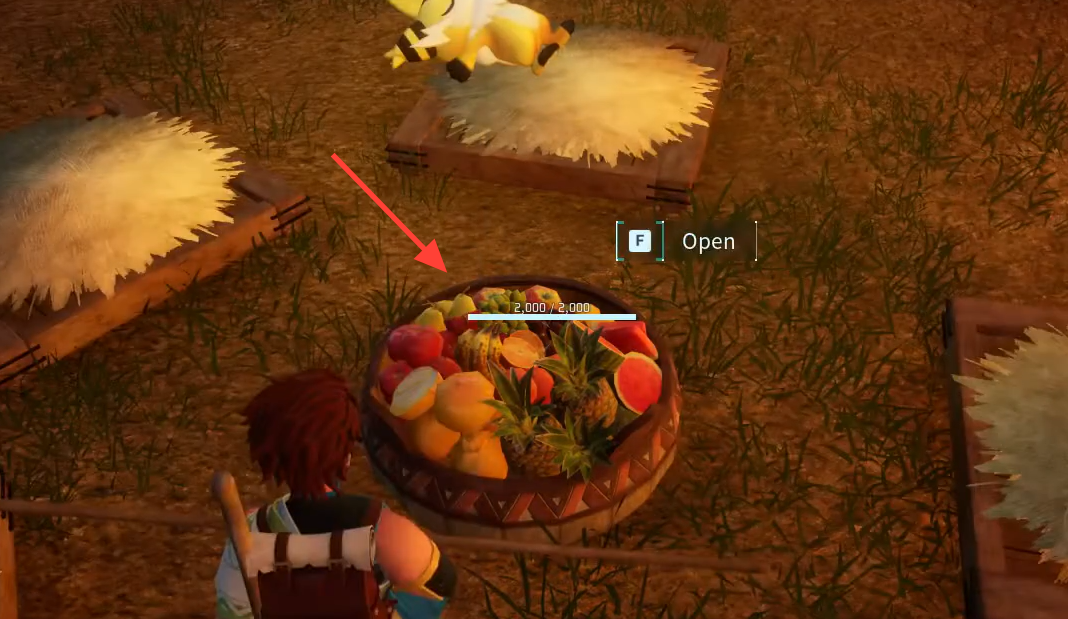
Let Pals stock it automatically
Food-producing structures can supply the Feed Box without your input. A Berry Plantation grows Berries, and a Ranch with Chikipi produces Eggs. Pals with the Transporting skill carry those items straight to the box.
Lamball, Cattiva, Fuack, and Sparkit are among the Pals that can move items around your base. Keep at least one active worker with the Transporting trait so food actually reaches the box instead of piling up at the plantation.
Cook food for better nutrition
Raw food keeps Pals alive, but it is inefficient. Raw Berries give around 15 nutrition, so a worker eats roughly every two minutes and spends more time walking to the box than working. Cooking turns cheap ingredients into meals that last far longer.
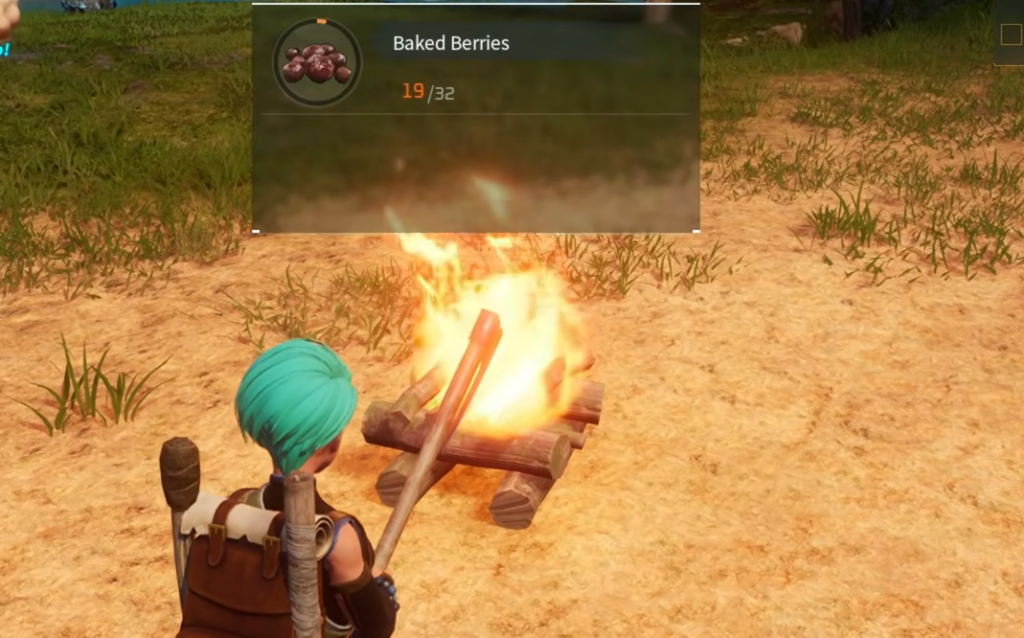
Craft a Campfire early to cook. Berries can be eaten raw or cooked, and cooking restores more Sanity than the raw version. Later stations like the Cooking Pot and Electric Kitchen unlock stronger recipes. The Jam-Filled Bun, made from 2 Berries and 1 Flour, gives about 60 nutrition and is the most reliable everyday food for base workers.
| Food | Ingredients | Best use |
|---|---|---|
| Jam-Filled Bun | 2 Berries + 1 Flour | Everyday base worker feeding |
| Salad | Lettuce + Tomato | Restores Sanity for stressed Pals |
| Bread | 1 Flour | Cheap backup food |
| Mozzarina Hamburger | Mozzarina Meat + Milk + Flour | Combat Pals that tank damage |
| Cake | Flour + Red Berries + Milk + Egg + Honey | Required for breeding |
Cooking food and placing it in the Feed Box costs you a little time, but it also earns crafting XP and keeps workers fed for much longer stretches.
Set up a steady food supply
To stop running out, grow your own ingredients. The Berry Plantation costs 3 Berry Seeds, 20 Wood, and 20 Stone, and gives you a passive Berry source once you plant and water the plot. A Wheat Plantation lets you grow Wheat, which a Mill turns into Flour for buns and bread. A couple of Berry Plantations plus a Wheat Plantation and Mill can feed 15 to 20 Pals with room to spare.
Each base Pal also needs its own bed. Build a Straw Pal Bed (10 Wood and 5 Fiber) for every worker so they recover from fatigue. Food and rest together keep your workforce healthy and productive.
Keep the food flowing
Hunger drains constantly, even while you are offline, so check the Feed Box regularly and top it up. As your roster grows, add a second Feed Box so distant workers don’t have to travel far to eat. Repair the box with a Repair Kit when it wears down, and pull raw ingredients back out if a Pal dumps low-nutrition items like raw Berries into it. Do those small things, and your Pals stay fed, sane, and working without constant attention.