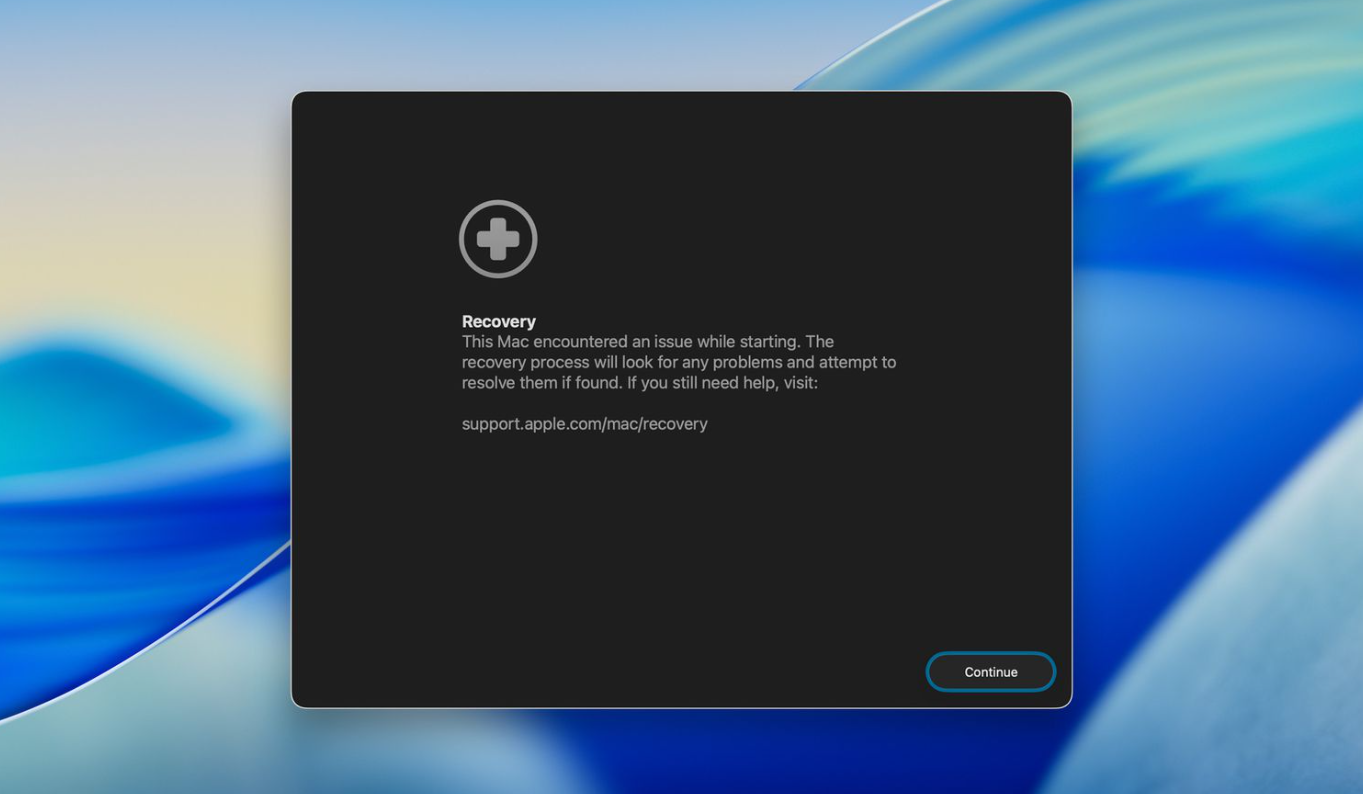
macOS 26 Beta 2 introduces refinements to the Recovery Assistant, providing a streamlined way to repair, restore, or reinstall your Mac without needing third-party utilities or external devices. When your Mac fails to boot properly or you encounter persistent errors, the Recovery Assistant and Recovery Mode utilities make it possible to diagnose and fix many system-level problems directly from your machine.
Accessing macOS Recovery Assistant on Apple Silicon Macs
> Shut Down, and wait until the screen and all indicator lights are off. This ensures the system is fully powered down and ready for Recovery Mode.Once you’re in the Recovery Assistant, you’ll see a menu of built-in apps and utilities designed for troubleshooting and repair.
Using Recovery Utilities for System Repair
If Disk Utility reports that it cannot fix your disk, back up your data if possible and prepare for a full system reinstall or erase.
Reinstalling macOS Using the Recovery Assistant
This method addresses missing system files, persistent software corruption, or issues that Disk Utility cannot resolve. It’s especially useful after failed updates or when system apps stop working correctly.
Restoring from a Time Machine Backup
Other Advanced Recovery Utilities
- Safari – Browse Apple’s support site for troubleshooting guides directly from Recovery.
- Terminal – Run command-line diagnostics or repairs if you’re comfortable with advanced troubleshooting.
- Startup Security Utility – Adjust security settings for startup disks, especially if you need to allow booting from external media or manage kernel extension permissions.
- Share Disk – Transfer files between Macs using a direct cable connection, useful for recovering files from a non-booting Mac.
These utilities provide granular control for users who need to perform diagnostics, change security policies, or move data off a malfunctioning system.
macOS 26 Beta 2’s Recovery Assistant and built-in utilities provide a robust toolkit for restoring your Mac’s functionality without outside help. Regular backups and familiarity with these tools can save time and stress when system issues arise.