Searching for the right component or design asset in large Figma projects often slows down design teams and interrupts creative flow. Figma’s Visual Search feature addresses this by allowing users to locate and reuse assets using images, canvas selections, or descriptive prompts, eliminating the need for manual browsing or remembering exact component names. This AI-powered tool improves productivity by cutting the time spent searching for design elements and boosts consistency by making it easier to find and reuse approved assets.
Using Visual Search with Image Uploads or Canvas Selection
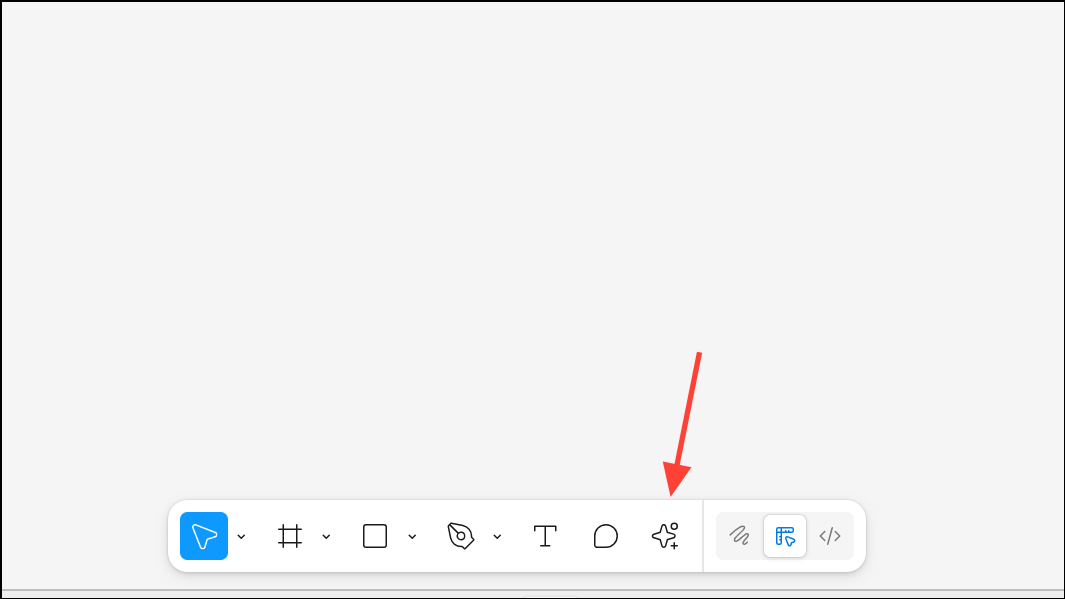
Open your Figma file and navigate to the toolbar at the top of the interface. Click on the Actions button to access Figma’s AI-driven tools.
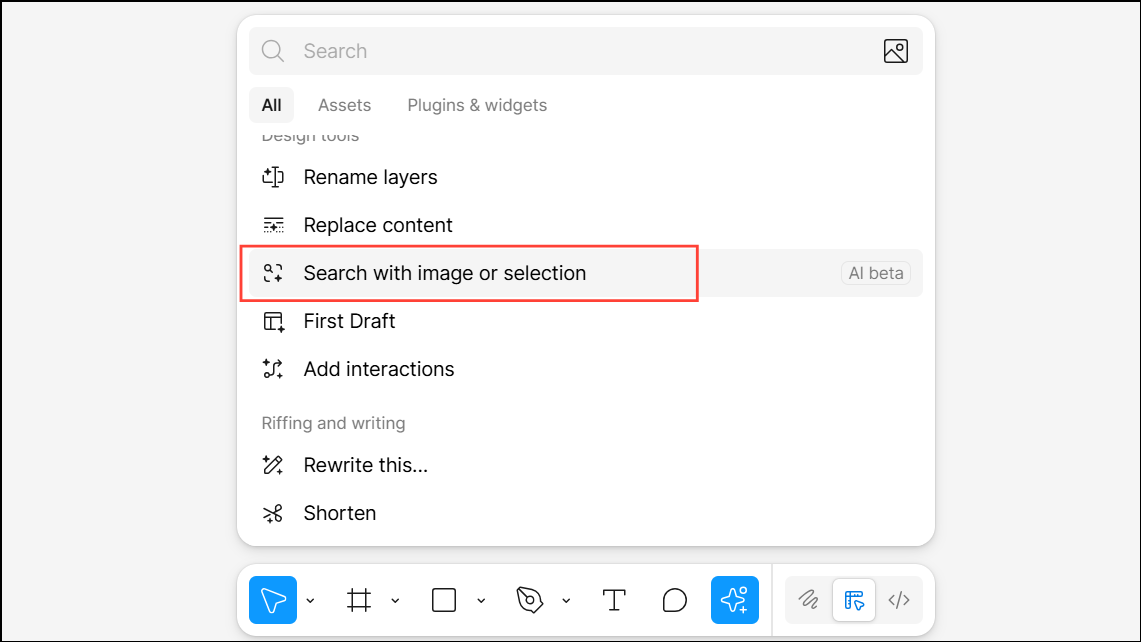
To search using an image, select Search with image or selection from the Actions menu. You can either:
- Select a layer on your canvas that contains the visual style or asset you want to match.
- Click Upload to add an image from your device. This could be a screenshot, a photo, or any visual reference.
Once you have selected or uploaded an image, click Search. Figma’s AI scans your team’s available files and surfaces components, icons, or layouts that visually match your input. The results appear in two tabs:
- Figma: Shows assets from files you have access to, including your team’s design system libraries.
- Community: Displays publicly shared assets from the Figma Community, expanding your options for inspiration or quick reuse.
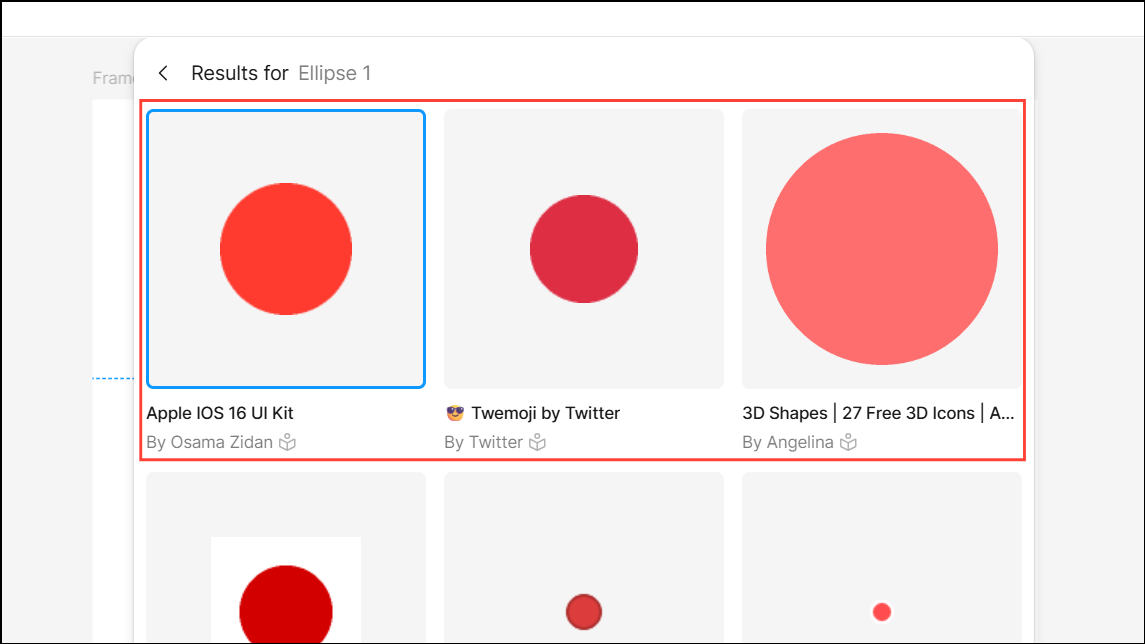
Review the search results. You can filter by library, file owner, or sort by relevance and last modified date. Hover over results to preview them in your current tab, or click See more for additional options. When you find the asset you need, choose to Insert it directly into your current file, Open the file in a new tab, or Preview it for a closer look.
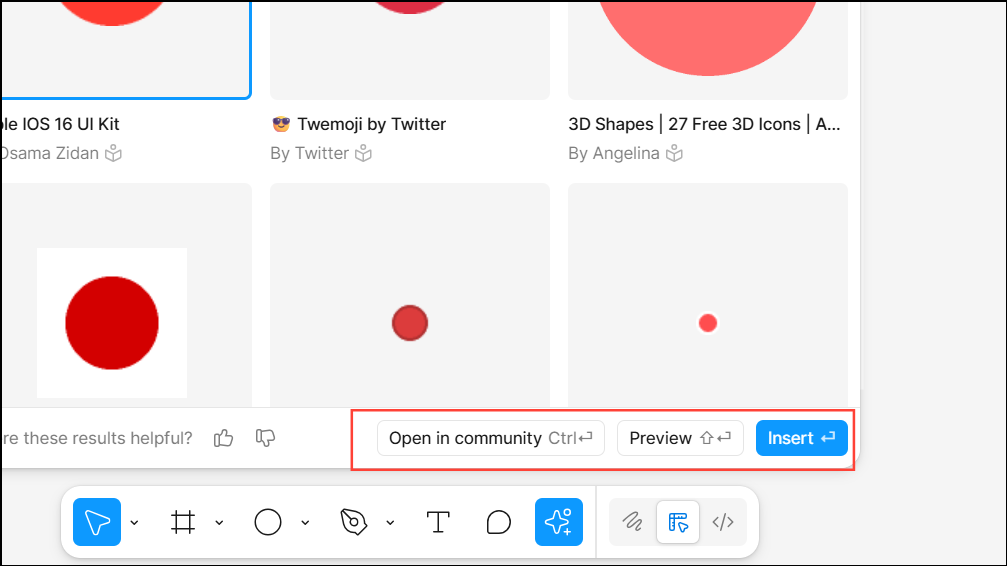
Finding Assets with Keyword or Descriptive Search
From the Figma toolbar, click Actions and type keywords or a descriptive phrase in the search bar. For example, use terms like
rounded button or dark mode header.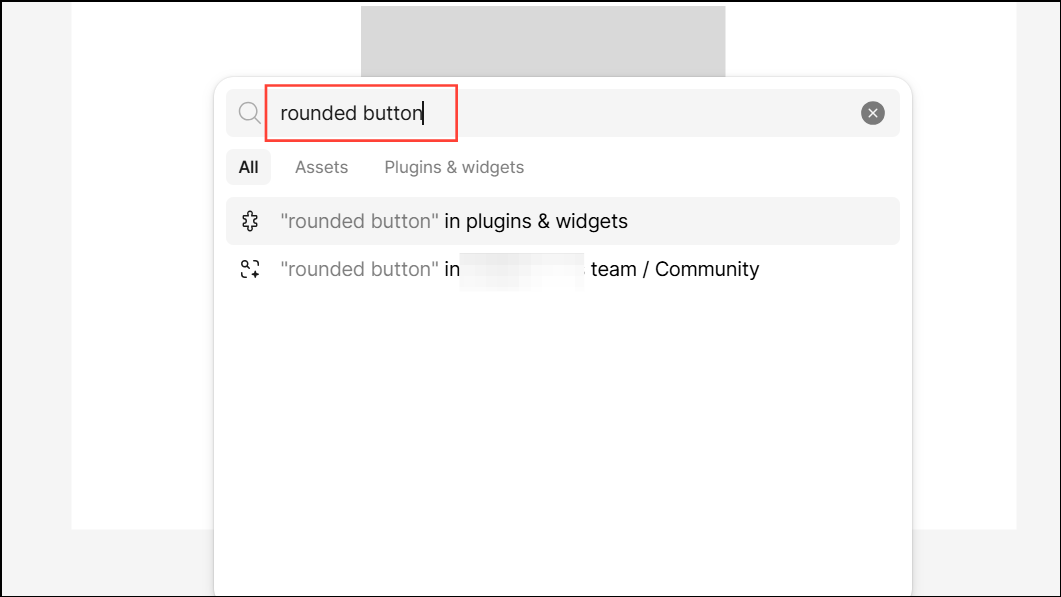
Apply the Figma/Community filter to specify whether you want results from your team’s files or the wider Figma Community. The AI interprets your query contextually, returning assets that match not only the exact terms but also similar form or function, even if you don’t remember the component’s name.
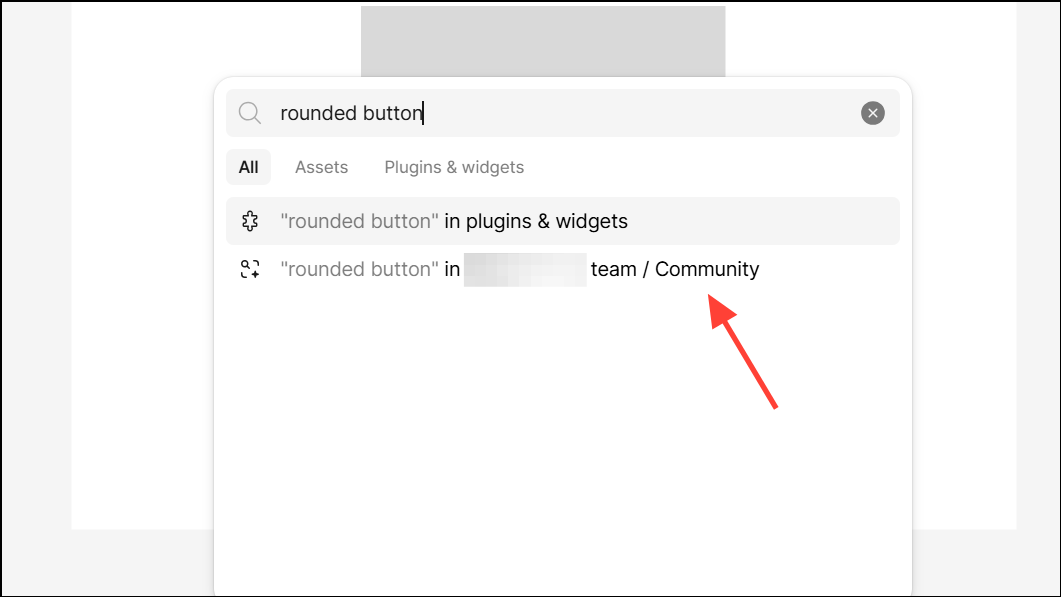
Browse the results, using filters and sorting options as needed. Select the asset you want, then insert, preview, or open it as described in the previous method.
Optimizing Asset Search in the Assets Tab
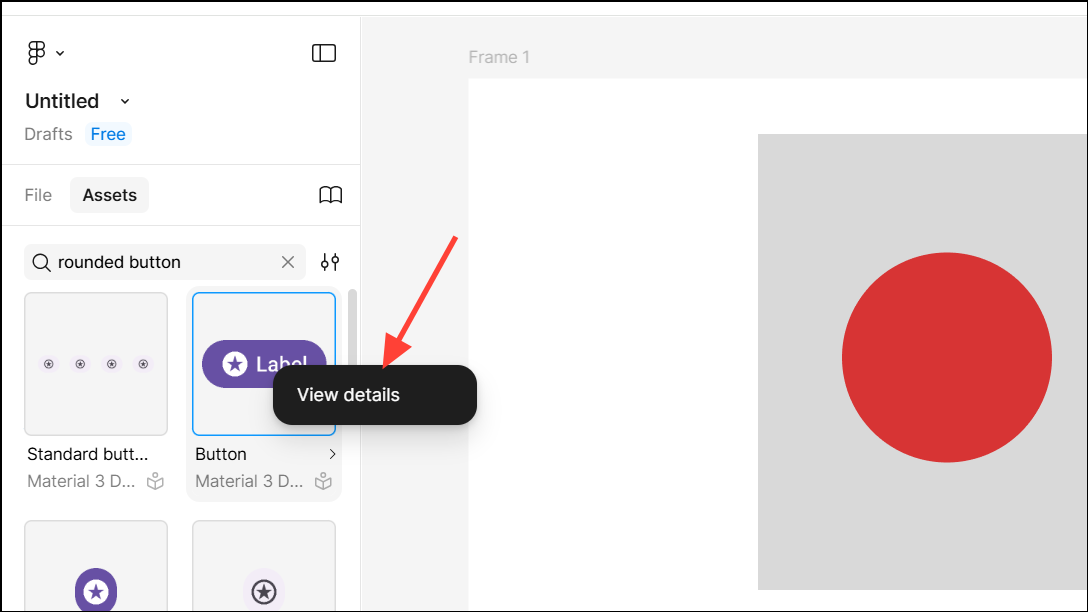
In the left panel, open the Assets tab. Enter a keyword in the search field. Without AI, Figma only matches component names or descriptions exactly. With AI enabled, the search will also return visually or functionally related components, providing broader results.
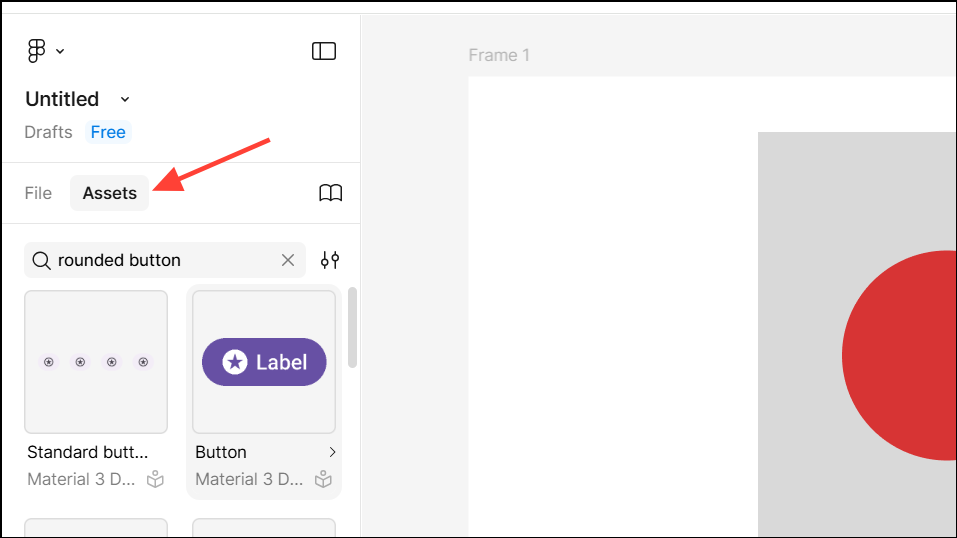
Review the displayed components. If you don’t see the exact match, try synonyms or broader terms. The AI adapts to your search patterns and context, making it easier to locate assets even with incomplete information.
Tips for Improving Search Results and Workflow
- Use screenshots of components to quickly find matches, especially when you don’t know the component’s name.
- Select specific areas of your design to narrow search results to visually similar elements.
- Try descriptive language and functional terms (e.g.,
input field,navbar with icons) for more accurate results. - Explore the Community tab for inspiration and to discover reusable solutions from other designers.
- Organize and tag your team’s assets consistently to improve future search accuracy and relevance.
Figma’s Visual Search speeds up asset discovery, reduces repetitive work, and supports consistent design systems, making it a valuable tool for both individual designers and large teams.