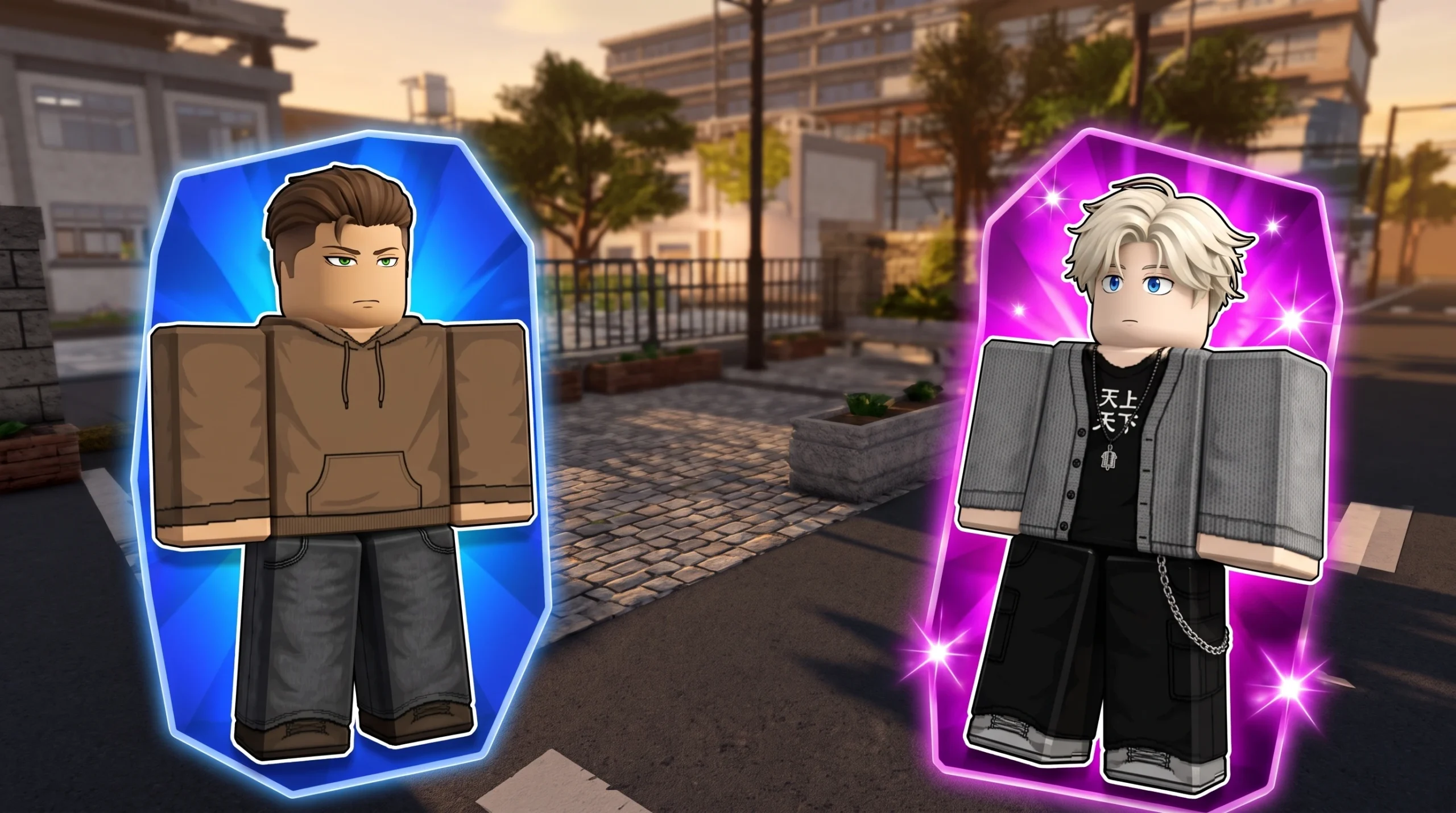
Your character in Gakuran does not simply import your Roblox avatar. The game builds a student for you with its own hair, face, accessories, and physical traits, and you change that look by rerolling individual features from an in-game menu rather than swapping items in the Roblox catalog.
Quick answer: Click MENU on the left of the screen, select STATS, then press NEXT > to open the customization screen. Click the circular reroll arrow next to any feature (hair, hair color, face, or an accessory slot) and confirm the reroll cost to change it.
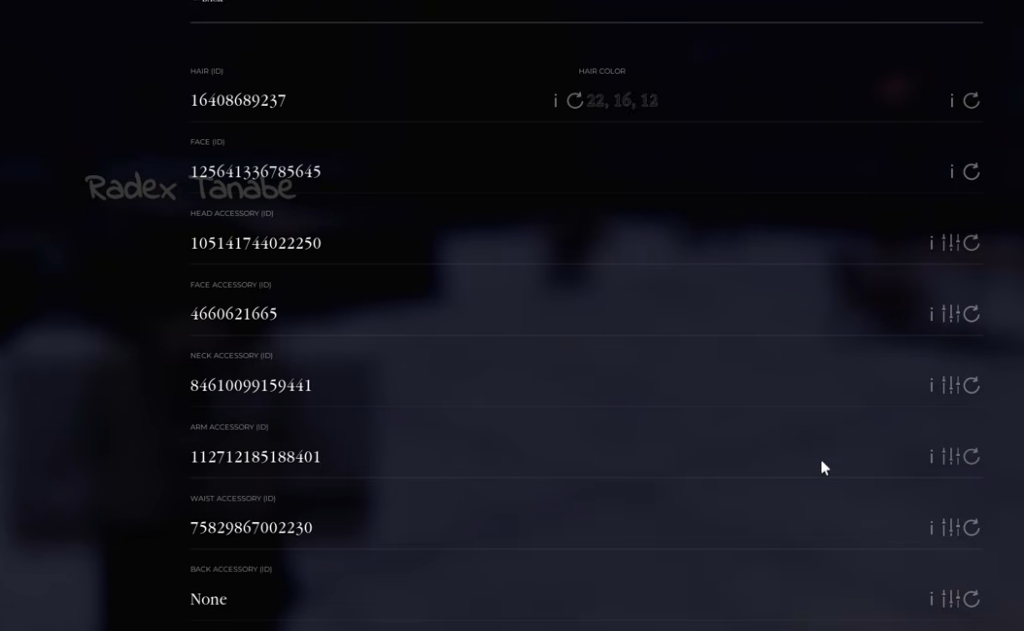
Open the customization screen in Gakuran
Every appearance change lives behind the Stats menu, so the first task is reaching the correct screen before you spend any reroll currency.
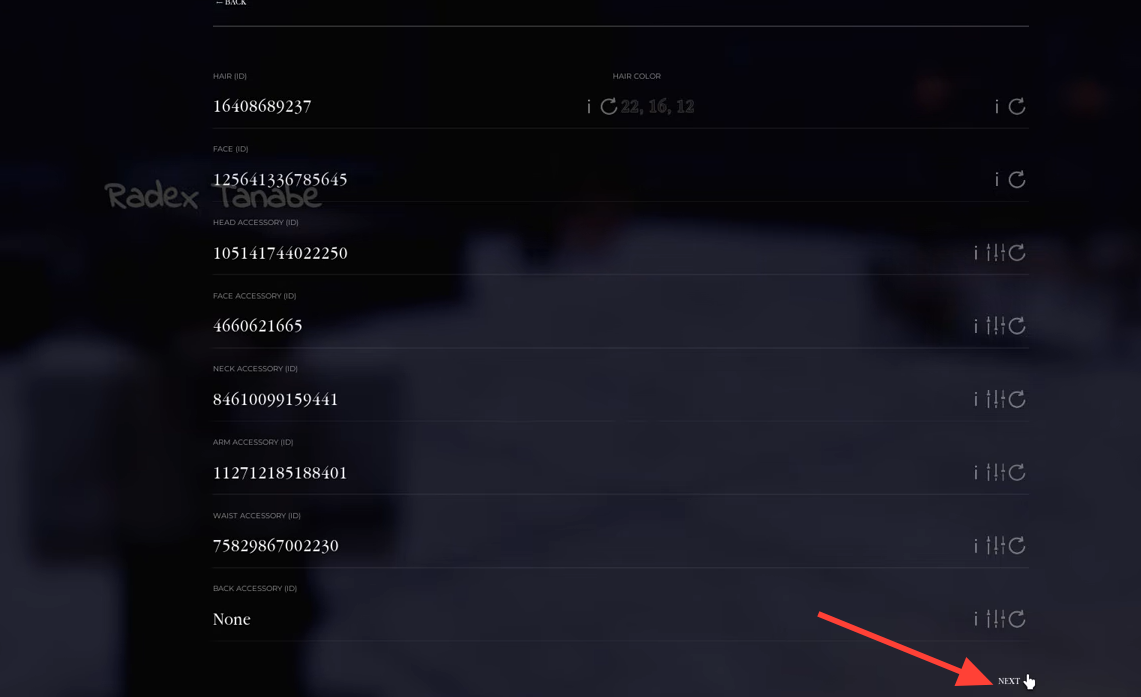
What you can reroll on the customization screen
Each slot on the customization screen is tied to a specific asset ID and has its own reroll button. Clicking a reroll arrow randomly assigns a new item for that slot from the game’s pool.
| Slot | What it controls |
|---|---|
| Hair (ID) | Your character’s hairstyle |
| Hair Color | Hair color, shown as RGB values |
| Face (ID) | Facial appearance |
| Head Accessory (ID) | Hats and head items |
| Face Accessory (ID) | Glasses, masks, and face items |
| Neck Accessory (ID) | Neck items |
| Arm Accessory (ID) | Arm items |
| Waist Accessory (ID) | Waist items |
| Back Accessory (ID) | Back items |
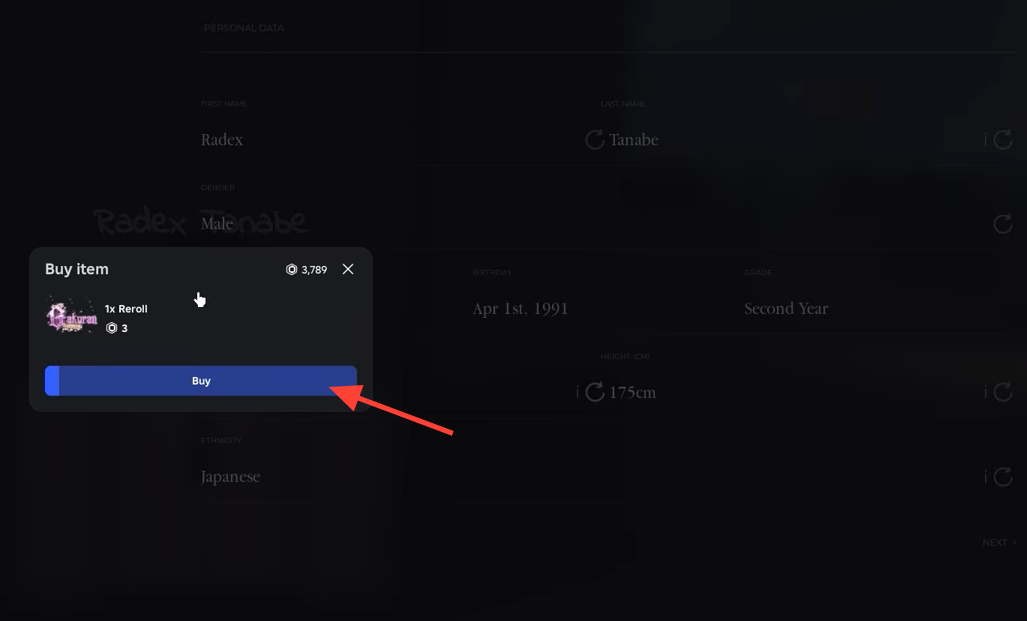
To change one, click the reroll icon next to it. A Buy item prompt appears (for example, a “Hair Reroll” or “Hair Color Reroll”) showing a cost in reroll currency. Confirm the purchase and the feature updates immediately on your character.
Reroll costs and free rerolls from codes
Individual feature rerolls cost a small amount of in-game reroll currency, with single rerolls priced at 3. Changing your combat fight style is handled separately and is reported by the community to cost 5 Robux per roll, cycling you between Boxing, Muay Thai, and Hakari.
You do not always need to spend to reroll. The CODES menu grants free rerolls you can then use across any slot. Open MENU, select CODES, type a code into the input field, and press REDEEM.
| Code | Reward |
|---|---|
| 15REROLLS | 15 rerolls |
| LARPSIMULATOR | 25 rerolls |
| MAPUPDATE | 25 rerolls |
Codes can expire without warning. If one is rejected, it has likely run out and no longer awards rerolls.
Reset your avatar to its default look
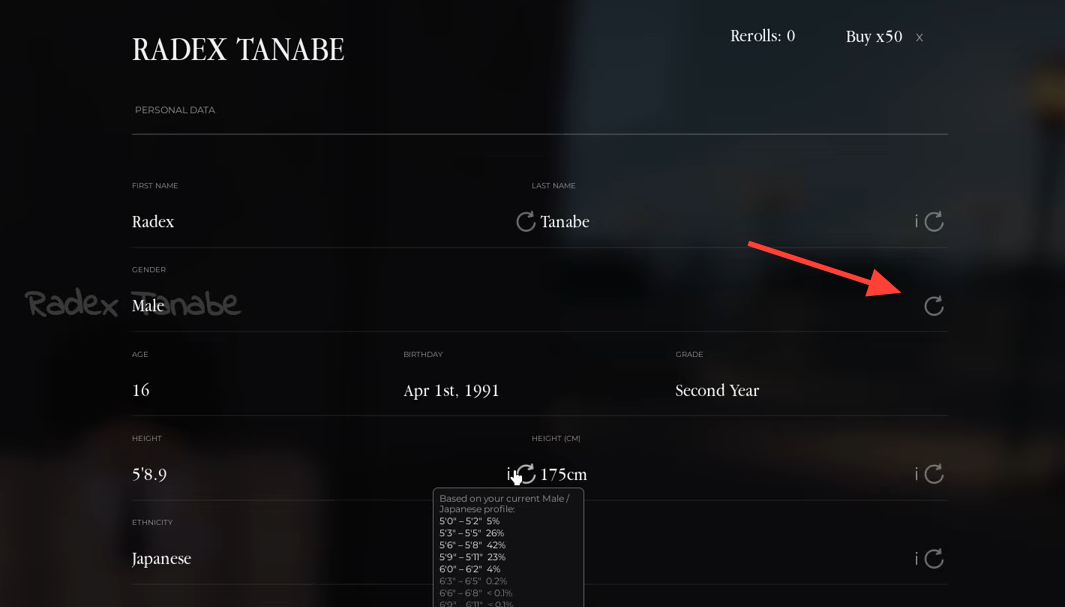
If your rerolls left you with a look you dislike, you can force a full reset through the gender option on the personal data screen. Click the reroll icon next to GENDER and confirm the “Change Gender” prompt, which costs 3 currency. Switching gender and then switching back returns your character to its default appearance, clearing the rerolled features.
Drop rates for rare cosmetics
Rerolls are weighted, so some results are far more common than others. Hover over the info (i) icon next to a slot on the Stats screen to see its exact odds before you spend. The rarest hair colors, in particular, are extremely unlikely to land on any single roll.
| Feature | Outcome | Chance |
|---|---|---|
| Hair Color | Natural color for your ethnicity | 95% |
| Hair Color | Unique dye color | 5% |
| Hair Color | Pastel pink hair | 0.0015% |
| Hair Color | White hair | 0.0005% |
| Face (ID) | Random face | 99% |
| Face (ID) | Mogger face | 1% |
| Head Accessory | Each of 10 accessories / no accessory | 9% each |
| Face Accessory | Each of 5 accessories / no accessory | 17% each |
Gift rerolls to other players
Spare rerolls can be handed to other people in your server. On the Stats screen, click the Gift button next to Rerolls in the top right corner. This opens the GIFT REROLLS menu with a “SEARCH BY NAME OR USERNAME…” bar and a list of active players. Find the player and confirm to send them rerolls.
How to confirm your changes worked
A successful reroll updates the slot’s ID on the customization screen and changes your character model right away in the live server, with no separate save step required. If a reroll does not go through, the most common reason is an empty reroll balance, so redeem codes or top up your currency before trying again. A rejected code simply means it has expired.