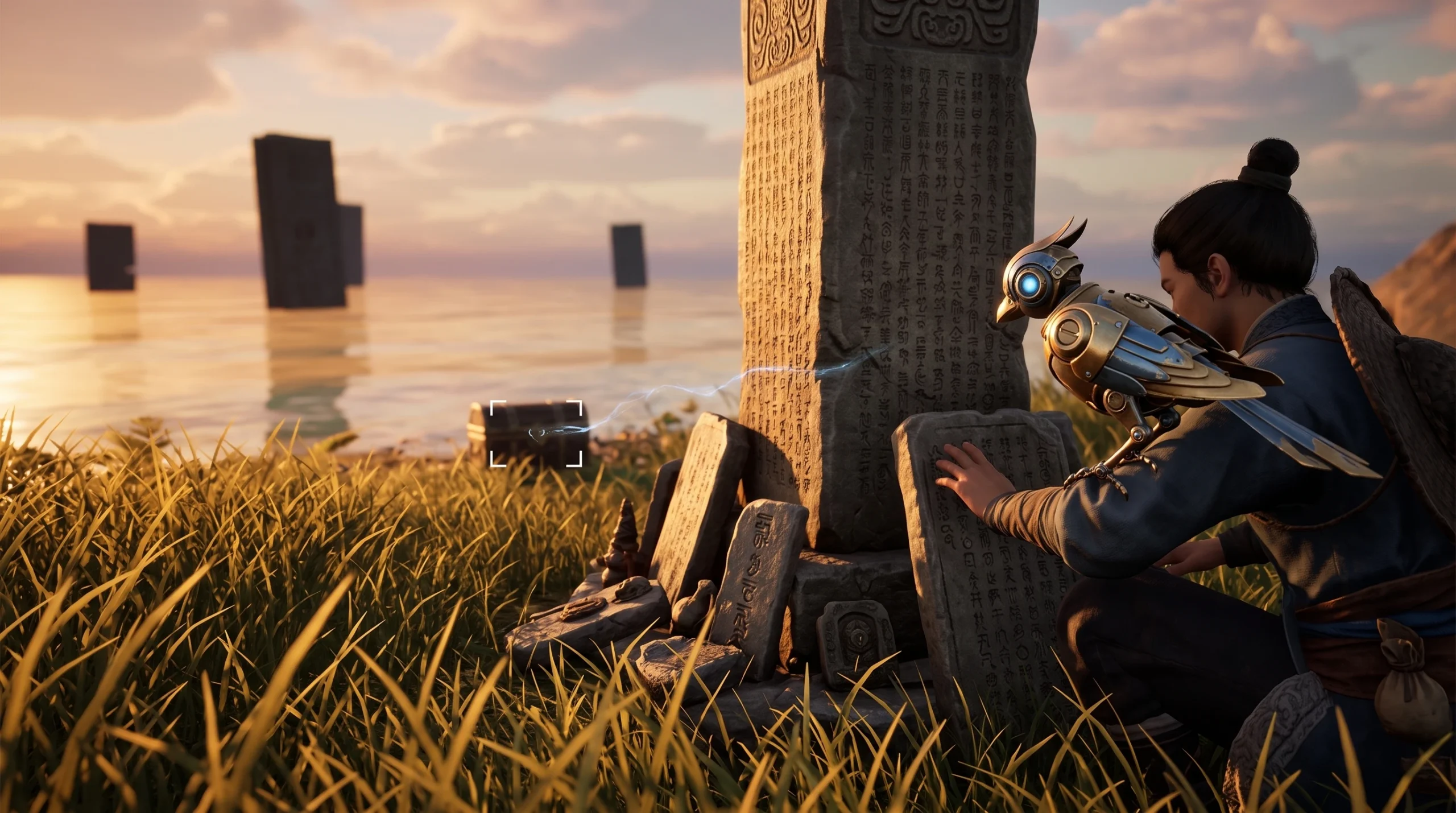
Chirpy is a companion you can bring into the world of Where Winds Meet once the Monkey Teacher exploration quest is done. The quest hands you the creature, but plenty of players stall on the next part, which is actually getting Chirpy out and following you around. Equipping and summoning a companion runs through the same system used for every other Sentient Being in the game.
Quick answer: Open your companion menu, set Chirpy as your active companion, then summon it while you are out exploring. Chirpy appears beside your character and stays with you until you dismiss it or swap in another companion.
What Chirpy is in Where Winds Meet
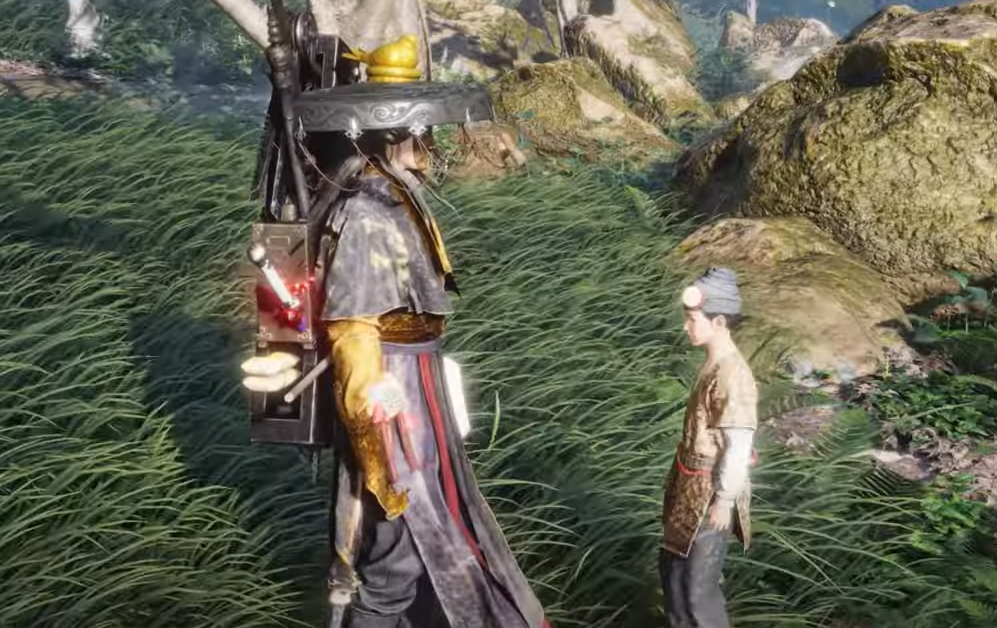
Chirpy is one of the Sentient Beings you can collect and keep as a companion. Where Winds Meet, the Wuxia RPG from Everstone Studio and NetEase Games, lets you talk to animals and recruit certain creatures to travel with you. Companions like Chirpy are cosmetic-plus-utility followers rather than combat units you control directly, and they are managed from your companion roster instead of your weapon or gear loadout.
The reward comes from an exploration quest, so Chirpy is tied to overworld progress rather than the main story chapters. Finish Monkey Teacher first, and the companion is added to your collection automatically.
Unlock Chirpy by finishing the Monkey Teacher quest
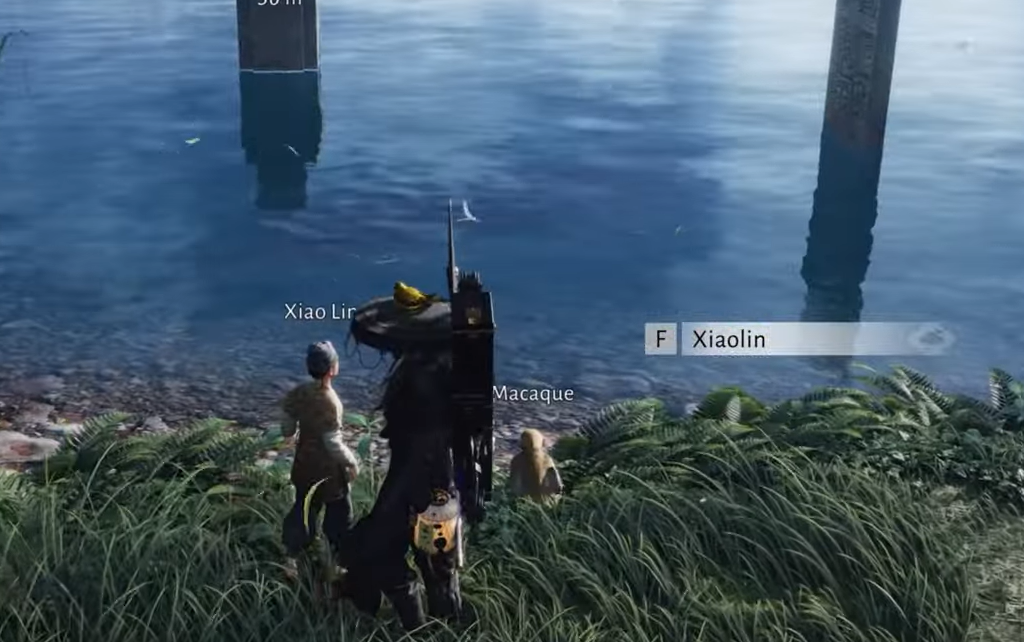
Monkey Teacher is an exploration quest, the type you trigger by wandering into the right spot on the map rather than picking it up from a fixed story marker. Complete its objectives to the end, and Chirpy is granted as the payoff. You cannot equip the companion before the quest is fully cleared, so wrap up every step and wait for the completion prompt before heading into your menus.
Equip Chirpy as your active companion
Summon and use Chirpy in the field
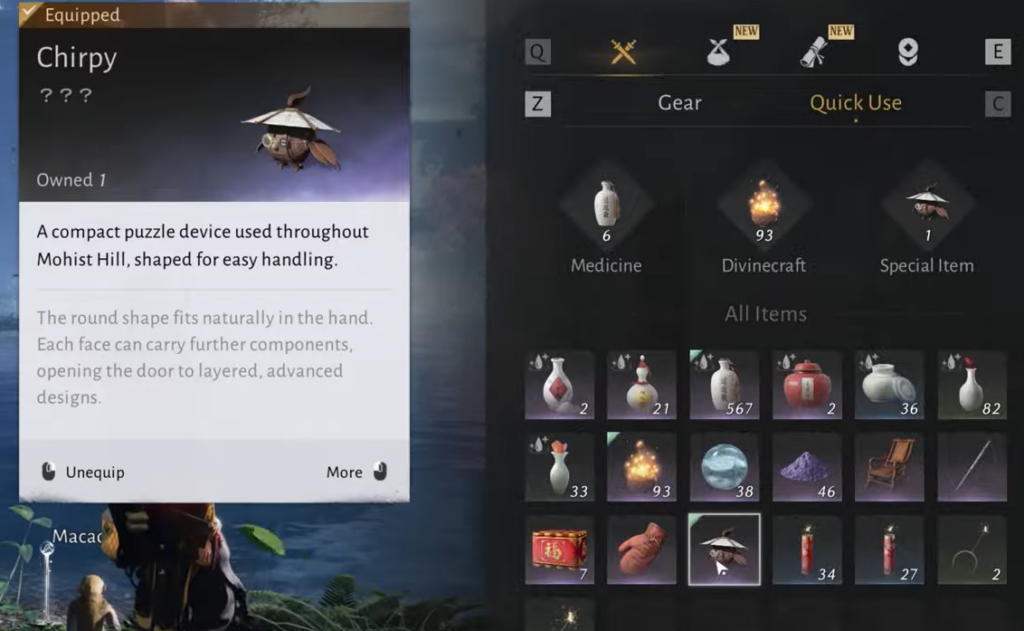
With Chirpy set as active, use the summon action while you are exploring to call the companion to your side. Chirpy then follows your character as you move through the world. To put it away, dismiss the companion or swap Chirpy out for a different Sentient Being from the same menu.
Only one companion is out at a time, so summoning a different creature replaces Chirpy rather than adding to it.
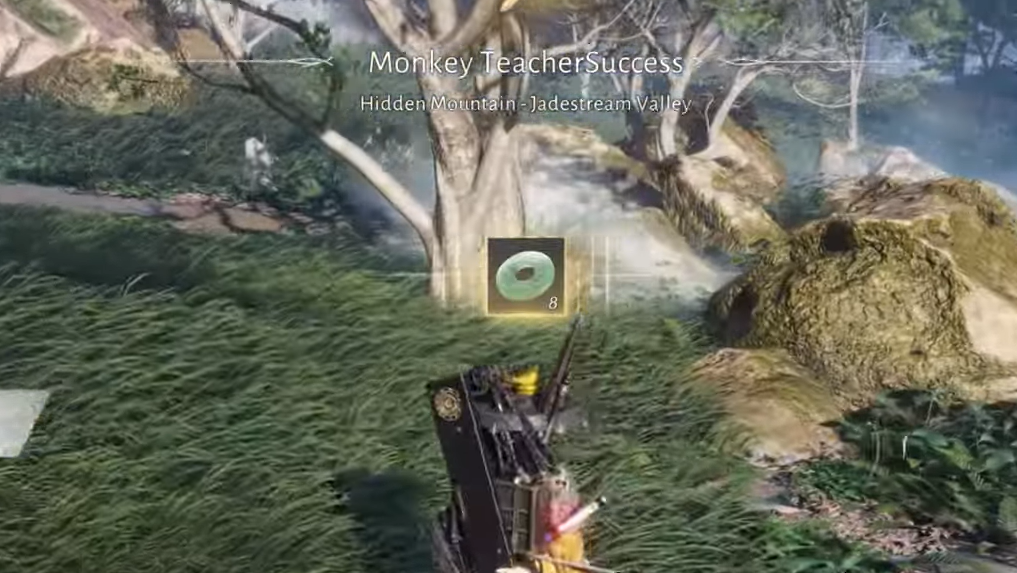
How to confirm Chirpy is equipped
You know it worked when Chirpy shows as the selected companion in the menu and appears next to your character after you summon it in the open world. If Chirpy still looks locked or cannot be chosen, the Monkey Teacher quest is not fully complete, so return to the quest and finish any remaining objective before trying again.