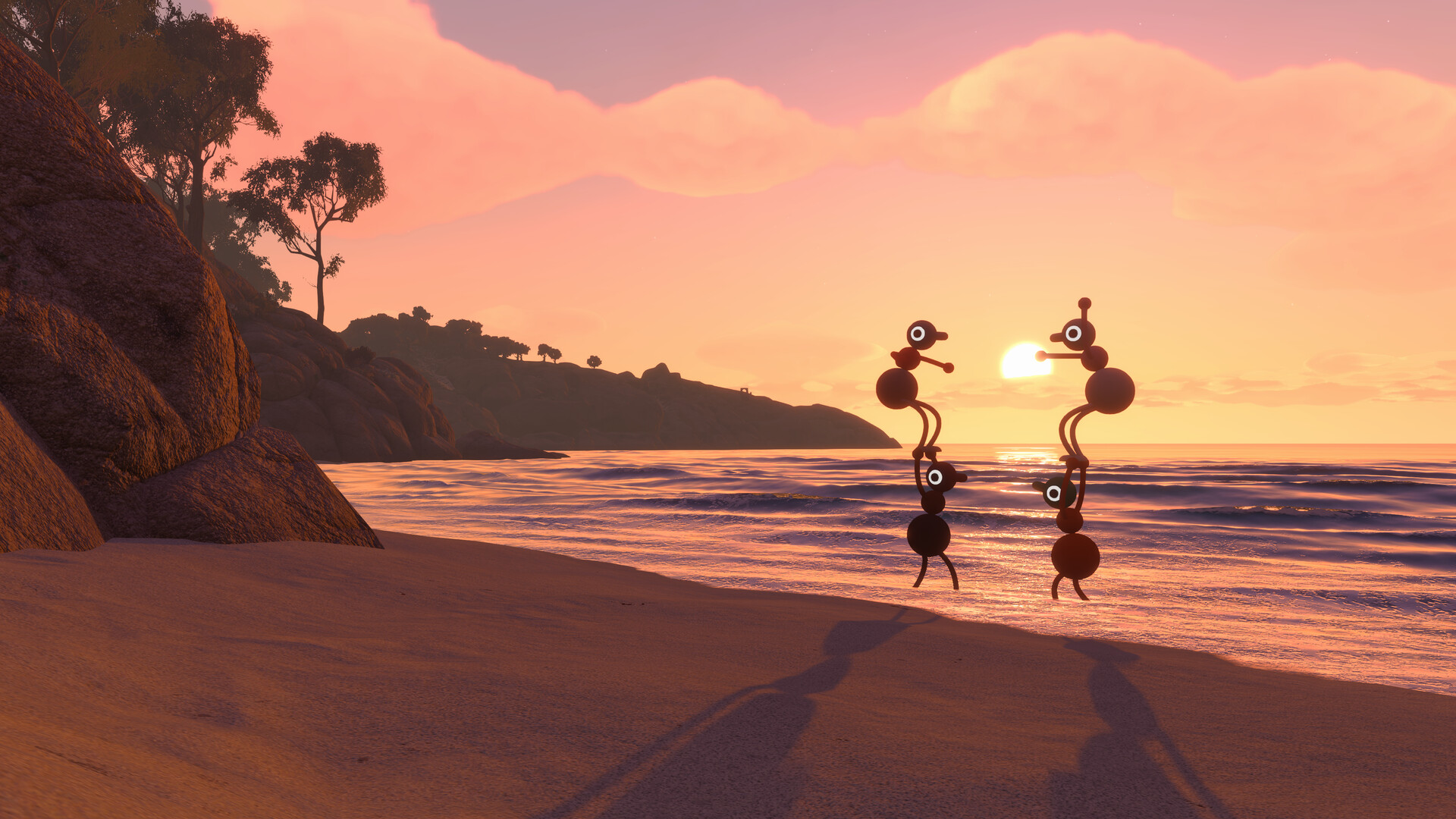
Big Walk is built entirely around playing with other people, but it does not do that the way many couch games do. There is no shared screen and no way to sit two players on one console. Everyone connects over the internet, each on their own machine.
Quick answer: Big Walk has no split screen, no couch co-op, and no LAN play. It is online co-op only, for 2 to 12 players, and every player needs their own device and their own copy of the game.
What multiplayer modes Big Walk supports
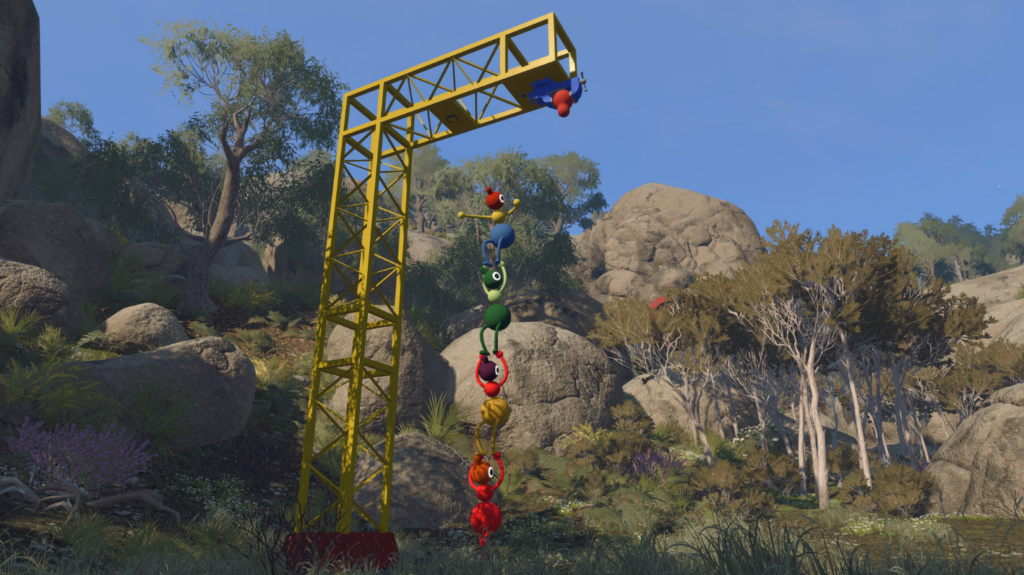
The game ships with a single way to play together, and that is online. Local and same-network options are simply not part of it. Here is how the modes break down.
| Mode | Supported |
|---|---|
| Online co-op | Yes, 2 to 12 players |
| Local / couch co-op | No |
| Split screen | No |
| Combined local and online | No |
| LAN play / system link | No |
| Crossplay | Yes, across all supported systems |
Because it is online-only, there is also no single-player campaign and no random matchmaking. You play with a group you organize yourself, over multiple sessions if you like, since one host keeps the save.
Why there is no couch or split-screen mode
The missing local mode is a design choice, not a gap. Big Walk runs on a proximity voice chat system, so voices fade with distance, echo through corridors, muffle behind walls, and crackle over walkie-talkies. Figuring out how to reach a friend who cannot hear you is a core part of the game.
That whole loop collapses if players are sitting next to each other. House House goes as far as recommending you avoid talking to other players outside the game, and specifically suggests not playing in the same physical room so you cannot hear one another in person. In-game text chat carries the same intentional limits as voice, so switching off your mic does not get around it.
Which platforms Big Walk runs on
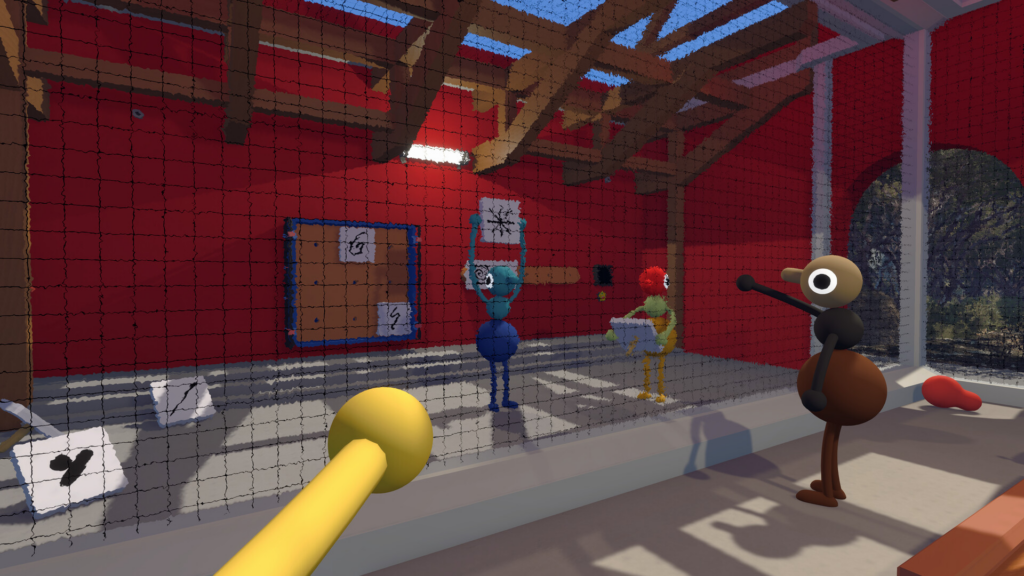
You can play on Windows and Mac through Steam, on PlayStation 5, and on Nintendo Switch 2. No other platforms are planned. Crossplay works across all of them, so a group can mix systems freely in one session.
The Mac App Store version does not support Game Center, so on that build you cannot see a friend’s game in a friends list and must join with a code instead.
How to join a friend on the same platform
If everyone is on the same system, the host’s active game shows up in your in-game friends menu automatically, as long as you are friends on that platform’s service.
If the host’s game does not appear, add them as a friend on Steam, PlayStation, or Nintendo Switch Online first, then check again. A Join Code is the reliable fallback if the list still will not show it.
How to join across different platforms with a Join Code
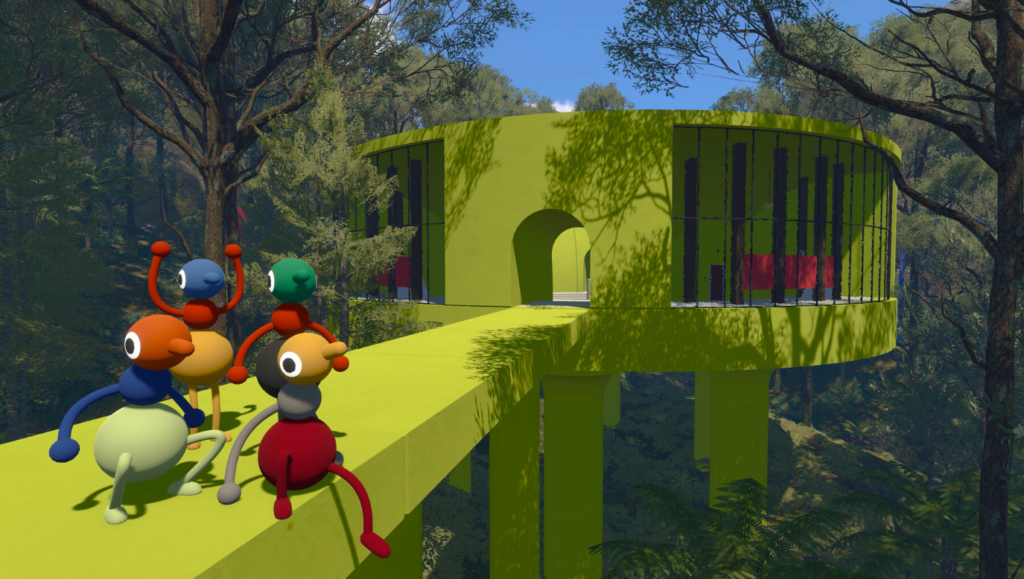
For a mixed group, or anyone not on your friends list, use the Join Code. Every session generates a short, unique code automatically.
You know it worked when your character loads into the world alongside the rest of the group. If the host ends the session, everyone else disconnects, and the host has to host again to continue where you left off.
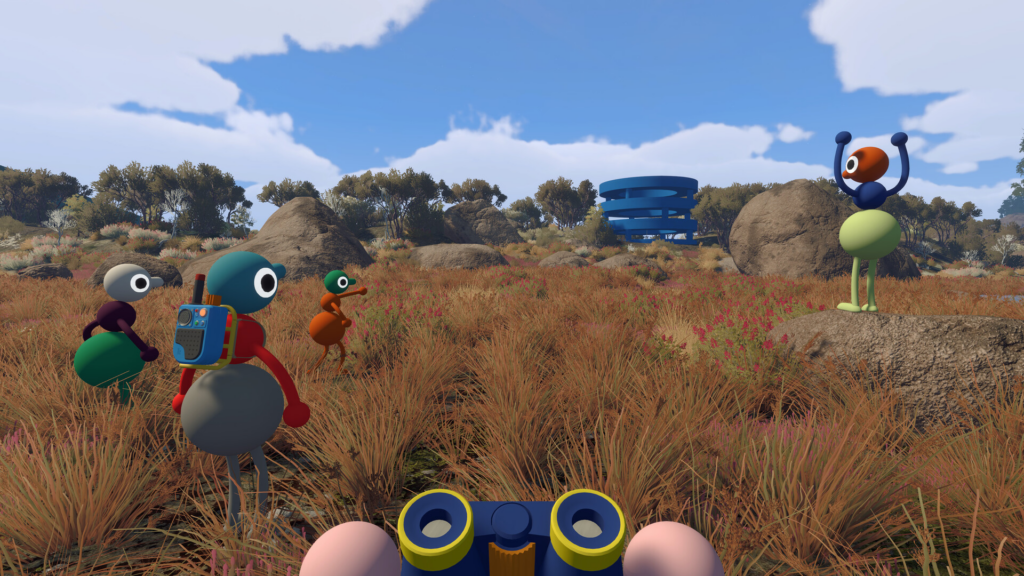
Group size and world versions
Sessions run from 2 to a maximum of 12 players. When the host starts, they pick a 2-player, 3-player, or 4-plus version of the world, and parts of the world change to fit that choice. Treat the number as the minimum group you expect, so if some people cannot join for the whole run, choose a lower version.
Smaller groups get a more focused co-op experience, while numbers closer to 12 turn into a busier, more chaotic one. There is no single ideal count.
Plan your group around one supported system per person and one connection each, and lean on voice or text chat inside the game rather than talking around it. Platform features can change over time, so it is worth checking the current details on the official Big Walk FAQ or your store listing before you buy. Community requests for split-screen remain requests, not a sign the feature is coming.