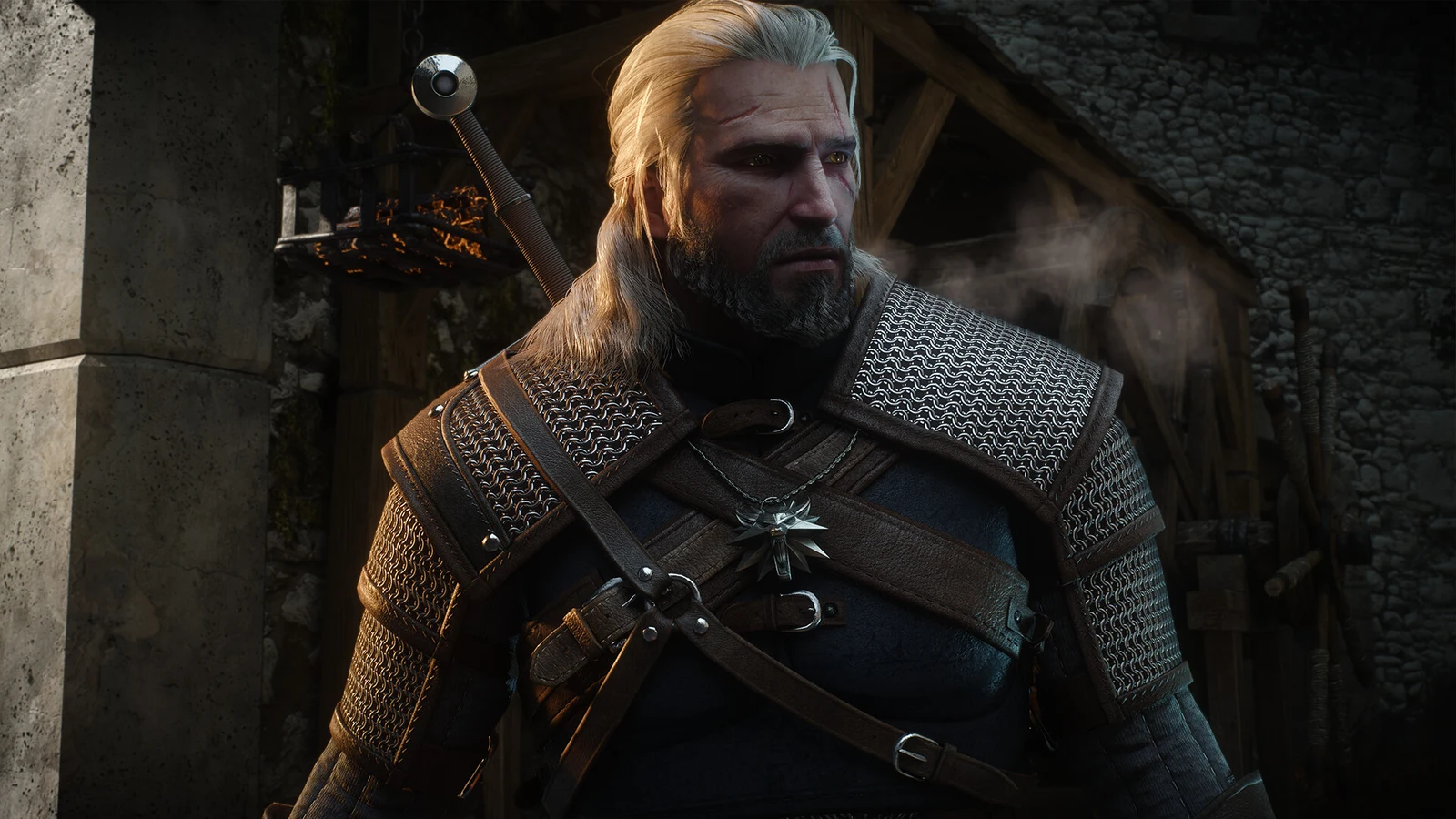
PC players can now install Hotfix 5.00c for The Witcher 3: Wild Hunt — Remastered. This technical update addresses reported save-file, audio, visual, and launcher issues dating from the remaster’s release, without altering gameplay systems.
Quick answer: Hotfix 5.00c is live on PC through Steam, GOG, Epic Games Store, Battle.net, and Xbox Play Anywhere. Launch your store client and it downloads automatically.
What Hotfix 5.00c fixes on PC
The hotfix resolves seven specific issues. The most impactful one restores saving and loading for players whose Documents folder path contained special characters, which had blocked them from accessing their games.
| Area | Fix |
|---|---|
| Save and load | Games save and load again when the Documents folder path has special characters. |
| Voiceover audio | Voiceover no longer drops much quieter than other audio after using the pause menu tabs. |
| Velen visuals | Bloom, vegetation lighting, saturation, and lighting for Path Tracing have been adjusted. |
| HairWorks | Reverted a change that caused performance and visual problems with HairWorks enabled. |
| Telemetry | Marketing telemetry settings now save correctly. |
| GOG achievements | Earned achievements now appear in the unlocked list on GOG. |
| Classic version | The Classic (1.32) version can be launched again. |
Velen visuals and HairWorks changes
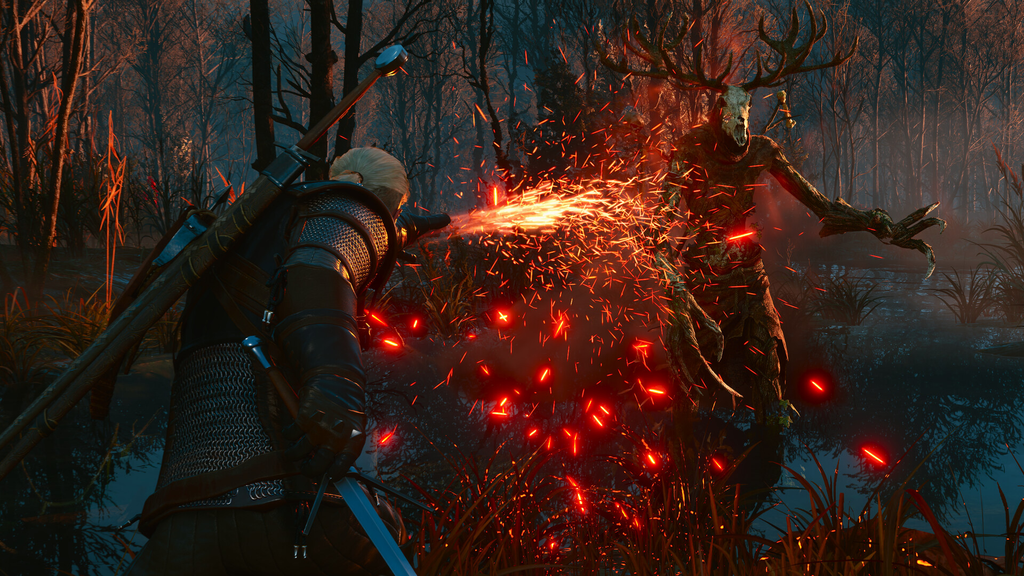
The visual work in this hotfix is focused on Velen. The region received tweaks to Bloom, saturation, vegetation lighting, and the Path Tracing lighting, which together change how the area reads under different lighting conditions.
Separately, a change that had hurt performance and image quality with NVIDIA HairWorks turned on was rolled back. You can now enable HairWorks while exploring Velen without the drawbacks that some users ran into after the earlier builds.
Supported platforms and how to update
Hotfix 5.00c applies to the PC versions only. It is available on Steam, GOG, Epic Games Store, Battle.net, and the Xbox Play Anywhere (PC) builds of The Witcher 3: Wild Hunt — Remastered.
No manual download is needed. Steam and GOG Galaxy pull the update the next time you open their clients, and the other storefronts update in the same way. If the patch has not applied, close and relaunch the client so it checks for the new build.
How to confirm the hotfix installed
You can tell the hotfix is active by checking the behaviors it repairs. Saving and loading should work even with special characters in your Documents path. On GOG, achievements you earn should show up in the unlocked list, and the Classic (1.32) version should launch from the client.
Voiceover should also hold its normal level after you open and close the pause menu tabs, rather than becoming noticeably quieter than the rest of the mix.
CD Projekt RED has said it will keep investigating reported problems, so further hotfixes and patches are expected. You can report remaining issues through the studio’s Witcher 3 PC support page.