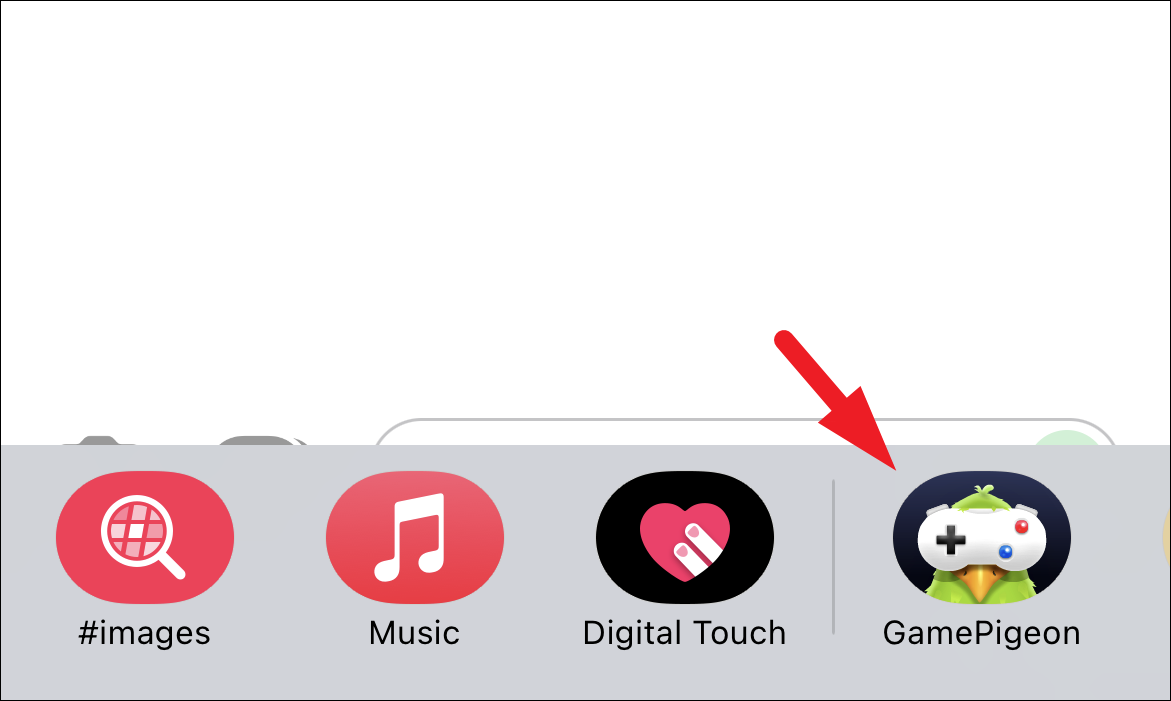
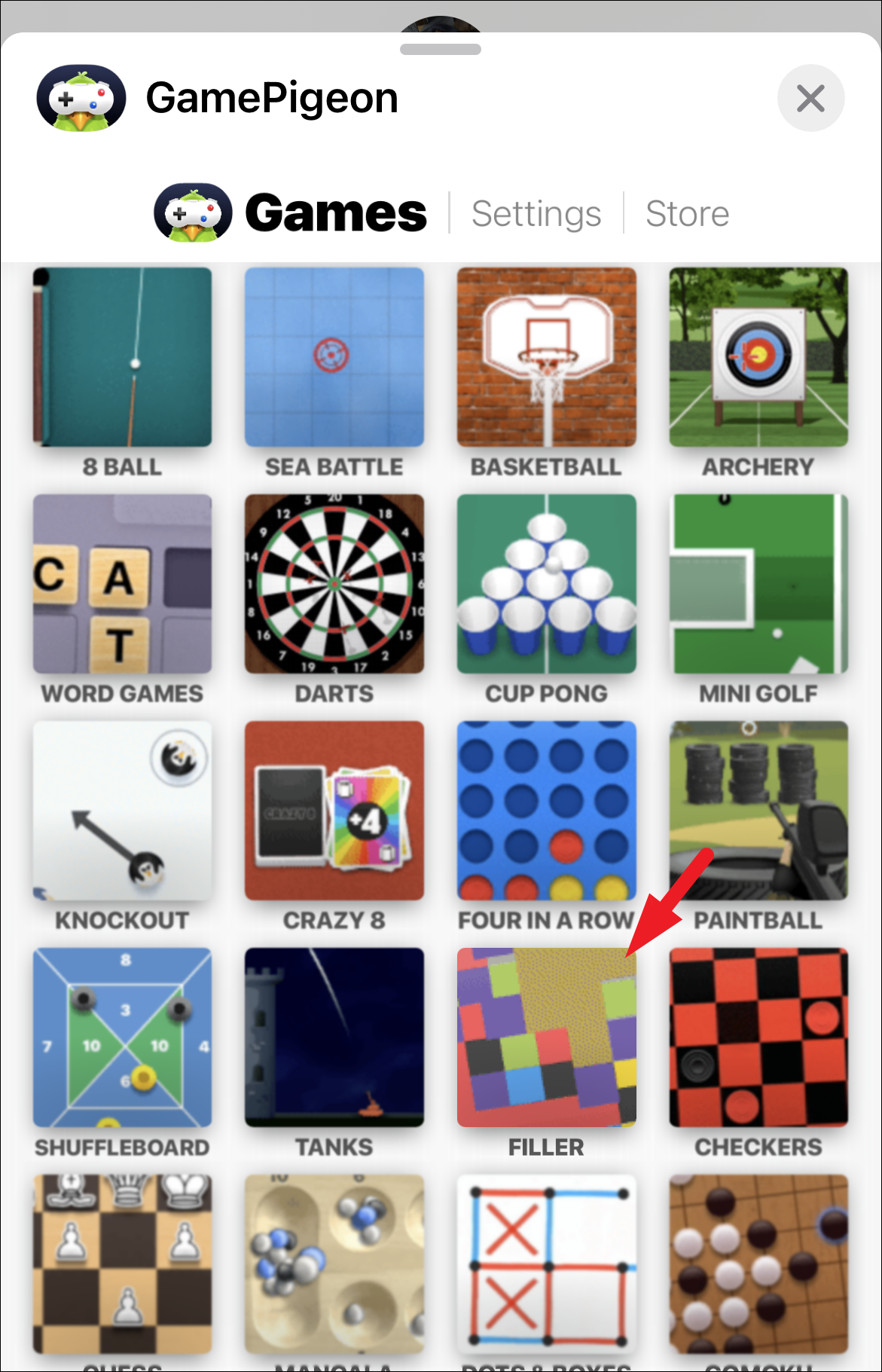
To engage in a strategic and entertaining game of Filler with your friends via iMessage, you’ll need to utilize the GamePigeon app, as Filler isn’t directly available on the iMessage App Store. GamePigeon offers a collection of games, including Filler, allowing you to enjoy friendly competition right within your Messages app.
In Filler, the objective is to dominate the board by capturing as many colored tiles as possible. By strategically selecting colors, you merge adjacent tiles of the same hue, expanding your territory. The player who occupies the most tiles by the end of the game emerges victorious.
Downloading GamePigeon from the iMessage App Store
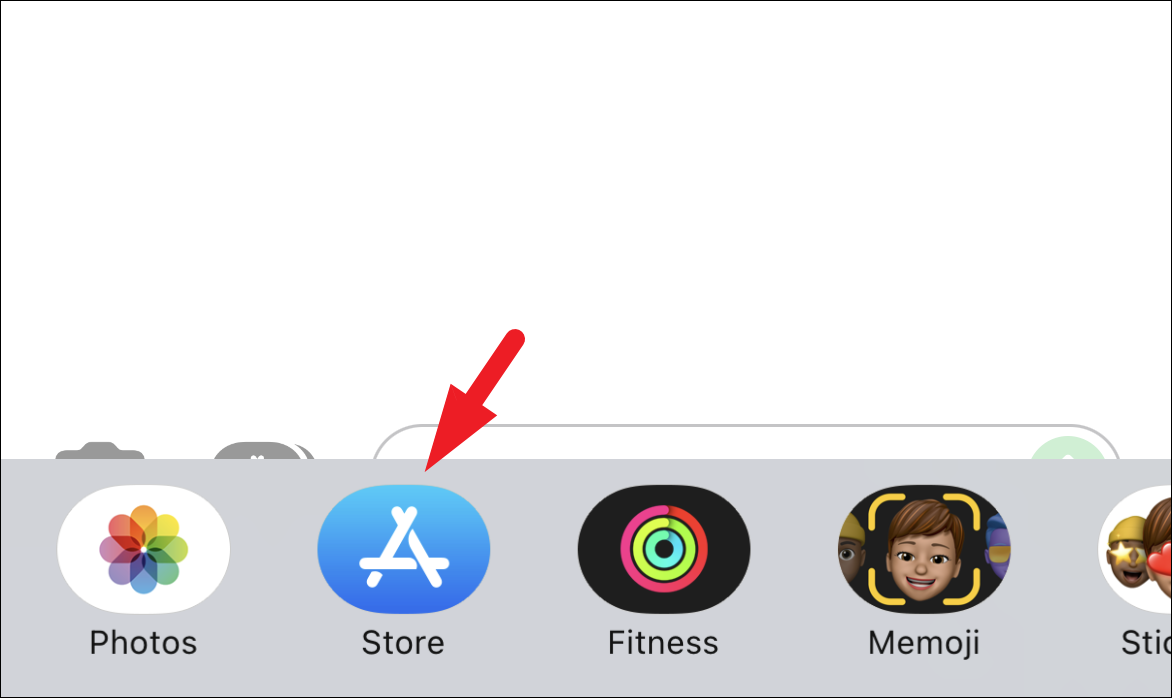
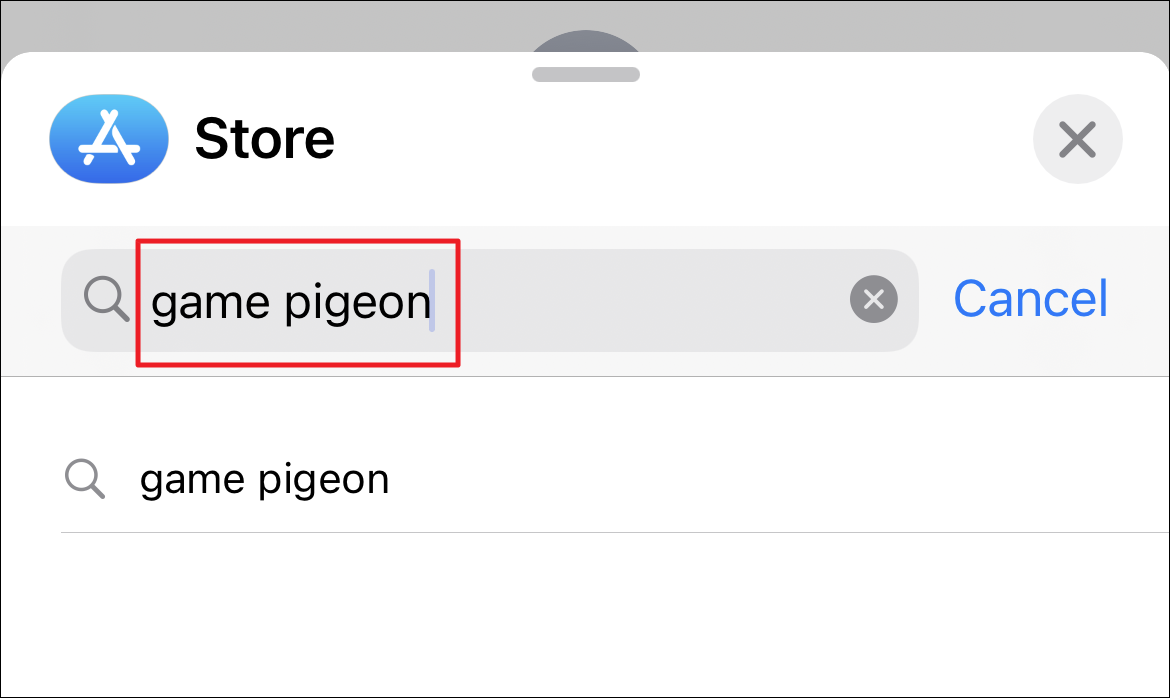
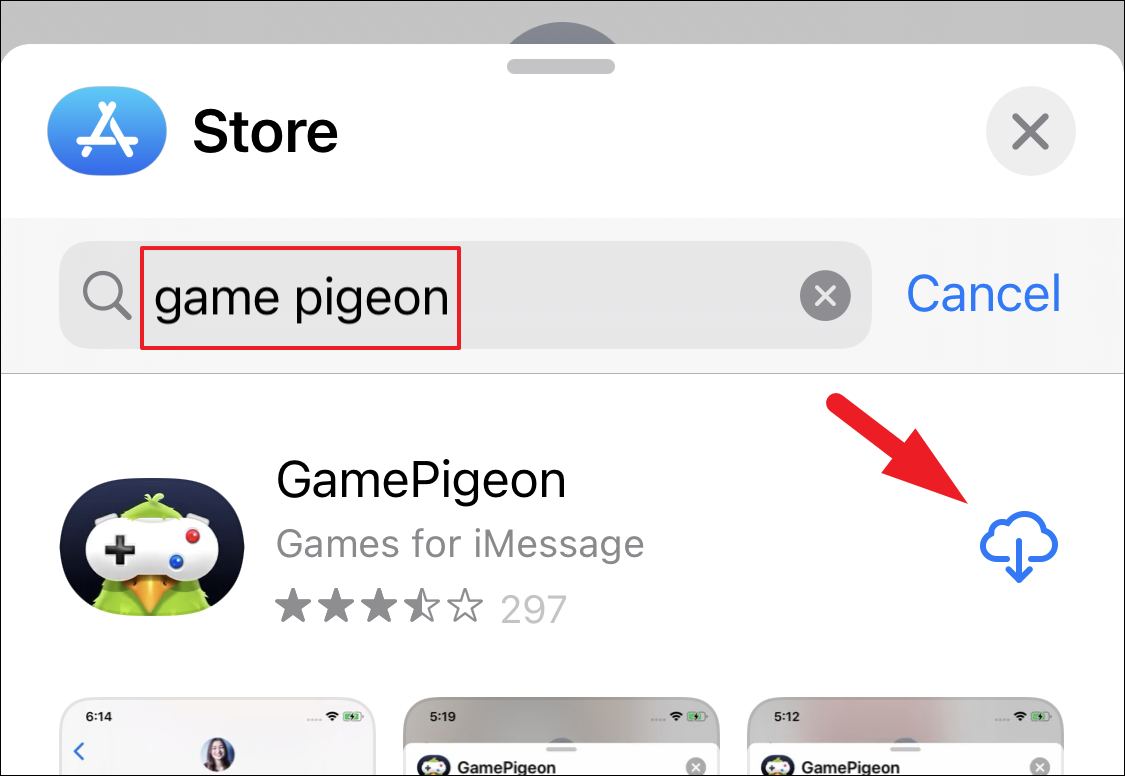
Since Filler isn’t standalone on the iMessage App Store, the first step is to download GamePigeon. Here’s how you can get it on your iPhone:
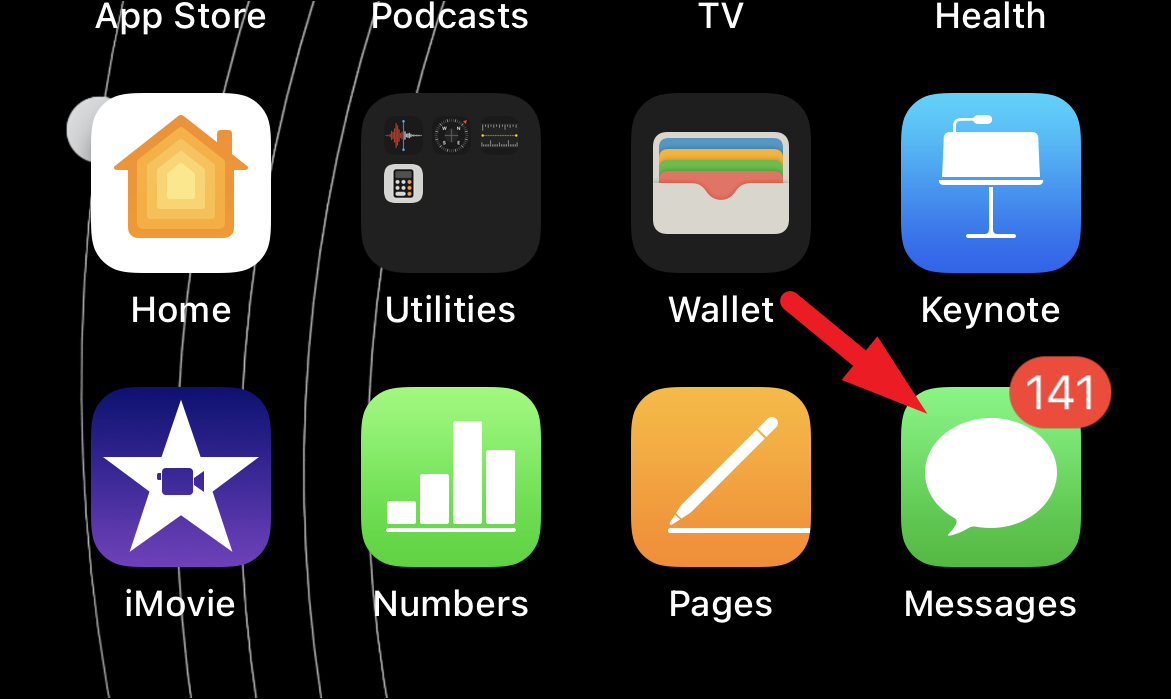
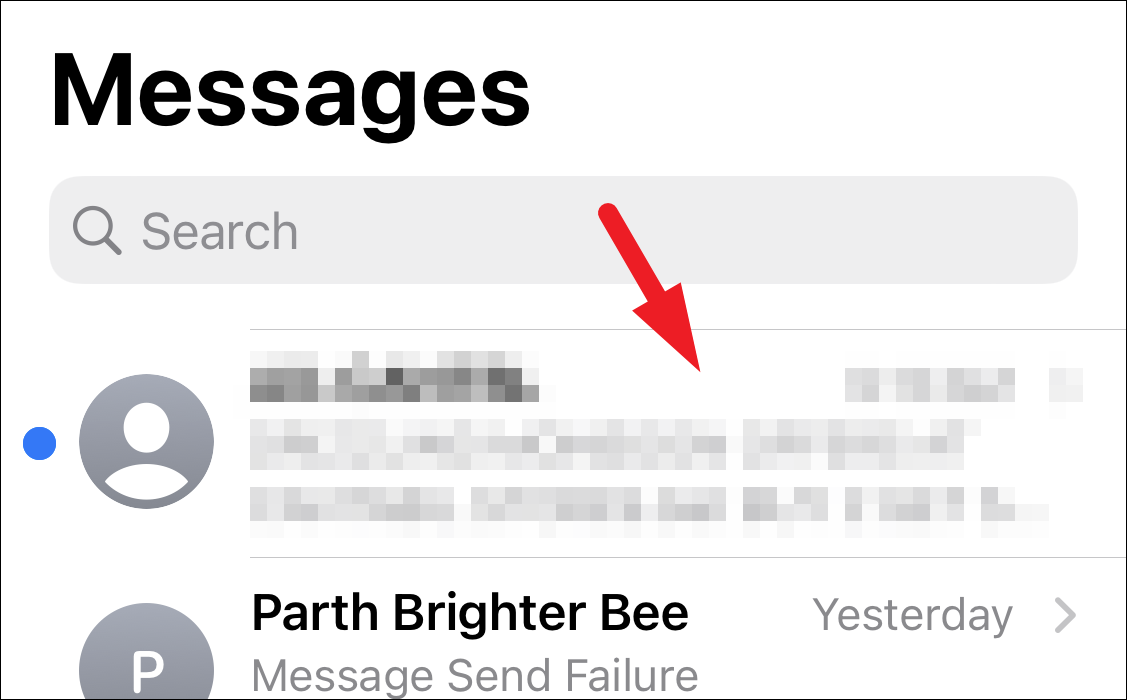
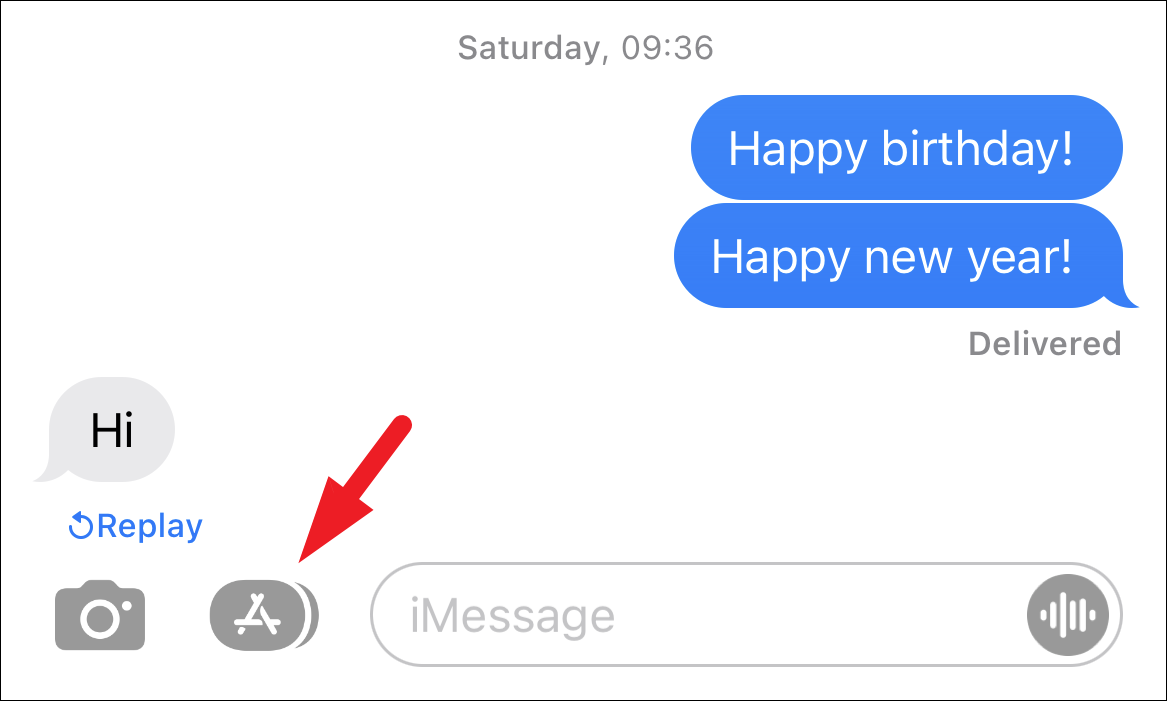
Starting a Game of Filler with a Contact on Your iPhone
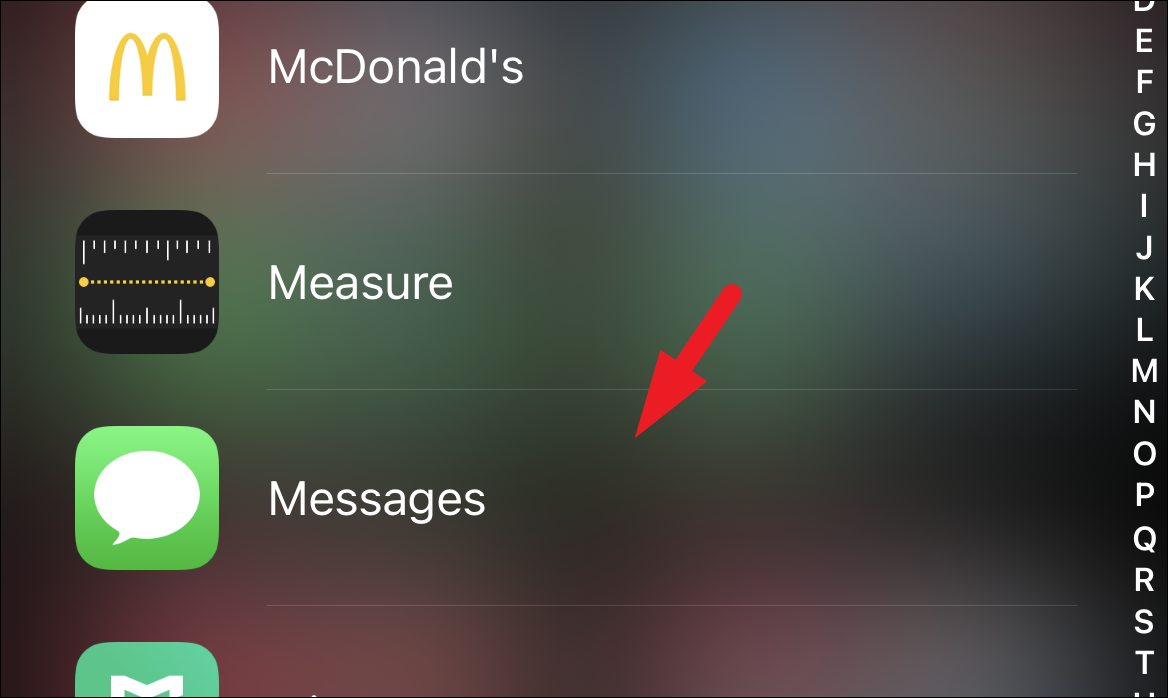
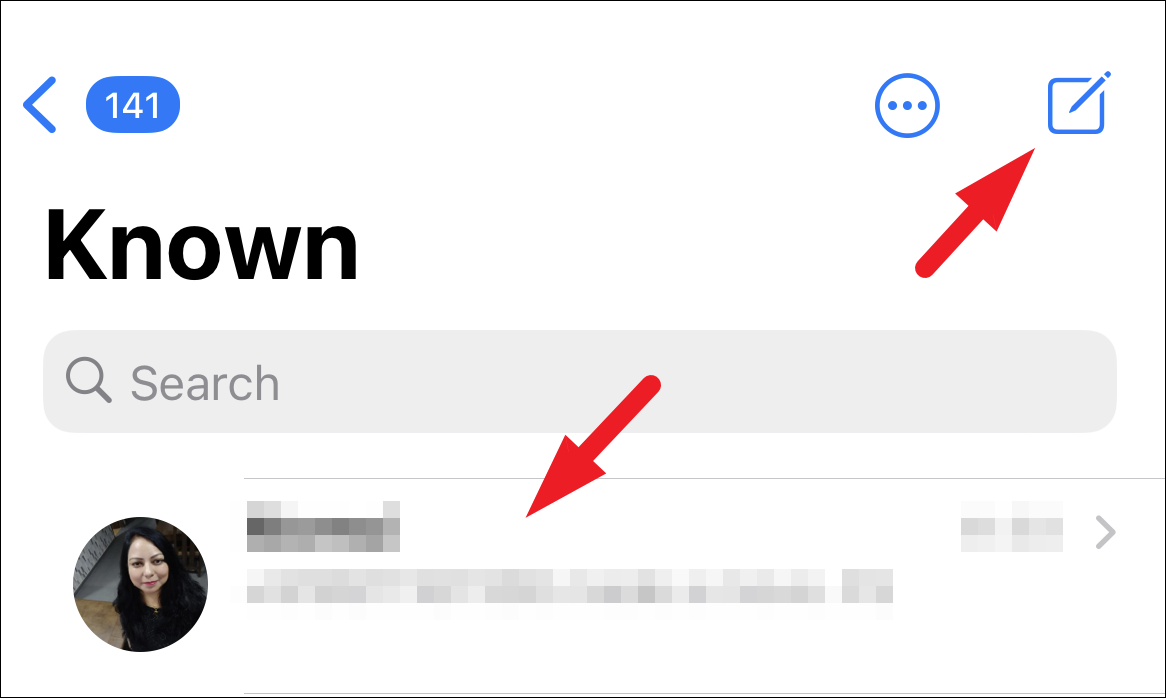
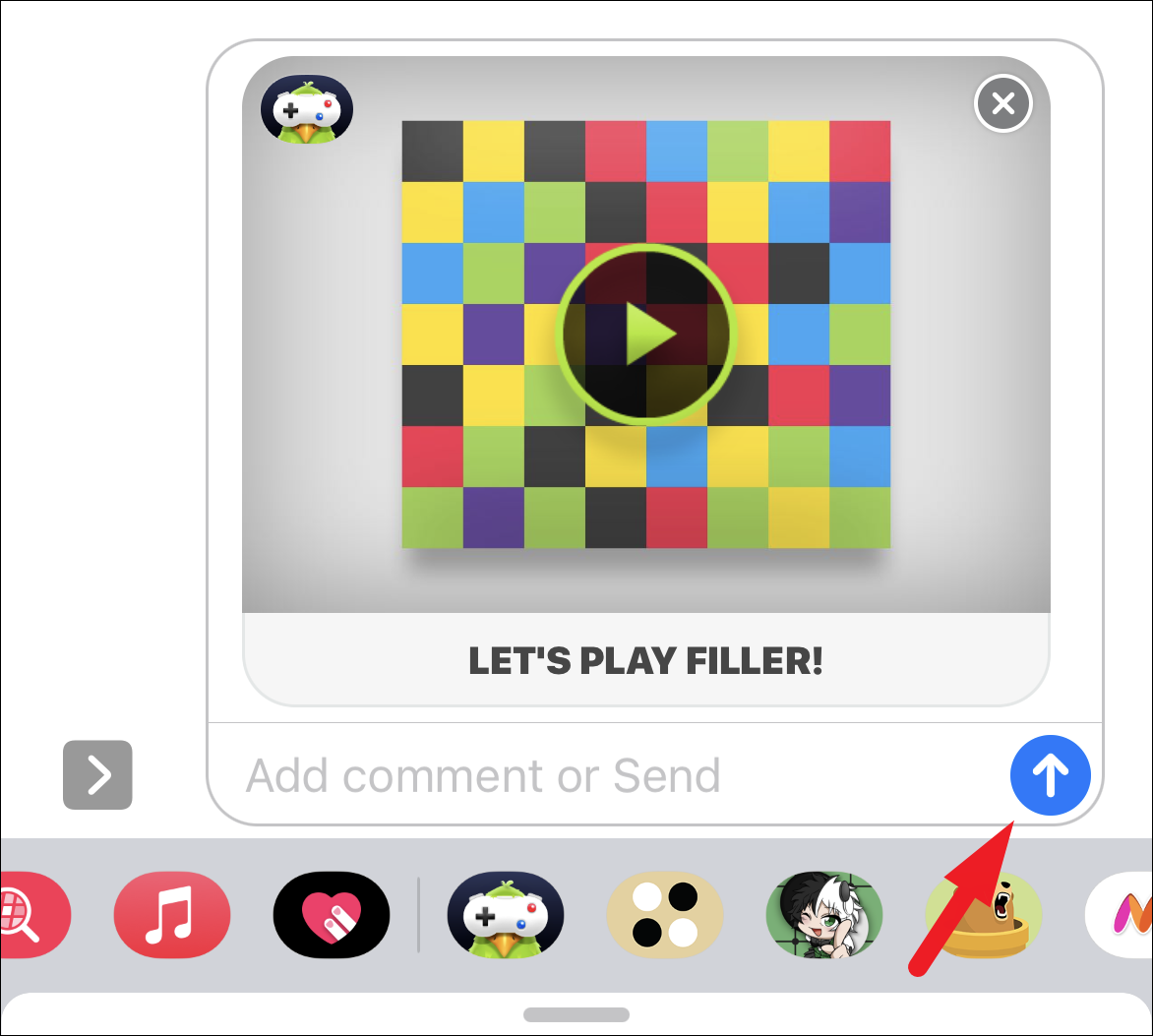
After installing GamePigeon, you and your friend can start playing Filler together. Here’s how to initiate a game:
The game begins with both players starting from opposite corners of the board. You expand your territory by selecting colors from the palette at the bottom of the screen. Choosing a color will merge any adjacent tiles of that color with your existing tiles.
You cannot select the same color as your opponent or choose your current color.
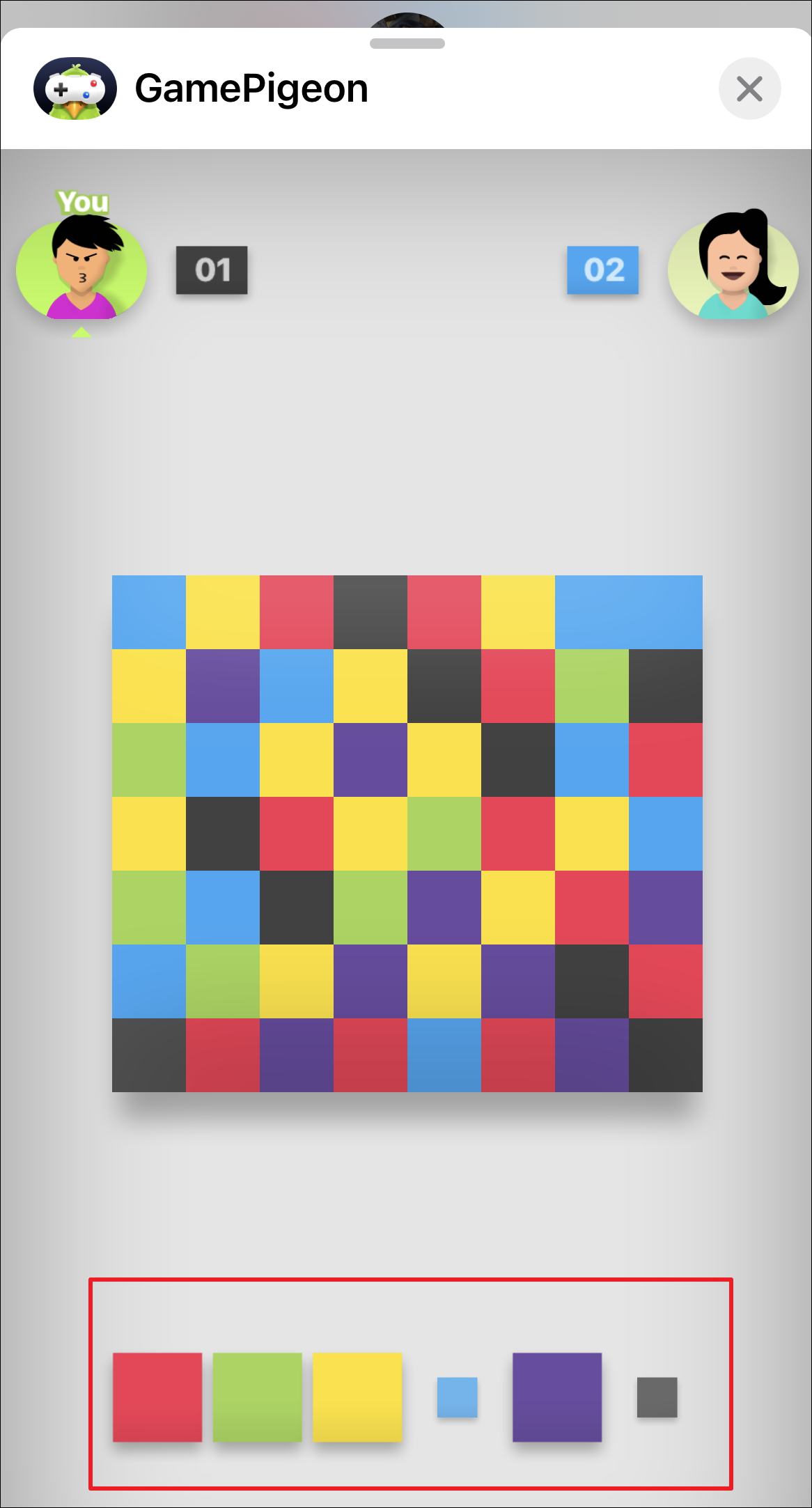
Strategize your moves to capture more tiles and block your opponent’s progress. The player who controls the majority of the board at the end wins the game.
Anticipate your opponent’s next move and select colors that limit their options.
Adjusting Sound and Music Settings in Filler
If you prefer to play without sound or music, you can easily adjust these settings within the game:

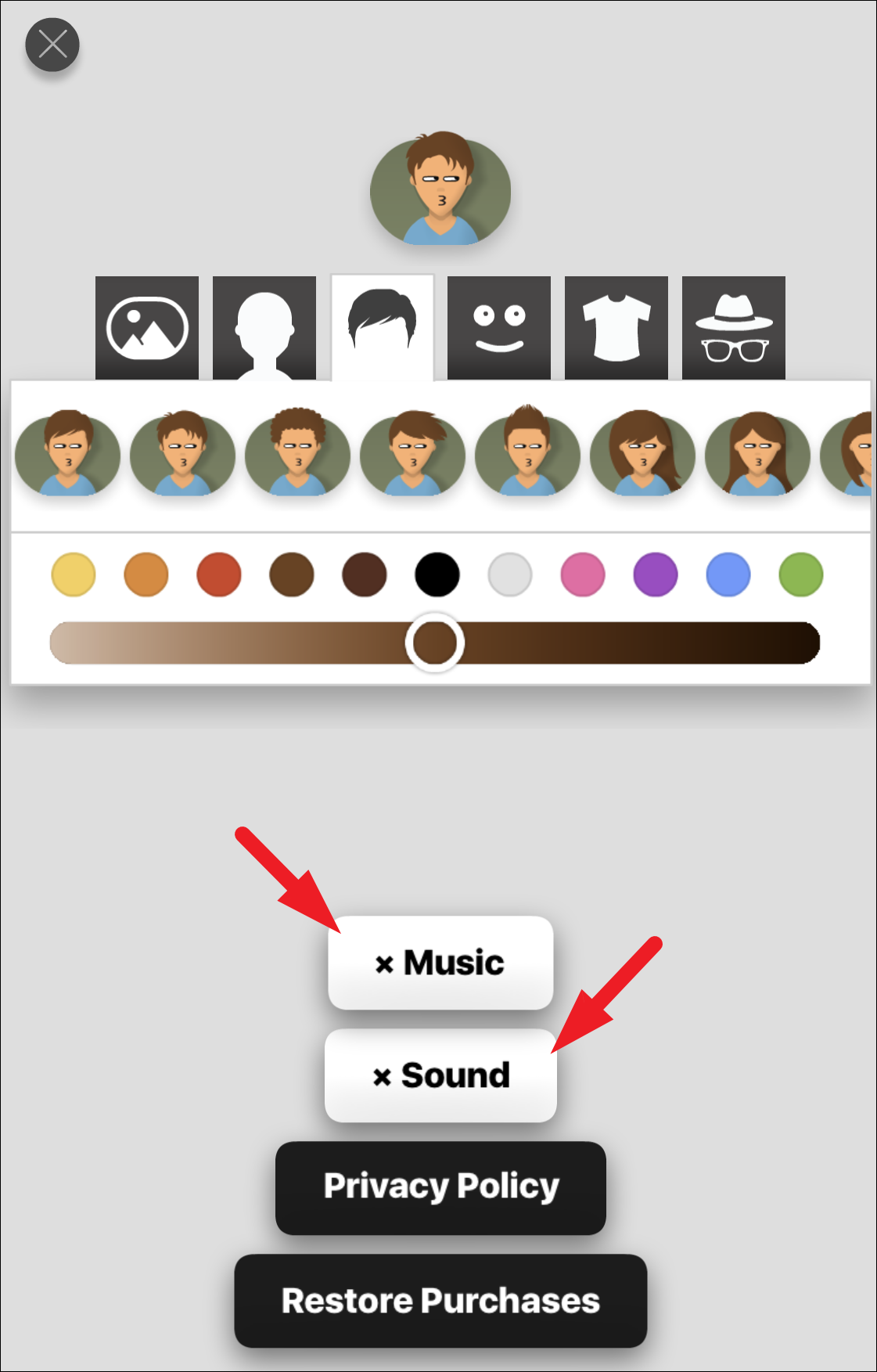
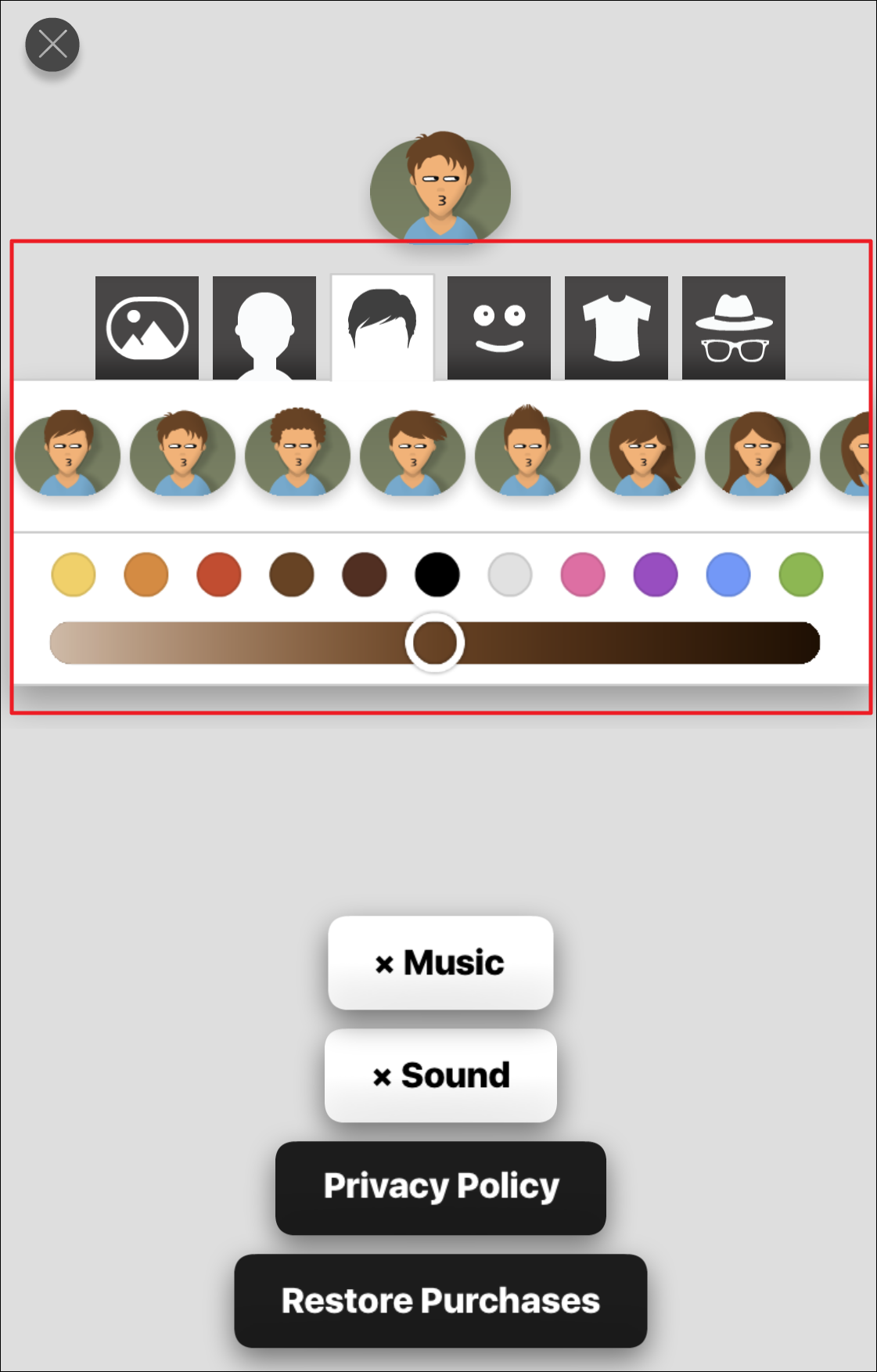
You can also customize your in-game avatar’s appearance by adjusting options such as hairstyle, facial expressions, eyewear, and clothing. These customization options are available above the sound and music settings.
Now you’re ready to enjoy Filler on iMessage and add some excitement to your conversations with friends.