Utilizing iMessage to send messages to yourself on your iPhone can be a convenient way to keep track of personal notes, reminders, or important information. This method turns your messaging app into a versatile tool for your daily needs.
Before you start messaging yourself, it’s important to ensure that iMessage is properly set up on your device.
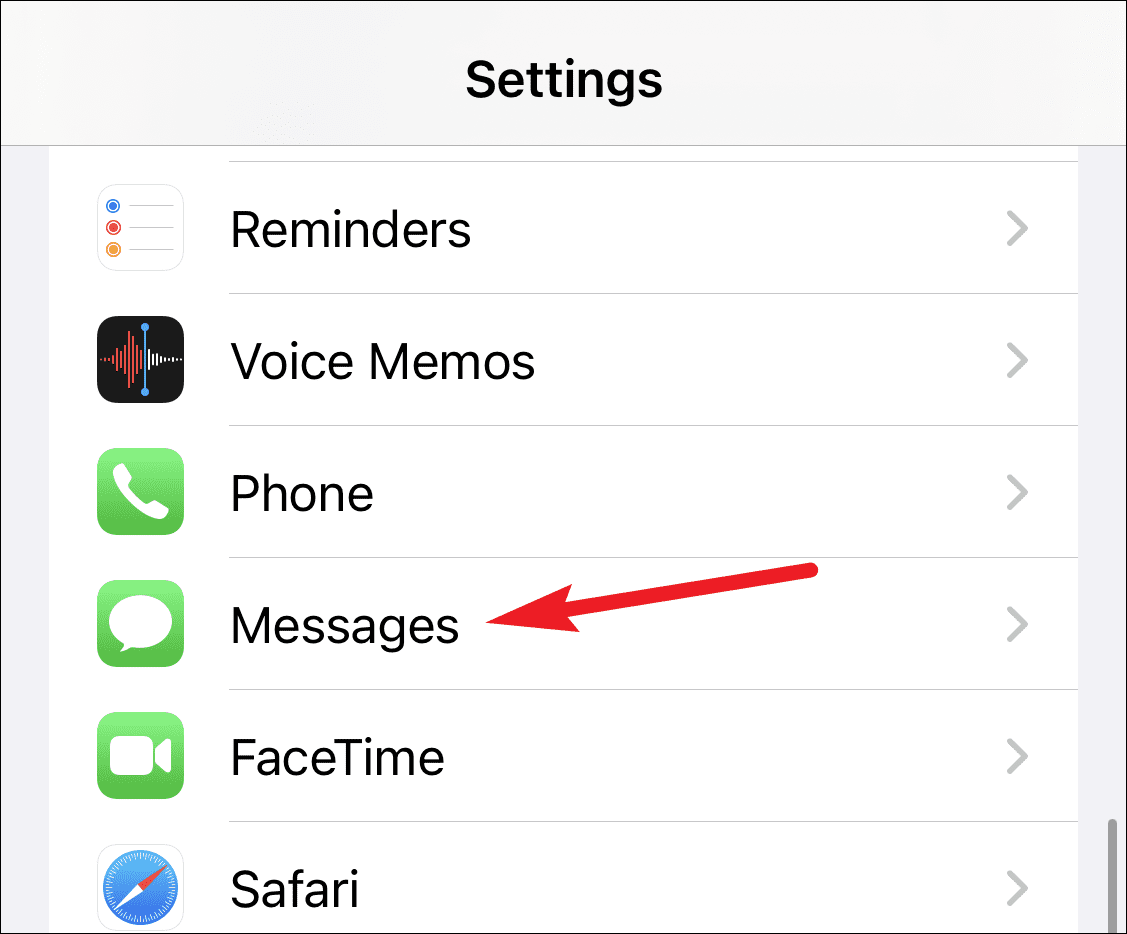
iMessage is turned on. If it’s not enabled, tap the toggle to activate iMessage.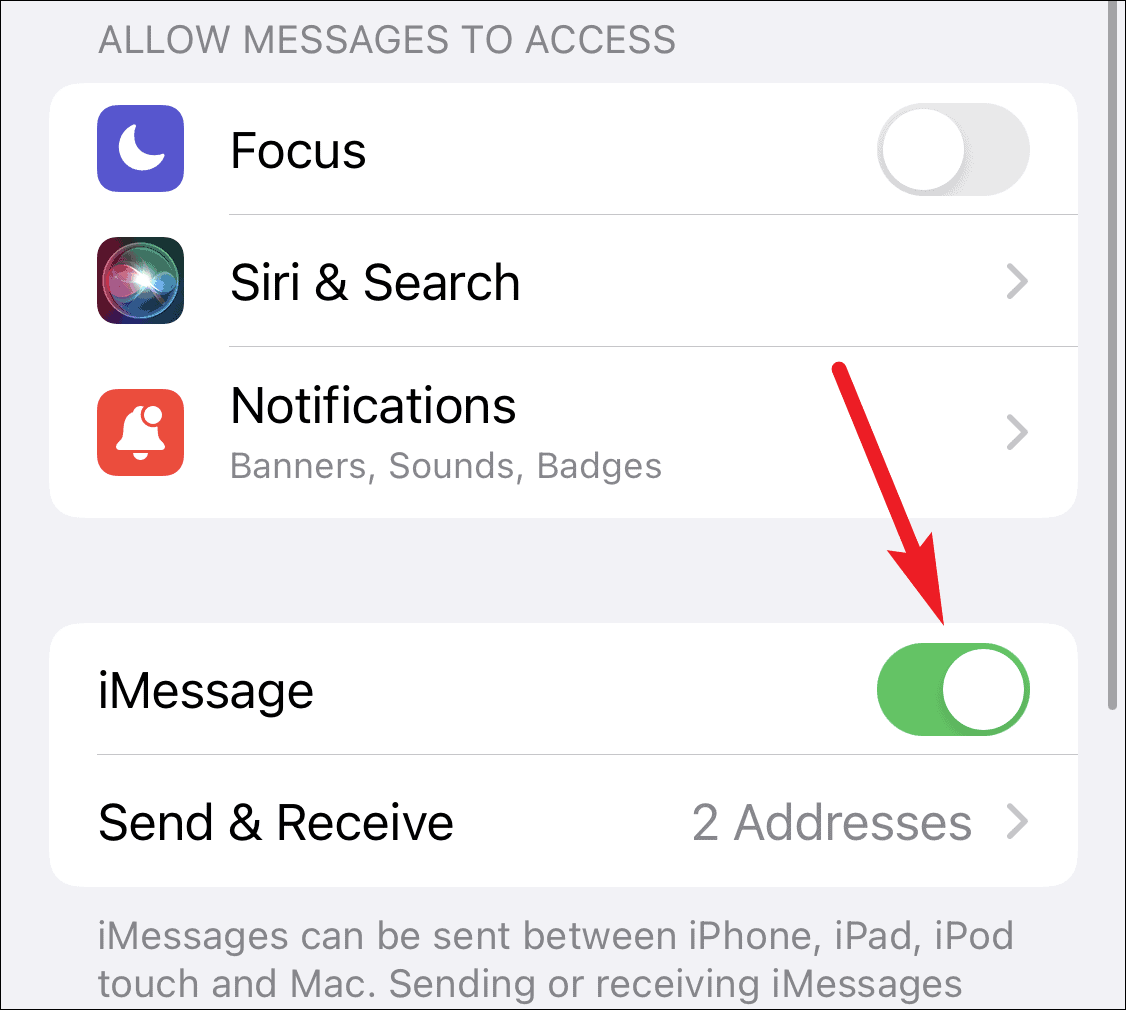
Send & Receive to verify the addresses you can use for iMessage. Ensure that all your desired phone numbers and email addresses are listed and selected here.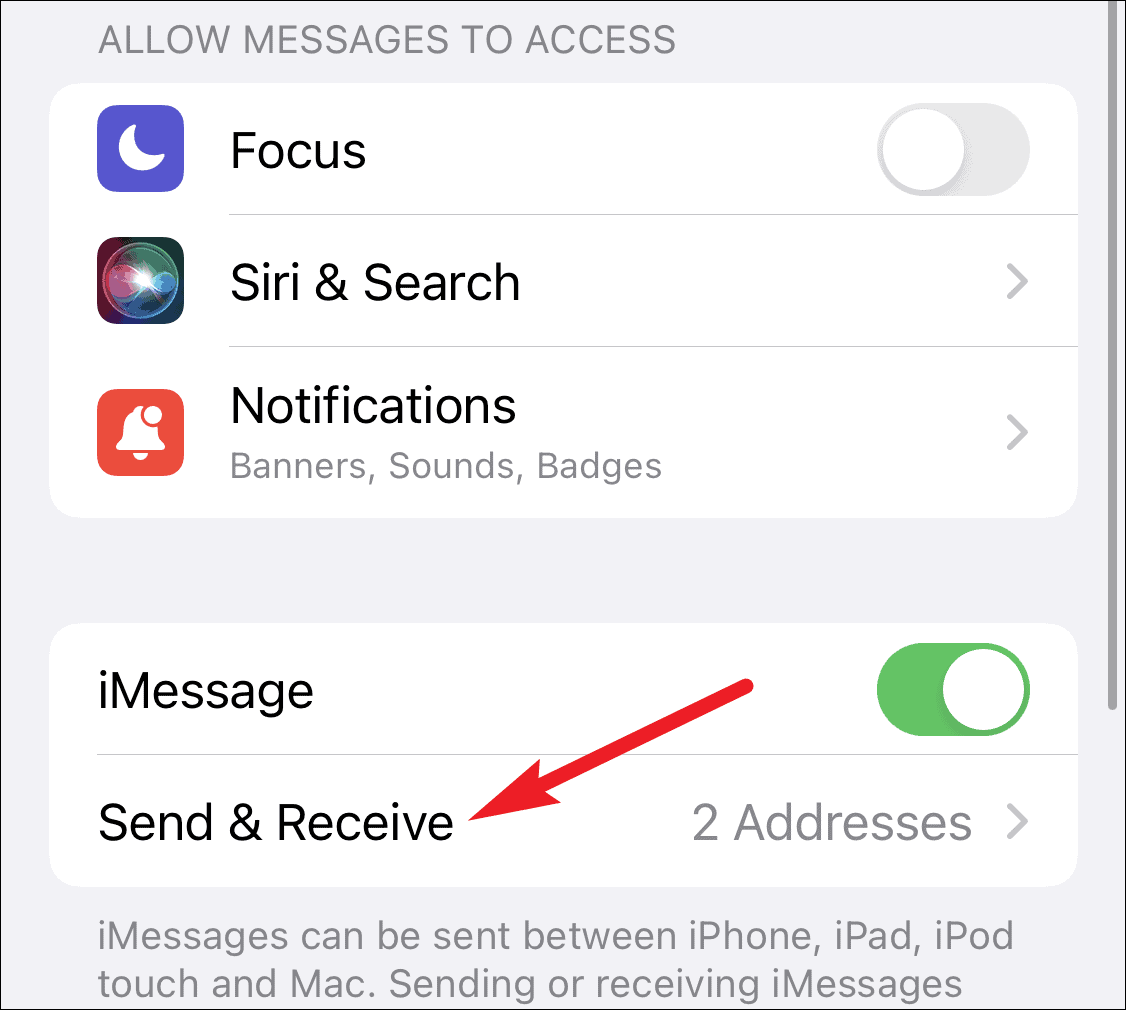
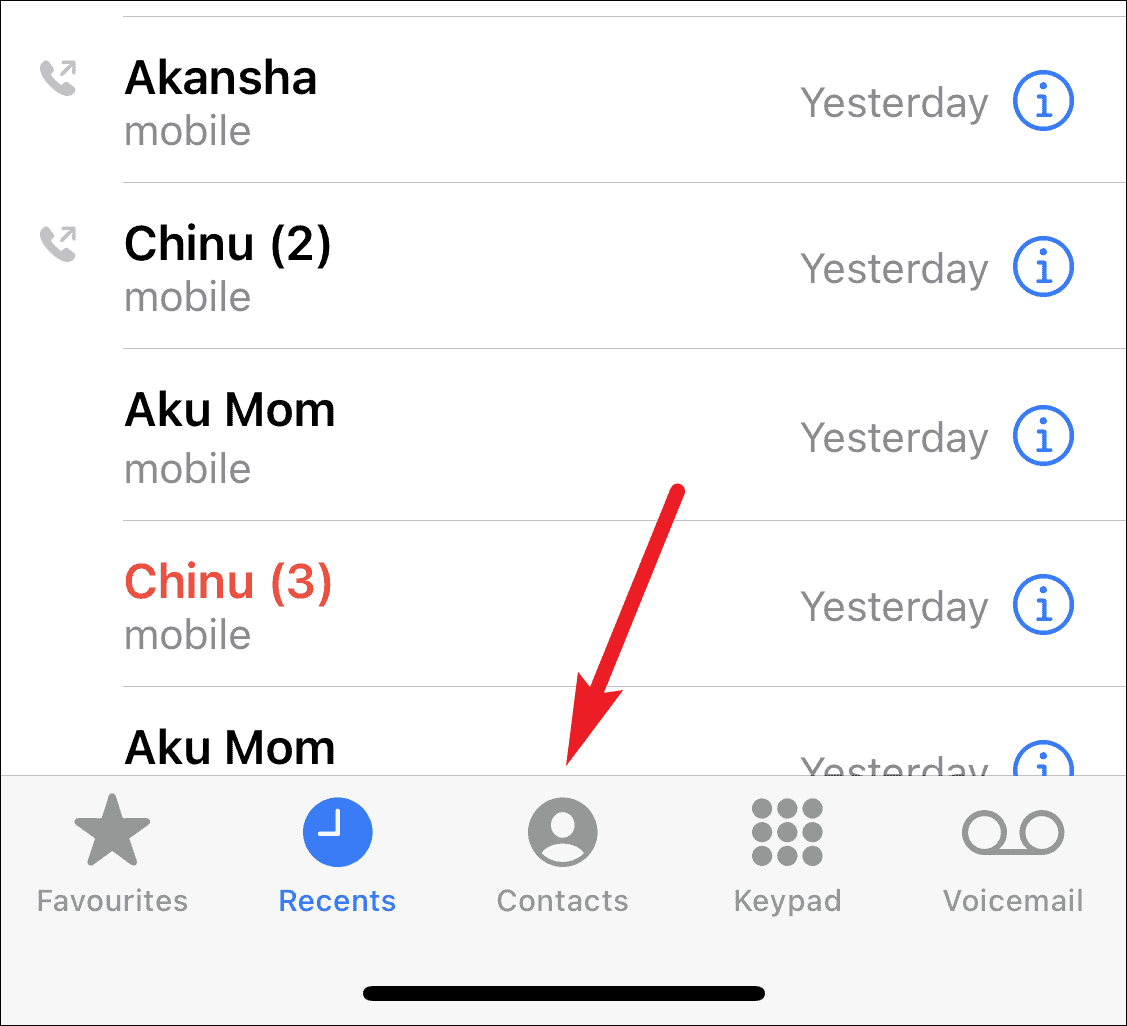
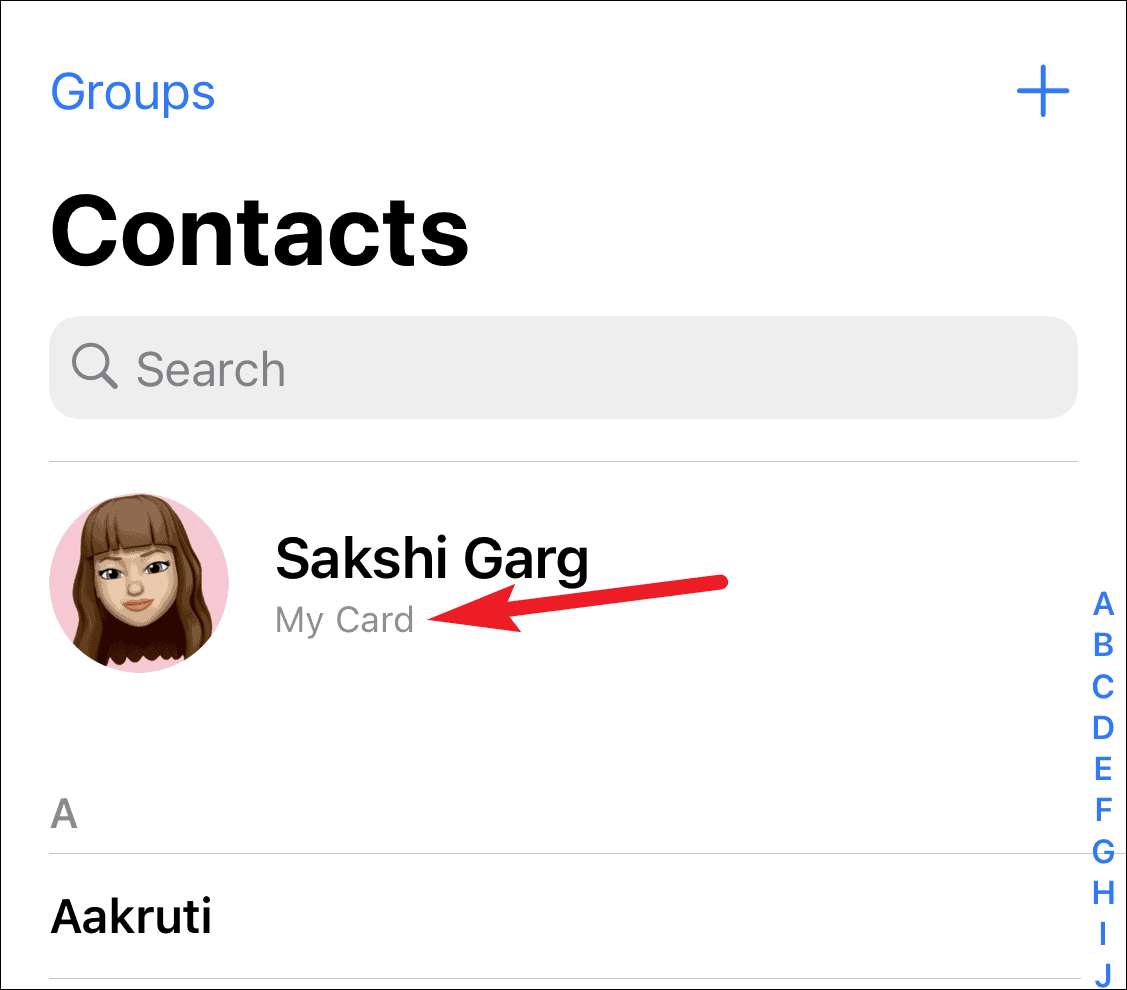
Messages app and tap on the New Message icon located in the top-right corner of the screen.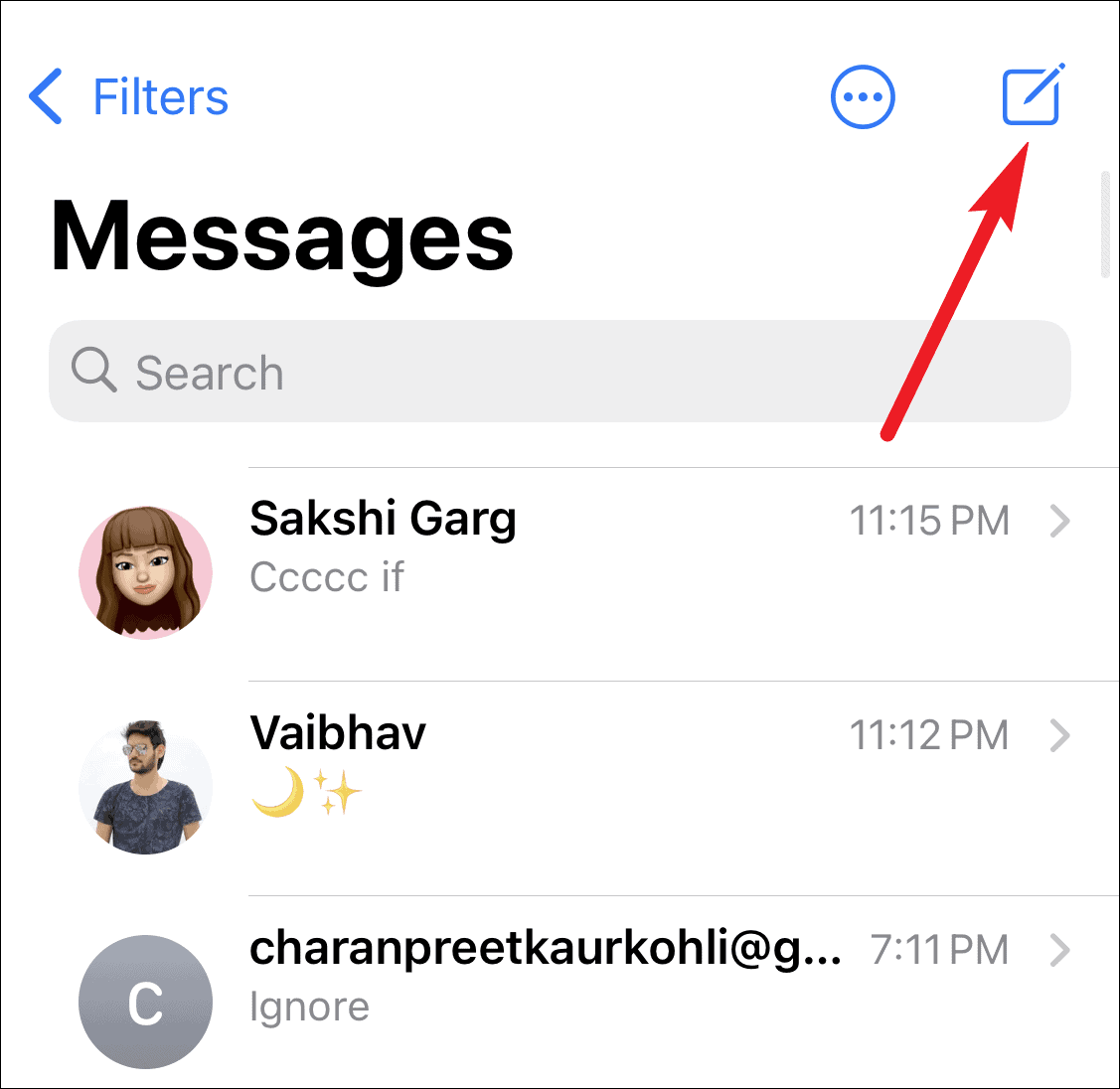
To: field, enter your own contact name. Compose your message in the text field as you normally would, and send it.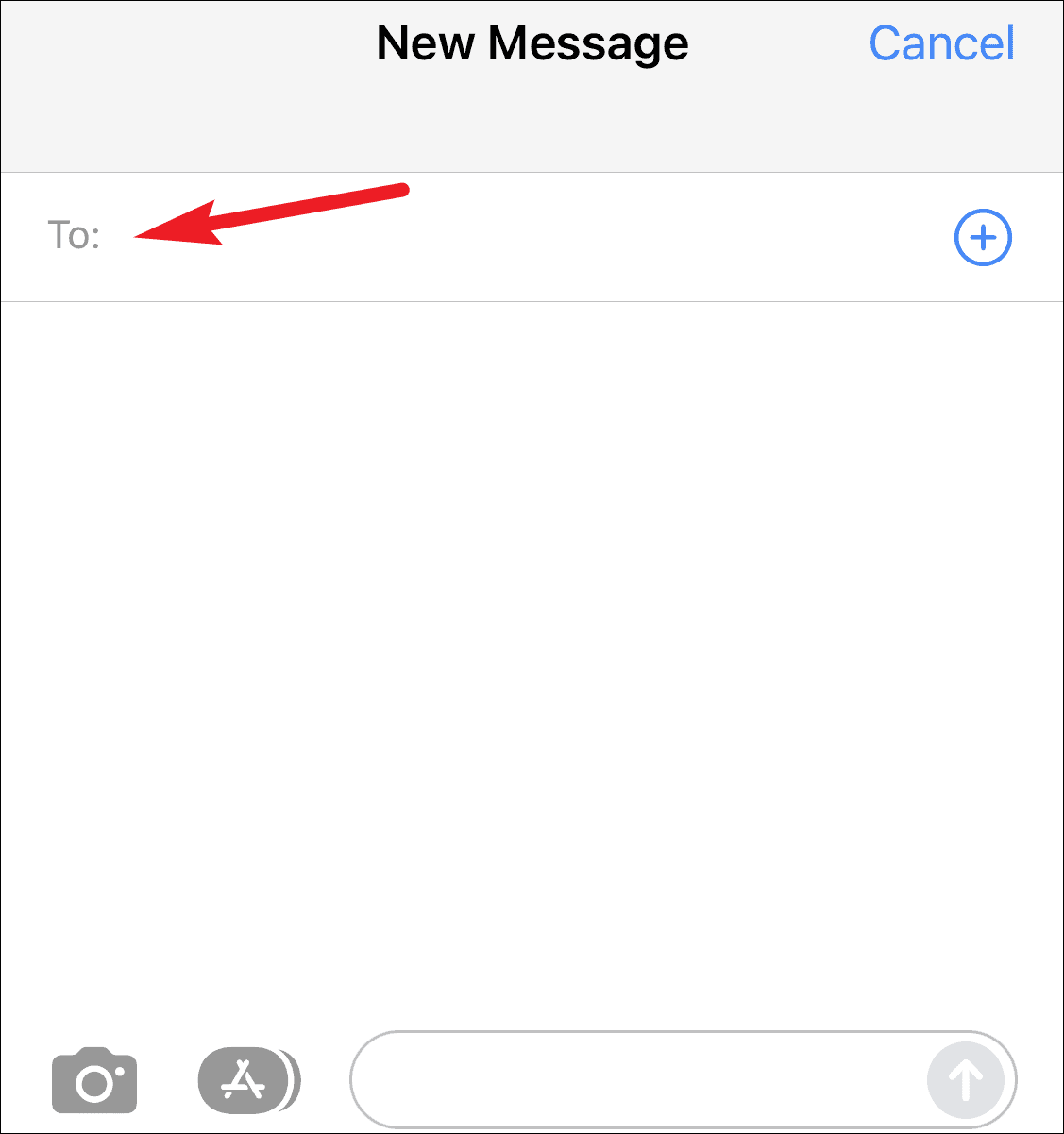
When you send a message to yourself, you’ll notice that the message appears twice in the conversation: once in a blue bubble (sent message) and once in a gray bubble (received message).
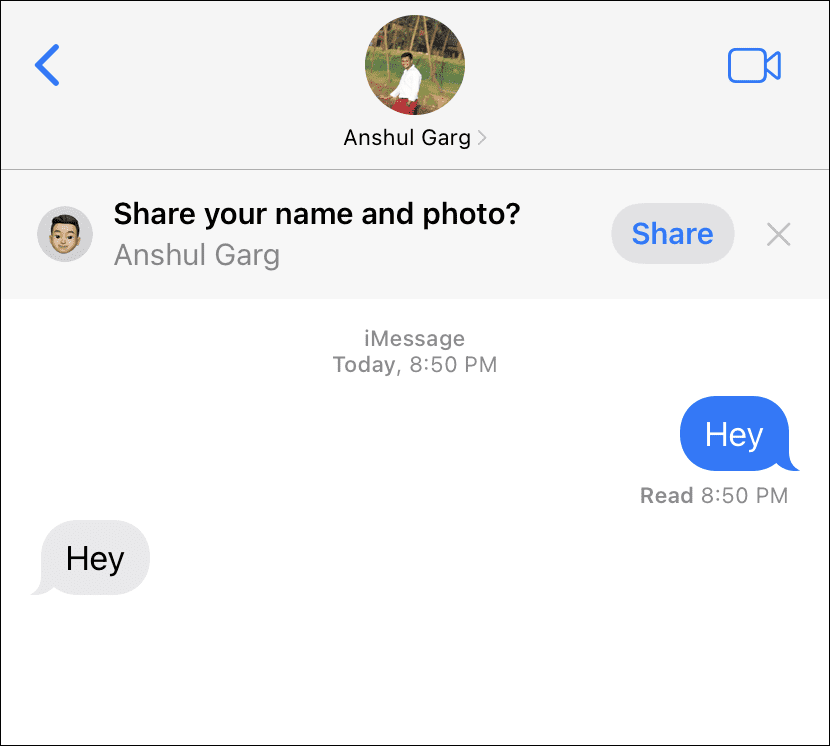
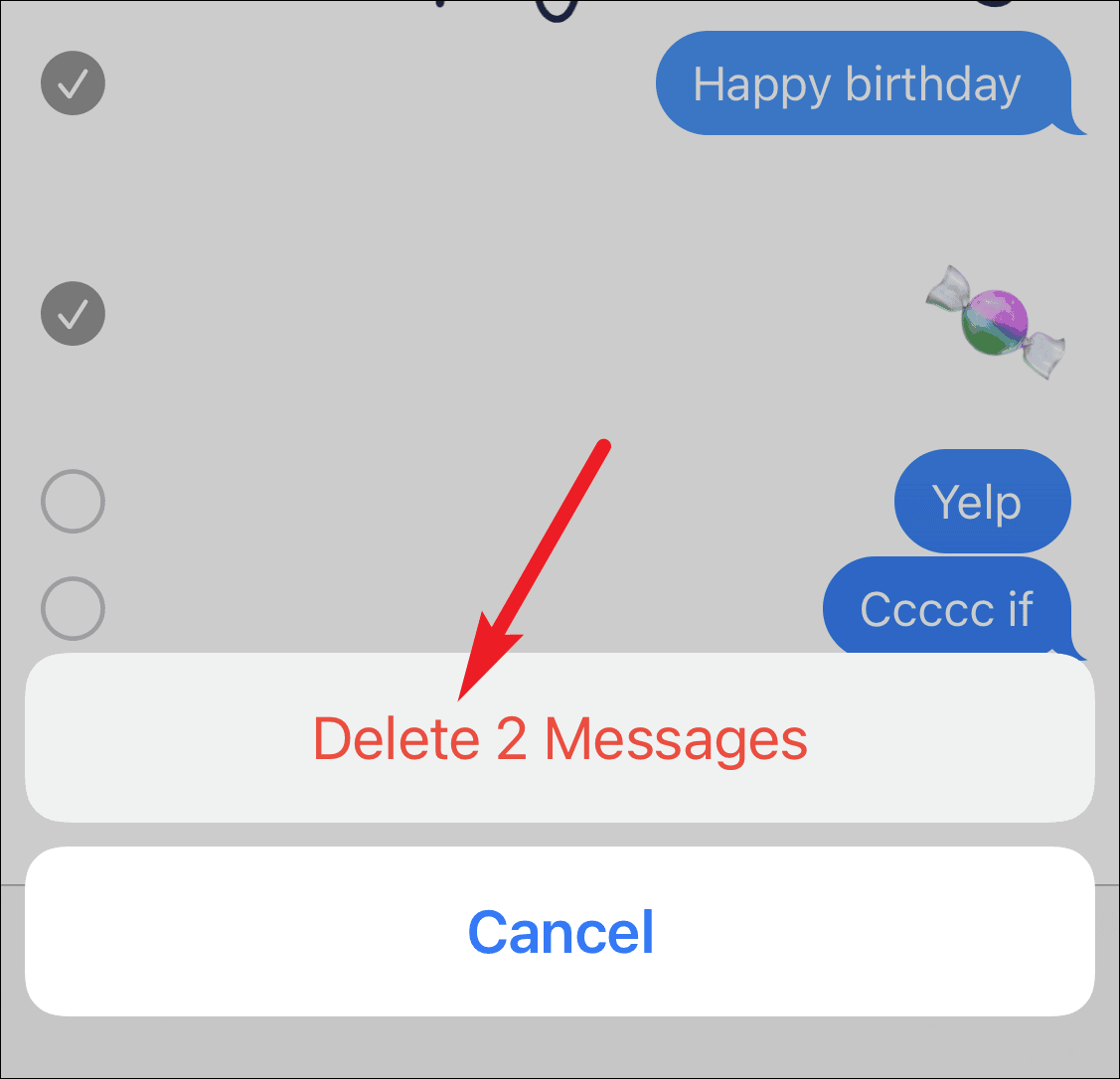
This dual appearance happens because you’re both the sender and the recipient. This feature can also be used to simulate a conversation if needed. To curate the conversation view, you can delete messages from either the sent or received side.
More from the menu that appears.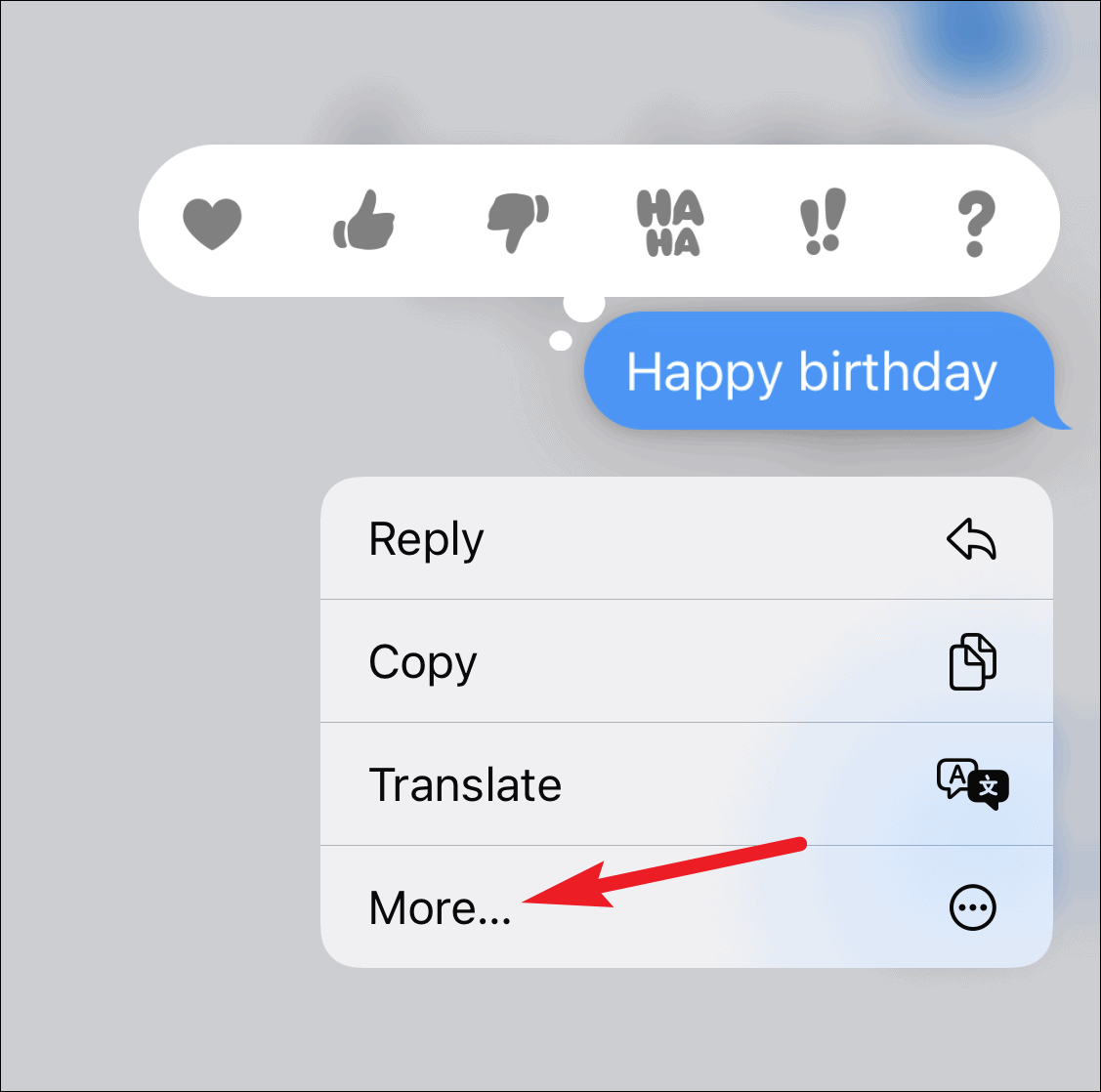
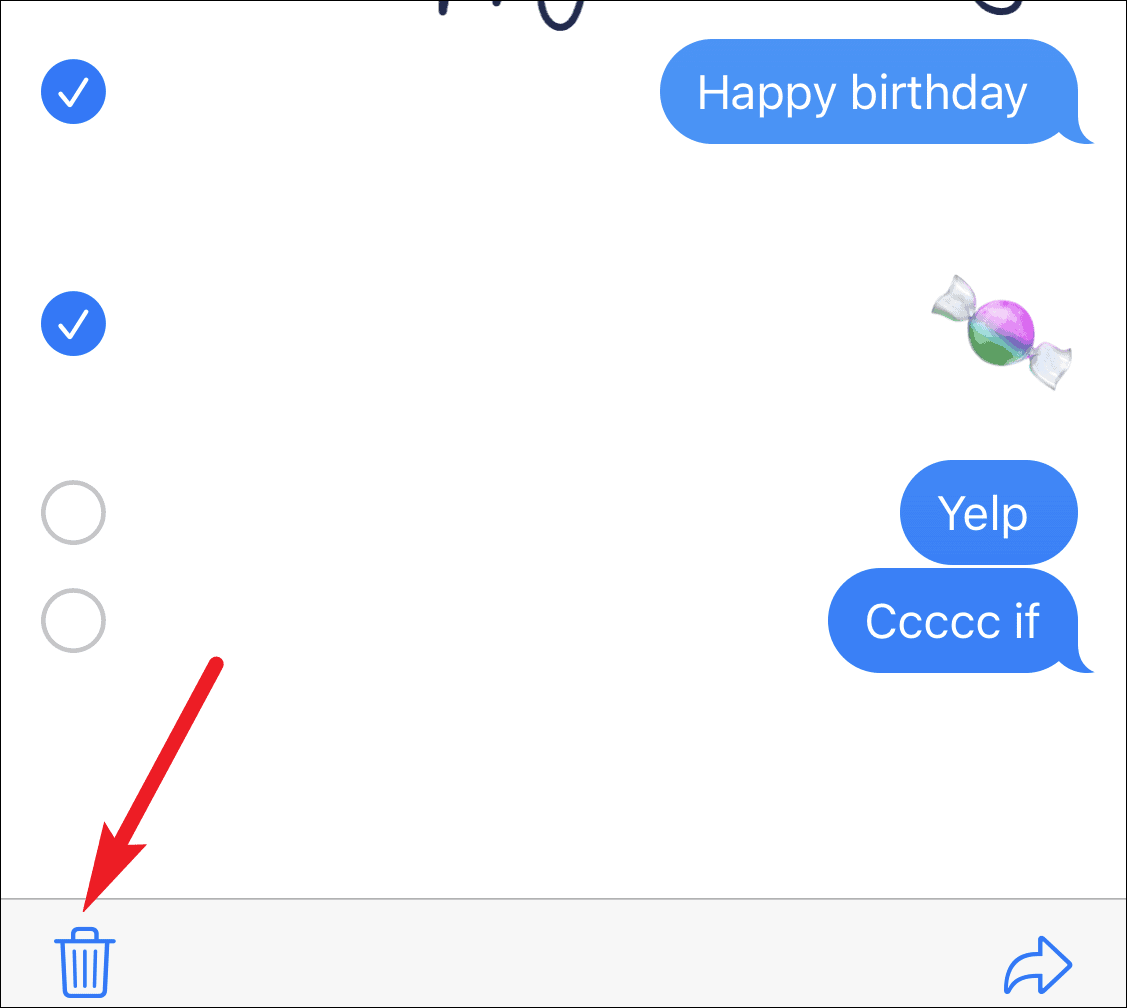
Messaging yourself in iMessage is a straightforward process that doesn’t require any additional apps or complicated steps. It’s an effective way to keep personal notes and reminders synced across all your Apple devices using the same iMessage account.