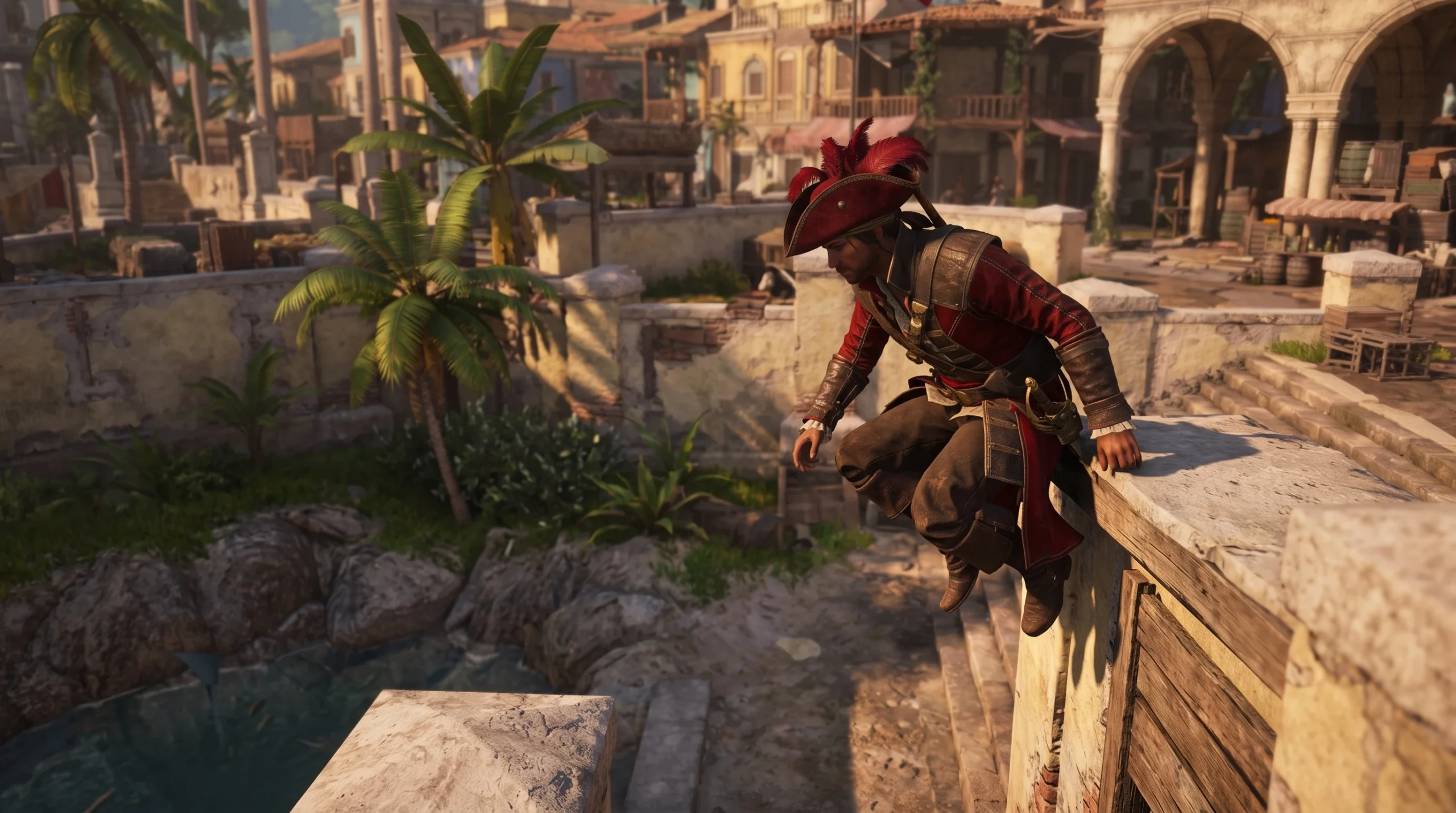
Standing on a rooftop in Assassin’s Creed Black Flag Resynced and eyeing an open window one floor down, you do not have to throw Edward Kenway off the edge and eat fall damage. The game has a dedicated Drop Down input that lowers him to a hangable ledge, a marked window frame, or a lower surface in a controlled way. It shares behavior with Dive, so the same button handles both descending on climbable structures and plunging into water from height.
Quick answer: Face the ledge or window below you and press Ctrl on keyboard, B on Xbox, or ⭘ (Circle) on PlayStation. Edward will lower himself down toward it instead of jumping off.
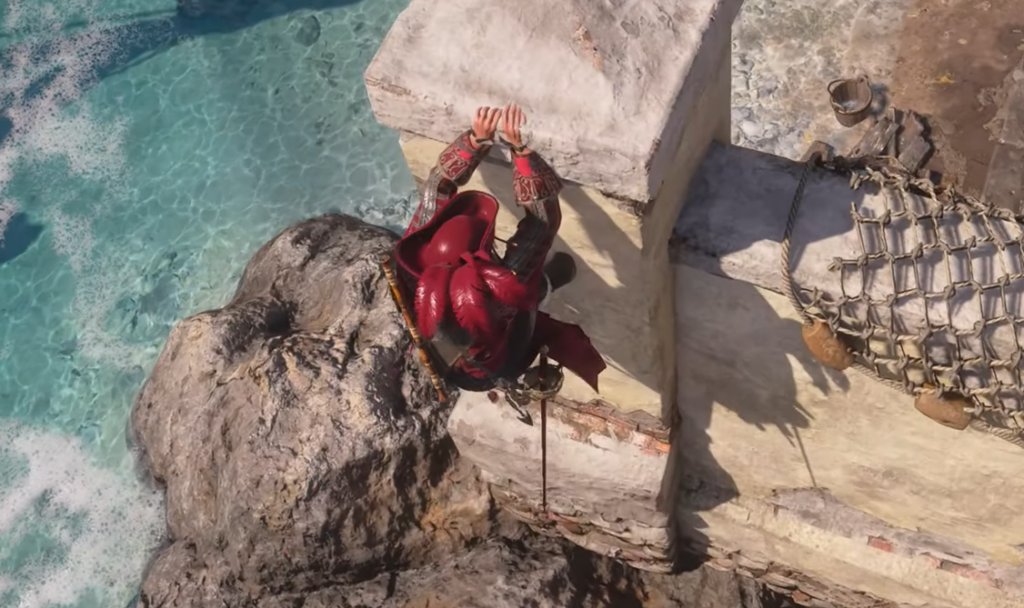
Drop Down / Dive button on every platform
Drop Down and Dive are bound to a single input under the Movement category. The action is a press, not a hold, so a quick tap is all it takes.
| Platform | Button | Input |
|---|---|---|
| Keyboard & Mouse | Ctrl | Press |
| Xbox | B | Press |
| PlayStation | ⭘ (Circle) | Press |
On Xbox and PlayStation, the same button also handles Dodge / Roll during combat, so its result depends on whether you are climbing, standing on a ledge, or fighting.
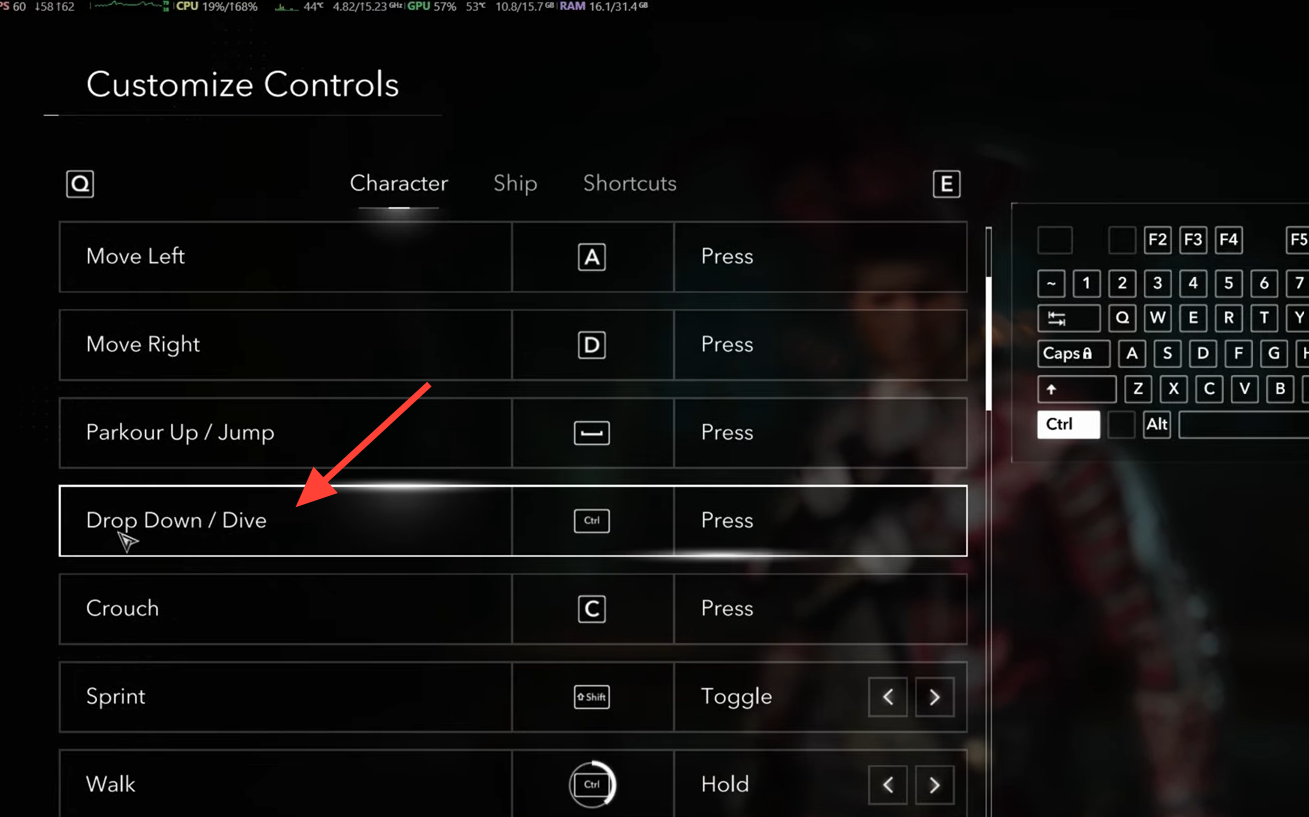
Drop from a roof to a ledge or window below
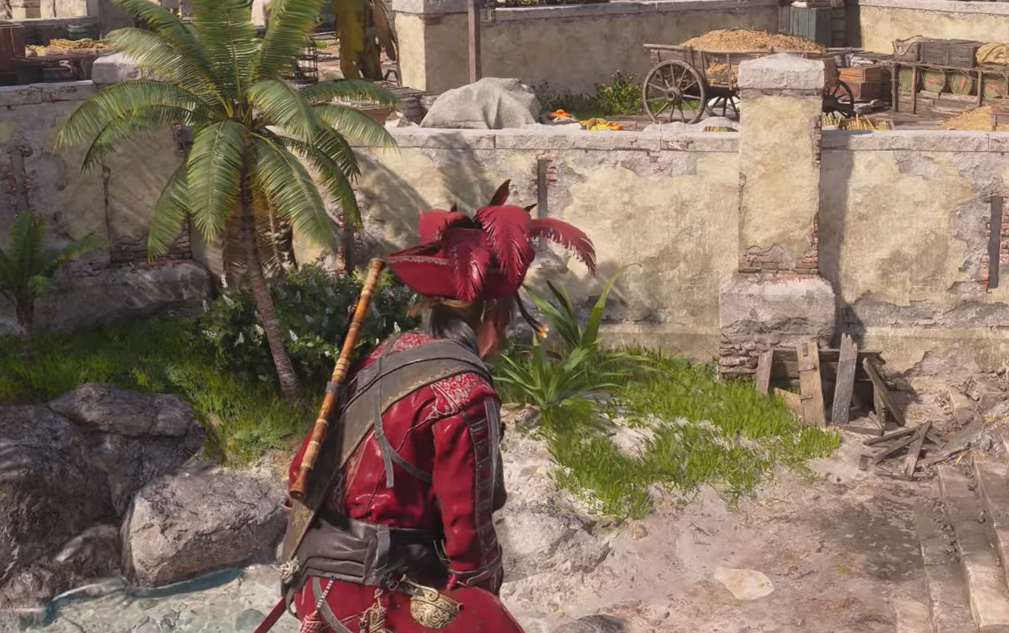
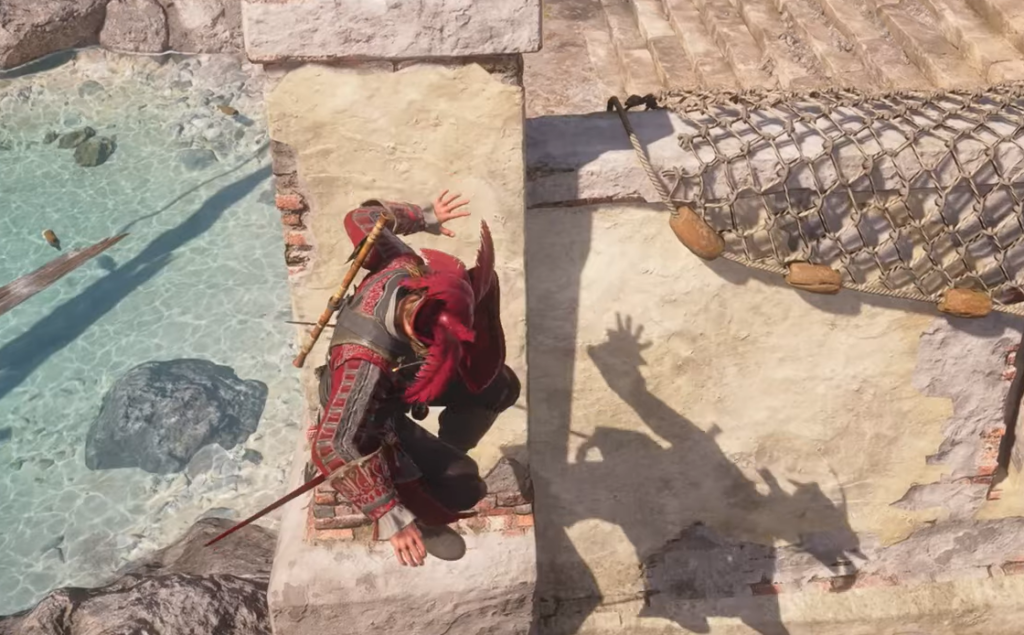
You will know it worked when Edward grabs the lower ledge or drops onto the surface below instead of falling freely. If he leaps off the roof and takes a full uncontrolled fall, he was pointed away from the ledge or too far from the edge when you pressed the button.
If Drop Down stops working on keyboard
On PC, Ctrl does double duty. A tap performs Drop Down / Dive, while holding Ctrl triggers Walk. That overlap is fine by default, but it becomes a problem after one specific change.
Switching Walk from Hold to Toggle can break Dive and Drop, leaving the input unresponsive when you try to lower yourself. The fix is to move Walk off Ctrl entirely so the two actions no longer collide.
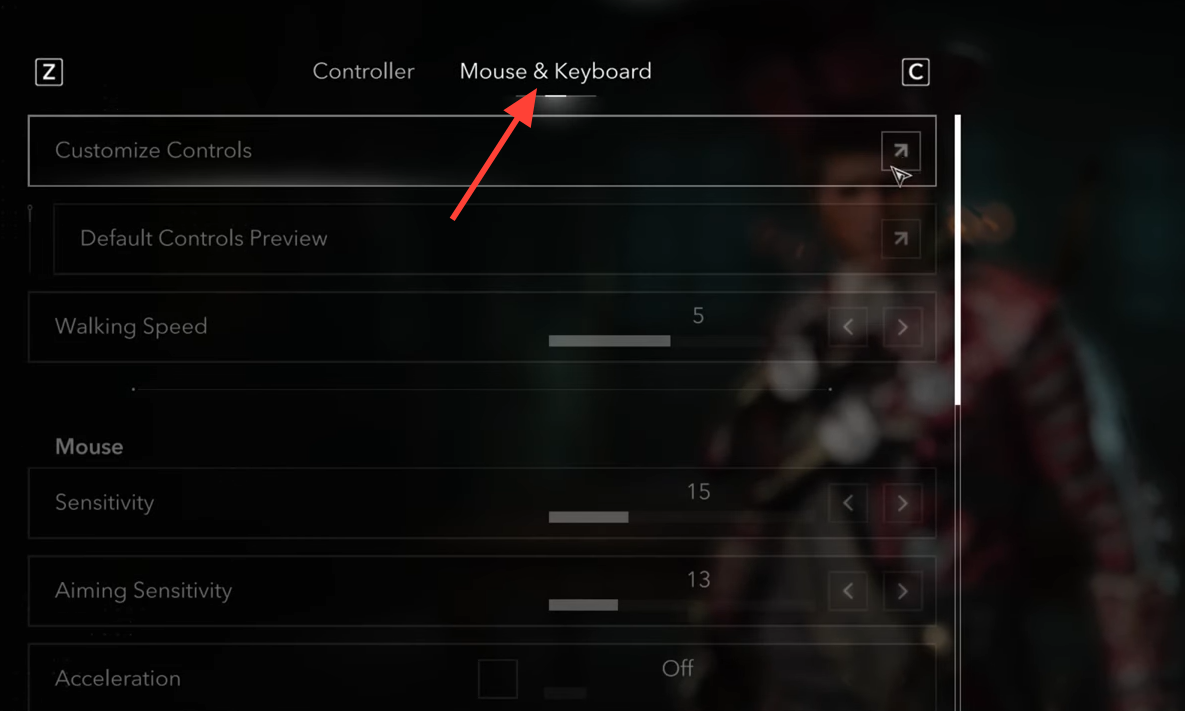
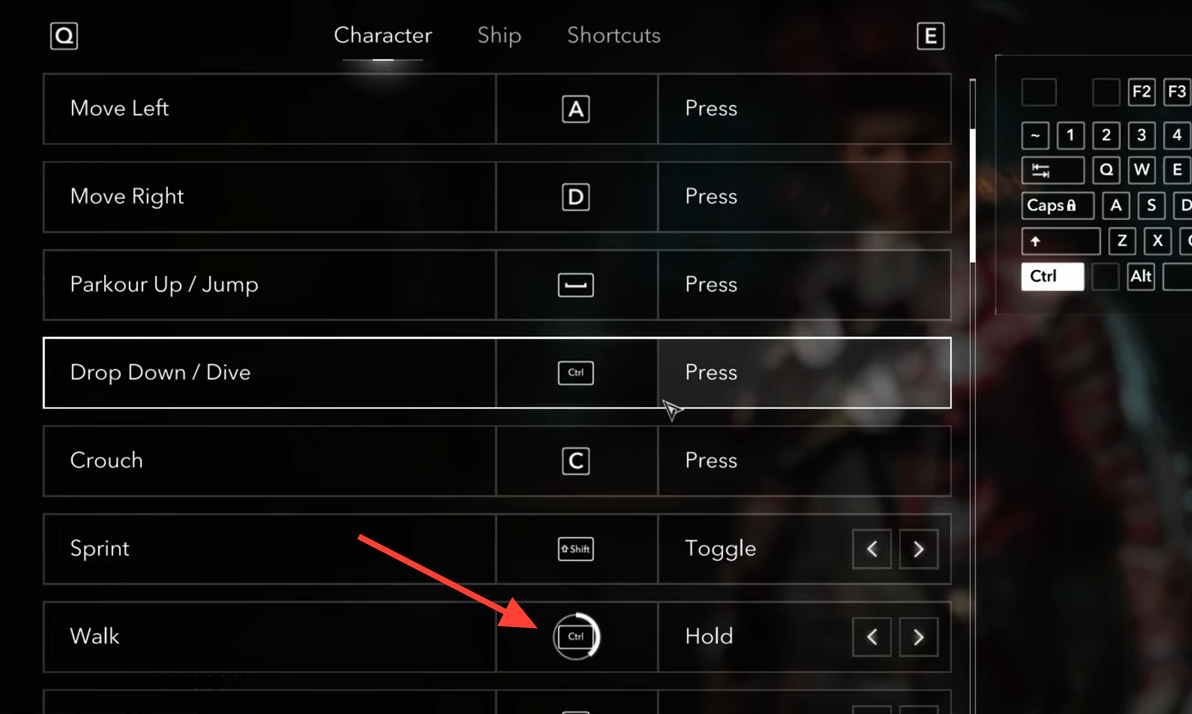
Once the input is clear and you are lined up over the ledge, dropping down becomes second nature. Aim toward the lower surface, tap the button, and Edward handles the descent, which is far kinder to your health bar than flinging yourself off every rooftop.