Update: Checked for new Adopt Me codes on May 29, 2026.
Adopt Me is one of Roblox’s most popular pet simulation games, letting you raise and trade pets, decorate your home, and explore Adoption Island with friends. Codes released by the developers hand out rewards like free Bucks, rare pets, and timed multipliers — a useful boost whether you’re just starting out or building up your collection.
There are no active codes for Adopt Me right now. The developers release new codes around major updates and milestones, so check back here when a new update drops.
Working Adopt Me codes (May 2026)
No active codes are available at this time. The list below will be updated as soon as new codes are confirmed.
- No active codes right now — check back soon.
Expired Adopt Me codes
These codes no longer work but are listed here for reference.
2xCOPPERKEYAMTRUCK2024SUMMERBREAKSUMMERSALE1B1LL1ONV1S1TSM0N3YTR33SGIFTUNWRAPDiscordFTWsubbethinkSEAcreatures
How to redeem codes in Adopt Me
Redeeming a code requires a short walk through the game world to reach the Code Redemption Kiosk. Launch Adopt Me on Roblox and follow the steps below.
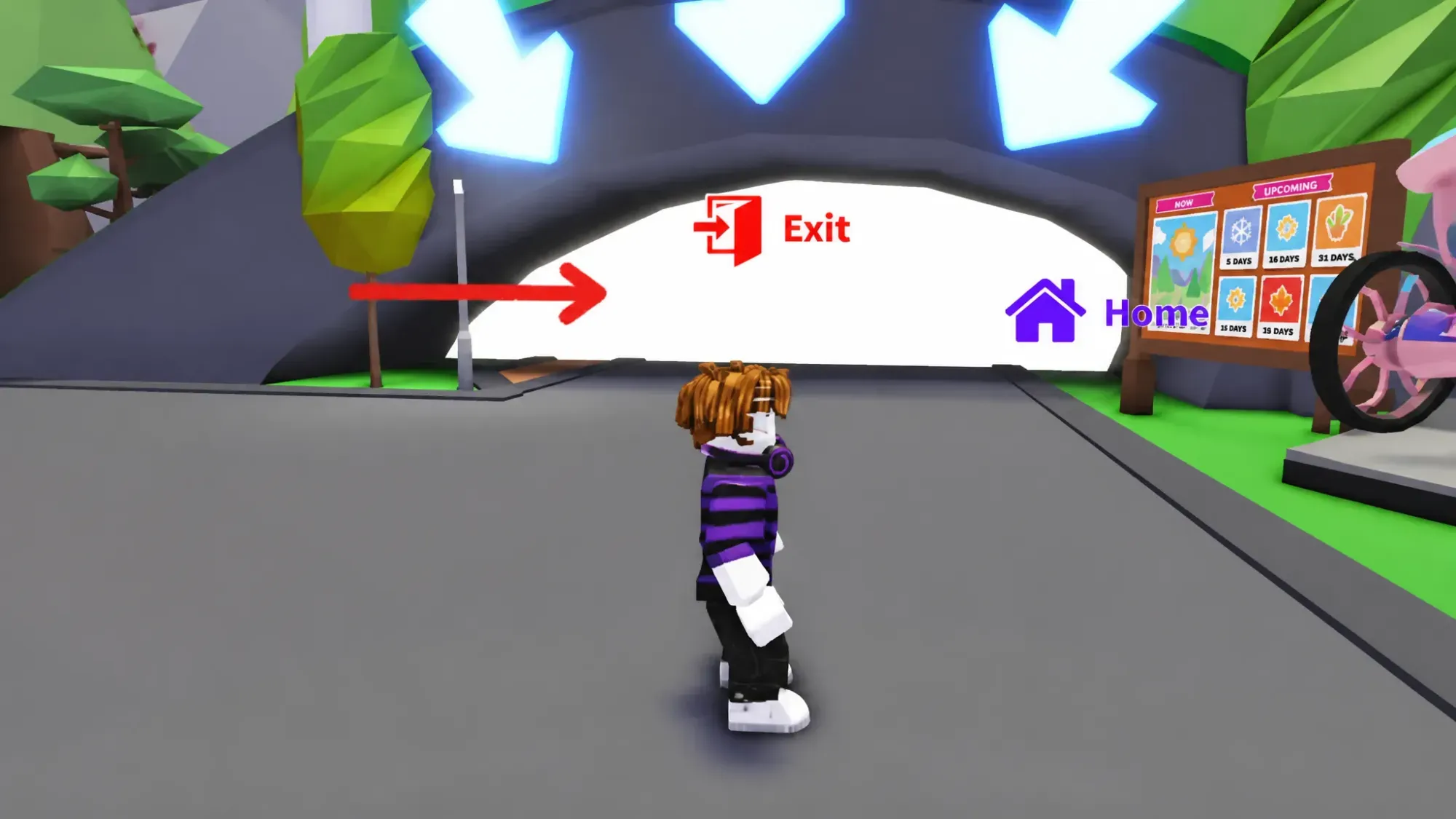
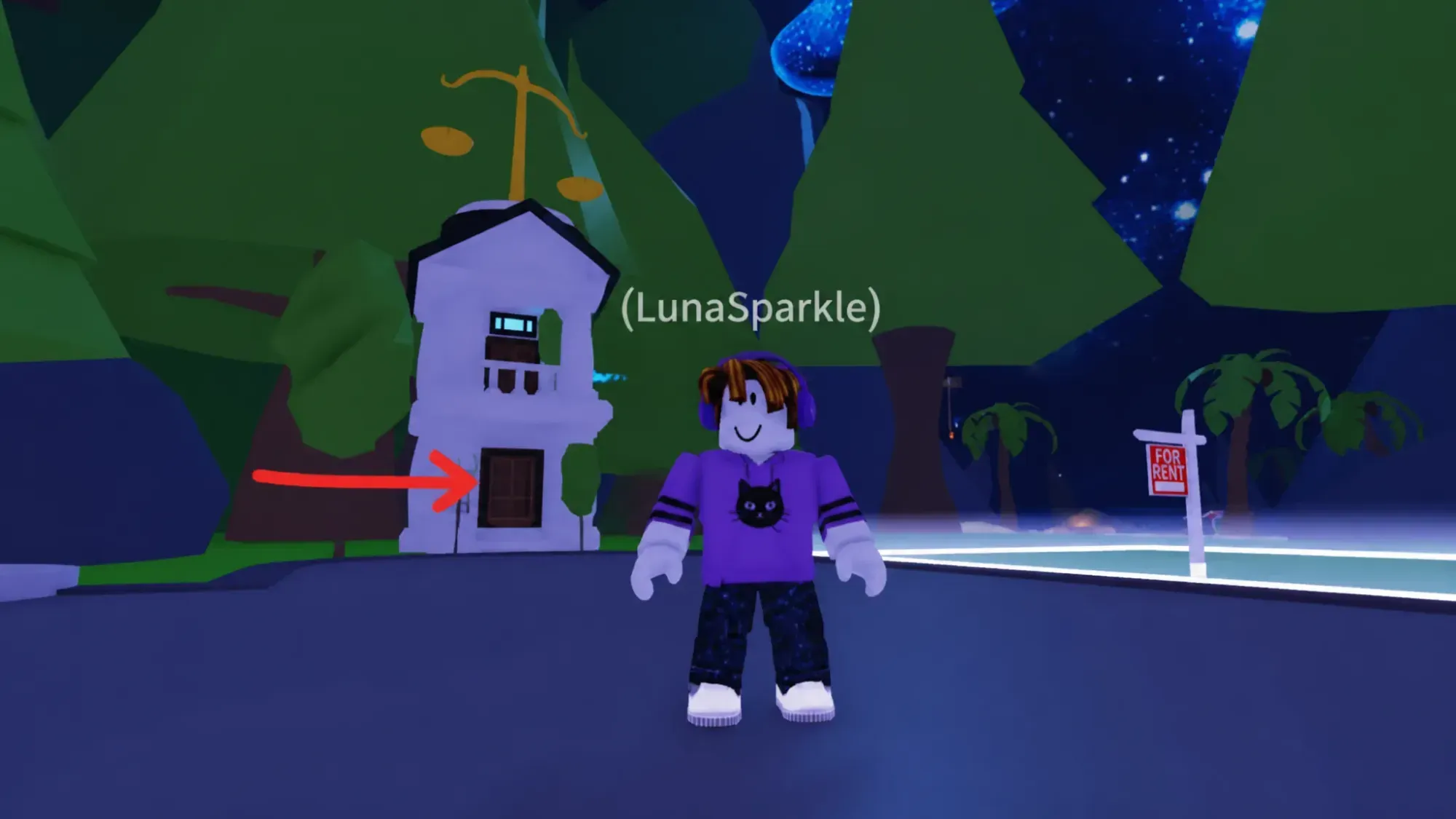
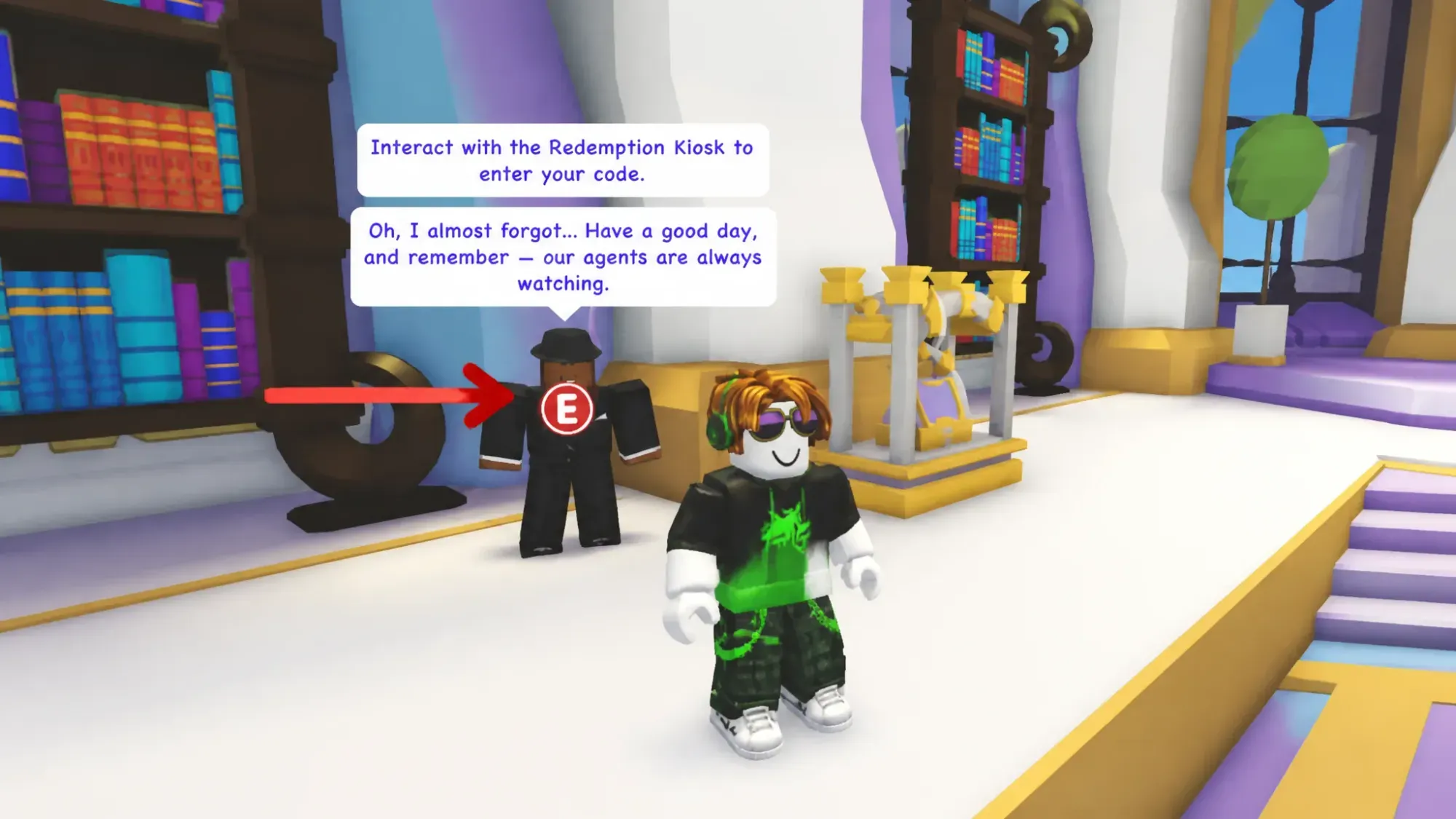
A confirmation message appears on screen when a code is accepted successfully, listing the rewards added to your account. If the code is not recognized, a separate message will notify you that it was not found.
Note: Enter codes exactly as listed, preserving uppercase and lowercase letters. A single character difference will cause the redemption to fail.
Where to find new Adopt Me codes
New codes are typically tied to major game updates or milestone events. The fastest way to catch them is to follow the official Adopt Me X (Twitter) account and join the official Discord server at discord.com/invite/adoptme. The developers also announce codes through their YouTube channel at youtube.com/@PlayAdoptMe. Bookmark this page as well — the working codes list is updated whenever a new code is confirmed.