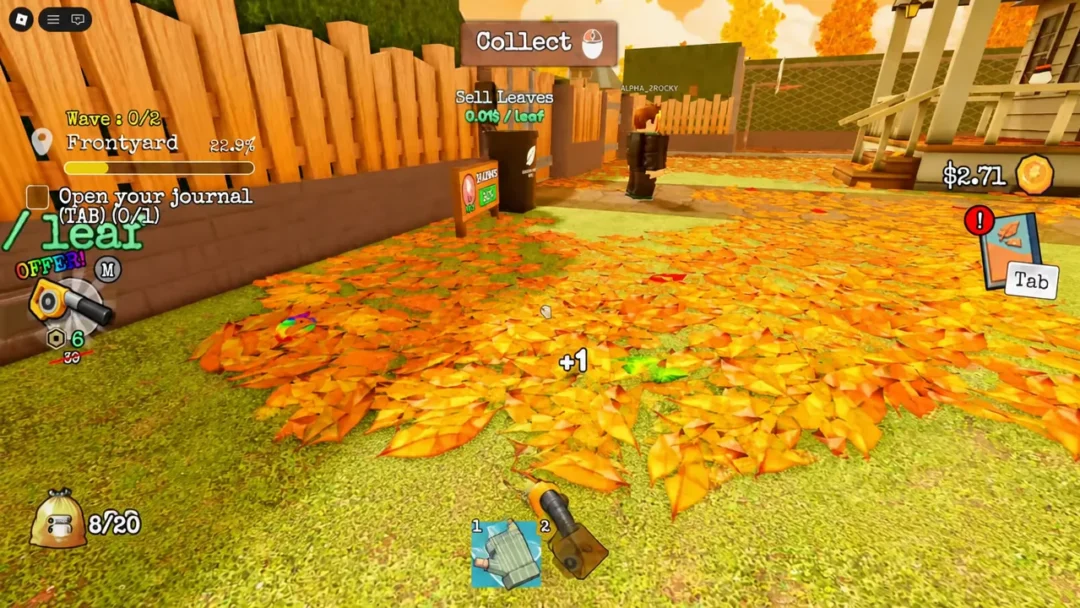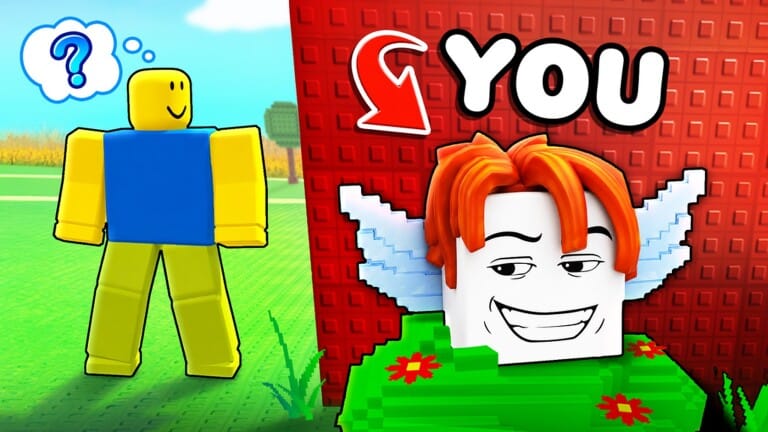
Be a Lucky Block turns the usual loot-box fantasy inside out. Instead of opening a Lucky Block, you play as one, dodging NPCs who want to crack you open and racing home before they take your rewards. Codes hand out extra Brainrot units and special Block skins without any of the running.
Working Be a Lucky Block codes
Enter these codes exactly as written to claim free Brainrot units and Block variants.
917358— Ballerina Cappuccina Brainrot806247— Tung Tung Sahur Brainrot147392— Angel Block skin258413— Blood Moon Block skinRADIOACTIVE— 150 HoneycombBEE— 100 HoneycombDinoByte— Free coinsCORALUKE— Free rewardsBIRD— 30 spinsM2ZF4KYR— 2 secret blocksEASTER— 35 free coinsFIX31— 100 Easter eggsR81KM461— 2 secret blocksGOD— A free brainrotDEVIL— A free brainrotZEUS— An Angelzini BananiniRELEASE— A Brr Brr PatapimR5M93— 50 spin coinsTR9MP1238— two bunny blocks and two everything blocks
How to redeem codes in Be a Lucky Block
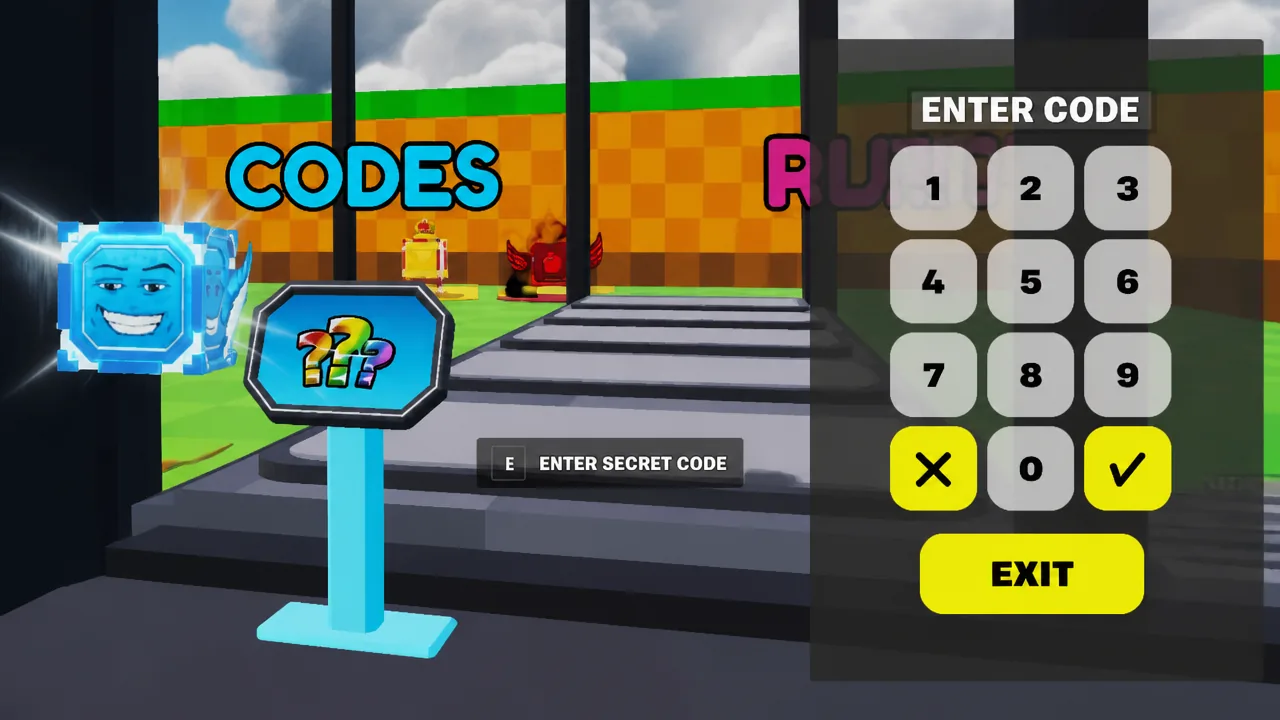
Codes are entered from inside the map itself, not through an external website.
Expired Be a Lucky Block codes
None of the codes above have expired yet.
Where new Be a Lucky Block codes get posted
New codes tend to appear around updates and events. The developer shares them through the Smuti Maps Discord server, the @teamsmuti profile on X, and the @BeLuckyBlock YouTube channel.
How the Lucky Block tycoon works
Be a Lucky Block casts you as a sentient cube wandering a map full of NPCs. When an NPC opens you, it reveals a randomized Brainrot unit, and your job is to sprint that unit back to your base before getting caught again. Rarer Brainrots generate more passive cash over time, which you can then spend on speed upgrades and better Block skins to improve your odds of landing rarer drops on future runs.
Codes shortcut that grind by dropping specific Brainrot units and skins directly into your collection, so redeeming them early gives your economy a head start before you rely on random pulls.