Minecraft on Java gives you an open door to reshape almost everything, from how many frames you get to whether the End is a barren rock or a living dimension. The catch is that thousands of mods compete for your attention, and picking the right ones depends entirely on how you play. The strongest picks for July 2026 fall into clear buckets, so you can grab exactly what fits your setup and skip the rest.
Quick answer: Start with a performance base such as Sodium (Fabric) or OptiFine (Forge), add quality-of-life staples like Just Enough Items, Jade, and AppleSkin, then layer in world or gameplay mods such as Terralith, Create, or Cobblemon based on the experience you want. Mods work on Java Edition only, and Bedrock has no mod support.
Check these three things before installing any mod
Most crashes and missing features come from mismatched files, not bad mods. Before you download anything, confirm the same three details on every mod page.
- Minecraft version: the current release is 1.21.11, and a mod built for a different version usually will not load.
- Mod loader: Fabric and Quilt suit lightweight and client-side mods, while Forge and NeoForge handle larger content packs. Do not mix loaders.
- Dependencies: many mods need a library such as Fabric API, Balm, or Mantle to run at all.
Performance mods that raise FPS and cut lag
These are the mods to install first. They stabilize frame rates and reduce lag, which keeps everything else you add running smoothly. On Fabric, the standard stack is Sodium for rendering, Lithium for game logic, and FerriteCore for memory. On Forge, OptiFine remains the simplest single-install option.
| Mod | Loader | What it does |
|---|---|---|
| Sodium | Fabric | Rewrites the rendering pipeline for a 2–3x FPS boost without changing visuals. |
| Lithium | Fabric (Canary for Forge) | Optimizes mob AI, block ticking, and redstone for smoother simulation. |
| FerriteCore | Forge, Fabric, NeoForge | Lowers RAM use by storing block states and models more efficiently. |
| Entity Culling | Forge, Fabric, NeoForge | Skips rendering entities hidden behind blocks, ideal near mob farms. |
| OptiFine | Vanilla / Forge | Performance plus dynamic lighting, HD textures, and built-in shader support. |
| Iris Shaders | Fabric | Loads shader packs and pairs with Sodium without the usual FPS hit. |
| Distant Horizons | Forge, Fabric | Adds levels of detail so you can extend view distance far beyond normal. |
OptiFine is still the go-to for low-end PCs on Forge because it bundles performance and visual settings into one download. On Fabric, the Sodium plus Iris combination generally gives better performance and broader mod compatibility. You can grab OptiFine directly from its official site.
Quality-of-life and utility mods
These mods remove friction from everyday play. They surface information the vanilla game hides, speed up inventory work, and make navigation painless. Most builders and survival players run several of these at once.
| Mod | Loader | What it does |
|---|---|---|
| Just Enough Items (JEI) | Forge, Fabric, NeoForge | Searchable list of every item with recipes and uses. |
| Jade | Fabric, Forge, NeoForge | HUD showing block states, mob health, effects, and chest contents. |
| AppleSkin | Fabric, Forge, NeoForge | Shows hunger and hidden saturation values on food tooltips. |
| Xaero’s Minimap | Fabric, Forge, NeoForge | Real-time minimap with coordinates and death waypoints. |
| Mouse Tweaks | Forge, Fabric | Faster drag-and-drop and right-click inventory handling. |
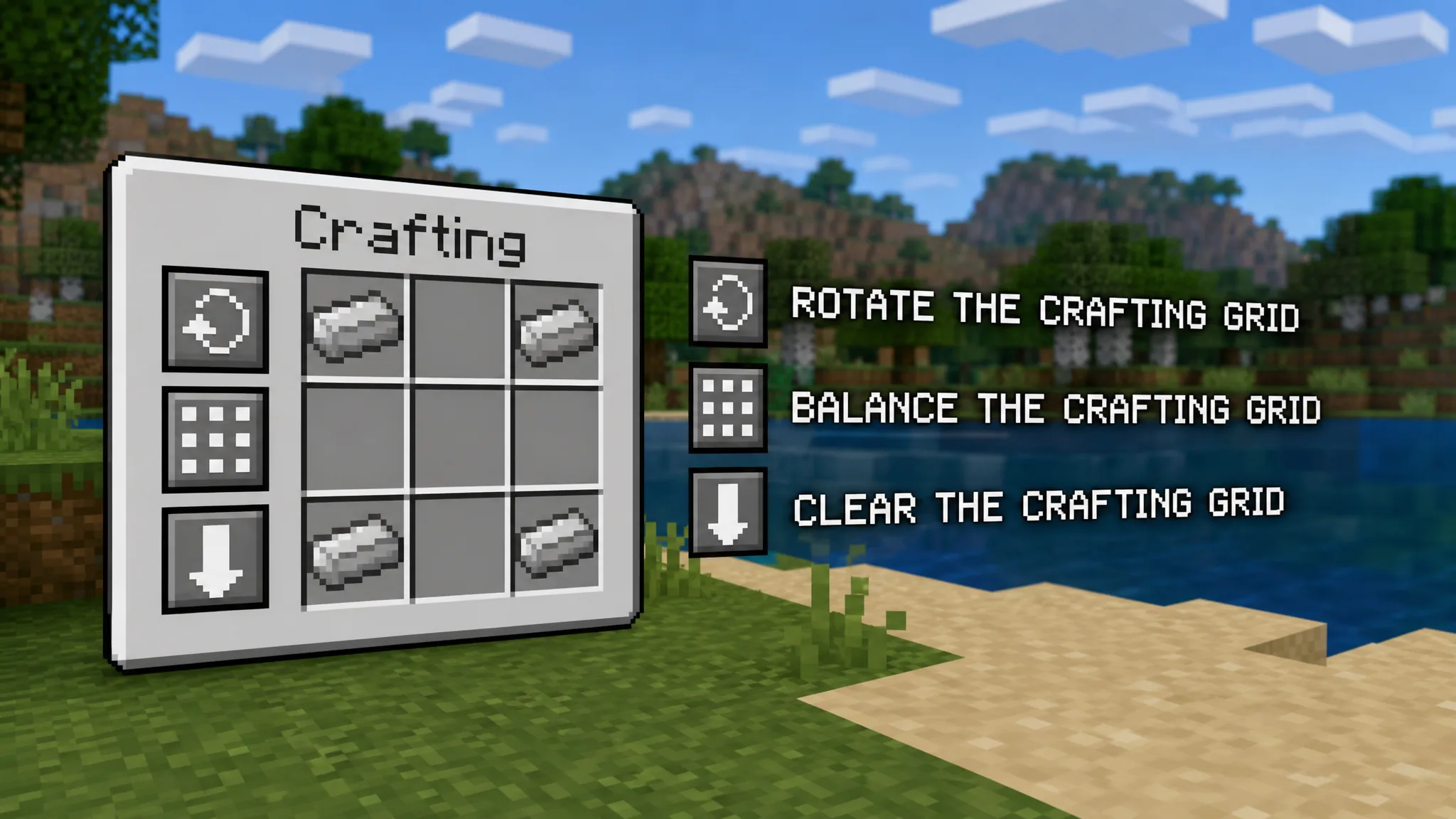
| Crafting Tweaks | Fabric, Forge, NeoForge | One-click buttons to rotate, balance, and clear the crafting grid (needs Balm). |
| Clumps | Fabric, Forge, NeoForge | Merges XP orbs into single entities to stop farm lag. |
| Bobby | Fabric | Extends render distance past server limits by caching chunks locally. |
| Nature’s Compass | Fabric, Forge | Crafts a compass that points to any chosen biome. |
| Waystones | Fabric, Forge, NeoForge | Fast-travel network using XP-cost teleport blocks. |
WorldEdit sits slightly apart from this list because it runs as an in-game terraforming tool. You can replace huge areas instantly, use 3D brushes, and generate structures with commands, which makes it the standard pick for serious custom builders. Grab it from its CurseForge page.
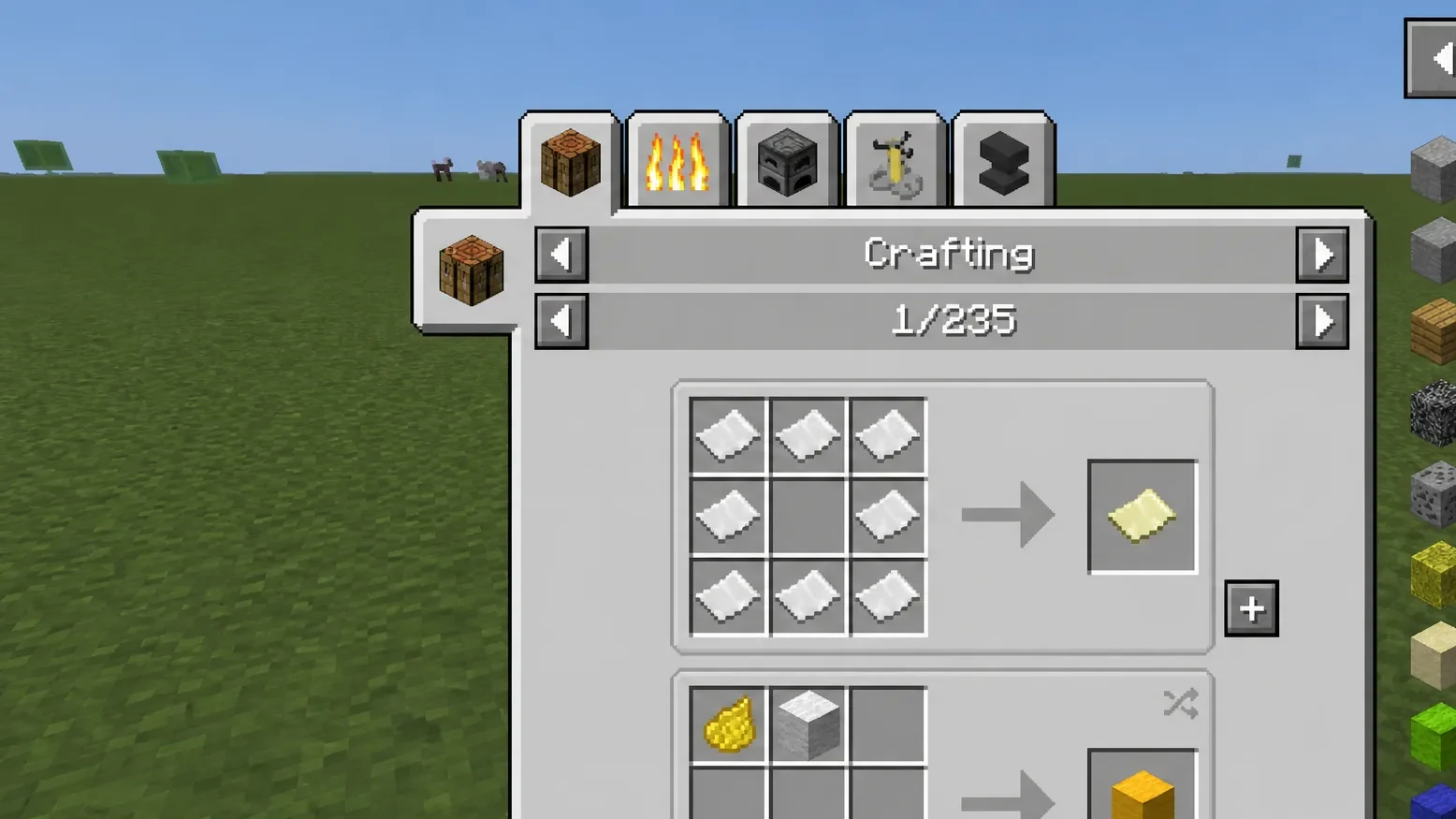
Just Enough Items is the recipe viewer you see in nearly every modded server. It lets you search any item and instantly view how to craft it and what it makes, which is essential once you add mods you have not memorized.
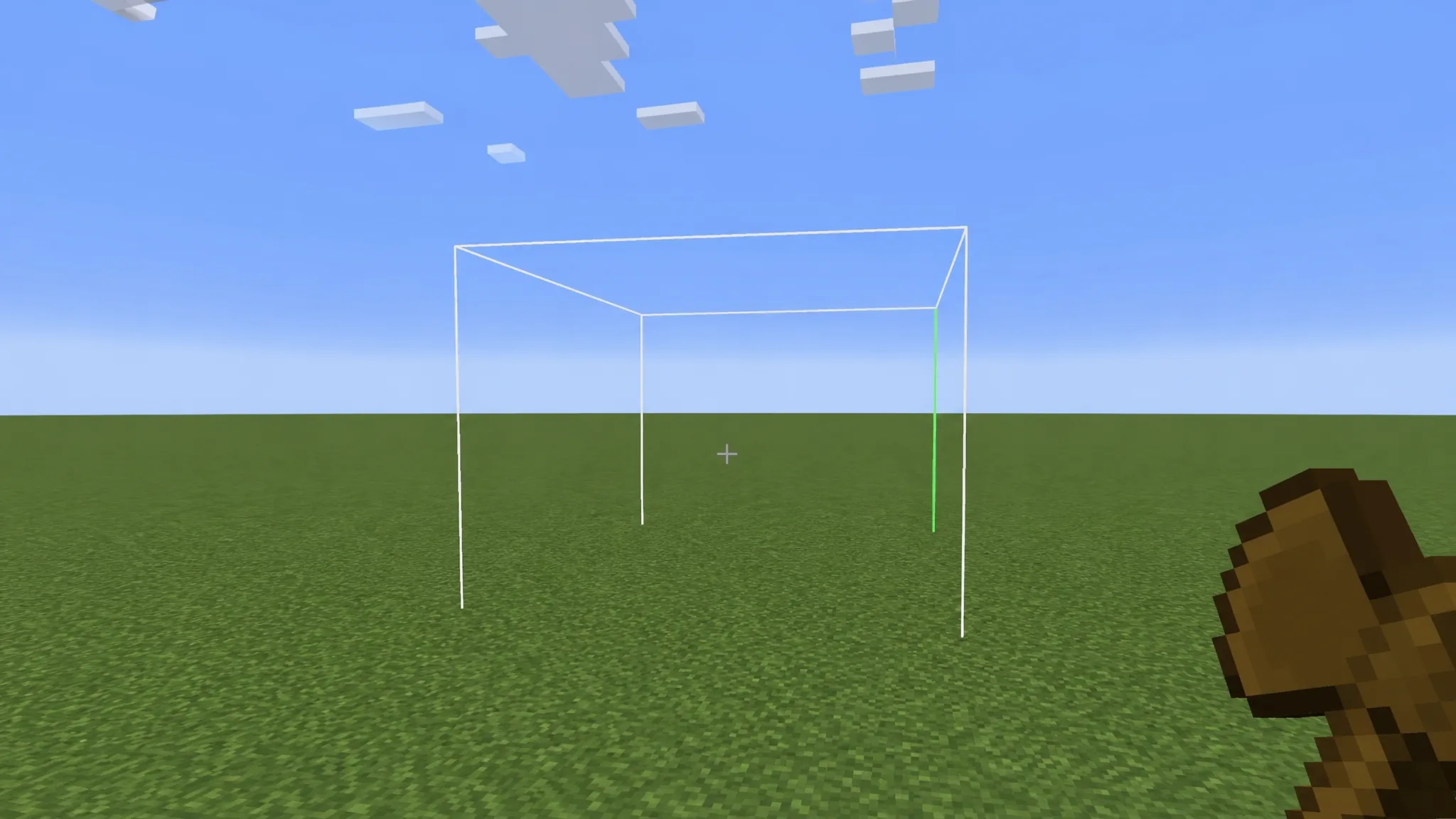
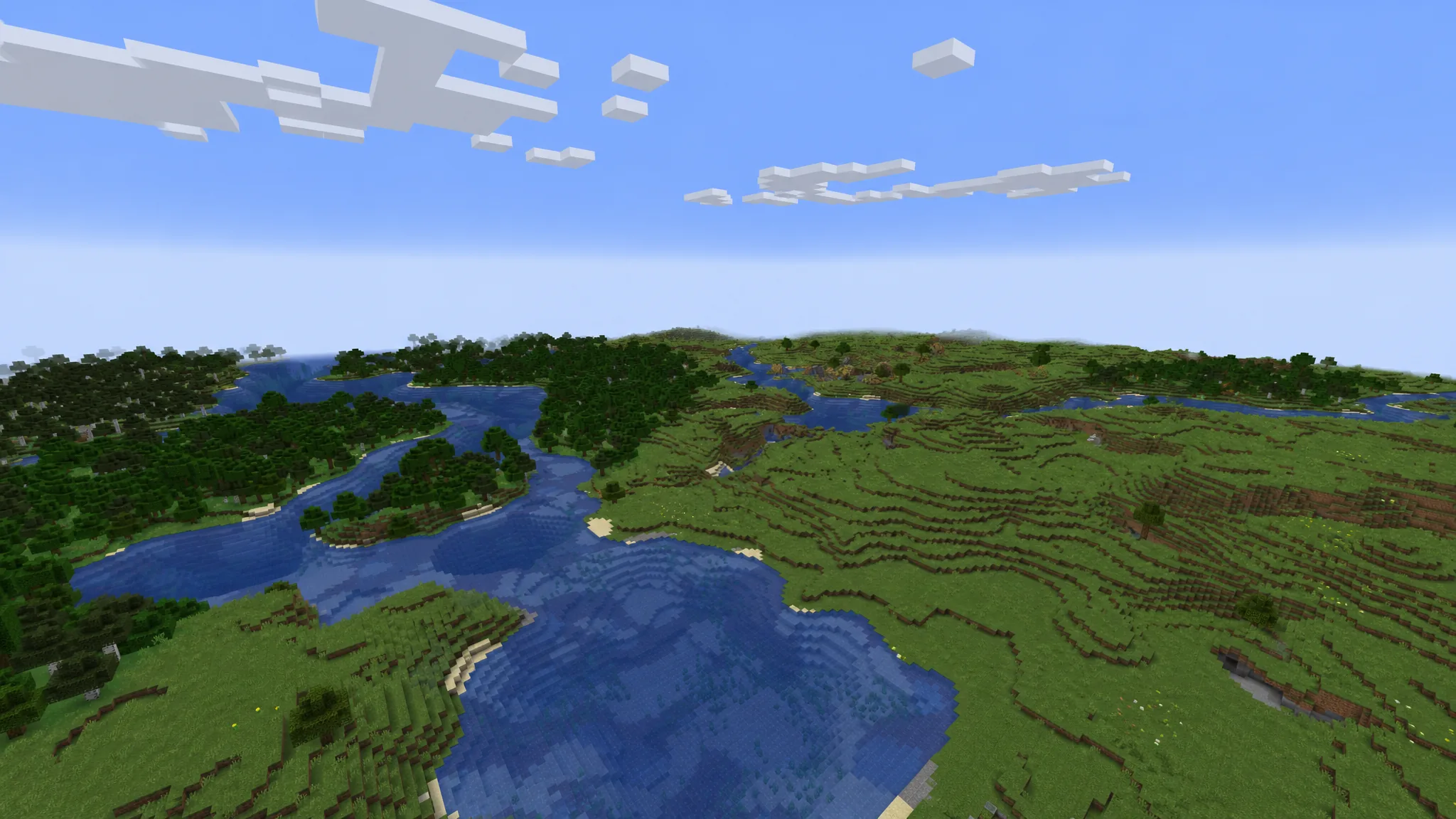
Bobby extends your render distance beyond a server’s limit by storing the chunks the server already sent, then displaying them when no fresh data arrives. It can even fill in gaps from an existing world, so distant terrain stays visible.
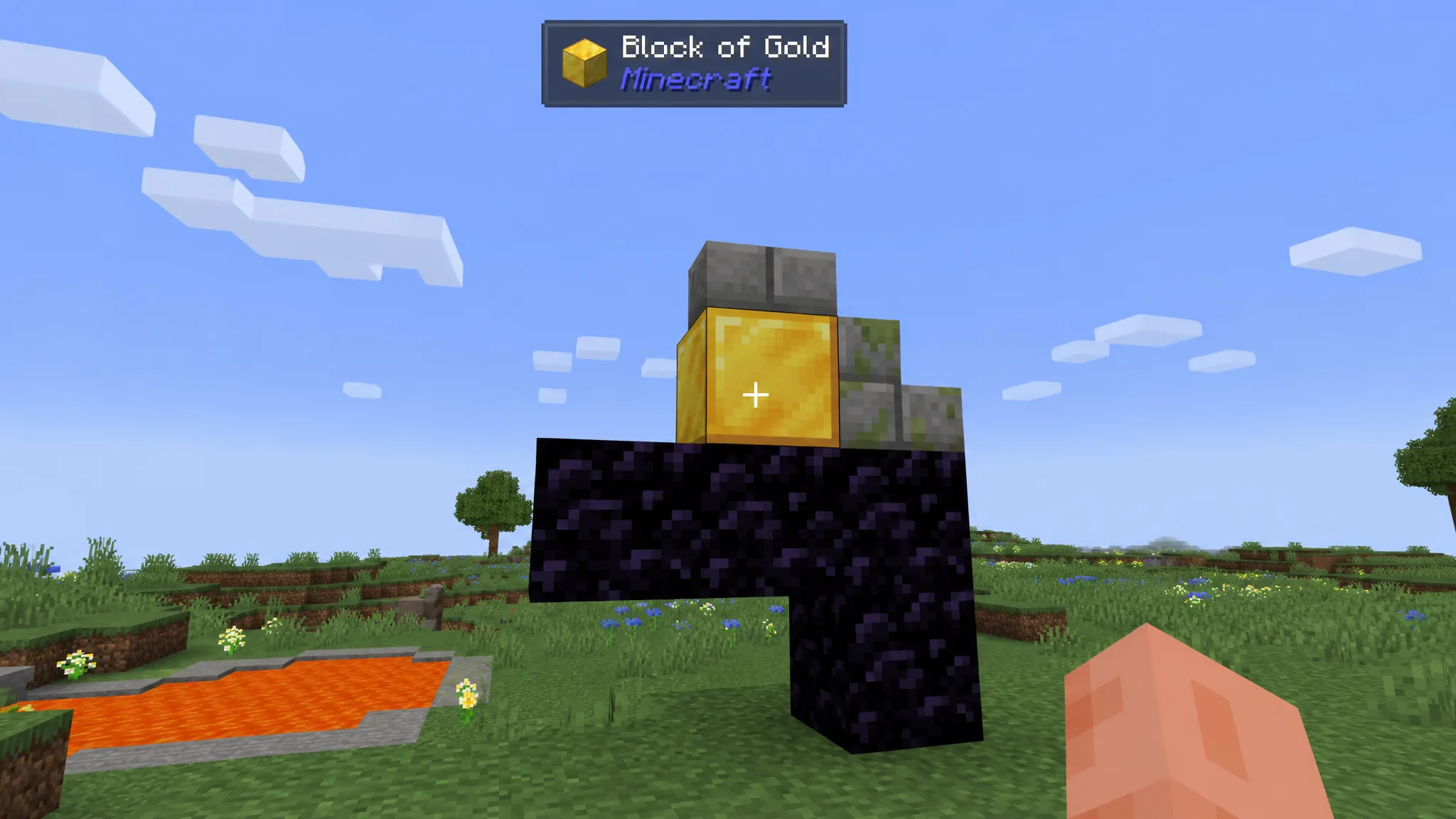
Jade puts a heads-up display on screen that names whatever you look at, along with mob health, status effects, smelting progress, and chest contents. It makes learning unfamiliar blocks far quicker.
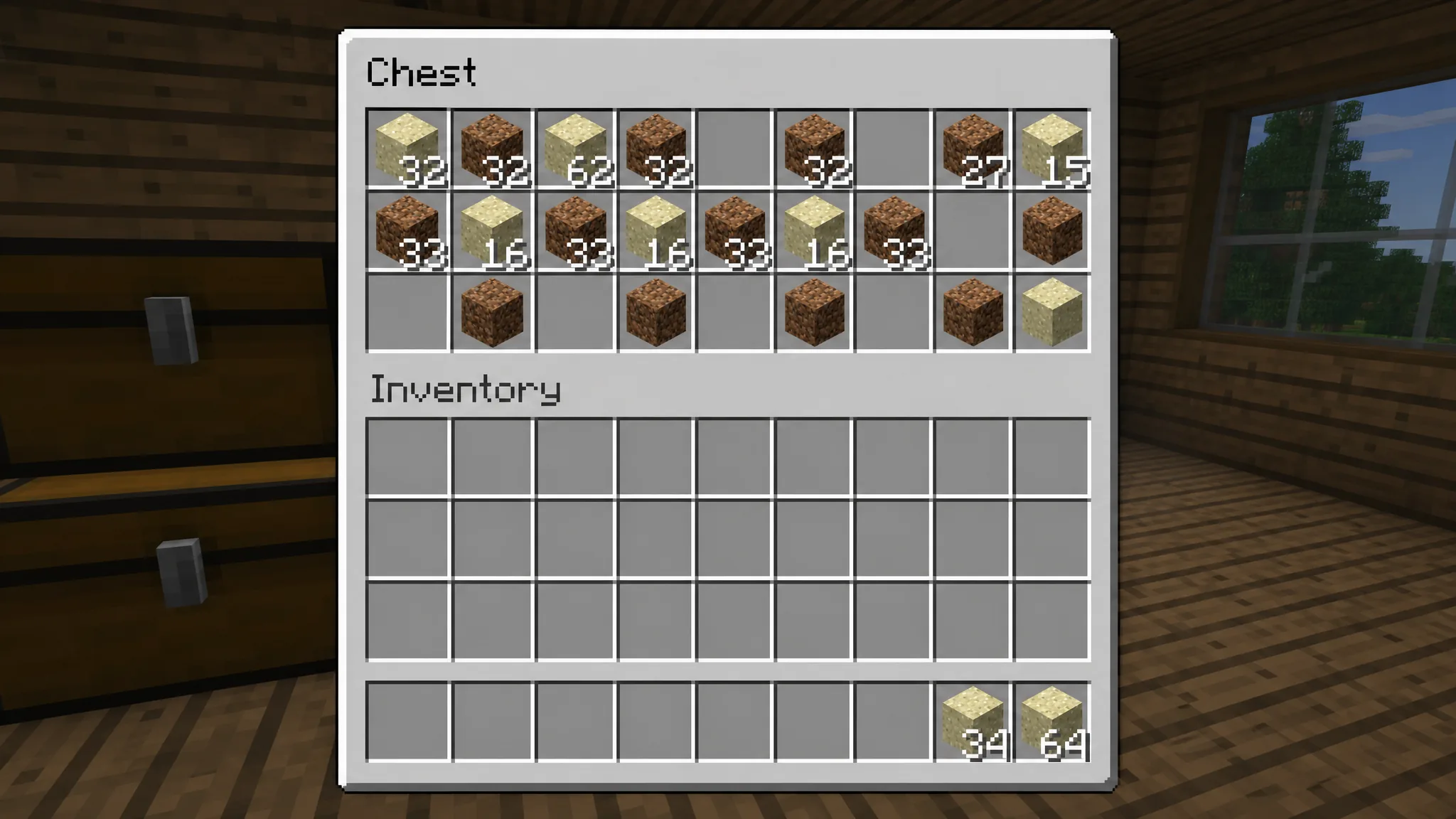
Mouse Tweaks reworks how you drag and move items in the UI. Holding shift with the left button quickly shifts items between inventories, and the right-button drag becomes far more intuitive than vanilla.
Crafting Tweaks adds buttons that rotate, balance, and clear the crafting grid in a single click, which saves a lot of time when you switch recipes often. It relies on the Balm library to work.
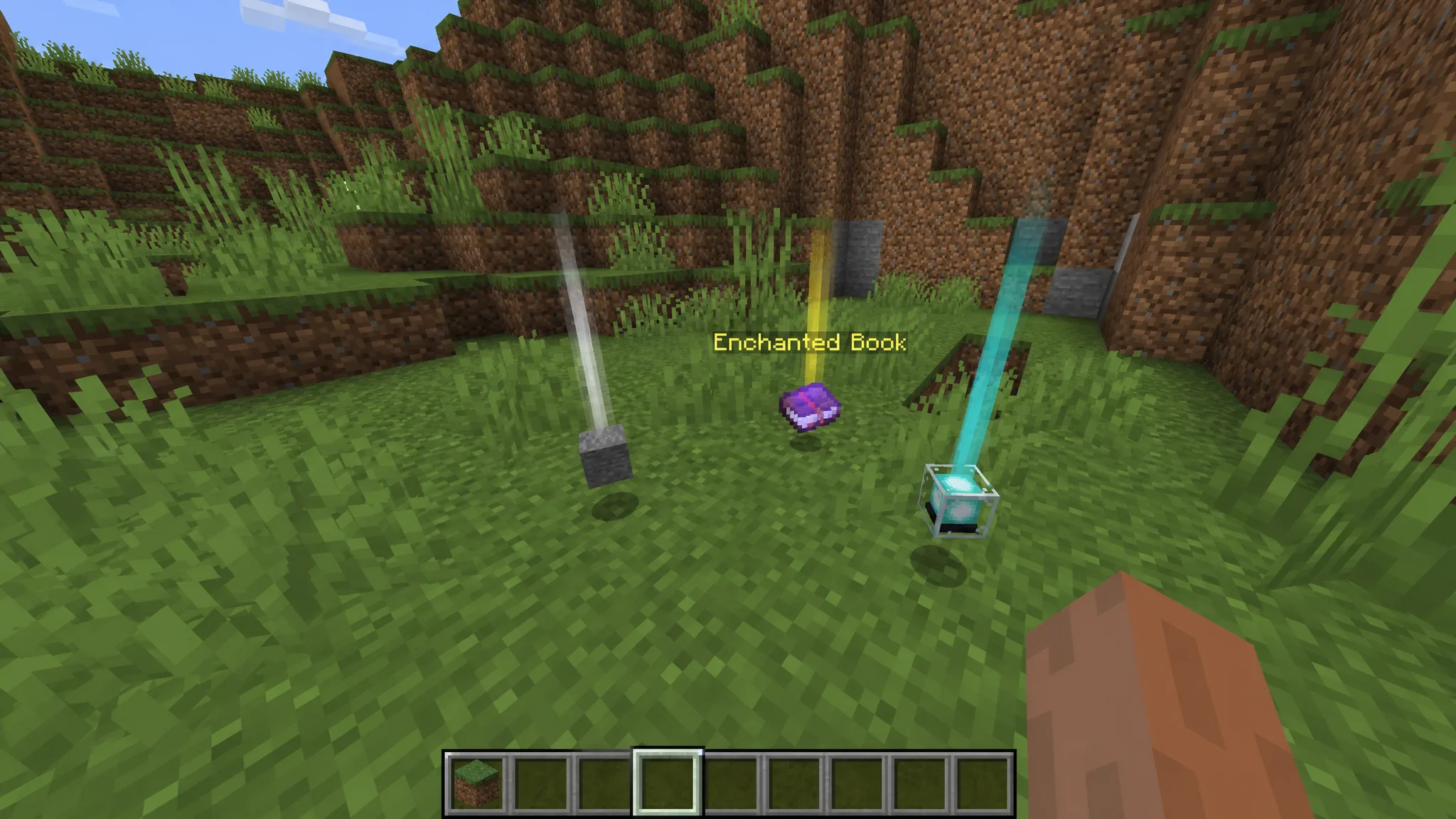
Clumps solves a single problem cleanly. Large XP farms spawn hundreds of orbs that tank frame rates, and this mod combines nearby orbs into one entity so your farm runs without stutter.
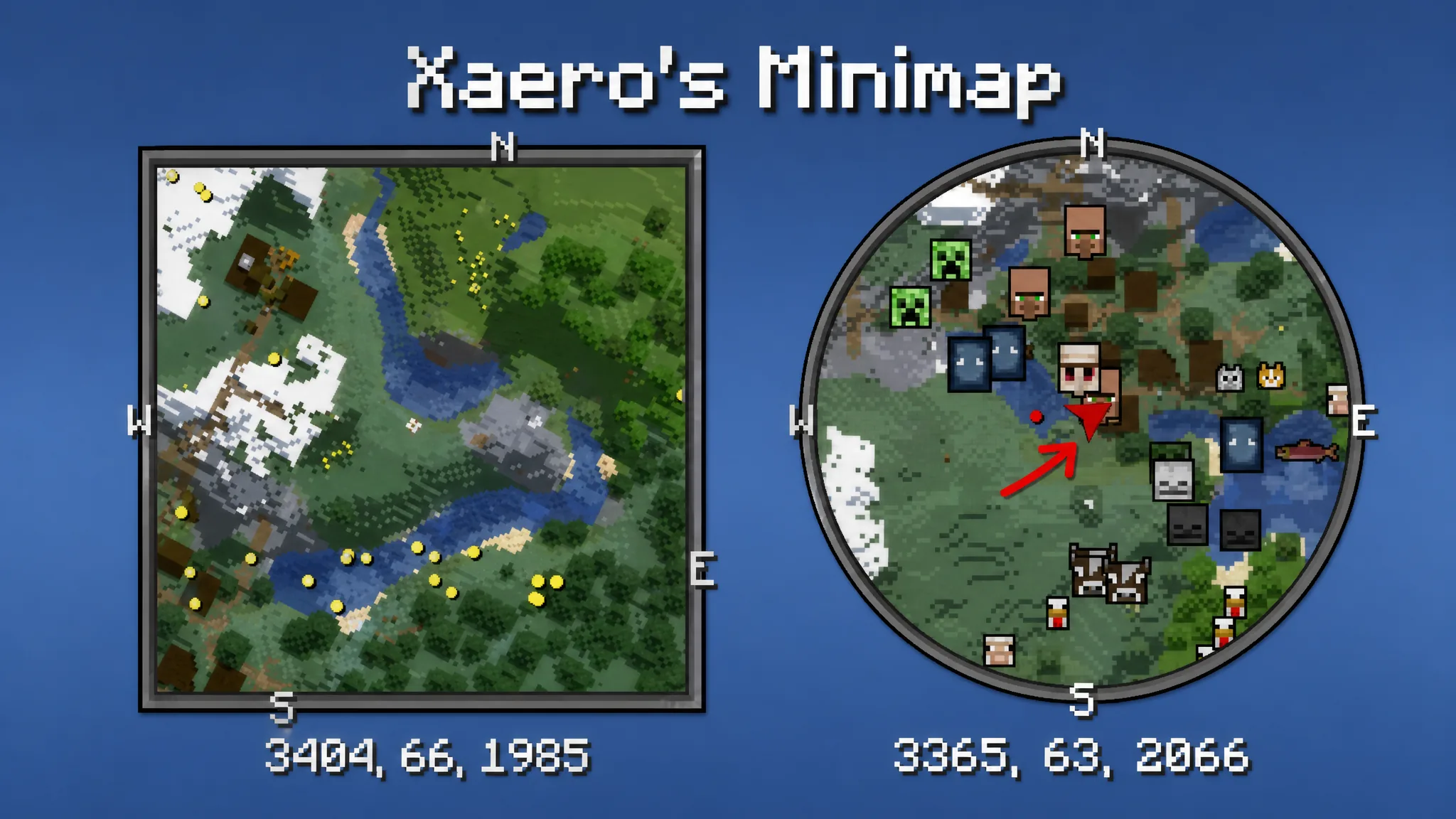
Xaero’s Minimap keeps a corner map on screen with coordinates, cardinal directions, and nearby mobs. It was the first rotating square minimap for the game and keeps a vanilla-style look, which is why so many servers allow it.
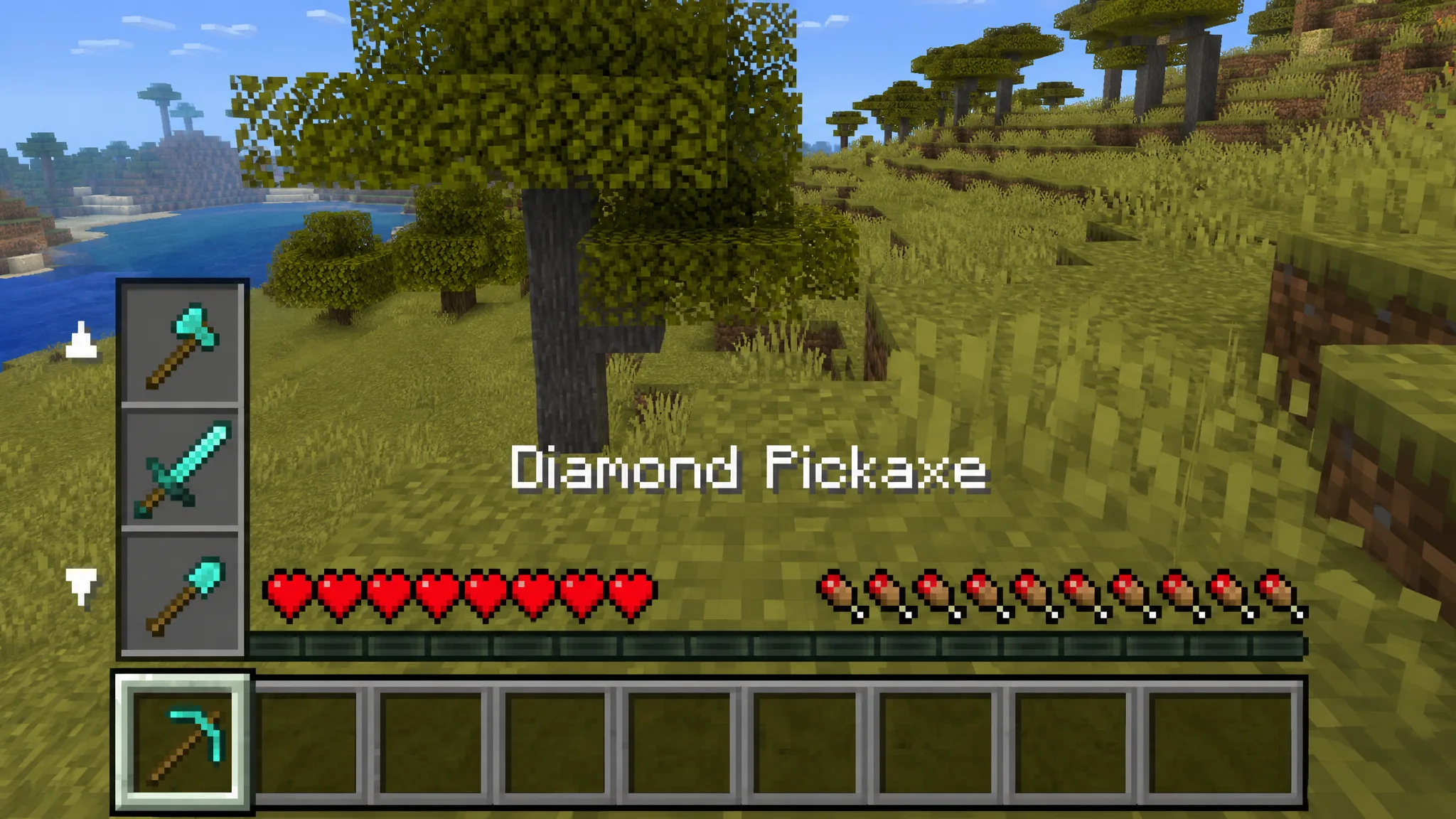
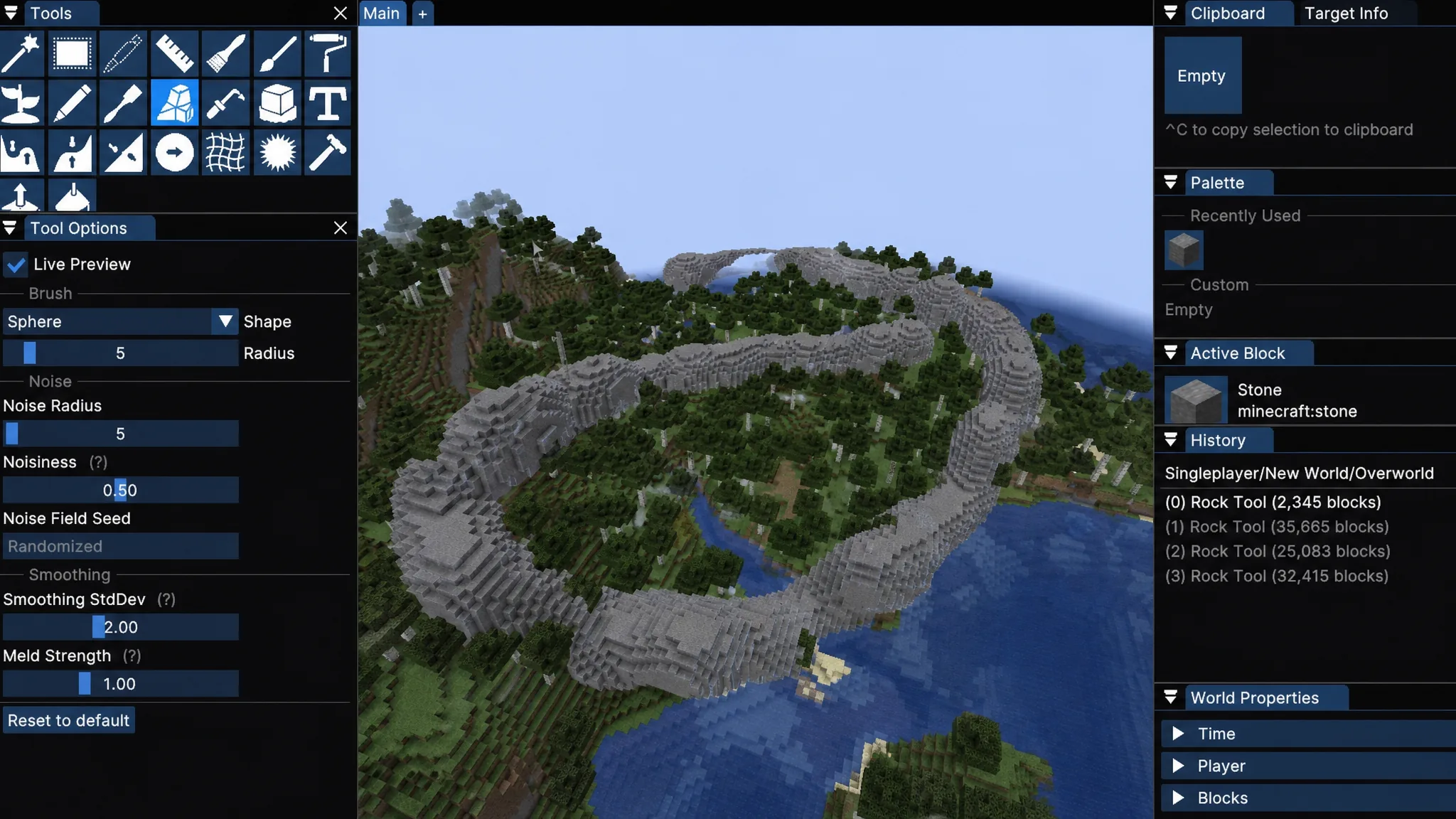
Two newer utility picks round this out. Vertical Scroll adds a scroll-based hotbar with column swapping, so you can rotate combat tools and mining gear without opening your inventory. Axiom brings professional-grade building and terrain editing into creative mode with builder and editor modes for sculpting, painting, and moving large areas.
World generation, biome, and dimension mods
If exploration is why you play, these mods rebuild the world you spawn into. World-generation mods should be added before you create a new save for the best results.
| Mod | Loader | What it adds |
|---|---|---|
| Terralith | Fabric, Forge, Quilt | Nearly 100 new biomes plus canyons, floating islands, and cave types using vanilla blocks. |
| Biomes O’ Plenty | Fabric, Forge | Over 100 new areas across the Overworld and Nether with fresh blocks and plants. |
| BetterNether | Fabric | New Nether biomes, glowing forests, mobs, and structures. |
| BetterEnd | Fabric, Forge, NeoForge | New End biomes, mobs, resources, and per-biome music. |
| Echovoids | Fabric | Reimagines the End with new biomes, mobs, and a custom soundtrack. |
| Twilight Forest | Both | Adds an entire new forest dimension. |
| Environmentz | Fabric | Adds temperature, weather, and season mechanics to existing biomes. |
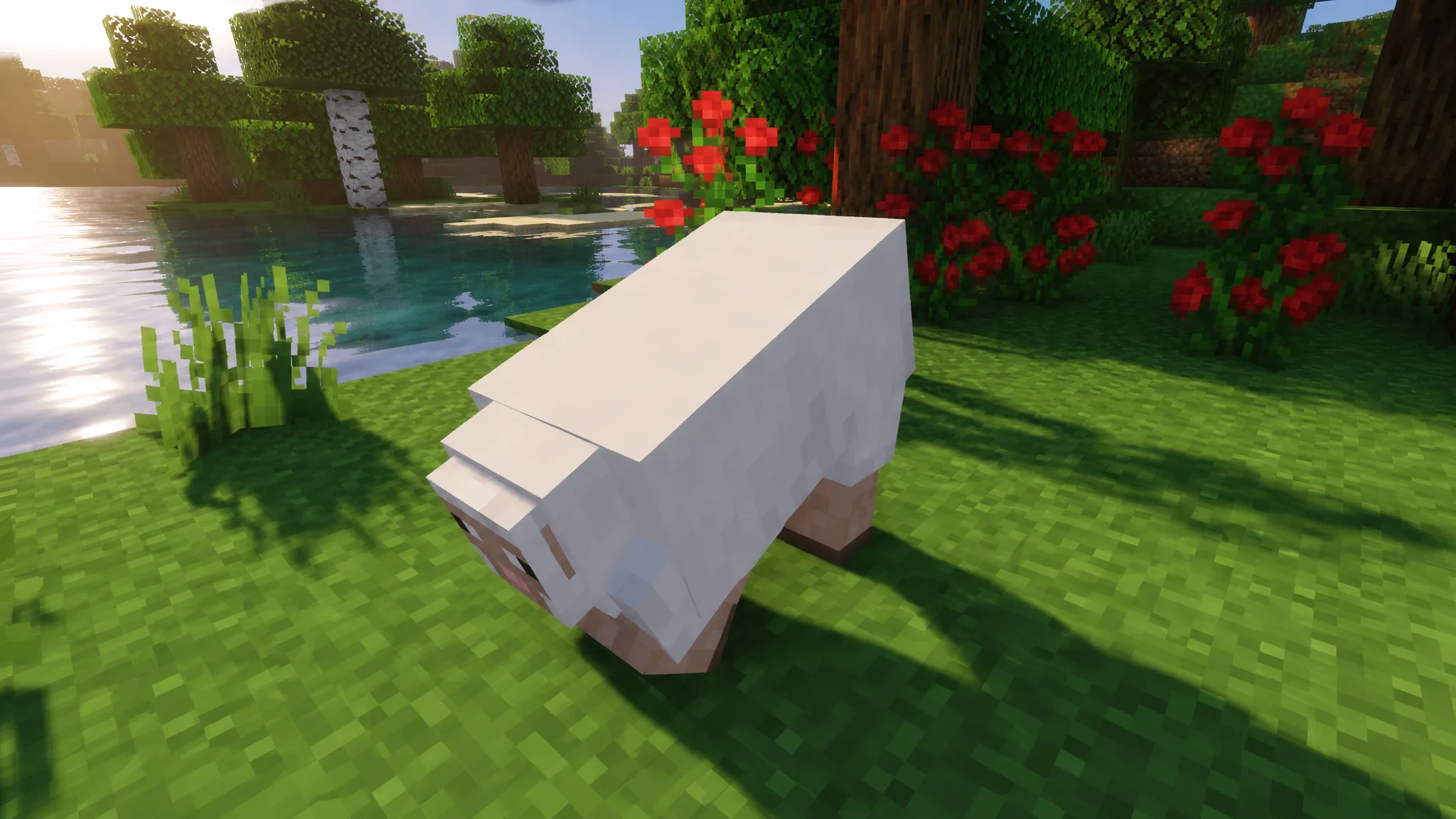
| Better Animations Collection | Fabric, Forge, NeoForge | Lifelike movement for older mobs like sheep, cows, and villagers. |
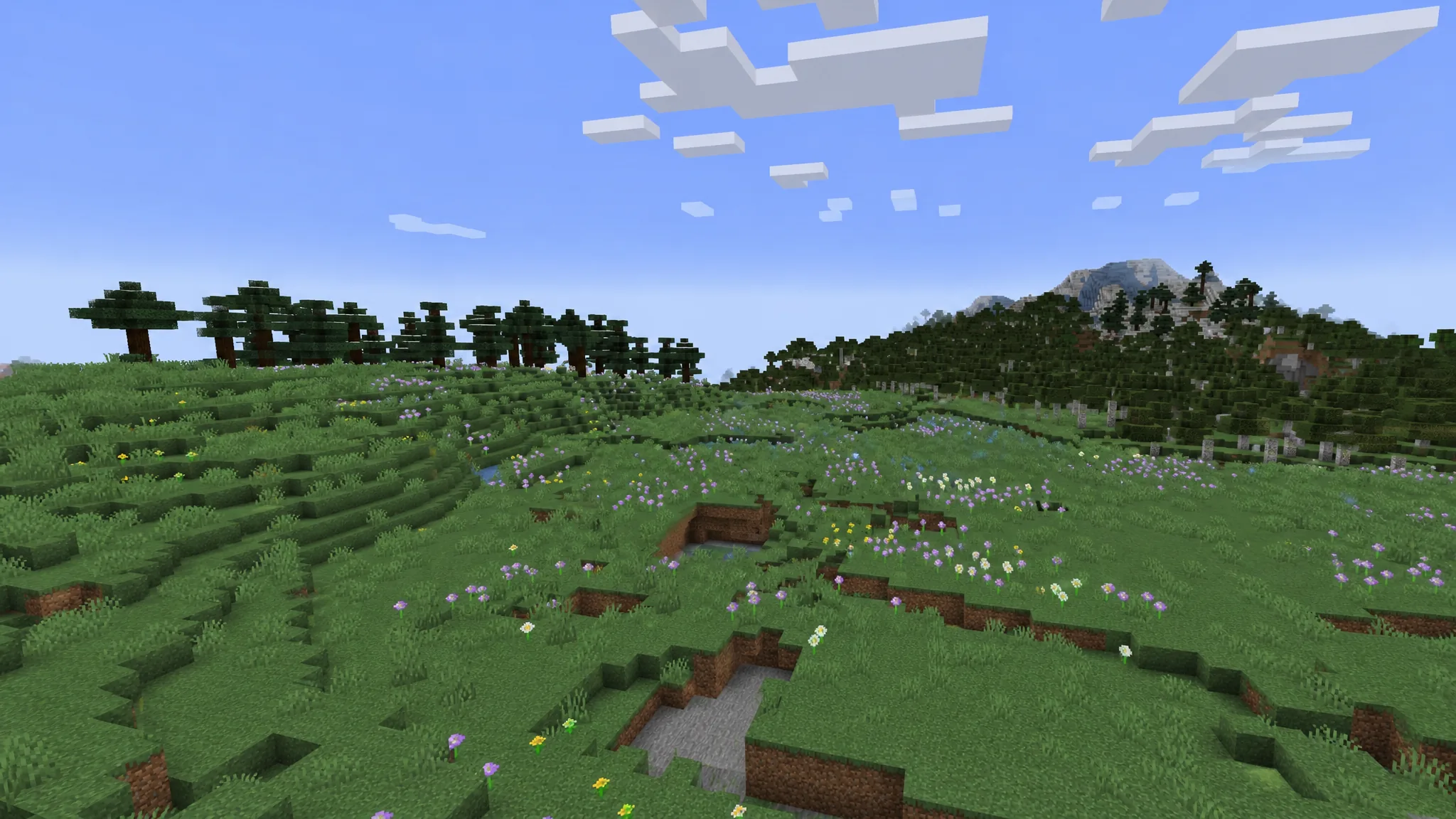
Terralith is the biome mod to reach for first because it overhauls world generation with new terrain types and reworked caves while staying fully compatible with vanilla clients. Biomes O’ Plenty is the alternative if you want new blocks and plants rather than a pure terrain focus. You can install Terralith from CurseForge.
Better Animations Collection is a small but noticeable upgrade. It gives the game’s older mobs the fluid movement the newer ones already have, so sheep kneel, villager noses wiggle, and Endermen flail their arms. The world feels far more alive without changing how anything plays.
Gameplay, tech, and progression mods
These change what you actually do minute to minute, from automating resources to changing how death and combat work. Pick a direction before installing several at once, since heavy tech and magic mods are best built around one core system.
| Mod | Loader | What it adds |
|---|---|---|
| Create | Forge, NeoForge | Gears, shafts, belts, and contraptions for visible automation. |
| Mekanism | Forge, NeoForge | Generators, jetpacks, miners, and multi-step ore processing. |
| Tinkers’ Construct | Forge, NeoForge | Custom tools and weapons with a smeltery (needs Mantle). |
| Refined Storage | Fabric, Forge, NeoForge | Network storage with searchable grids and auto-crafting. |
| Storage Drawers | Fabric, Forge, NeoForge | Wooden drawer blocks for organized bulk storage. |
| Origins | Fabric | Playable races with unique abilities and drawbacks. |
| Cobblemon | Fabric, NeoForge | Catch, train, and battle Pokemon in your world. |
| Corpse | Forge, NeoForge | Spawns a lootable body at your death location. |
| Easy Villagers | Forge, NeoForge | Pick up villagers and cycle trades with a click. |
| Physics Mod | Fabric, Forge, NeoForge | Ragdoll mobs, crumbling blocks, and realistic smoke. |
Create is the standout for factory-style play. It leans on visible machines, belts, and gears rather than menus, so you spend more time engineering compact contraptions than clicking through UIs. Install the recipe viewer alongside it, since it makes learning the parts much faster. Cobblemon is the pick if you want a Pokemon-style loop of catching and battling, and Origins is built for multiplayer servers where each player takes a different race with its own buffs and weaknesses.
For storage, choose based on scale. Storage Drawers keeps things simple with craftable wooden containers, while Refined Storage builds a network-based system with a single searchable access point and built-in auto-crafting. Corpse is worth adding to any survival world because it protects your items after death, keeping them safe from lava and the void until you return.
Building and decoration mods
Vanilla building blocks only go so far, and this is the most popular category for a reason. These mods pour thousands of textures, furniture pieces, and shapes into your palette.
| Mod | Loader | What it adds |
|---|---|---|
| Chipped | Fabric, Forge, NeoForge | Over 9,000 block variants via themed crafting stations (needs Athena, Resourceful Lib, CTM). |
| Chisel | Fabric, Forge, NeoForge | Chisel tool that reveals many decorative block textures. |
| Macaw’s Mods | Forge, NeoForge | A family of packs for furniture, doors, roofs, windows, bridges, and lights. |
| Decorative Blocks | Fabric, Forge, NeoForge | Bonfires, beams, braziers, chandeliers, and seats for medieval builds. |
| BlockCarpentry | Forge | Frame blocks that copy the look of any block you place inside. |
| Twigs | Fabric, Forge | All-in-one decorative blocks, bricks, and pillars. |
| Traveler’s Backpack | Fabric | Customizable backpacks with up to 52 slots and fluid tanks. |
Chipped is the heavyweight for decorators, offering thousands of texture variations pulled from seven themed crafting tables. It needs a few library mods to run, but the sheer variety makes it worth the setup for anyone who builds seriously. Macaw’s Mods is the other essential, since its separate furniture, roof, and window packs cover almost anything a build needs.
How to know your mods are working
Once you have downloaded mods from an official host like Modrinth or CurseForge, drop the .jar files into your mods folder and launch a modded profile. On Windows that folder is %appdata%/.minecraft/mods.
You know it worked when the game reaches the main menu without crashing and the mod’s features appear in play. Performance mods show up as higher FPS in the F3 debug screen, JEI adds its item panel to the right of your inventory, and Jade or AppleSkin overlay their information on screen. If the game crashes on launch or a mod does nothing, the cause is almost always one of three things.
- The mod does not match your Minecraft version.
- You installed it on the wrong loader, or mixed Fabric and Forge files.
- A required dependency such as Fabric API, Balm, or Mantle is missing.
Read the exact error in the crash report to pin down which mod failed, then confirm its version, loader, and dependencies before trying again. Build your list around a small number of major systems plus a few support mods rather than every popular download at once, and you will spend far more time playing than troubleshooting.