Boomerangs in The Adventures of Elliot: The Millennium Tales reward a charge-and-throw rhythm, and magicite is how you turn a single returning blade into a screen-clearing threat. The mods that change boomerang behavior most directly are the ones that add projectiles, speed up charging, and let Faie mirror your throws.
Quick answer: Equip Extra throw to fire a second boomerang, then trigger Faie’s Copy so she mirrors the attack for four boomerangs at once. If you build around charge attacks, add Weapon Shift — Set so setting a bomb cuts the boomerang’s charge time.
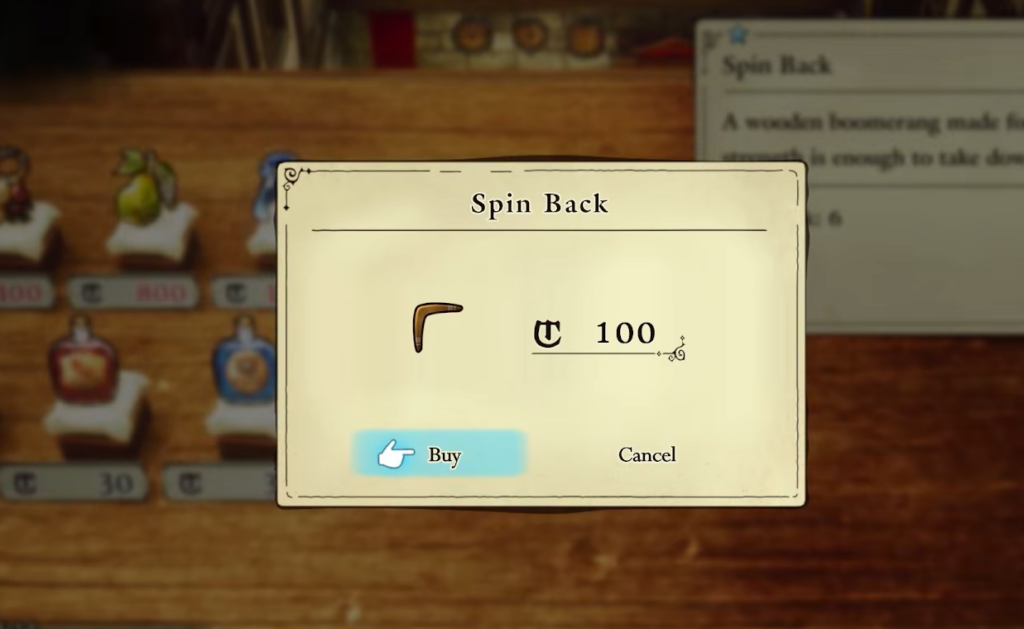
Extra throw: the core boomerang magicite
Extra throw is the one magicite built specifically around the boomerang’s strength. It adds a second boomerang to Elliot’s attack, so every throw sends two blades out and back instead of one. That immediately doubles the hits you land on a single target and widens the area you can sweep when enemies cluster.
Because boomerangs return to you, the extra projectile also doubles the damage on the way back, not just the throw. This makes Extra throw the foundation other boomerang choices build on rather than a situational pick.
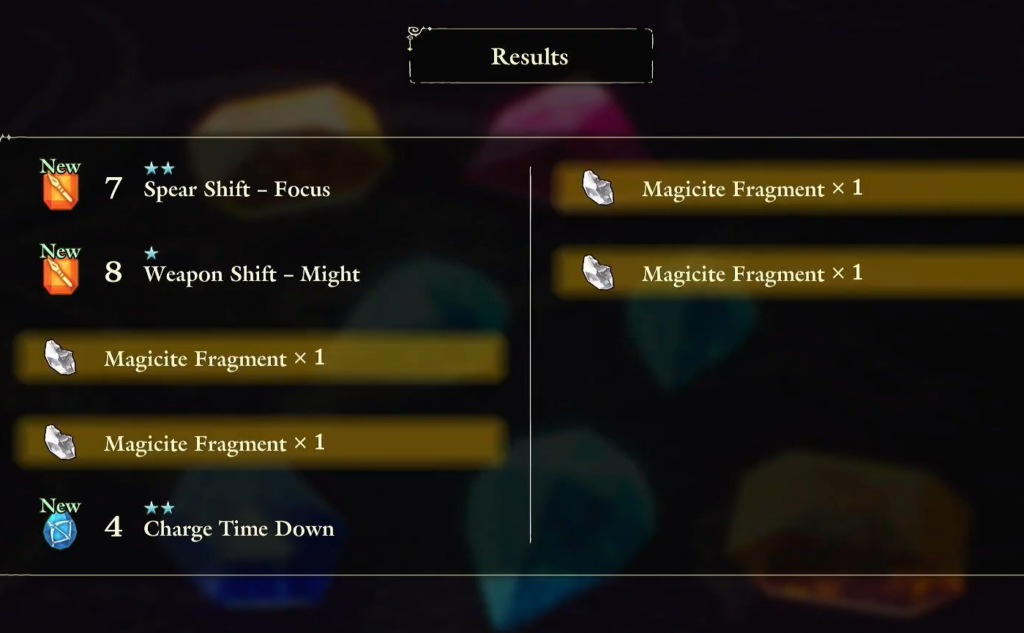
Faie’s Copy doubles your output to four boomerangs
Faie’s Copy magic turns the fairy into a mirror of Elliot, repeating his moves on command. The copy isn’t limited to swords and spears. It reproduces anything Elliot throws, which means it copies your boomerangs too.
Stack this with Extra Throw, and the math is straightforward. Elliot throws two boomerangs, Faie copies the same attack for two more, and you get a total of four boomerangs flying across the field at once. For agile bosses or rooms full of enemies, that volume of returning blades is the main reason to commit to a boomerang loadout.
This is also why magicite choice matters when you plan a build. Faie copies the throw you have set up, so any boomerang-enhancing mod you equip is effectively mirrored when Copy is active. Seek out magicite that complements your throws and the copy carries it for you.
Weapon Shift — Set for charge-attack boomerang builds
The boomerang benefits heavily from charge attacks, and that is where Weapon Shift — Set earns its slot. The mod reduces the charge time of your other weapons whenever a bomb is set. If you run boomerangs alongside bombs, dropping a bomb shortens the wait before your next charged throw is ready.
That cuts the dead time between throws and keeps a charge-focused boomerang rotation moving. It pairs naturally with the spear for the same reason, so the magicite slots in well if you swap between charge-heavy weapons.
Boomerang magicite priorities
| Magicite | Effect on boomerangs | Priority |
|---|---|---|
| Extra throw | Adds a second boomerang to every throw | Core pick |
| Faie’s Copy (magic) | Mirrors your throw for up to four boomerangs total | Core synergy |
| Weapon Shift — Set | Cuts charge time after setting a bomb | For charge builds |
Fitting magicite within your Magicite Box
Every magicite you equip draws from your Magicite Box limit, so you cannot run everything at once. Higher-cost mods take more of that budget, and your cap grows as you progress, reaching into the dozens later in the game. Each magicite also levels up toward five stars, increasing its effect.
Build around Extra throw first, leave room to trigger Faie’s Copy, then add Weapon Shift — Set if your rotation leans on charged throws. Adjust as you go, since which mods you have access to depends on your luck with drops and how much you invest in disassembling duplicates for fragments.
You’ll know the setup is working when a single throw sends two boomerangs out, and triggering Copy puts four in the air at once. Experiment with combinations, because the right pairing is what turns the boomerang from a backup tool into a reliable main weapon.