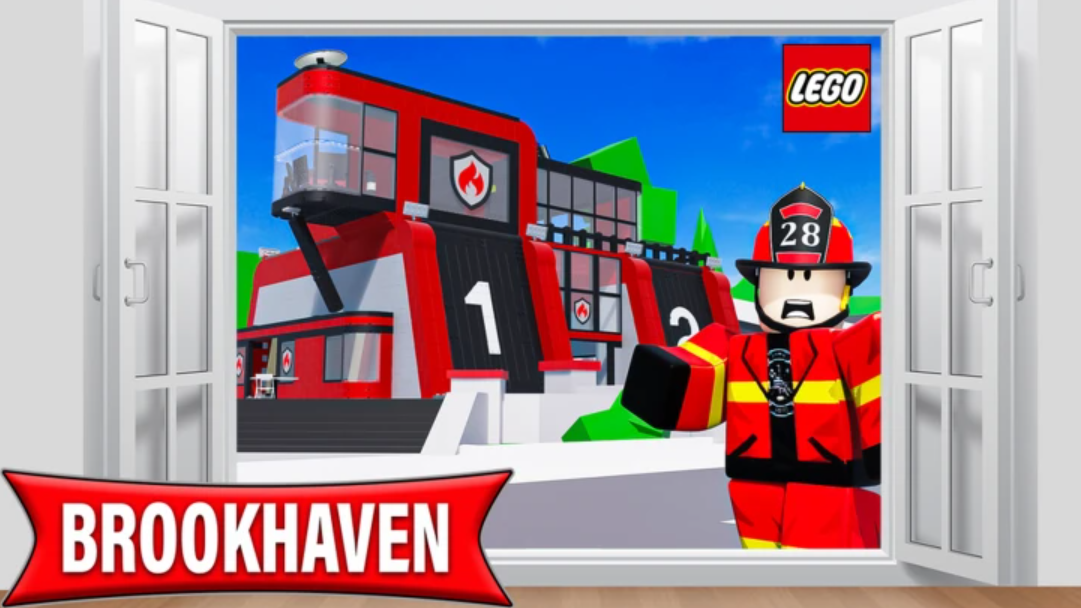
The LEGO Firefighter event has arrived in Brookhaven RP, turning the map into a rotating series of burning buildings that players can respond to as volunteer firefighters. It’s a limited-time addition tied to the ongoing LEGO update, and clearing enough fires unlocks a permanent LEGO firetruck you can spawn whenever you want.
Where to find the LEGO Fire Station
The event hub is a new LEGO Fire Station building on the map. It sits directly across from the Burger Barn and Brookhaven Airport, so the fastest way to locate it is to travel to either landmark and look at the opposite side of the street.
There are no level requirements, paid passes, or prerequisites to take part. Walking into the station is enough to begin the firefighter role.
Suit up before you drive
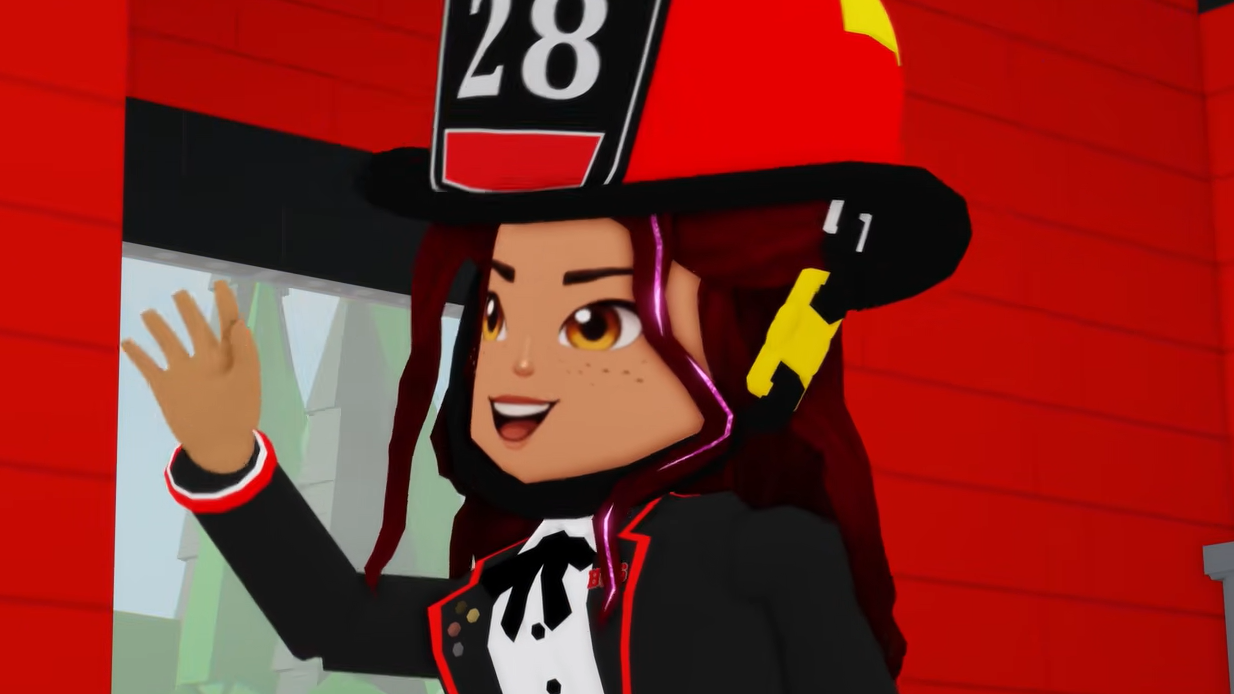
Inside the station, the center of the building has a hangar that hands out the firefighter uniform. Interact with it once, and your character will be dressed in the event outfit. You don’t strictly need the suit to drive the truck, but it’s the intended first step and keeps the role consistent when playing with others.
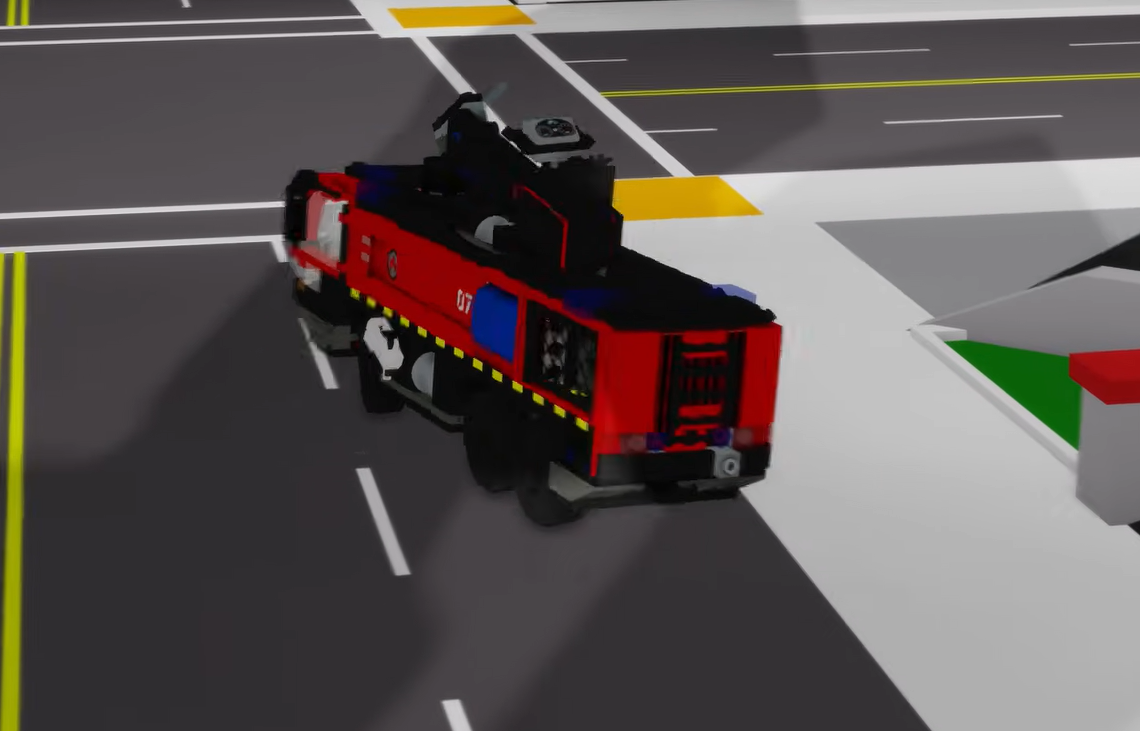
Spawning a LEGO firetruck
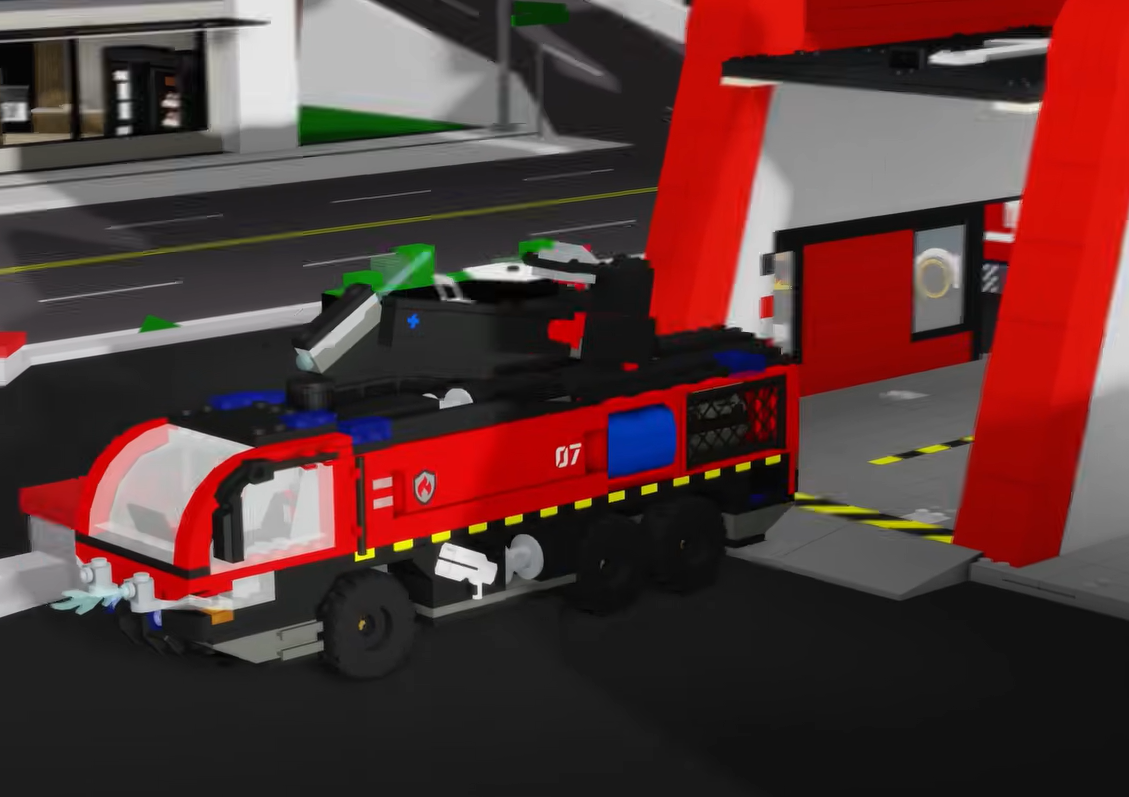
Near the pole inside the station, there’s a green button on the floor. Pressing it spawns a LEGO firetruck outside the bay. Each truck seats up to five players in defined roles:
| Seat | Role |
|---|---|
| 1 | Driver |
| 3 | Firefighters (hose operators) |
| 1 | Helper |
Filling the truck with other players speeds up response times and, more importantly, cuts down how long each fire takes to extinguish.
Finding active fires
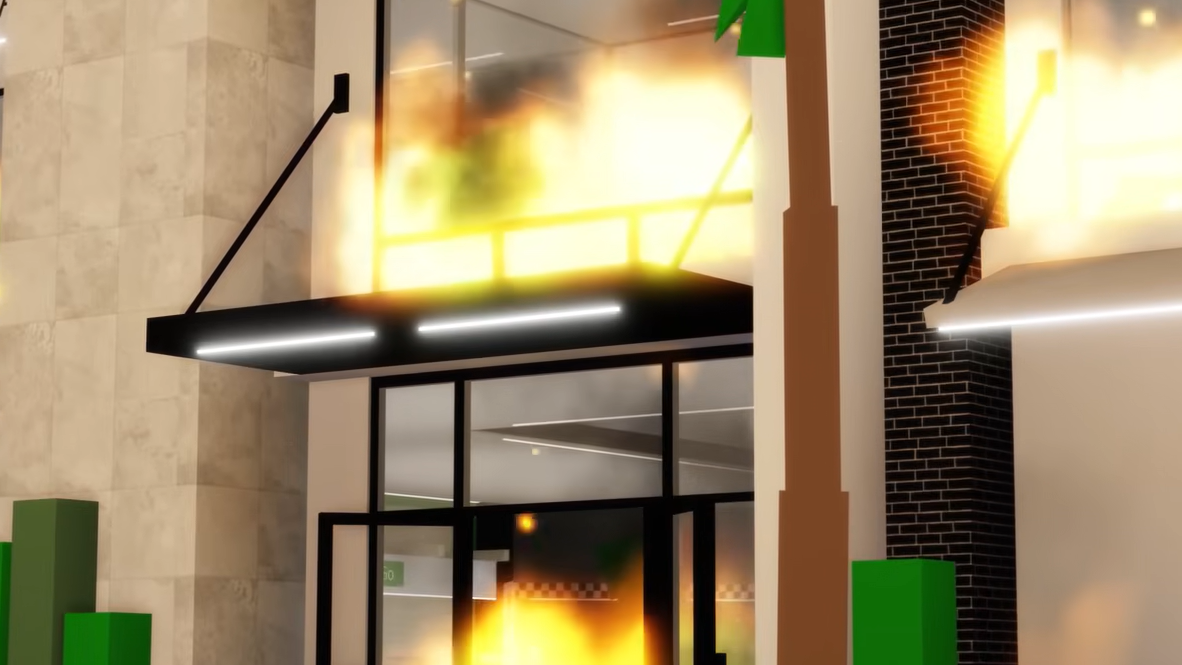
Fires spawn at points of interest around Brookhaven on a rotating basis. There are two ways to know where to go:
- Check the central board inside the LEGO Fire Station. It automatically places waymarkers on your screen, pointing to the active fire.
- Watch for the on-screen notification that appears periodically when a new fire starts.
The board is the more reliable option because the waymarker stays visible while you drive, so you don’t have to memorize the location.
How to put out a fire
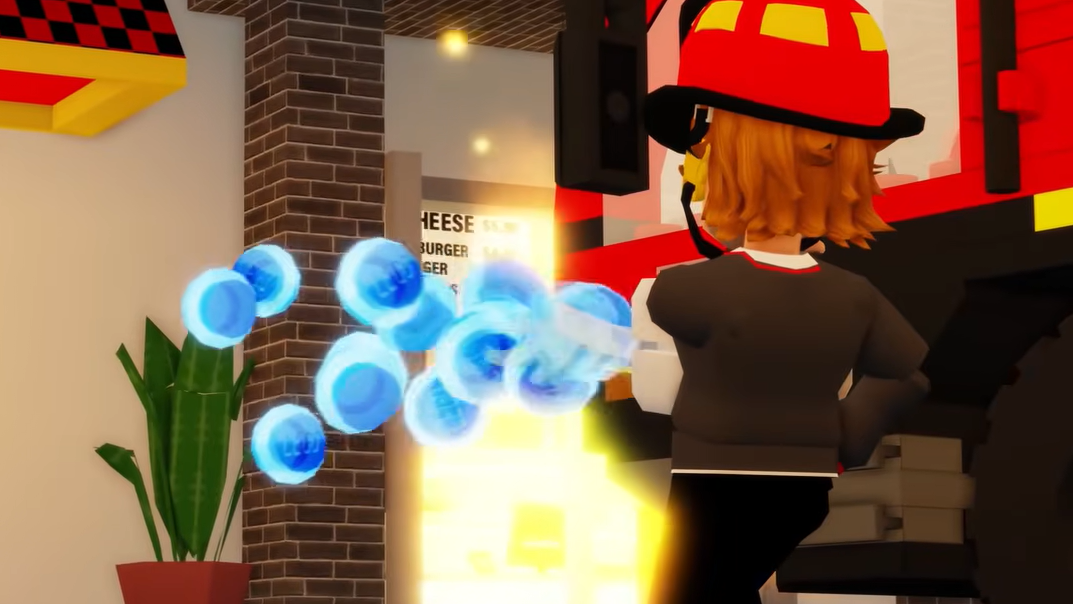
Solo, a single fire usually takes somewhere between 15 and 45 seconds to fully put out. With a full truck of firefighters spraying at once, that time drops significantly.
Permanent firetruck reward
The event itself is temporary and will only be around for the next few weeks, but the main reward stays with your account. Extinguish fires at 10 different buildings during the event window, and the LEGO firetruck becomes permanently unlocked. After that, you can spawn and drive it in Brookhaven RP at any time, even once the event ends.
Tips for finishing faster
- Team up. Four players on hoses can shut down a fire in a fraction of the solo time.
- Use the top-mounted hose on larger buildings for a better angle over walls and fences.
- Follow the central board’s waymarker instead of chasing notifications, since the marker updates live as you move.
- Respawn a fresh truck at the station if yours gets stuck or flipped rather than trying to recover it on the road.
Ten buildings is a manageable target in a single session if fires are spawning frequently, especially in a server where multiple players are actively responding. Once the counter ticks over, the firetruck joins your permanent vehicle options and the event content can be ignored until the timer runs out.