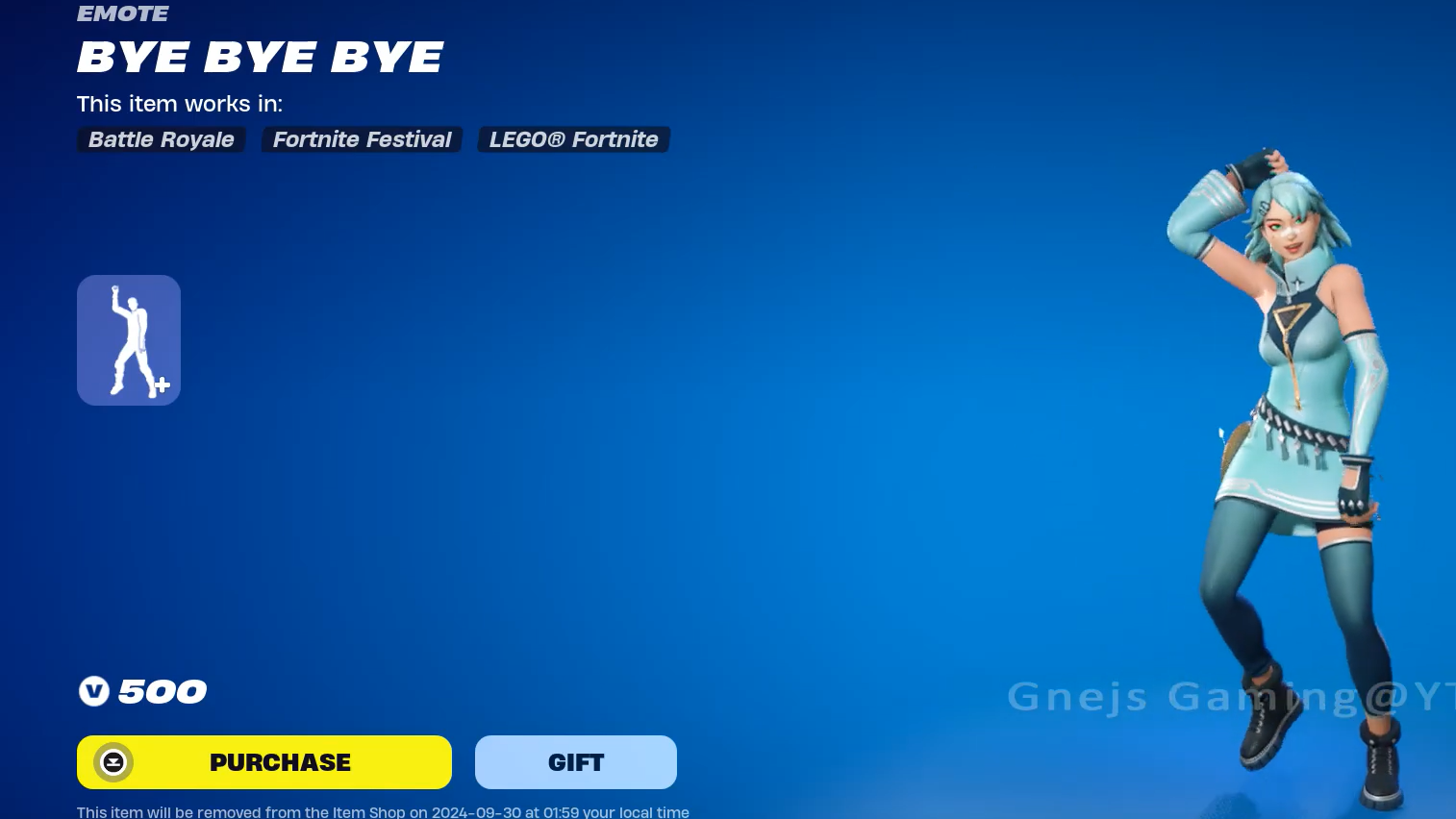
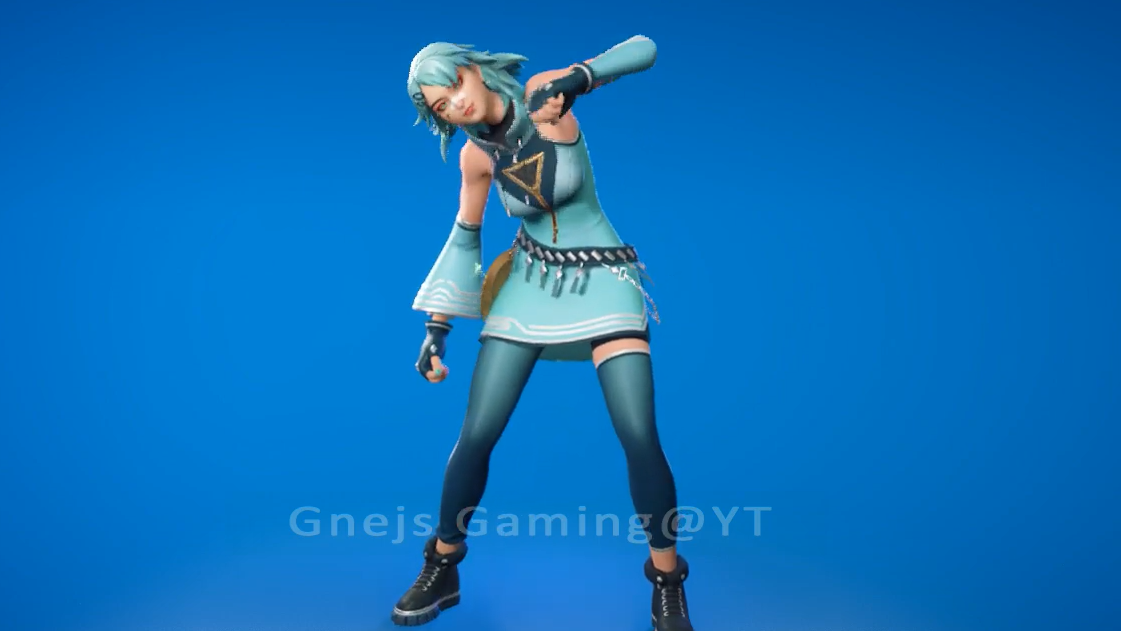
The Bye Bye Bye Emote is an Icon Series cosmetic in Fortnite built around the NSYNC track of the same name, sold for 500 V-Bucks whenever it rotates through the Item Shop. It is a Group Emote, meaning multiple players can sync the choreography together in the lobby or on the island.
What the Bye Bye Bye Emote is
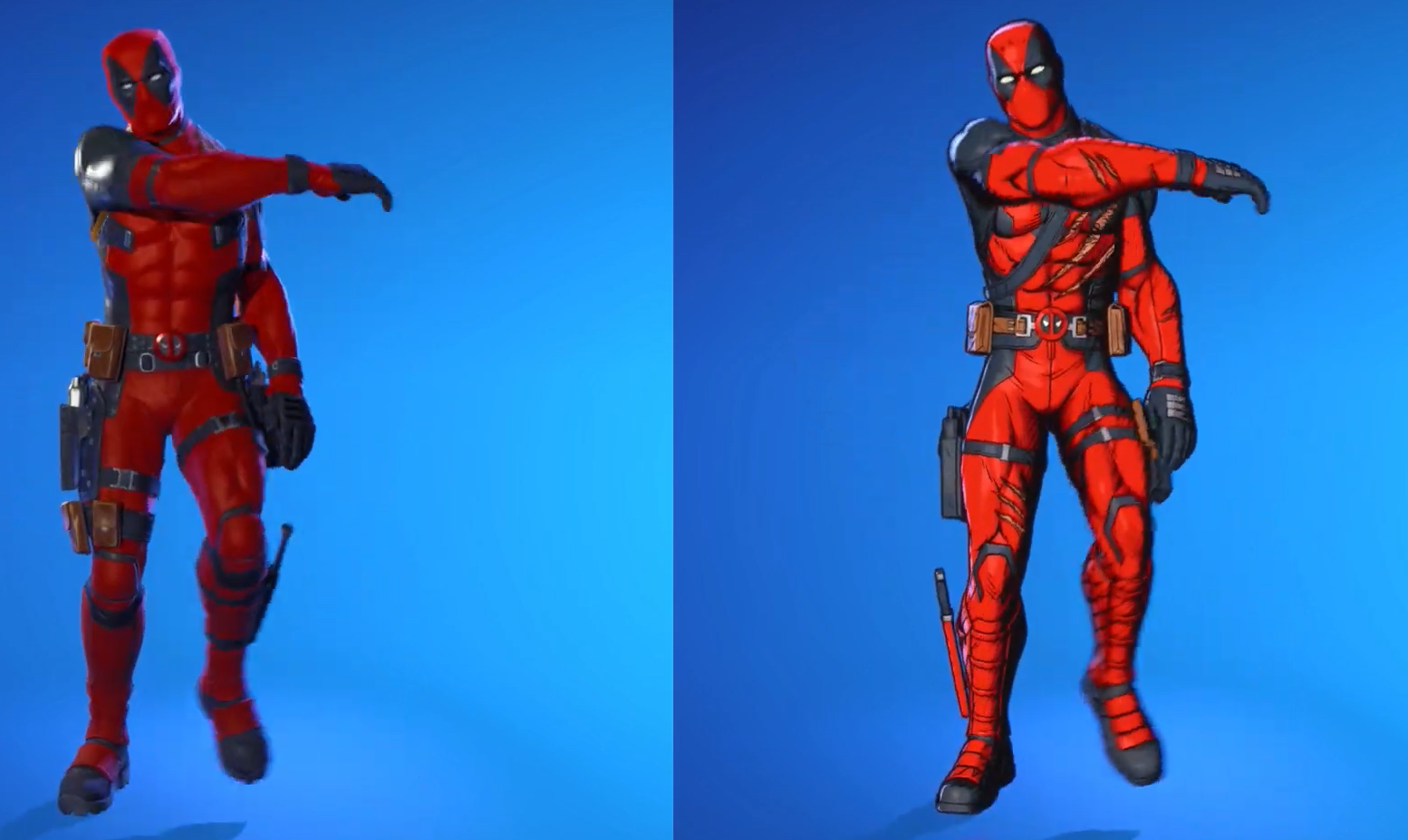
Bye Bye Bye is a licensed Icon Series Emote tied to NSYNC’s 2000 single. The choreography pulls from the routine popularized by the opening sequence of Deadpool & Wolverine (2024), and Epic’s promotional materials leaned on that connection by featuring the Deadpool (Pen & Ink) outfit performing the dance.
In-game, the emote carries the description “Ciao, au revoir, sayonara… you get the idea.” It is flagged as a Group Emote, so other players who own it can join in and perform the routine in unison. It is also one of the emotes usable inside LEGO Fortnite.
Release date and Item Shop history
The emote debuted on September 24, 2024, and stayed in rotation for six consecutive days before disappearing. Every Item Shop appearance to date has fallen inside that single launch window.
| Date | Status |
|---|---|
| September 24, 2024 | Release date |
| September 25, 2024 | Item Shop |
| September 26, 2024 | Item Shop |
| September 27, 2024 | Item Shop |
| September 28, 2024 | Item Shop |
| September 29, 2024 | Last seen |
That gives the emote a total of six Item Shop occurrences, all clustered in its release week. The cosmetic has now been absent from the shop for more than 500 days.
Price and how to get it
Bye Bye Bye is sold individually for 500 V-Bucks whenever Epic places it back in the Item Shop. It is not part of the Chapter 7 Season 2 Battle Pass, the Crew subscription, or any free track. The only way to add it to your locker is to purchase it during one of its Item Shop windows.
| Detail | Value |
|---|---|
| Type | Emote |
| Series | Icon Series |
| Price | 500 V-Bucks |
| Source | Item Shop |
| Tags | Group Emote |
| Introduced | Chapter 5: Season 4 |
| Internal ID | EID_Farewell |
Will it return in Chapter 7 Season 2?
No official return date for Bye Bye Bye has been confirmed by Epic Games. Icon Series emotes are refreshed on an irregular schedule, and licensed music tracks like NSYNC’s “Bye Bye Bye” require active rights agreements to reappear, which is one reason the emote has not been a frequent visitor to the shop.
The Item Shop refreshes daily at 00:00 UTC (8 PM ET / 5 PM PT). If the emote does come back, it will appear in the Emotes row of the shop on that day’s rotation, priced at 500 V-Bucks.
How to check if it’s in the shop right now
Confirming the purchase worked
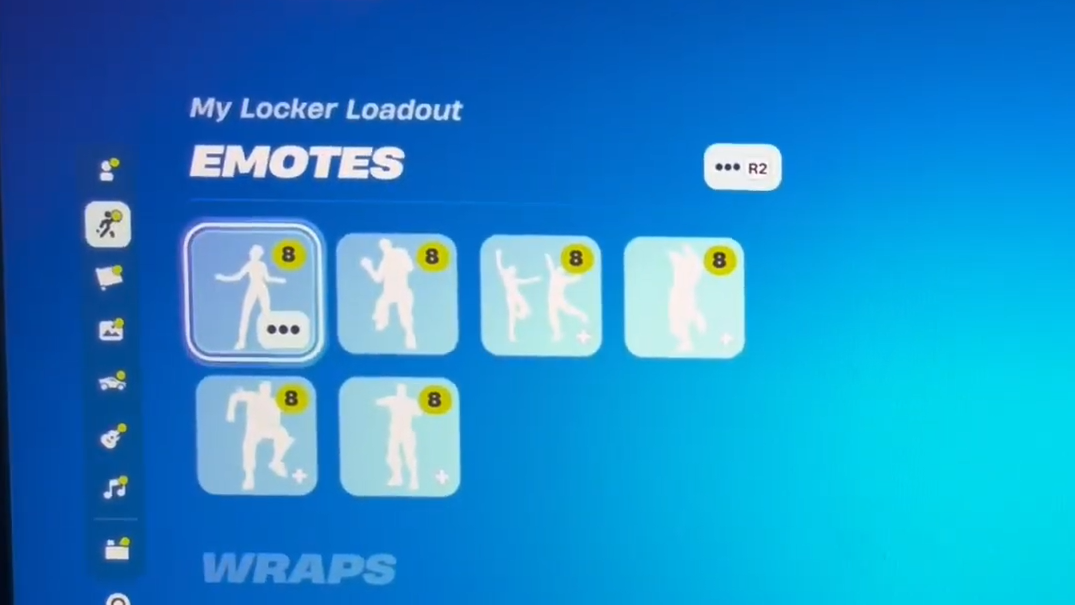
After buying, you’ll see a confirmation pop-up, and the emote will be added to your Locker under Emotes. To equip it, open the Locker, select an emote slot, and assign Bye Bye Bye to it. In a match, trigger it from the emote wheel; nearby players who also own the emote can join by holding the interact prompt that appears above the dancing character.
If a purchase appears to fail or the item is missing from your Locker, Epic’s in-game bug report tool under Pause Menu → Report → Report a bug → Shop, Locker, and Lobby is the supported path. Avoid pasting any chat strings or codes that promise to “fix” missing items, as those are not legitimate.
Until Epic schedules another rerun, the only Fortnite players with Bye Bye Bye equipped are those who picked it up during its September 2024 debut. Keep an eye on the daily shop refresh if you want it, and ignore any source claiming a guaranteed return date that hasn’t come from Epic directly.