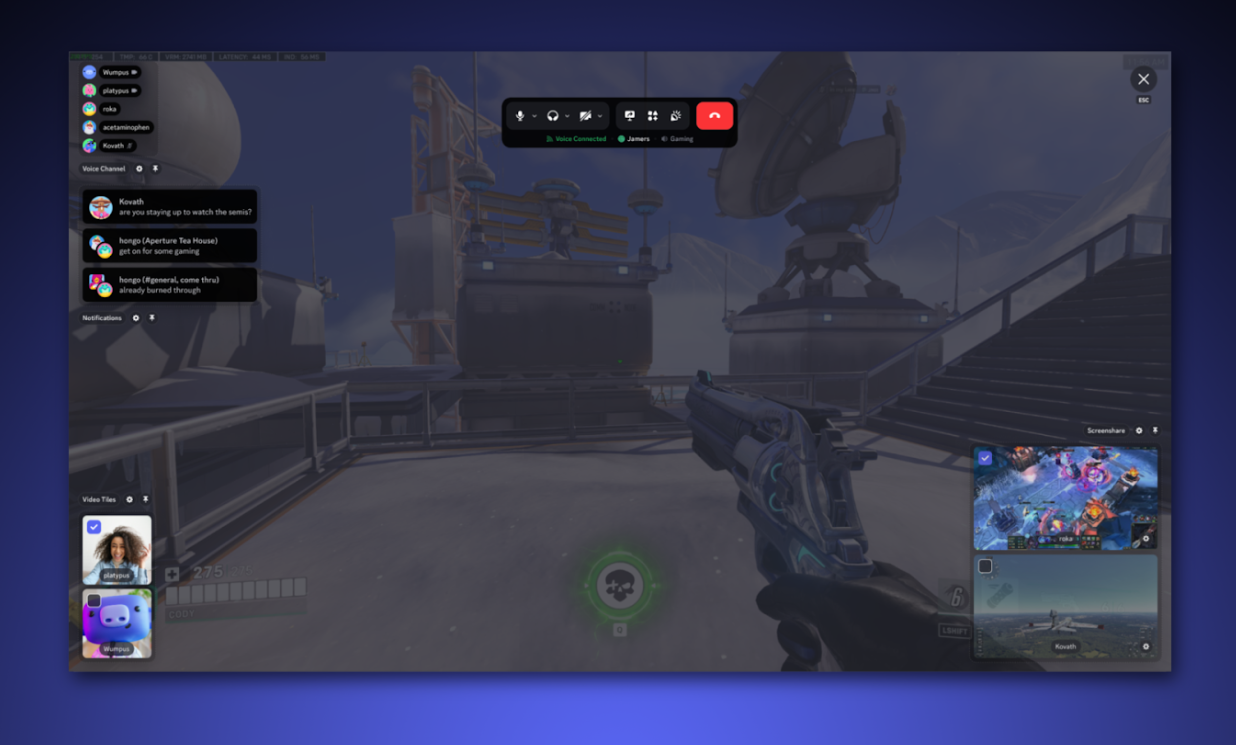
Discord is testing a new way to look at voice channels called the Living Room layout. Instead of the usual grid of avatars, everyone in the call gets a seat inside a shared virtual room, so a voice chat feels more like a group of friends sitting together than a list of connected users.
Quick answer: The Living Room layout is an optional voice channel view that swaps the standard member grid for a virtual room where each person sits in a seat. You can change seats freely, and it does not change how the voice call itself works. It is currently an experiment available to select users.
What the Living Room layout does
The Living Room layout is an alternate display option for voice channels. When you switch it on, the people in your call appear sitting around a virtual living room, with each member placed in a seat, rather than shown in the standard stacked list or grid.
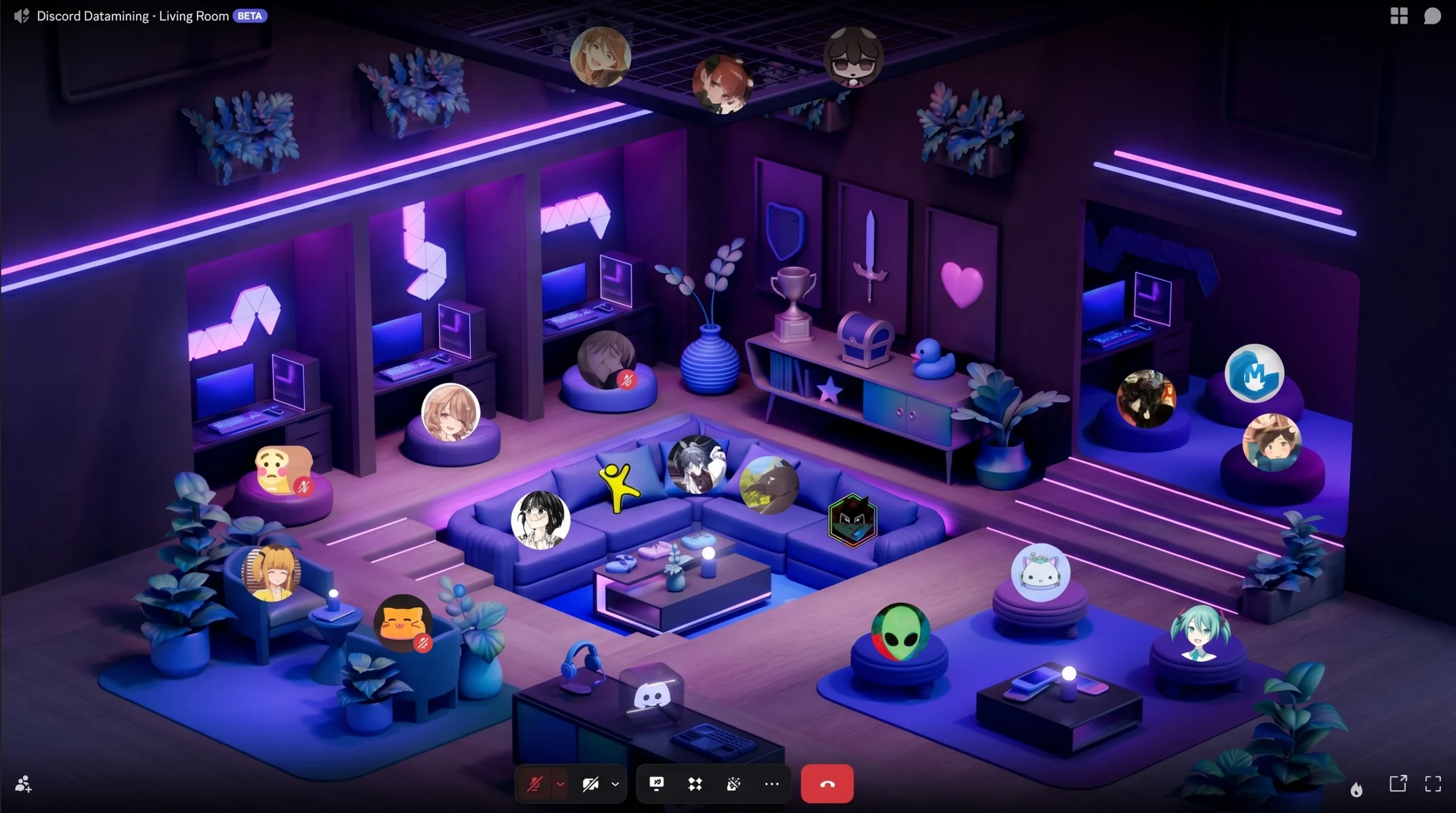
The important detail is that it only changes the view. Audio, who can hear whom, and the way you join or leave a channel all stay exactly the same. The seats are a visual layer on top of a normal voice call, designed to make the space feel more like a shared room than a connection to a channel.
How seats work
When you enter a voice channel using the Living Room layout, you are automatically placed in a seat. Those starting positions are pre-decided, so you do not have to set anything up to join.
If you would rather sit somewhere else, you can move. Seats can be swapped freely, letting you pick a spot next to specific friends or simply rearrange where everyone appears in the room.
Living Room layout vs. the standard voice view
| Detail | Standard view | Living Room layout |
|---|---|---|
| Member display | Grid or stacked list | Avatars seated in a virtual room |
| Position | Fixed by the grid order | Assigned a seat, swappable |
| Effect on audio | None | None |
| Availability | Default for everyone | Optional, in testing |
Statuses are referenced but not live yet
Alongside the seating layout, there are references to “statuses” that would let others in the call see what you are up to. That part has not been turned on, so for now the Living Room layout is mainly about how people are arranged in the room.
Because this is still an experiment, the exact behavior can change before any wider release, and some elements that exist in the code may never ship in the same form.
Who can use it right now
The Living Room layout is being tested with a limited group rather than rolled out to everyone. If you have access, it shows up as an optional way to switch the default view of people in your voice chat. There is no confirmed date for a full release.
It fits a pattern of recent additions to Discord’s voice tools, including spatial audio that makes friends sound like they are in the same room. The Living Room layout pushes that idea further on the visual side, giving a call a sense of place without adding anything you need to manage.
For now, it stays simple. You join a channel, take a seat, and move around if you want a different spot. Whether it grows into something larger depends on how the test goes and what Discord decides to keep.