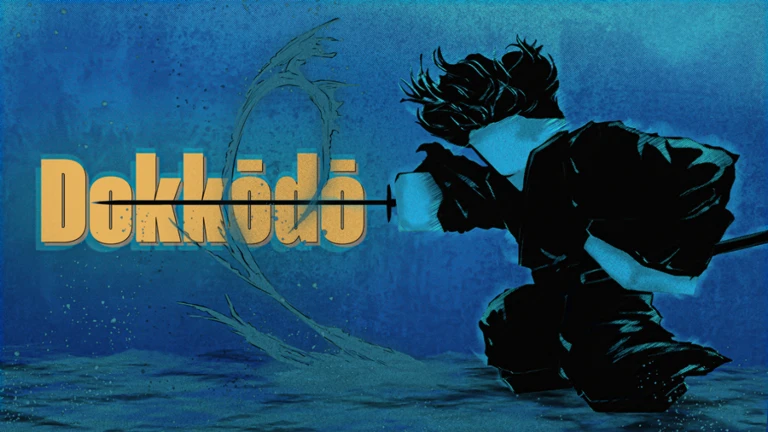
Dokkōdō is a Roblox game that immerses players in the compelling narrative of Vagabond, journeying through the awe-inspiring realm of feudal Japan as a Samurai. It is built to demand skill, so do not expect it to be easy. If you are stepping into the world for the first time, this getting-started reference covers where to find everything you need: the official links, how controls are surfaced, the regions you will travel through, and where settings live.
What Dokkodo Is
Dokkōdō places you in the role of a Samurai within a feudal Japan setting, framed around the Vagabond storyline. The experience is designed around skill rather than convenience, and it openly warns that progress is not meant to come easily. Approaching it with patience is part of the intended journey, so treat early sessions as a chance to learn the world rather than rush through it.
You can launch the game directly from its Roblox game page. The community gathers on the official Discord server, which is the natural place to keep up with the game and other players. There is also a dedicated Roblox group, the Shrine of Enlightenment, that ties the community together on the platform.
Controls
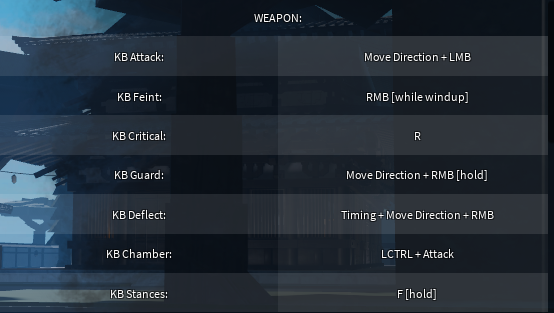
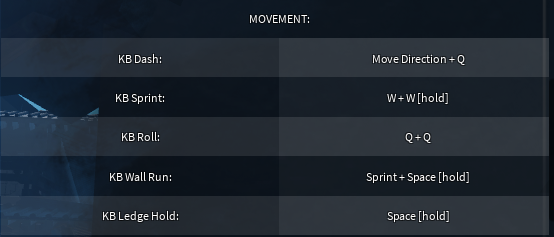
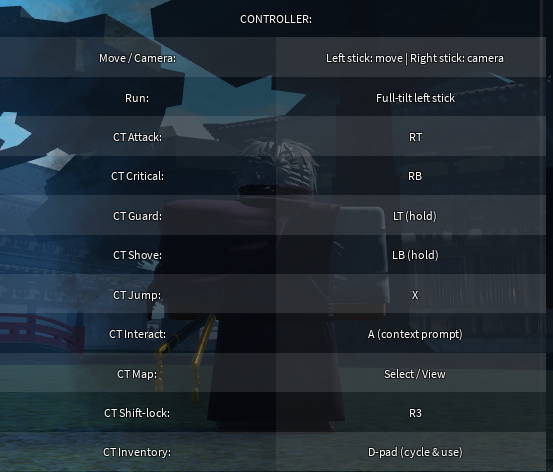
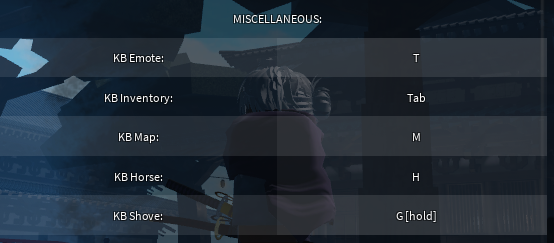
The full control scheme is presented inside the game itself. Controls are found in the settings at the top-left corner of the screen, where both the keyboard and the controller layouts are laid out for you to review. Opening that menu early is the quickest way to get familiar with how your Samurai handles before you head out into the world.
Beyond the main layouts, there are two extra toggles worth knowing from the start. One controls hat and helmet vanity, letting you switch the visibility of headgear including the armor helmet, and the other toggles a Free Camera mode for looking around the world more freely. Both are simple on/off toggles, so a single press flips the state and pressing again returns it.
| Input | Action |
|---|---|
| P (Toggle) | Hat vanity (Includes armor helmet) |
| Shift + P (Toggle) | Free Camera mode |
Maps
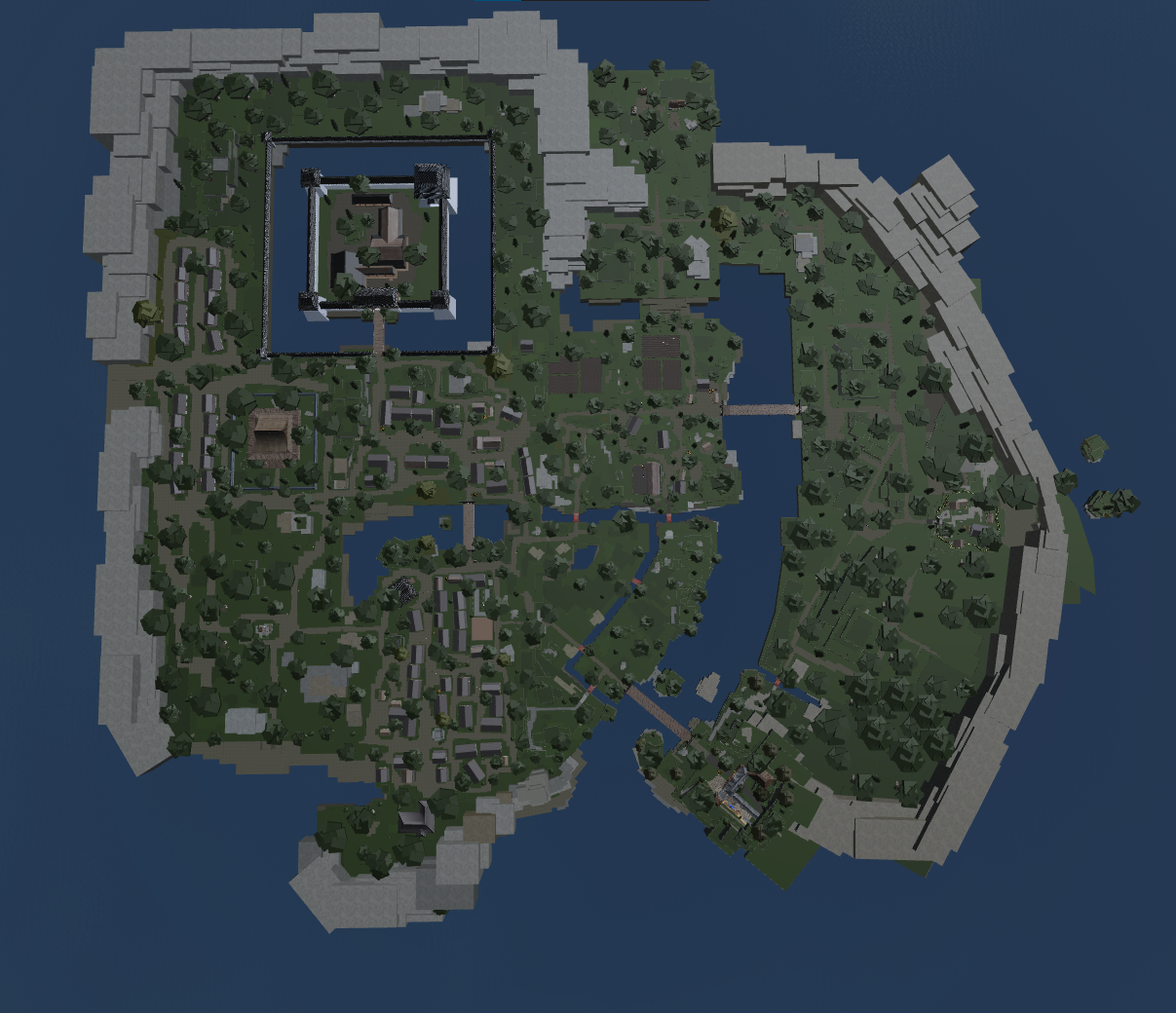
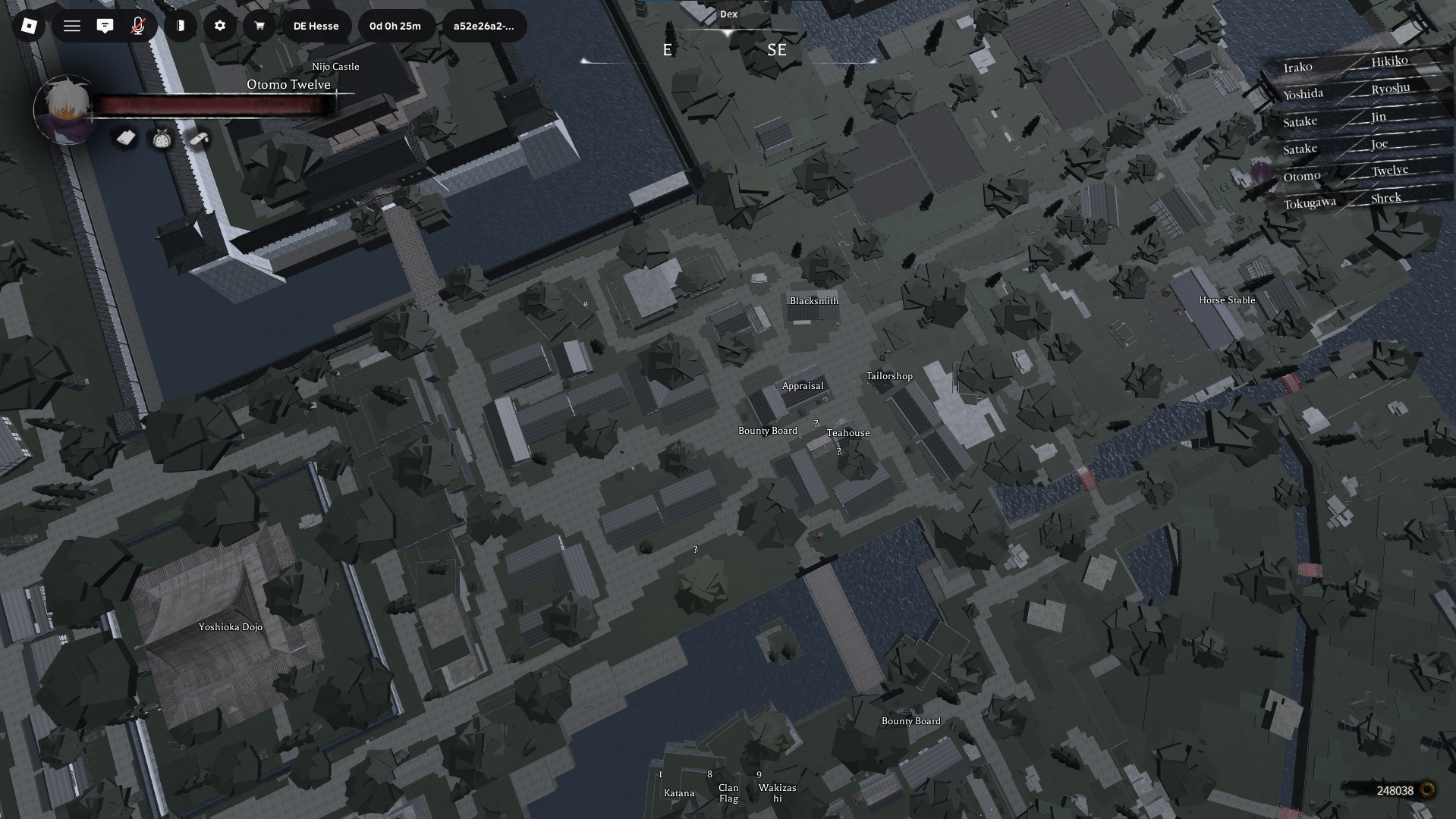
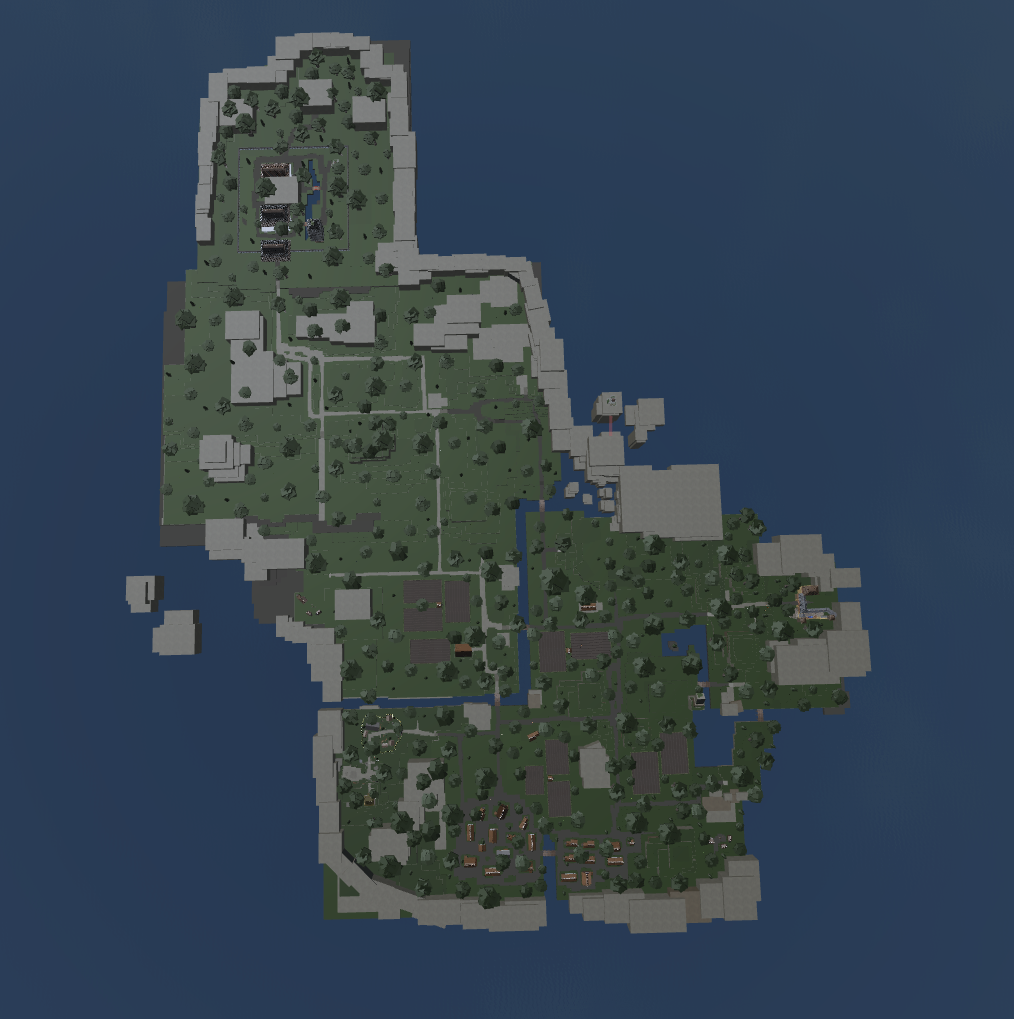
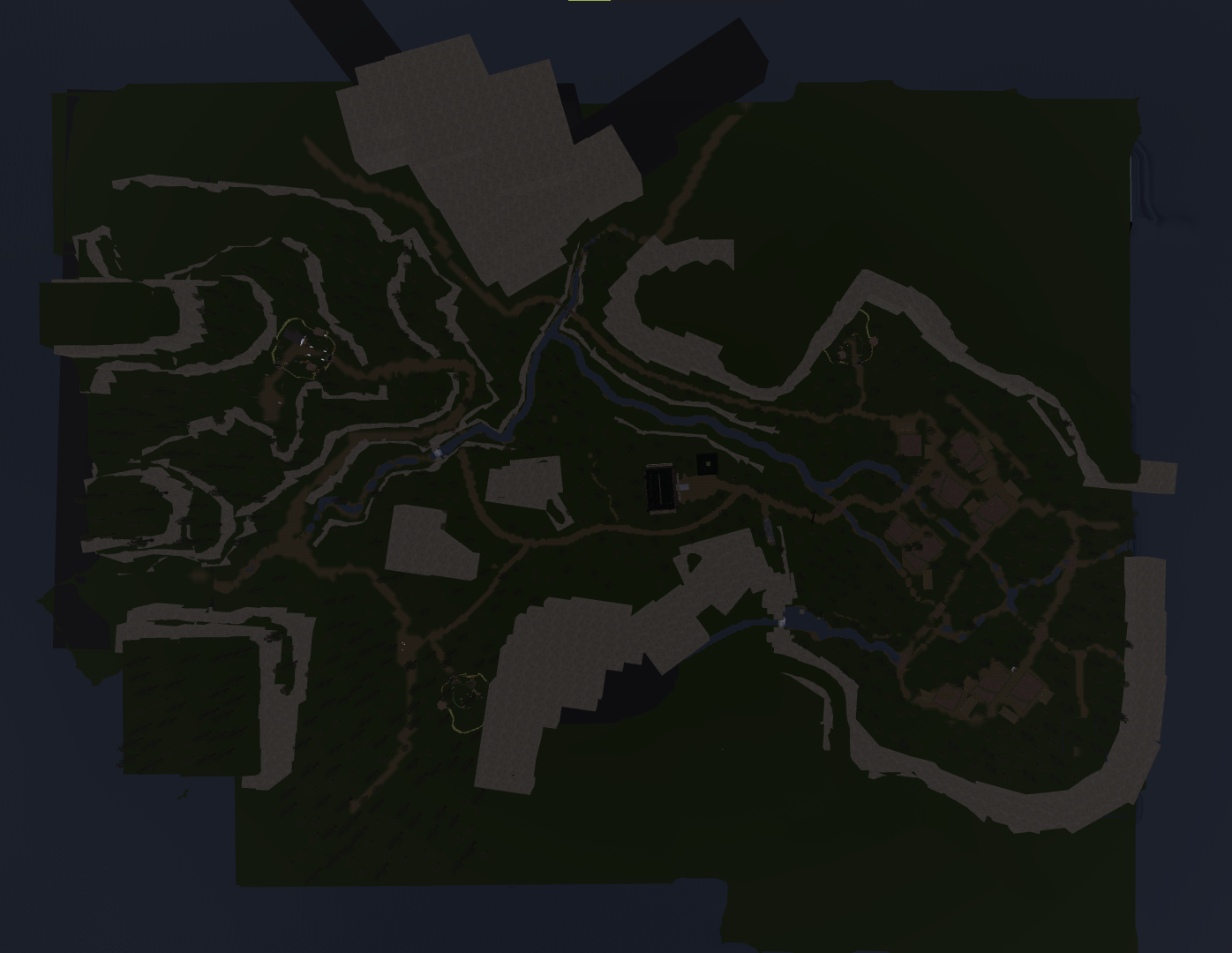
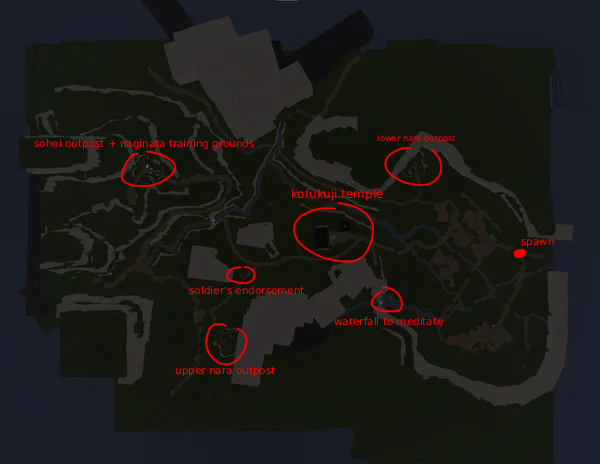
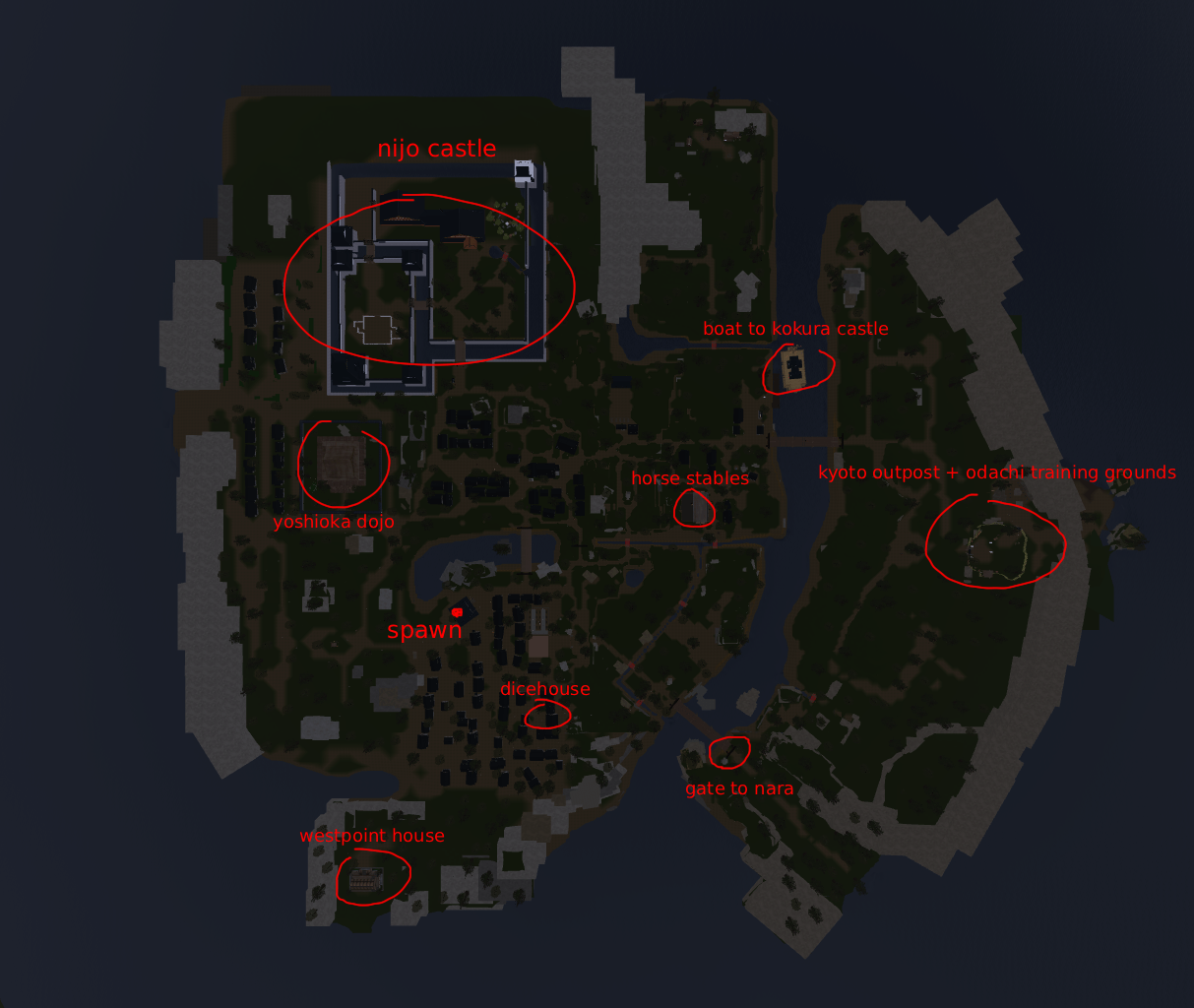
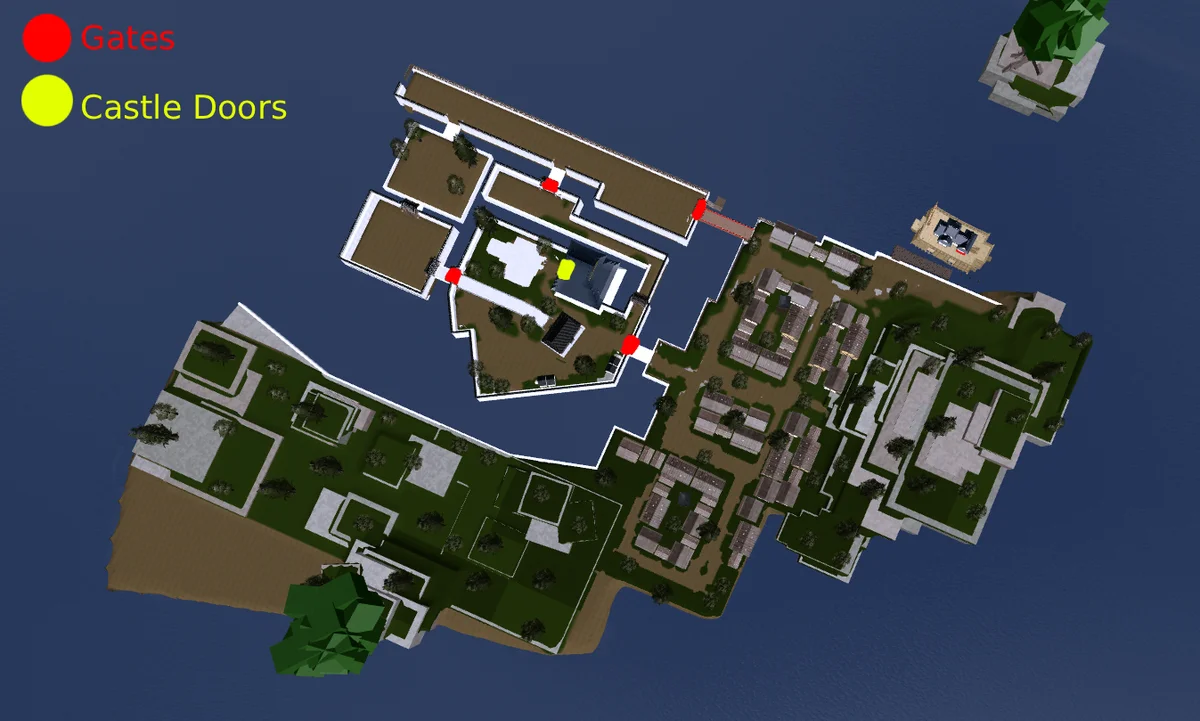
Dokkōdō spans three regions for you to explore as you make your way through feudal Japan. Each is its own distinct area of the world, and getting your bearings across all three is part of settling into the game.
Kyoto
Kyoto is one of the three regions that make up the world of Dokkōdō.
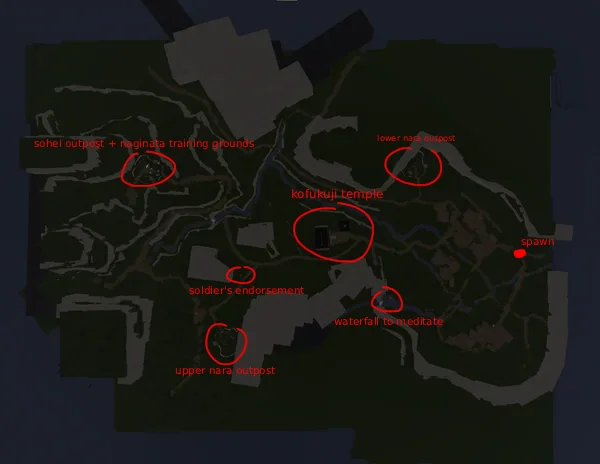
Nara
Nara is another of the game’s three regions, a separate area of feudal Japan to discover.
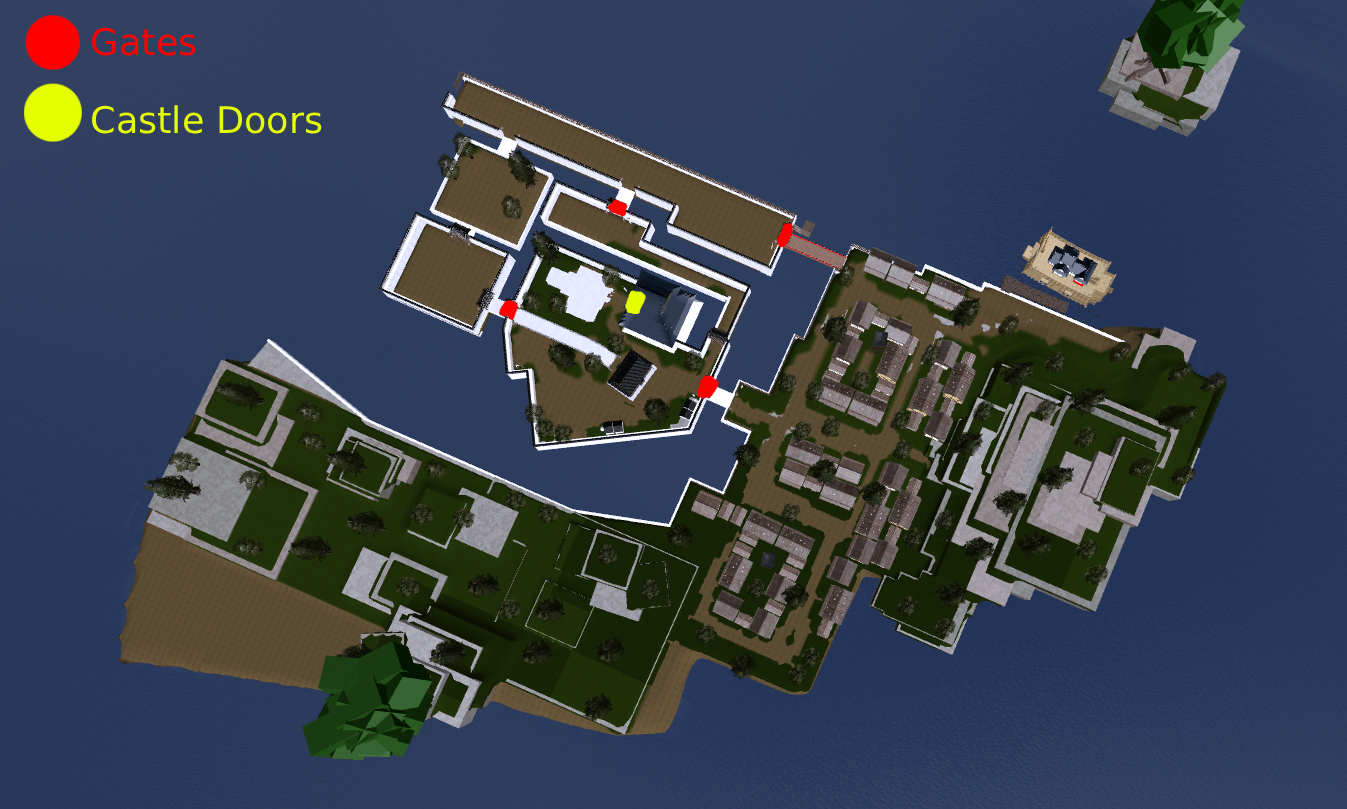
Kokura Island
Kokura Island rounds out the three regions, giving the world an island setting alongside Kyoto and Nara.
General Settings
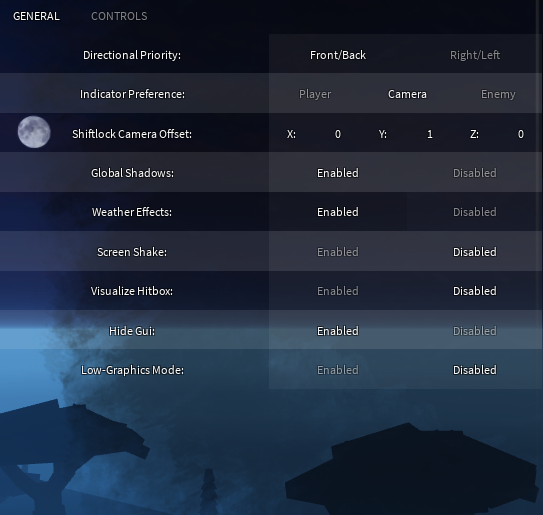
The settings menu is reached from the top-left corner of the screen, and it is also where the control layouts live. Making it the first thing you open is the simplest way to confirm your inputs and adjust the game to your liking before you commit to a run. Since Dokkōdō asks for skill, taking a moment here to know your controls pays off quickly.
With the links bookmarked, the settings menu in the top-left committed to memory, and the three regions of Kyoto, Nara, and Kokura Island ahead of you, you are ready to begin your journey as a Samurai through Dokkōdō’s feudal Japan.
In-game gallery