Escape the Backrooms now lets PC, PlayStation 5, and Xbox Series X|S players survive the liminal corridors together in the same lobby. The console versions arrived on 28 May 2026, and a matching crossplay patch went live on the Steam edition, so a single group can mix platforms without anyone creating a separate third-party account.
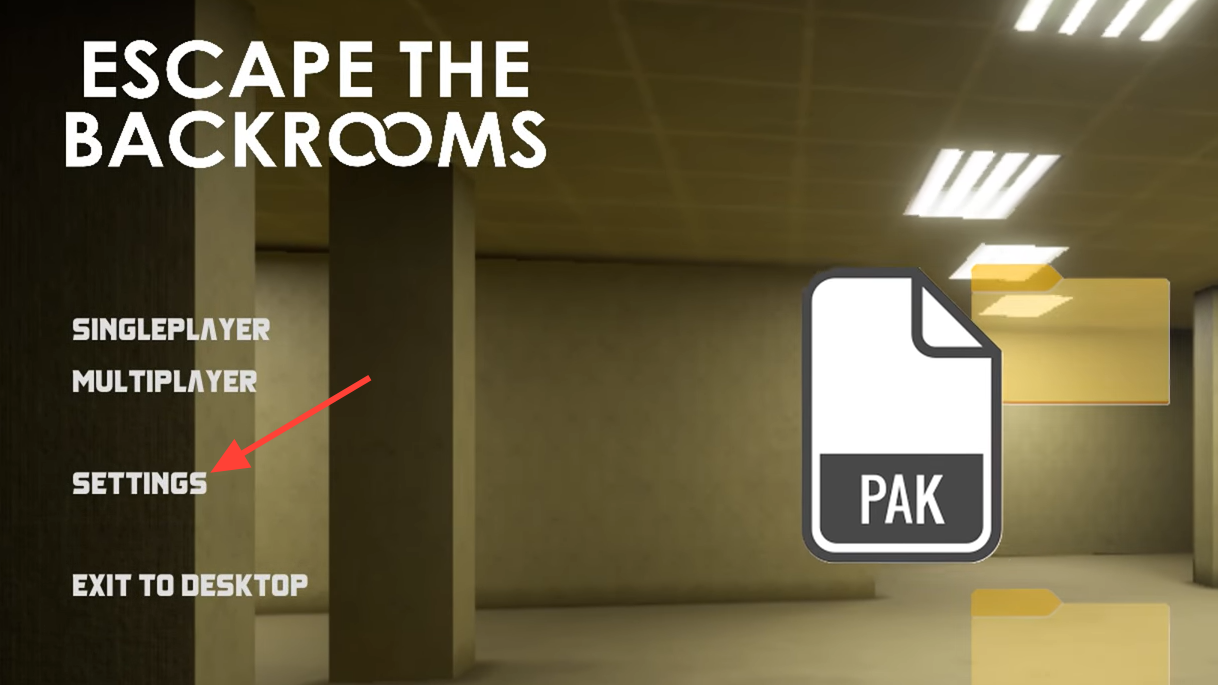
Quick answer: On PC, update to version 1.3.0 or later, then open Settings from the main menu, go to the Game tab, and confirm crossplay is on. One person hosts a private room and shares the room code shown in the top-right corner of the waiting room; everyone else picks Join and enters that code.

Crossplay requirements for PC and console
Crossplay is enabled by default, but players who owned the PC version before the patch should double-check the toggle, since older settings can carry over. Console players have it available out of the box, and the feature works across PS5, Xbox Series X|S, and PC in any combination.
The one hard requirement sits on the PC side. Your game must be updated to version 1.3.0 or later, which is the patch that introduced cross-platform play. Without that version, PC players cannot share lobbies with console friends.
| Detail | Value |
|---|---|
| Supported platforms | PC (Steam), PS5, Xbox Series X|S |
| PC version needed | 1.3.0 or later |
| Players per lobby | 1–4 |
| Third-party account | Not required |
| Console price | $12.99 / £9.99 / €12.99 (also on Game Pass) |
The console releases include all content added to the PC edition since its 2022 Early Access launch, so the levels, entities, and cosmetics line up across platforms. You can confirm the console availability and pricing on the publisher’s announcement.
Enable crossplay in the settings menu
Host a multiplayer room and get the room code
| Mode | What it does |
|---|---|
| Story Mode | Starts at the beginning of the game so your group progresses and solves puzzles in order. |
| The Hub | Lets you jump straight to a chosen level, ideal for short sessions or chasing missed achievements. |
Join a friend’s game across platforms
Crossplay and lobby size limits to watch for
Four players remains the supported cap across PC and console. Mods that push lobbies past that number exist on PC, but they are not built for mixed platforms. Pushing a console player into an enlarged lobby has caused crashes on load, and dialing the limit back down to four resolves it. If you want a stable mixed-platform group, stay within the standard four-player ceiling.
If multiplayer stops appearing entirely on PC, the usual checks are confirming the game updated correctly, verifying the local files, and making sure crossplay is still enabled after the patch. Keep both the host and joining players on the latest version so the lobby logic matches on every side.