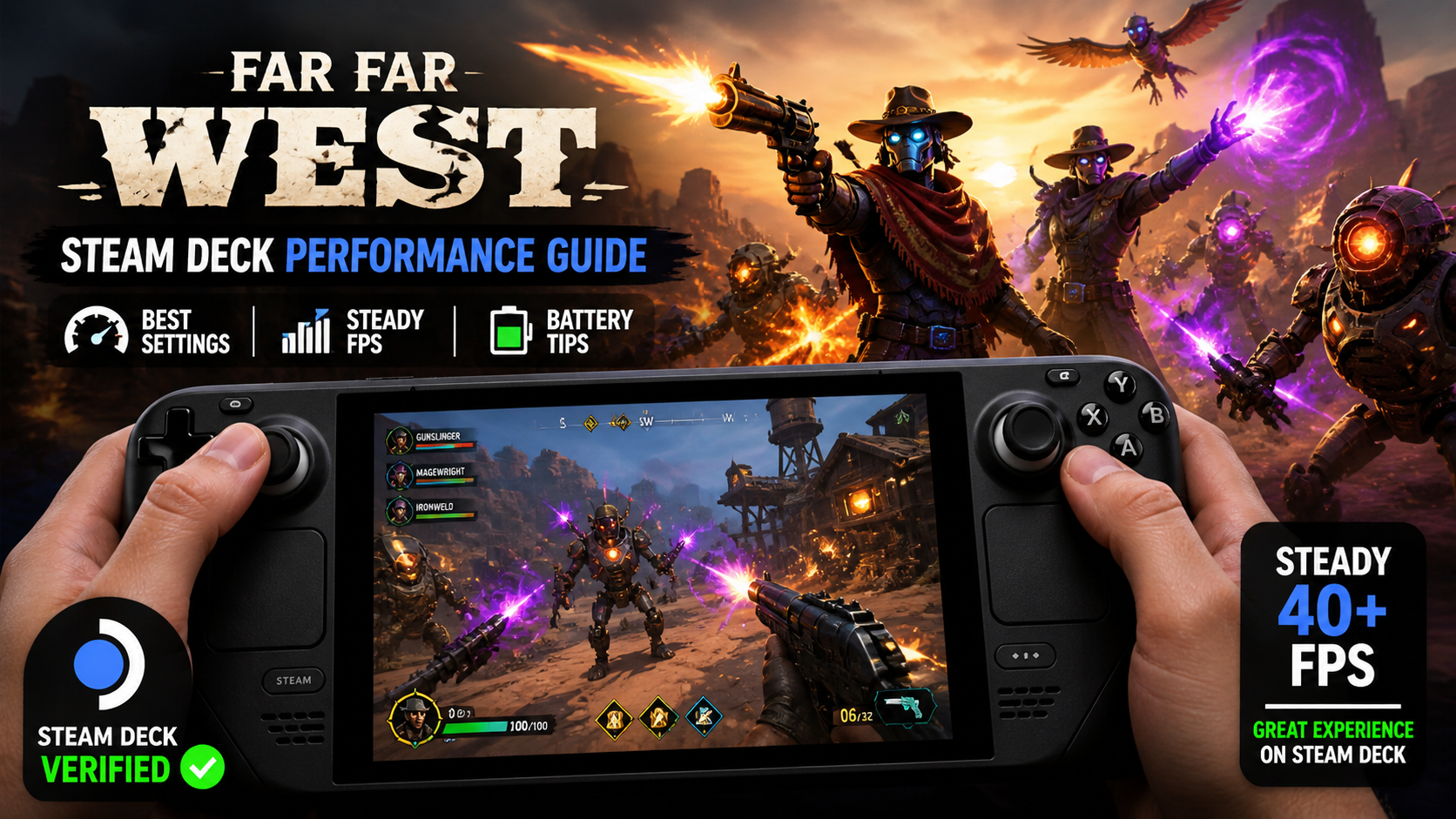
Far Far West, the co-op robot cowboy shooter from Evil Raptor and Fireshine Games, runs on the Steam Deck and carries the Steam Deck Verified badge. It launched into Early Access on Steam on April 28, 2026, and plays on Steam Deck OLED with reasonable frame rates after a few setting tweaks. The game supports solo, two-player, and up to four-player co-op, plus offline play.
Quick answer: On Steam Deck OLED, set the Medium preset with TSR upscaling at 50% resolution scale, then drop Post-Processing and Particle Quality to Low. That holds close to 60 FPS in solo and two-player sessions. Expect drops toward 30 FPS in heavy four-player fights.
Steam Deck compatibility status
Far Far West is marked Steam Deck Verified on the Steam store page. It installs and launches without manual Proton tweaks on current SteamOS, and a recent hotfix resolved cross-save sync between Steam Deck and PC so progression carries between devices.
The store listing for the game is at store.steampowered.com/app/3124540/Far_Far_West/.
Recommended Steam Deck settings
The game uses Unreal-style scalability options with TSR (Temporal Super Resolution) as the default upscaler. The art style is stylized and cartoony, so aggressive upscaling holds up well on the OLED panel. Two practical configurations cover most play patterns.
| Setting | Performance profile | Balanced profile |
|---|---|---|
| Preset | Low | Medium |
| Upscaler | TSR | TSR |
| Resolution scale | 50% | 50% |
| Post-processing | Low | Low |
| Particle quality | Low | Low |
| Expected FPS (solo / 2P) | 70–80 | ~60 |
| Expected FPS (4P chaos) | Variable, can dip near 30 | Variable, can dip near 30 |
The Balanced profile is the better default for most players because the game leans heavily on explosions, spells, and dense particle effects. Lowering Particle Quality is the single biggest stability gain when fights get crowded.
Frame rate expectations by session size
Solo and two-player runs are where the Steam Deck performs best. Frame pacing stays close to 60 FPS during normal combat with the balanced profile, and the lower-end Performance profile pushes 70–80 FPS for players who prefer higher refresh over fidelity.
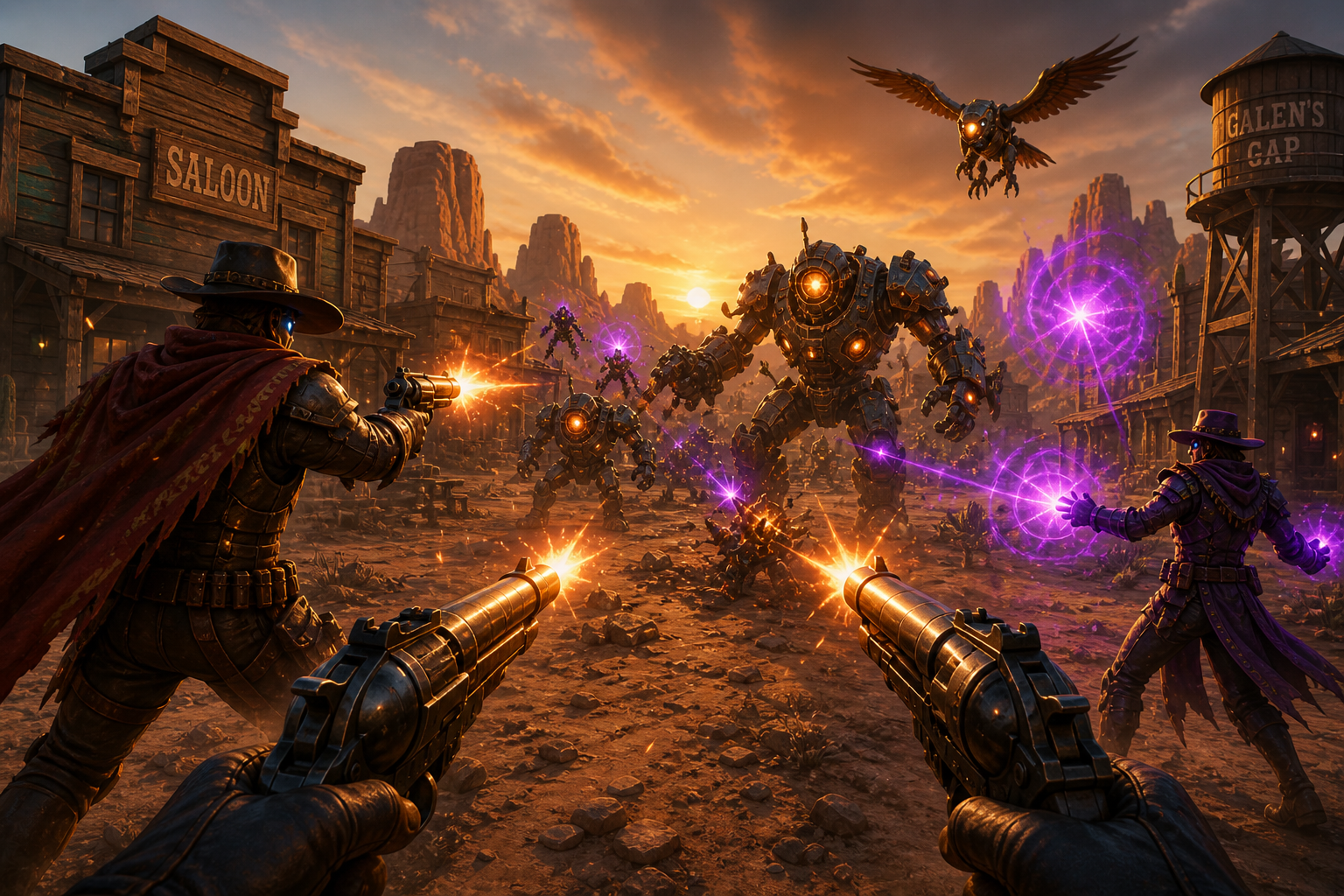
Four-player lobbies are the stress case. When the screen fills with enemies, spell effects, and boss telegraphs, frame rate can dip toward 30 FPS. The game remains playable at that level, but it is not a stable 60 FPS experience in full lobbies. Frame generation through Lossless Scaling is not recommended for this title because the gameplay is fast and input-sensitive, and added latency works against precision aiming.
Battery life
At the Balanced profile on Steam Deck OLED, expect roughly 2 to 2.5 hours of play per charge. Battery drain increases in four-player sessions due to heavier GPU and CPU load. Capping the frame rate at 60 in the Steam overlay reduces drain when the game runs above target, which mostly helps in calmer sections and the lobby town.
Controller support and quirks
In-game controller support is complete. Aiming, shooting, spell casting, item use, and movement all map cleanly to the Deck’s controls, and on-screen prompts display the correct controller glyphs.
Menu navigation is the rough edge. The main menus and some configuration screens do not fully respond to stick or D-pad input. Use the right trackpad as a mouse, or use the touchscreen, to move the cursor in menus until full menu controller support is added.
Note: Chat key rebinding was added in the Early Access Hotfix 1 (Version 583), which is useful if the default key conflicts with your Steam Deck input layout.
First-launch stutters
Brief stutters during the first few minutes of play are expected and are caused by shader compilation. The hitches stop once shaders finish compiling. If stutters persist past the opening session in the same area, exit to the Steam Deck home, force-close the game, and relaunch so the shader cache can settle.
Cross-save between Steam Deck and PC
Cloud saves sync between Steam Deck and desktop PC. Earlier issues with save sync were addressed in Hotfix 1, so progression and unlocks carry between devices automatically through Steam Cloud. To verify it worked, check that your character loadout, currency totals, and unlocked weapons match across both devices after launching the game and reaching the lobby town.
Pricing and Early Access scope
Far Far West is in Early Access. The developer’s stated plan is roughly one year in Early Access with additional content, replayability systems, long-term progression, enemies, game modes, cosmetics, and weapons planned for that window. The launch discount of 10% applied to the standard $19.99 / £15.99 price, bringing it to $17.99 / £14.39 during the launch sale window. After the discount window, the game returns to its standard price.
For Steam Deck players who want a co-op PvE shooter that runs natively without configuration work, Far Far West is in a workable state right now. Solo and small-group sessions are the strongest use case on the handheld, while full four-player runs are better suited to a docked setup or a desktop PC if you want a steadier 60 FPS.