A countdown clock parked under a game mode or floating in the Fortnite lobby tends to set off the same reaction every time. Players notice the numbers ticking down, assume something dramatic is coming, and start guessing. Most of the time, the answer is simpler than the panic suggests, and there are really only two things that clock is usually doing.
Quick answer: A timer on the Battle Royale or Zero Build tab almost always marks a Power Hour double XP window, while a larger countdown in the lobby points to a scheduled live event or Story Moment that begins when the clock hits zero.
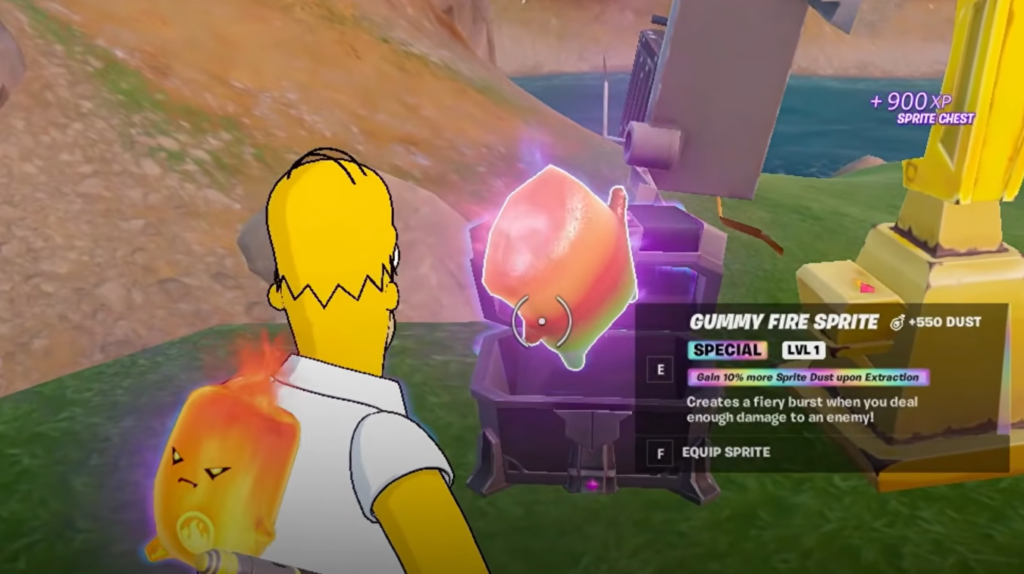
Power Hour timer on the Battle Royale tab (double XP)
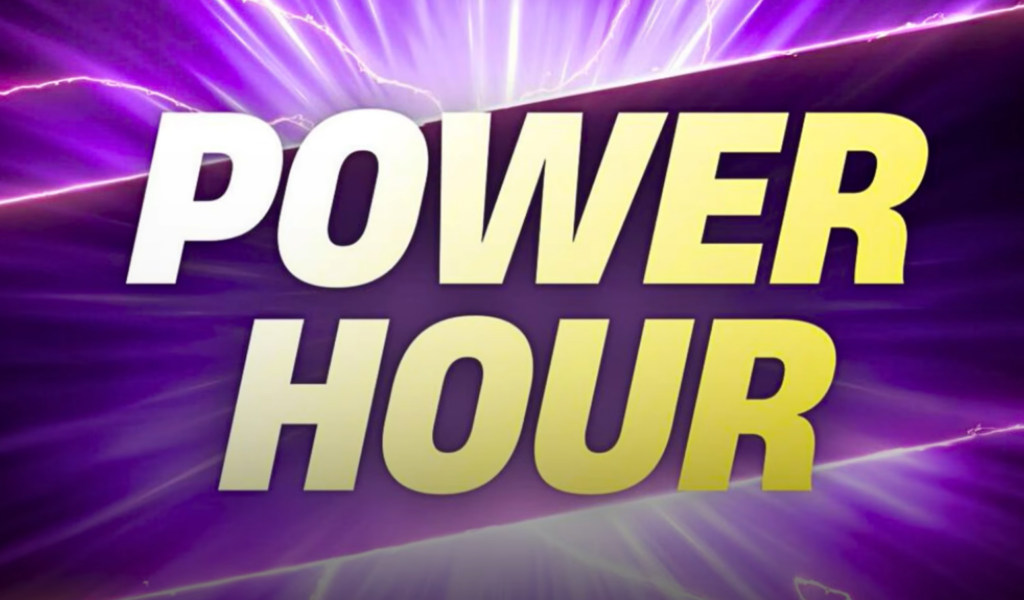
If the timer is small and sits attached to a specific mode, such as Battle Royale or Zero Builds, it is signaling a Power Hour. This is a limited double XP window. While the clock is running, the experience you earn from matches and quests is boosted, which makes it the fastest stretch to climb your Battle Pass levels.
The number shown is how long the bonus stays active, not a countdown to a cutscene or anything breaking on the island. When players first spotted this clock showing roughly a day of time remaining across both standard and Zero Build playlists, the confusion was mostly about the unfamiliar “Power Hour” label rather than the feature itself.
If you want the XP, play during the window rather than after it. Once that timer reaches zero, match and quest XP returns to its normal rate.
Live event and Story Moment countdowns in the lobby
The bigger countdowns belong to scheduled in-game events. Fortnite leans on the countdown clock heavily, and it shows up ahead of live events, season finales, and smaller Story Moments that push the ongoing narrative forward. When that clock ends, the game either drops you into a playlist for the event or kicks off the moment automatically.
The most recent large-scale finale was the Shattered live event, which closed out Chapter 7 Season 2 and sent Team Foundation against Team Ice King in a fight that reshaped the island. That event ran on June 5, 2026, and led directly into downtime for Chapter 7 Season 3. Earlier in that same stretch, the game also ran Dark Voyager Story Moments and a replay of the Rocket Landing event, each fronted by its own lobby countdown.
With Chapter 7 Season 3 already live, there is no officially confirmed date for the next live event. If a fresh countdown appears in your lobby, treat the on-screen clock itself as the source of truth for when it ends rather than assuming it matches a past schedule.
How to tell which Fortnite timer you are looking at
The placement of the clock tells you almost everything. Use the table below to match what you see on screen to what it actually means.
| Where the timer appears | What it means | What happens at zero |
|---|---|---|
| Under a mode like Battle Royale or Zero Builds | Power Hour double XP window | XP returns to normal rates |
| Large countdown in the main lobby | Live event or Story Moment | Event playlist opens or the moment plays |
What to do before a live event countdown ends
So if a clock is staring back at you in the lobby, check where it lives before you start theorizing. A small one under a mode is just free XP waiting to be claimed, and a big one in the lobby is the game telling you to be online when it counts down to zero.