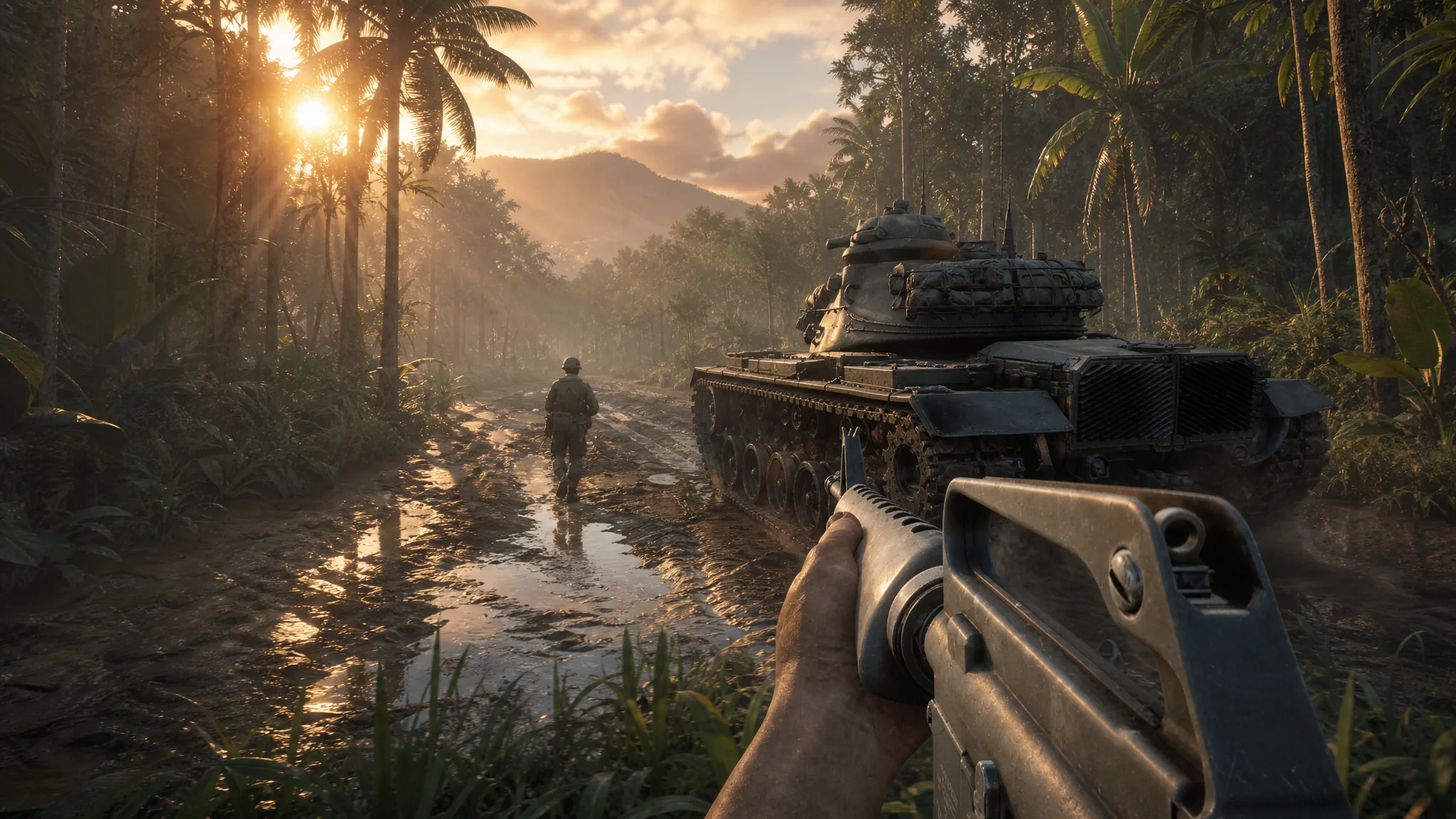
Hell Let Loose: Vietnam runs on Unreal Engine 5 and asks a lot of your PC, especially in 50v50 battles across dense jungle and river maps. Many players see 30–70 FPS with stutters even on strong hardware, so the fastest way to a smooth game is to drop the handful of settings that cost the most frames while keeping the ones that help you spot enemies.
Quick answer: Set Post Processing to Low, turn off Motion Blur and Film Grain, put Global Illumination and Foliage on Low/Medium, Shadows on Low, and set Hardware Lumen to Low (or Off if you still stutter). These changes recover the most frames without wrecking visibility.
Recommended graphics settings for high FPS
This baseline favors performance and clarity over maximum detail. It works well on mid-range and slightly underpowered systems, and it holds up on cards like a Radeon 9060 XT paired with a Ryzen 7 5700X and 32GB of RAM. Adjust individual lines up if you have frames to spare.
| Setting | Value |
|---|---|
| Window Mode | Fullscreen (personal preference) |
| Resolution Scale | 100% |
| Image Reconstruction | Off |
| Post Processing Quality | Low |
| Motion Blur | Off |
| Film Grain | Off |
| SSAO | Off |
| Hardware Lumen | Low (Off if you stutter) |
| View Distance | Medium |
| Master Quality | Custom |
| Global Illumination Quality | Low |
| Texture Quality | Medium (High if you have spare VRAM) |
| Shadow Quality | Low |
| Reflection Quality | Low |
| Shading Quality | Low |
| FX Quality | Low |
| Landscape Quality | Low |
| Foliage Quality | Low |
| Low Latency | On |
The settings that cost the most frames
A few options carry an outsized share of the performance load. If you only have time to change a handful, start here.
- Global Illumination Quality — one of the biggest culprits. Keep it on Low or Medium; higher values tank your frame rate for little competitive gain.
- Foliage Quality — dense jungle foliage is expensive to render. Low or Medium frees up frames and can also make enemies easier to see.
- Film Grain — turning it off can add up to roughly 10 FPS on its own, and it removes visual noise over distant targets.
- Post Processing Quality — Low reduces overhead across several effects at once.
- Hardware Lumen — Low improves lighting quality with only a small performance cost, but drop it to Off if you get persistent stutter.
Texture Quality is the exception. It has little effect on frame rate as long as you have enough VRAM, so you can leave it on Medium or High if your card has headroom.
VSync, latency, and view distance
Vertical Sync is a judgment call. Turning it on produces a smoother, tear-free image and can feel more consistent in a tactical shooter where you are peeking and holding angles. If you prioritize the lowest possible input latency, turn it off instead and rely on Low Latency mode being On. Test both and keep whichever feels more responsive on your monitor.
View Distance is worth keeping at Medium or higher. Long sightlines matter in this game, and pulling it too low can hide players and vehicles before you spot them. If you run the more aggressive gameplay view-distance sliders, values around 250 for team, unit, and vehicle distance keep targets readable while nameplate occlusion stays off.
For aiming comfort, a Field of View near 100 with an ADS FOV around 75 is a common competitive setup, and disabling Camera Motion removes extra screen movement.
Upscaling and frame generation by GPU
Upscaling can recover a large chunk of frames, but your options depend on your graphics card.
| GPU | Available options |
|---|---|
| Nvidia | DLSS with frame generation is supported and gives the biggest uplift. |
| AMD | No FSR option at present. TSR is the built-in upscaler; AFMF driver-level frame gen has produced mixed results. |
Note: frame generation adds latency, so some players avoid it in a first-person shooter. If you are on AMD and stuck with TSR, keeping the heavy settings above on Low is the most reliable way to lift your frame rate.
Fix stutter and lag that settings alone can’t solve
Some of the roughest moments come from shader compilation and slow storage rather than raw graphics load. If you get hitching on first launch or long loads, work through these fixes.
How to confirm it worked
Load into a full match rather than the tutorial to judge results, since the tutorial can feel rougher than live combat. Watch your frame rate through a match with heavy foliage and multiple squads on screen. A stable, higher frame rate with fewer sudden drops means the changes took effect. If you still see hitching in firefights, lower Hardware Lumen to Off and drop Foliage and Global Illumination one more step.
Performance has been uneven since launch, and some players still report stutter regardless of settings. Expect the developers to ship post-launch patches that smooth out these issues, so re-check your frame rate after each update and raise any settings you had to sacrifice once stability improves.