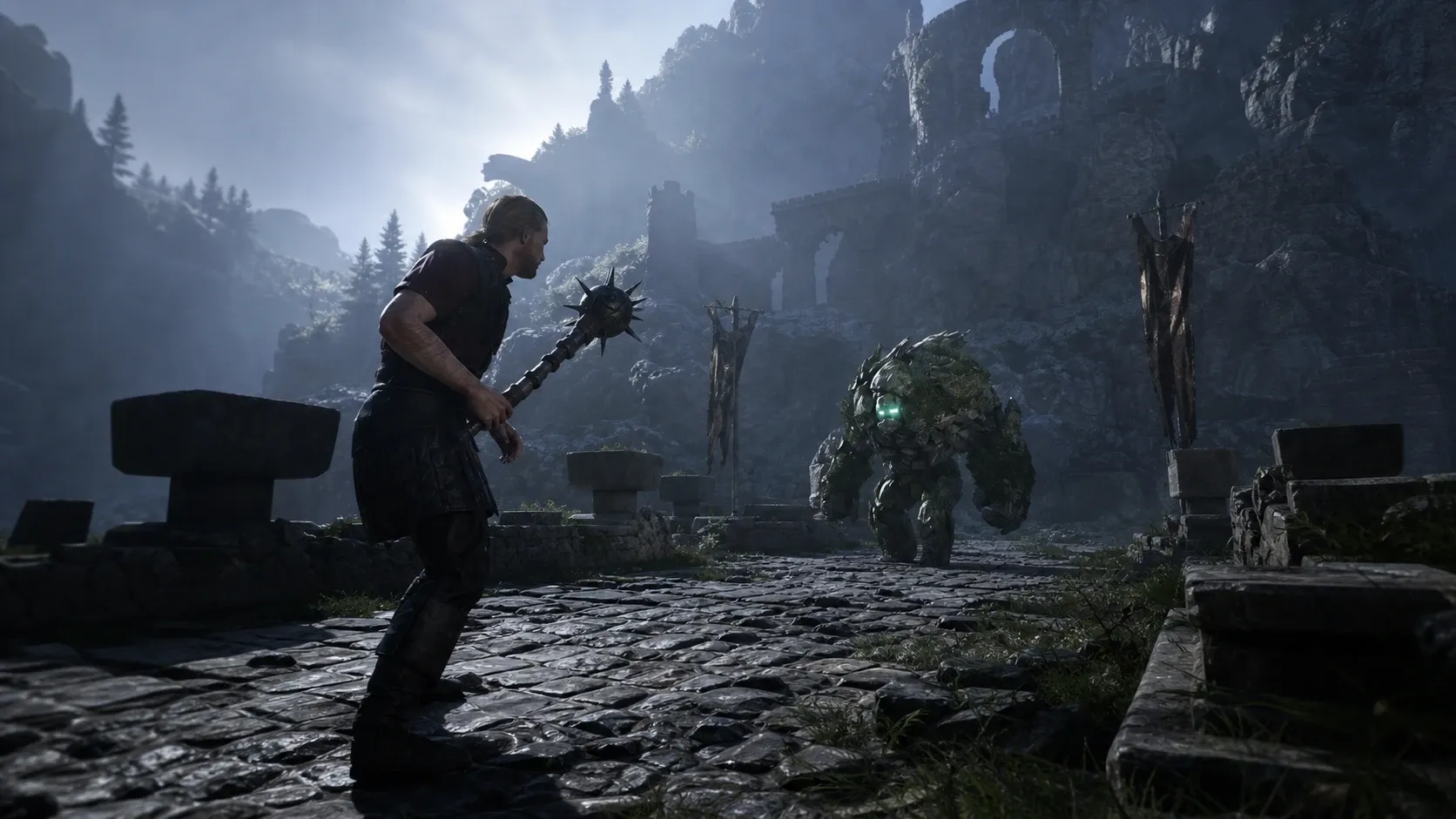
The Gothic 1 Remake adds something the 2001 original never had, a difficulty selection at the start of a new game. You pick from Novice, Gothic, or Hard, and that choice shapes how hard enemies hit, how generous traders are, and how fast you earn experience. There is also a Custom option for fine-tuning individual systems.
Quick answer: Start on Gothic for the intended balanced experience. Pick Novice if you want easier fights and faster progression to focus on the story, or Hard if you want tougher enemies and slower growth. Your choice is locked once the game begins, so decide before you start.
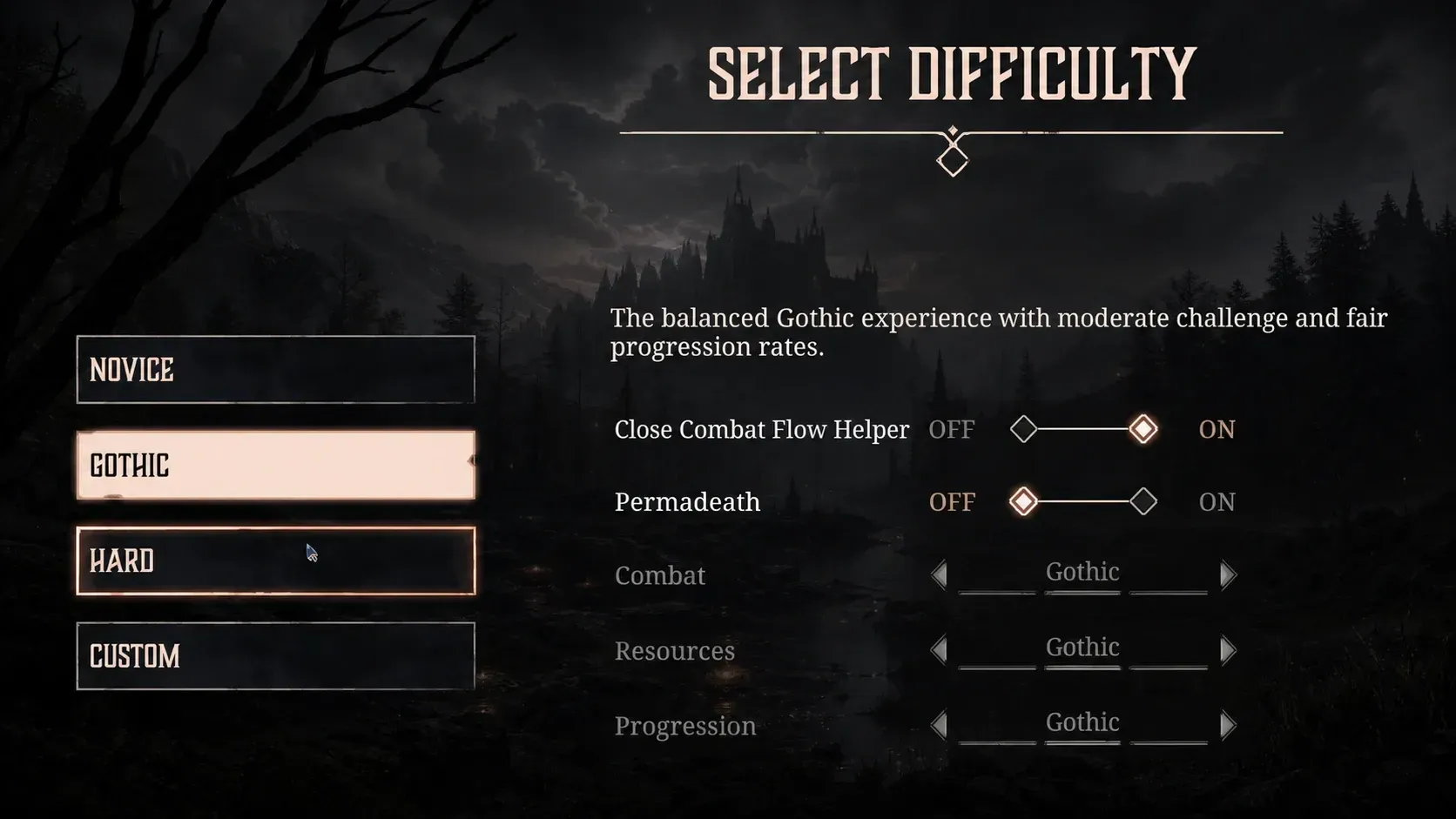
Novice, Gothic, and Hard difficulty differences
The three main settings adjust the same three areas, enemy strength, trade deals, and experience gain. The differences scale in a straightforward way from easiest to hardest.
| Difficulty | Enemies | Trading | Experience |
|---|---|---|---|
| Novice | Weaker, take more damage | Better deals | Gained faster |
| Gothic | Balanced, challenge grows over time | Fair, standard rates | Scales with enemy difficulty |
| Hard | Tougher, require learning attack patterns | Less generous | Significantly lower, slower progression |
Novice keeps combat short and forgiving while handing out more experience and better prices, which suits players who would rather explore and follow the plot. Gothic is the recommended setting, with fights that feel demanding early and stay demanding unless you keep improving your gear. Hard raises enemy strength and cuts experience gain, so you progress more slowly and need to choose your battles carefully.
Custom difficulty for combat, resources, and progression
If none of the three presets fit, the Custom option lets you adjust difficulty for Combat, Resource, and Progression separately. This is useful when you want, for example, tougher fights but normal experience gain, or easier combat paired with scarcer resources. You build the exact balance you want instead of accepting a fixed preset.
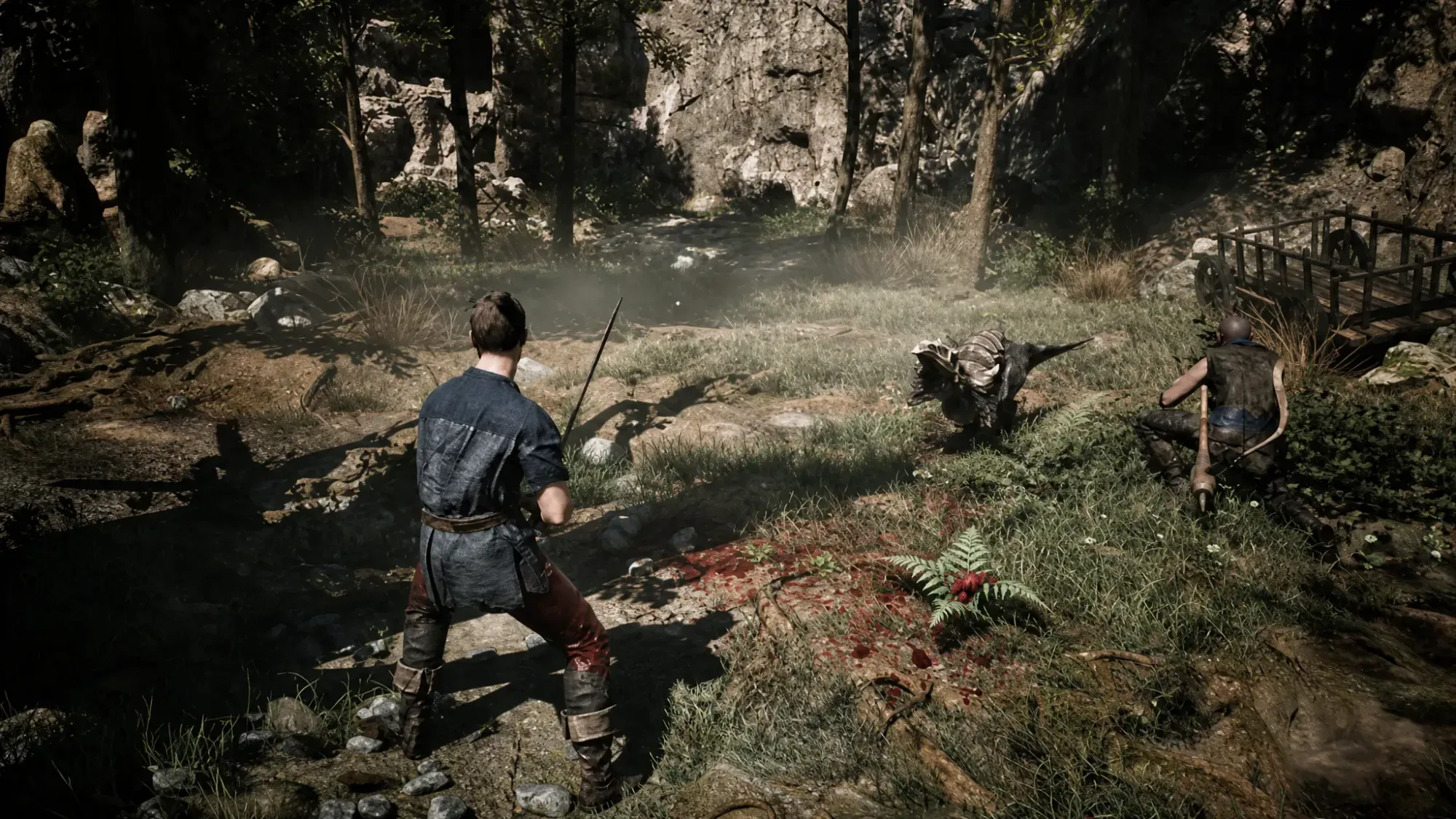
Optional modifiers: Close Combat Flow Helper and Permadeath
Two extra modifiers sit alongside the difficulty settings and change how the game plays beyond raw numbers.
| Modifier | Effect | Availability |
|---|---|---|
| Close Combat Flow Helper | Lets any attack continue the combat flow without the correct follow-up input. It does not trigger an actual combo. Not recommended for hardcore players. | All difficulties |
| Permadeath | Character death is permanent. If you die, your progress is lost and you must restart the entire playthrough. | Not available on Novice |
Permadeath is the high-stakes option. Completing the game with it enabled grants an in-game achievement, but a single death ends the run no matter how far you have come. Unless you already know the colony well, keep it turned off.
You can’t change difficulty after starting a game
Once you begin a new playthrough, the difficulty you selected is fixed for that save. There is no in-game menu to raise or lower it later. The only way to play on a different setting is to start a fresh game, so choose deliberately at the character creation point.
Note: Controller mappings are also locked and cannot be changed, which is worth keeping in mind when you set up your first run.
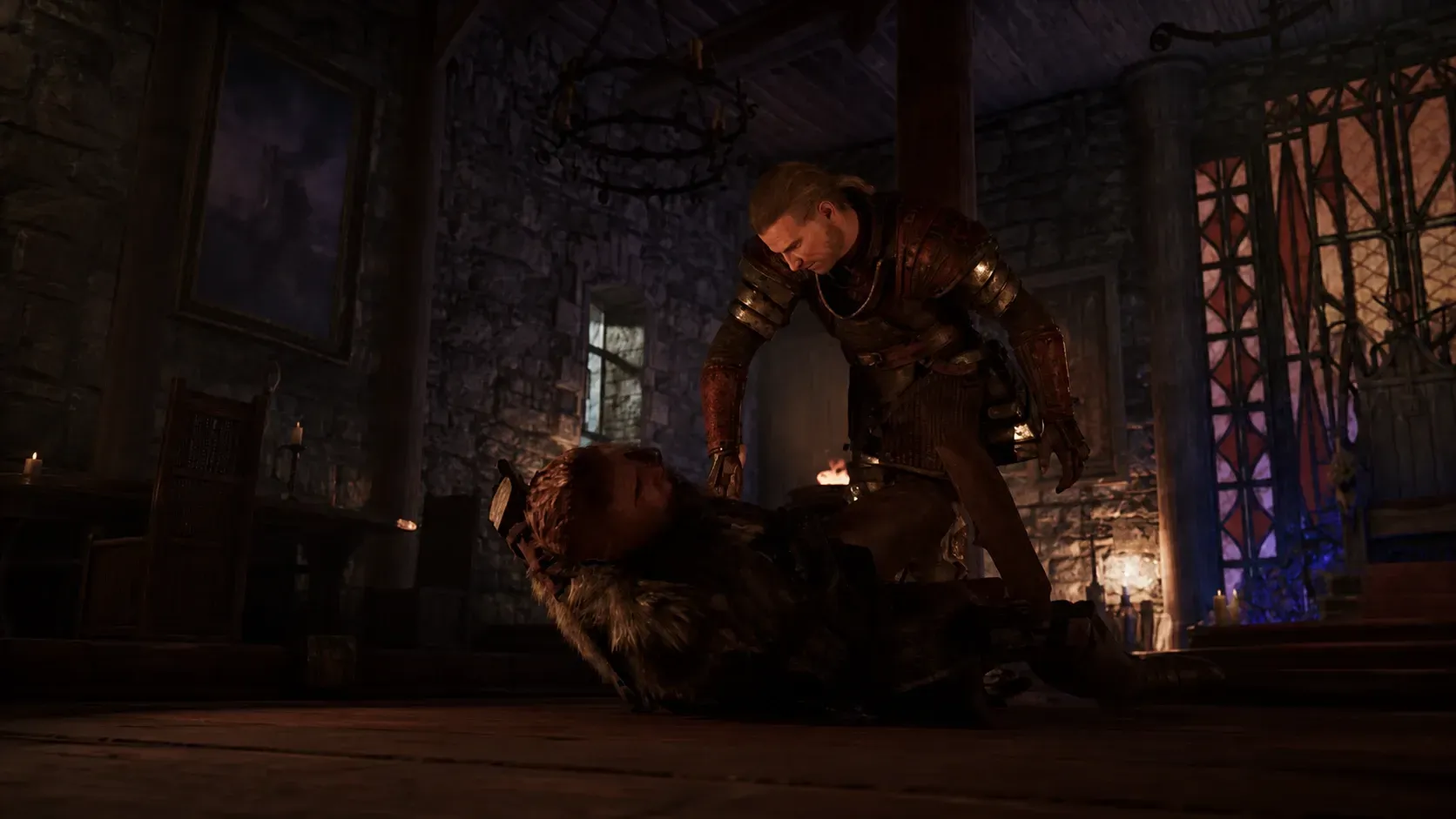
Which difficulty to choose
New players who have never touched the series are best served by Novice, since it eases you into the mining colony’s systems without overwhelming combat. Gothic is the setting for anyone who wants the experience the developers intended, and it lands closest to the feel of the 2001 original for returning fans. Hard is reserved for players who want punishing fights and slow growth as a deliberate test, and it gets demanding for casual or time-limited players.
If you are unsure and have a reasonable amount of time to play, Gothic is the safe pick. It rewards careful exploration and gradual character growth, and it keeps the colony feeling dangerous without tipping into pure frustration.