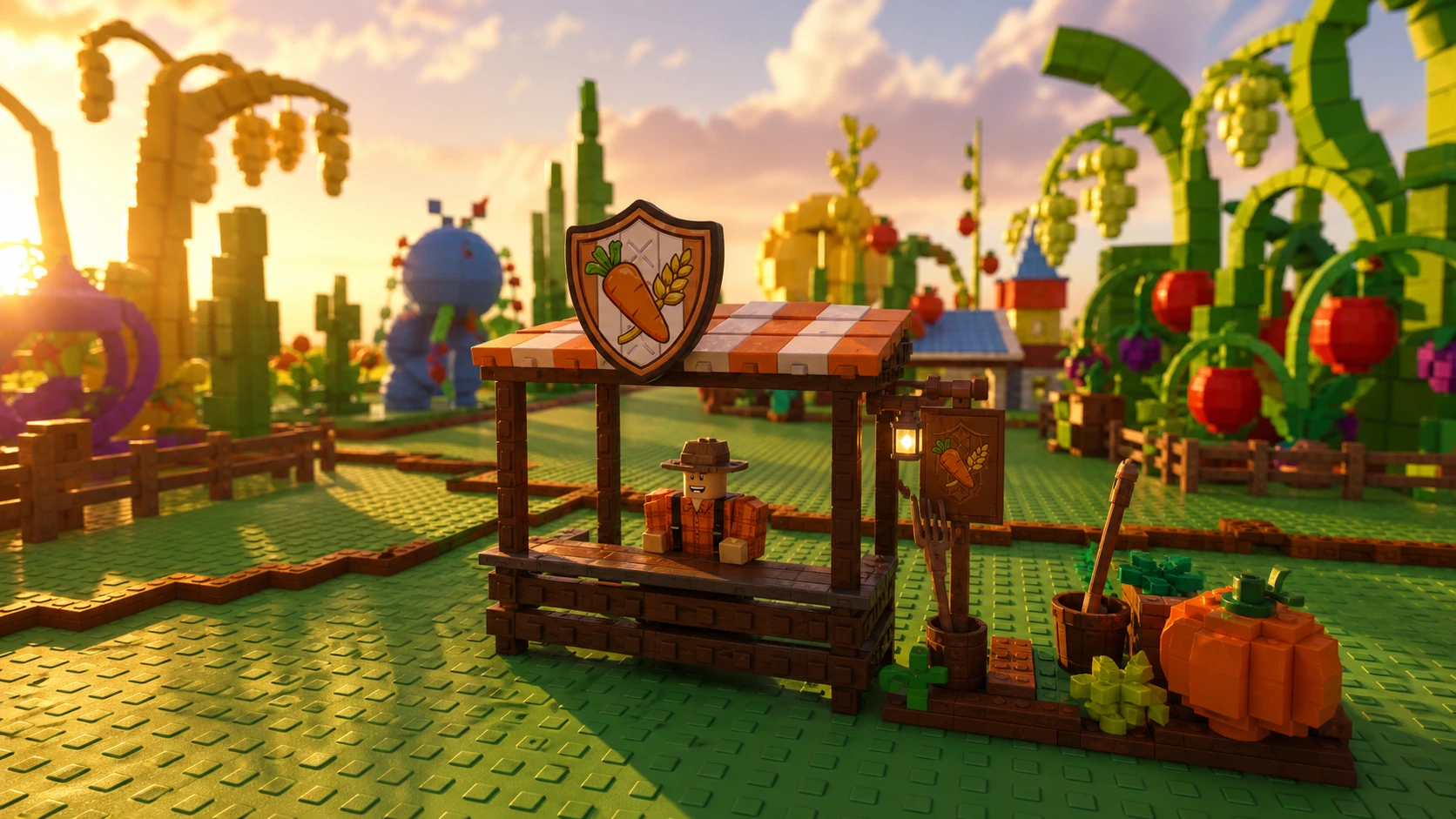
Guilds turn Grow a Garden 2 into a team game. They let you band up with other players, take on shared competitions, and chase points that unlock rewards. Setting one up takes real money, so it helps to know exactly what each step costs and where every option lives before you commit.
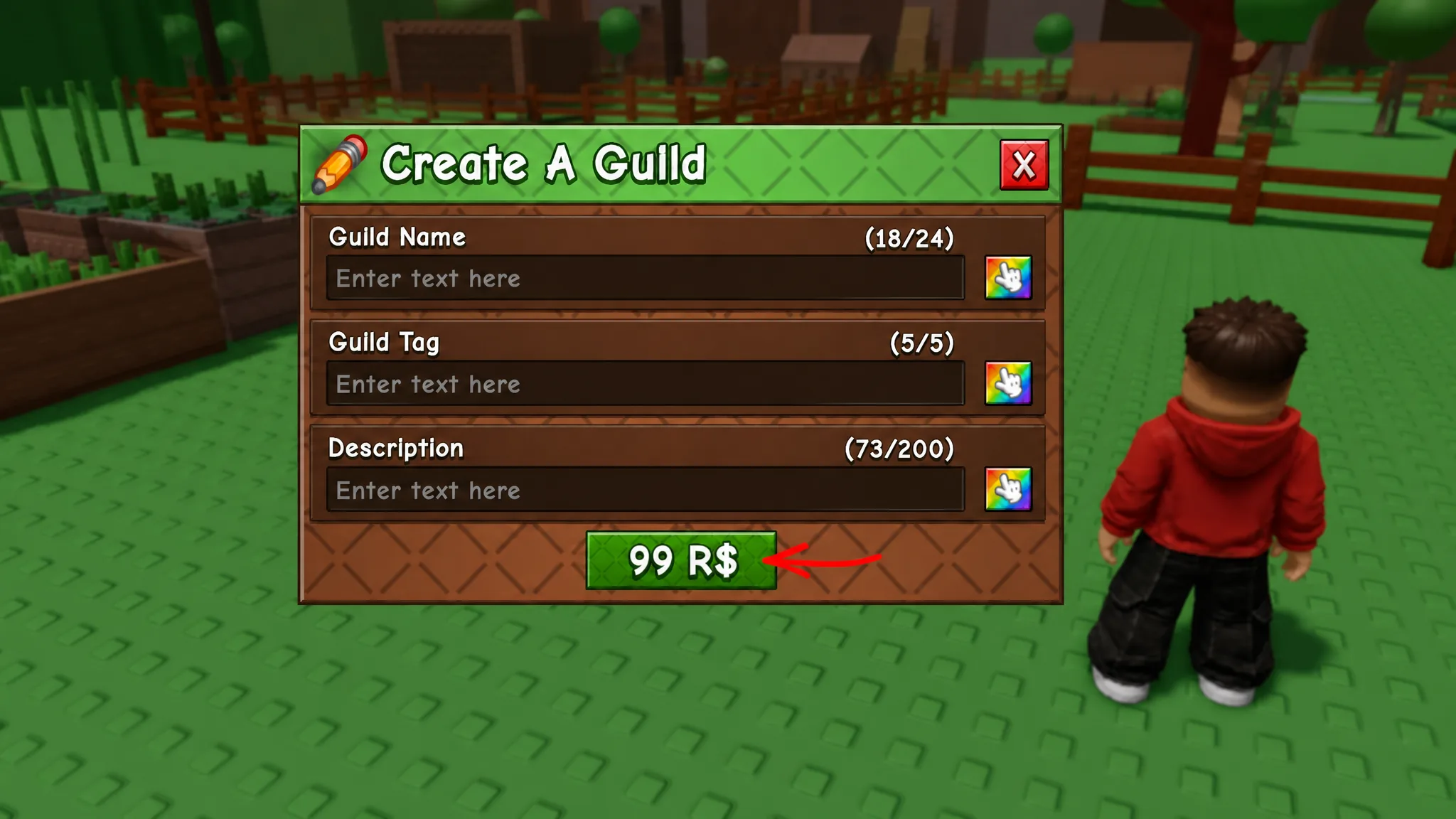
Quick answer: Creating a guild costs 99 Robux and is done by talking to Gilbert at the Guilds counter in the central hub. Joining a guild is free and happens through the mailbox in front of your garden after someone invites you.
Create a guild in Grow a Garden 2
Starting a guild requires Robux, not in-game currency. Sheckles and code rewards will not cover the cost, so you need to be willing to spend before you begin. Once you are ready, the whole setup happens at a single NPC.
Invite players to your guild
Once the guild exists, you can bring others in to work toward shared goals. Invitations are sent from the same counter where you made the guild.
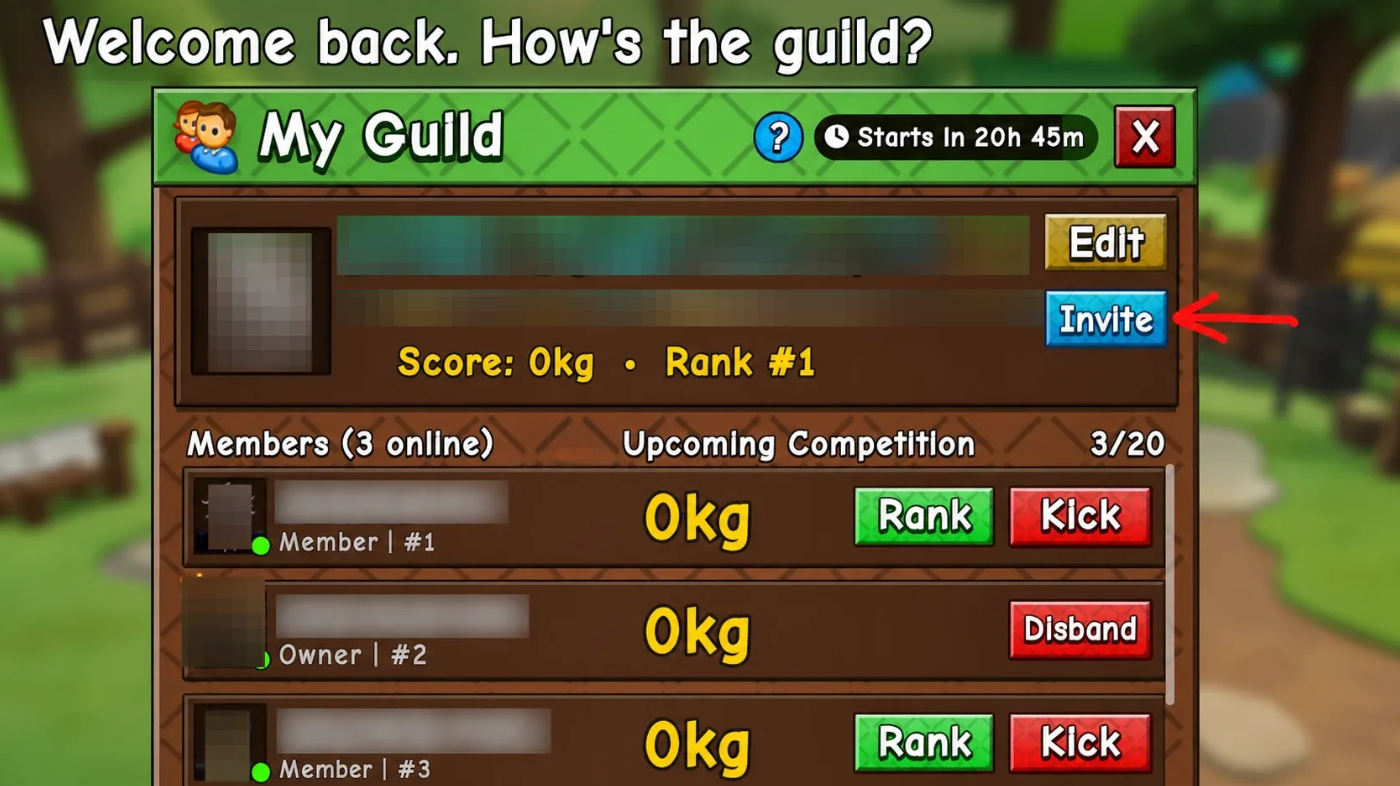
Note: The default member limit is capped. To grow beyond it, you must buy extra member slots with Robux.
Join a guild in Grow a Garden 2
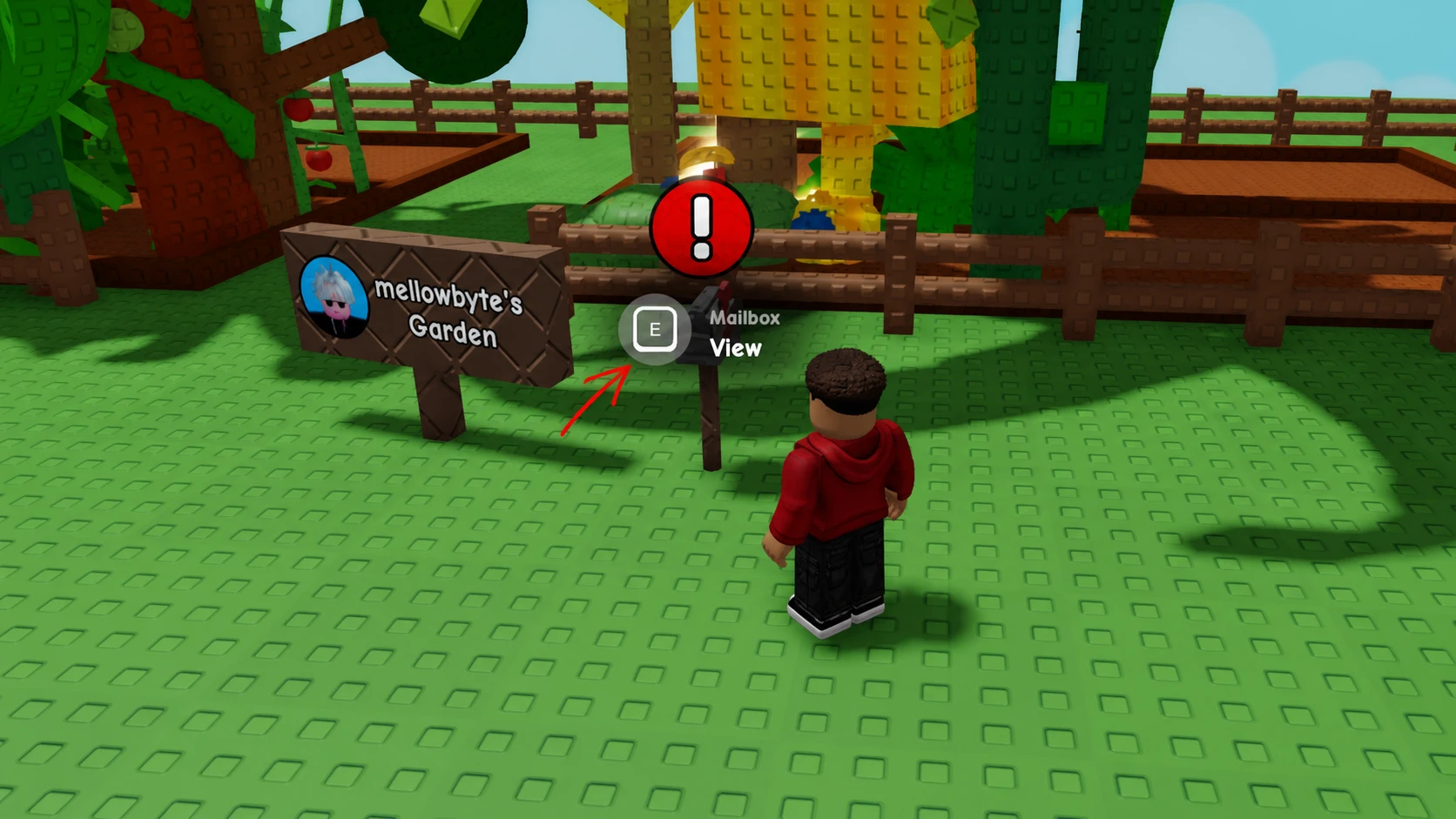
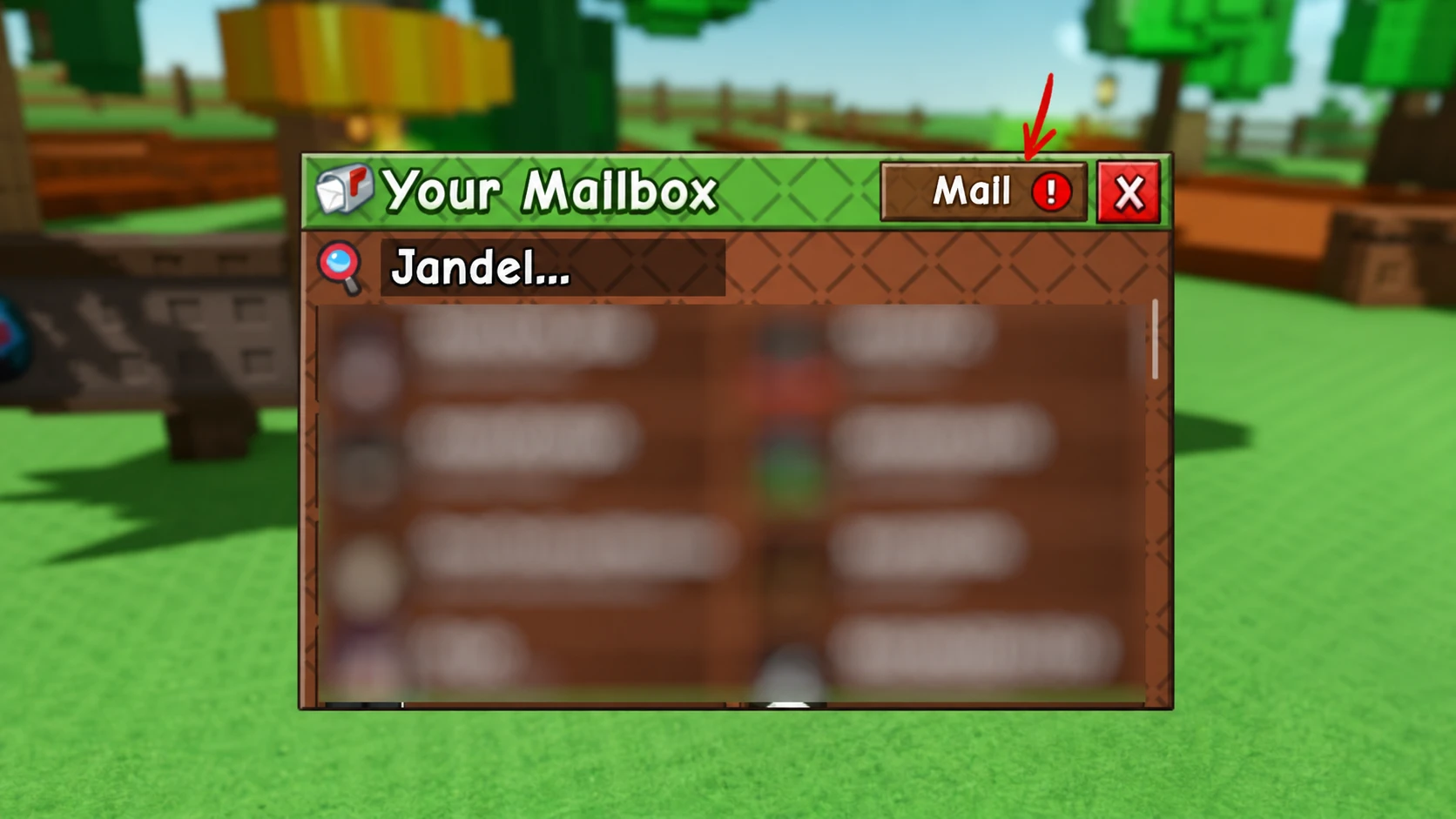
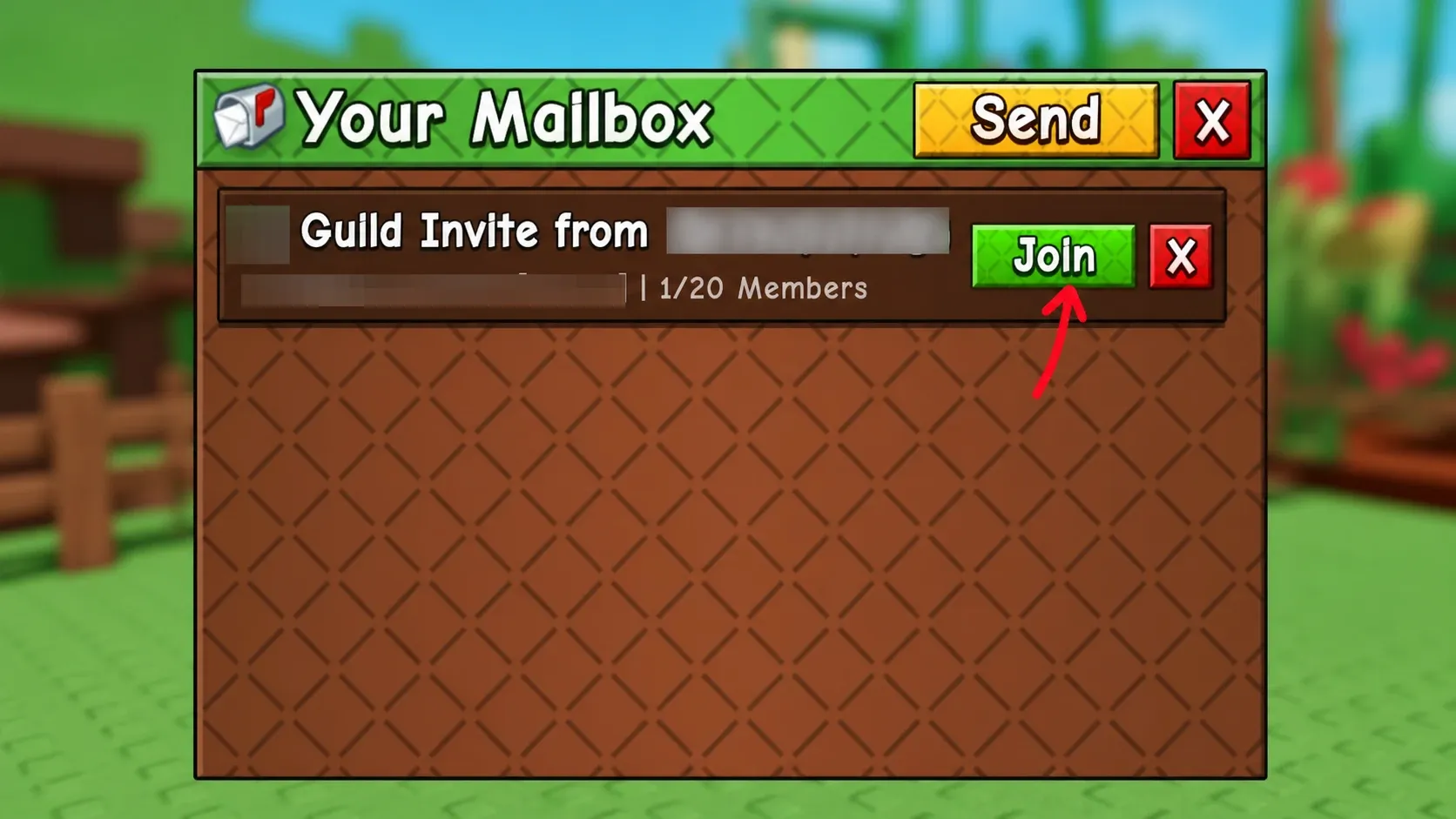
Joining is free and quick. When someone invites you, the invite lands in your mailbox rather than the Guilds counter, so head back to your own garden to accept it. Joining drops you straight into the guild’s active competition, where you can contribute through tasks like harvesting crops.
Guild customization options
Guild leaders get a full set of management tools through the Guilds counter. Open the counter, then click the Edit button to reach the customization menu. From there you can rework the guild’s identity and control who stays in it.
| Option | What it does |
|---|---|
| Name, tag, description | Change the text and the colors used for each |
| Rank | Promote a member and assign them a role |
| Member slots | Buy more capacity with Robux to invite extra players |
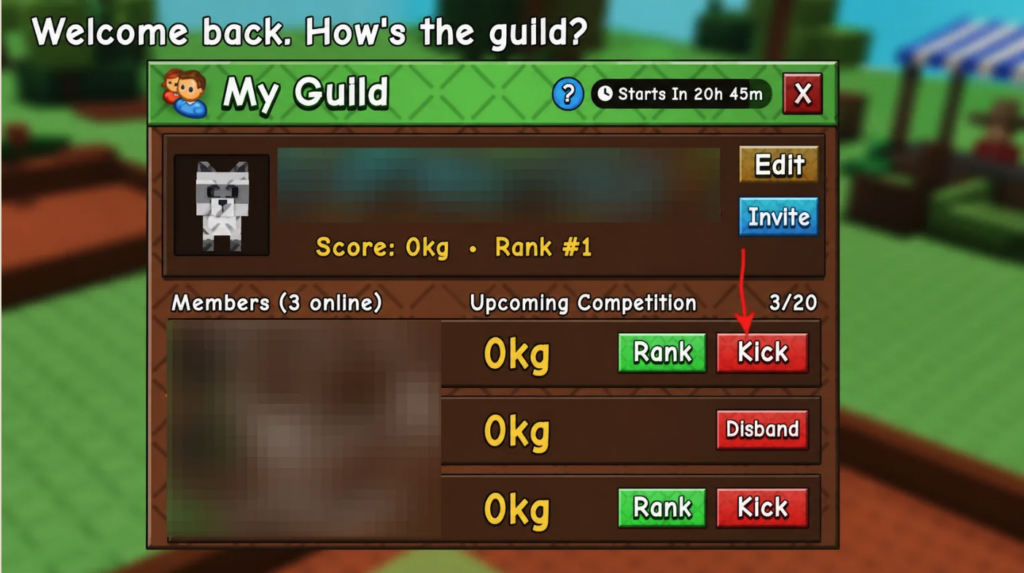
| Kick | Remove a member from the guild |
| Ban | Block a player from rejoining |
| Disband | Permanently shut the guild down |
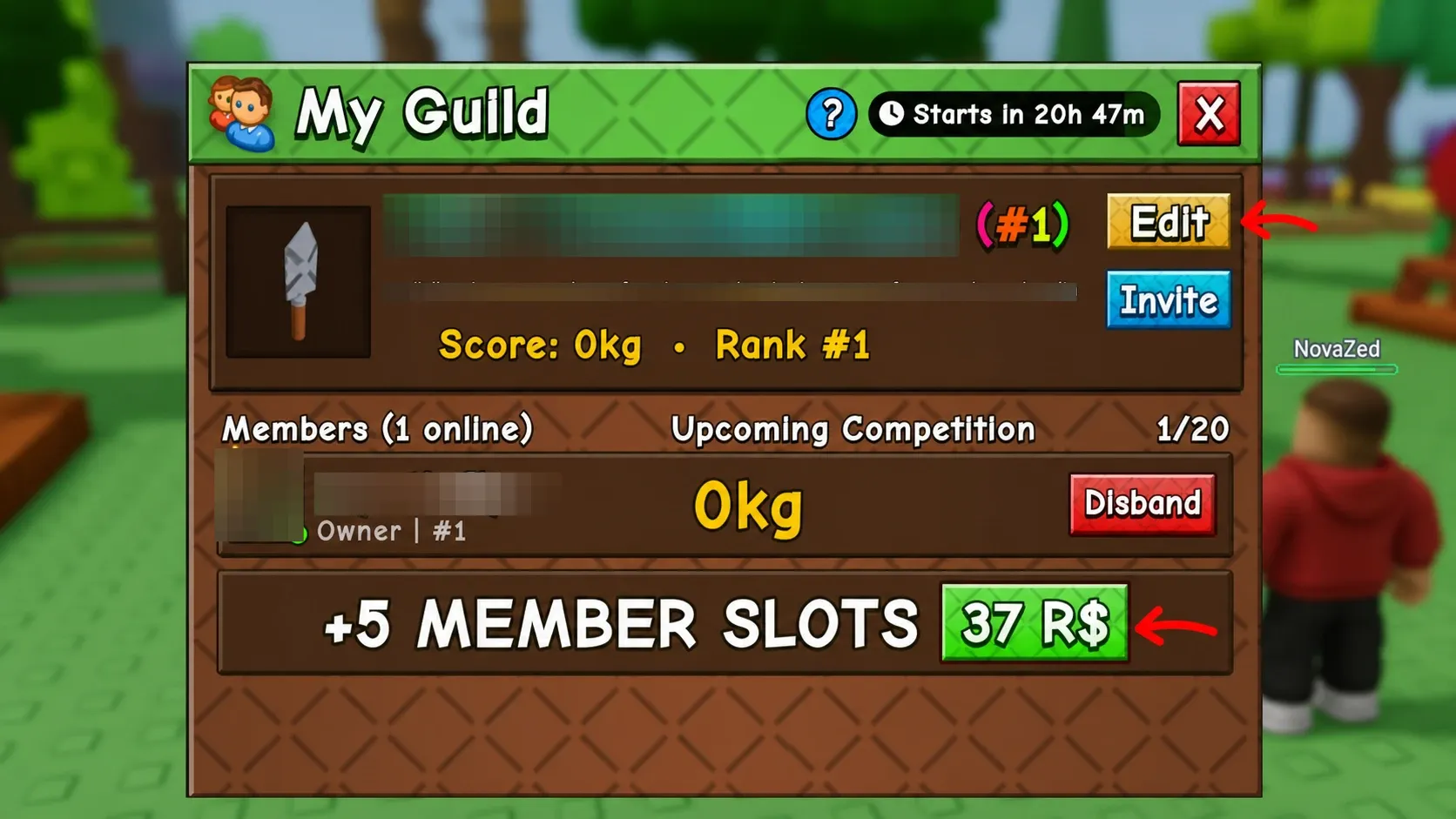
To promote someone, click the Rank button and give them a role. Member management, including kicking and banning, lives in the same menu, so you can clear out inactive or disruptive players without leaving the panel.
Guild points and rewards
Rewards in guilds run on a points system. You earn guild points, and reaching certain totals unlocks rewards for the group. Joining a guild puts you straight into a competition, and completing tasks such as harvesting crops feeds into your progress.
The full list of rewards has not been revealed yet, and the exact tasks that grant points are also still pending. Both will be detailed once the developers release that information.
Guilds reward coordination, so the practical play is to create one only if you plan to stay active and recruit, since the 99 Robux cost makes it a long-term commitment rather than a casual purchase. If you just want the team benefits, waiting for an invite and joining for free through your mailbox is the cheaper route in.