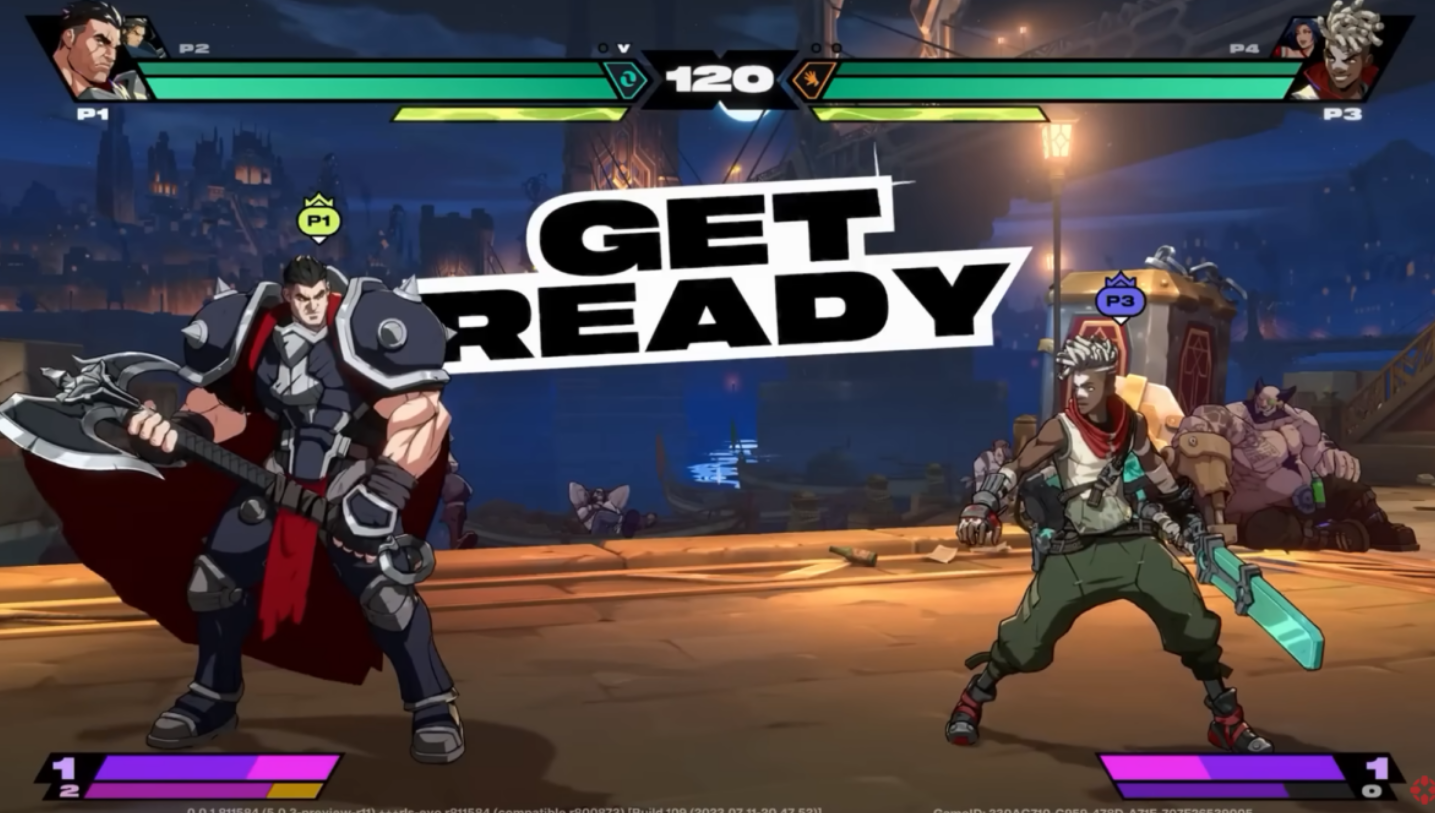
2XKO is built around teams, but you can absolutely play one‑on‑one. In 1v1, each player still picks a duo and controls both champions — you’ll tag, call assists, and manage two health bars yourself. Here’s how to start a solo match locally or online, and how to pick a duo that holds up when it’s just you on the sticks.
2XKO 1v1 options at a glance
| Option | Where you start | Online or local | How it works |
|---|---|---|---|
| Local Versus | Main Menu → Versus | Local | Each side picks two champions; both are controlled by a single player. Set rules, then start match. |
| Private lobby challenge | Main Menu → Play → Private | Online (friend) | Create a lobby ID, invite a friend, ensure both are solo (not in a duo), then challenge to begin a 1v1. |
| Public lobby direct challenge | Main Menu → Play → Casual (public lobby) | Online (anyone) | Walk up to a player, press Interact, choose Challenge; both get routed to a cabinet for a 1v1. |
Start a local 1v1 in Versus mode
This is the fastest path to a duel if you’re on the same system or want an offline session.
- Launch 2XKO (download from the official site if you need it first at 2xko.riotgames.com).
- Select Versus from the main menu.
- Pick your duo. You’ll control both champions in the match.
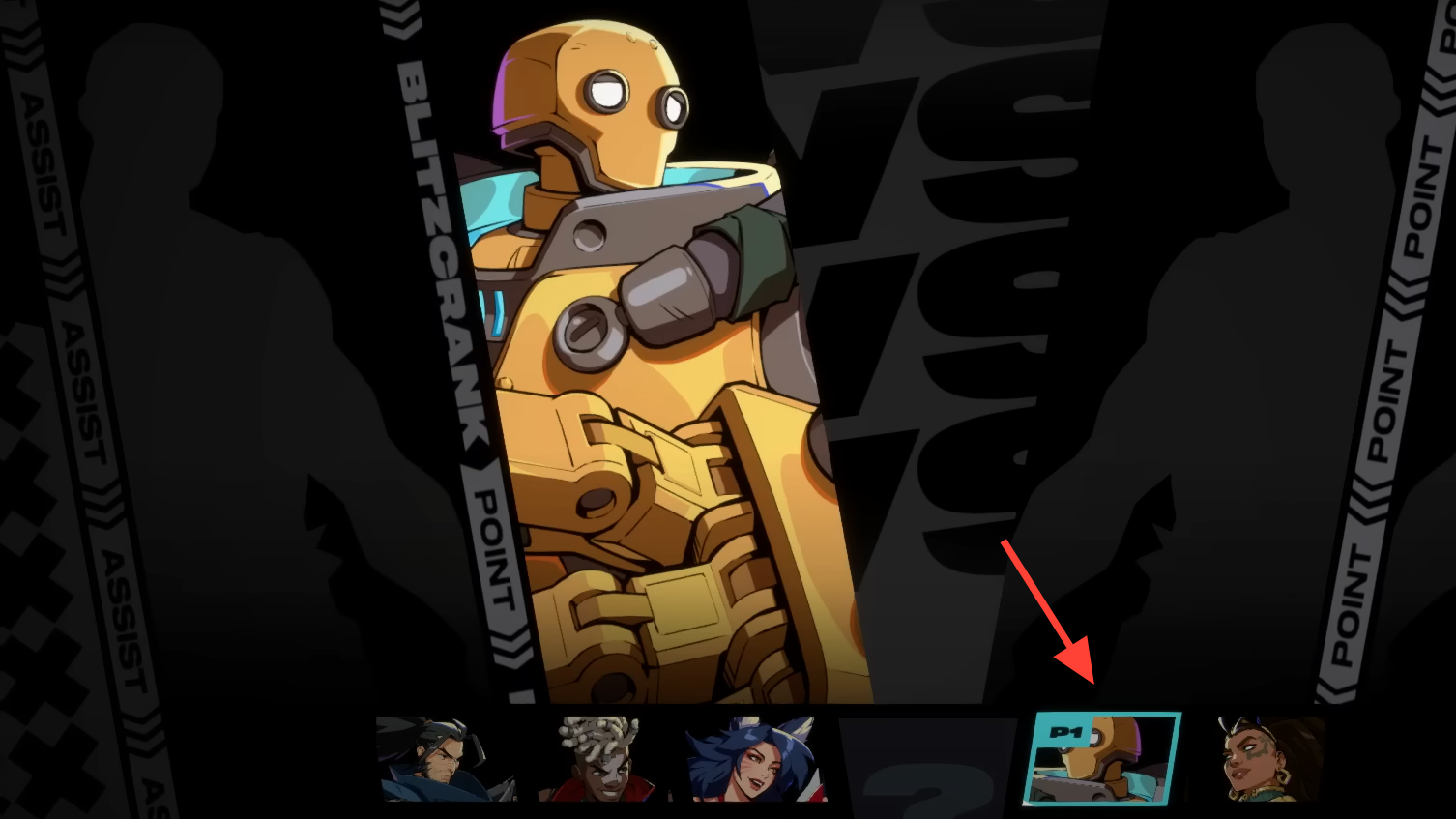
- Adjust rules if the screen allows (rounds, timer, stage preference).
- Start the fight.
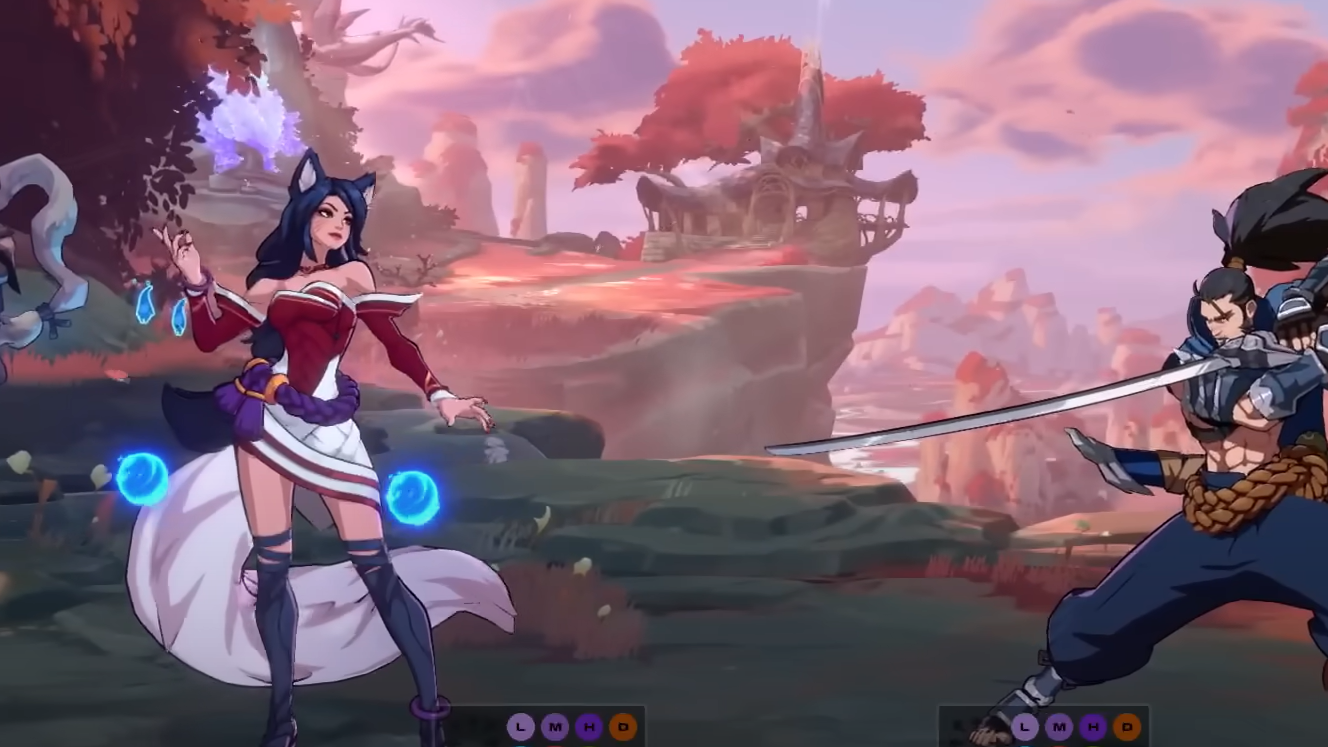
Even in 1v1, the game plays like a tag fighter — swap characters to protect health, call assists to cover gaps, and manage meter across your team.
Host an online 1v1 with a friend (private lobby)
Private lobbies are best when you want a controlled space without public matchmaking.
- From the main menu, go to Play → Private.
- Enter a lobby ID and create the lobby, then share that ID with your friend.
- Both players join the same private lobby using the ID.
- Important: Make sure neither of you is paired as a duo; duo parties will place you on the same team.
- Approach your friend’s avatar, press the Interact button, and choose Challenge to route to a cabinet and start the match.
Private lobbies also include training cabinets if you want to warm up before playing.
Challenge someone for a quick 1v1 in a public lobby
If you prefer spontaneous duels, jump into a public lobby and pick your opponent.
- Go to Play → Casual to enter the public lobby.
- Walk up to any player avatar, press Interact, and select Challenge.
- On acceptance, both of you will be assigned to a cabinet to play a 1v1 (each controlling a duo).
Public lobbies also support random matchmaking via the Find a Match button. When a match is found, the target cabinet flashes yellow and plays a distinct sound — you have roughly 30 seconds to reach it and press Join Cabinet, or you’ll be dropped from the queue.
Pick a duo that works in 1v1
In a solo duel, your team has to do everything: approach, pressure, defense, and conversions. Build around clear, complementary jobs.
- Pair complementary kits. One character can focus on direct engagements while the other supplies strong assists for cover or combo routes.
- Define roles early. A straightforward brawler as your point can carry neutral, while your second offers reliable buffs, setup, or safe tags.
- Swap proactively. Don’t let your point get bled out — tag to preserve a life lead or to reset pressure with healthier tools.
- Lean on fundamentals. Consistent confirms, spacing, and defense win more 1v1s than risky, long routes you can’t land under pressure.
Run a tight match flow
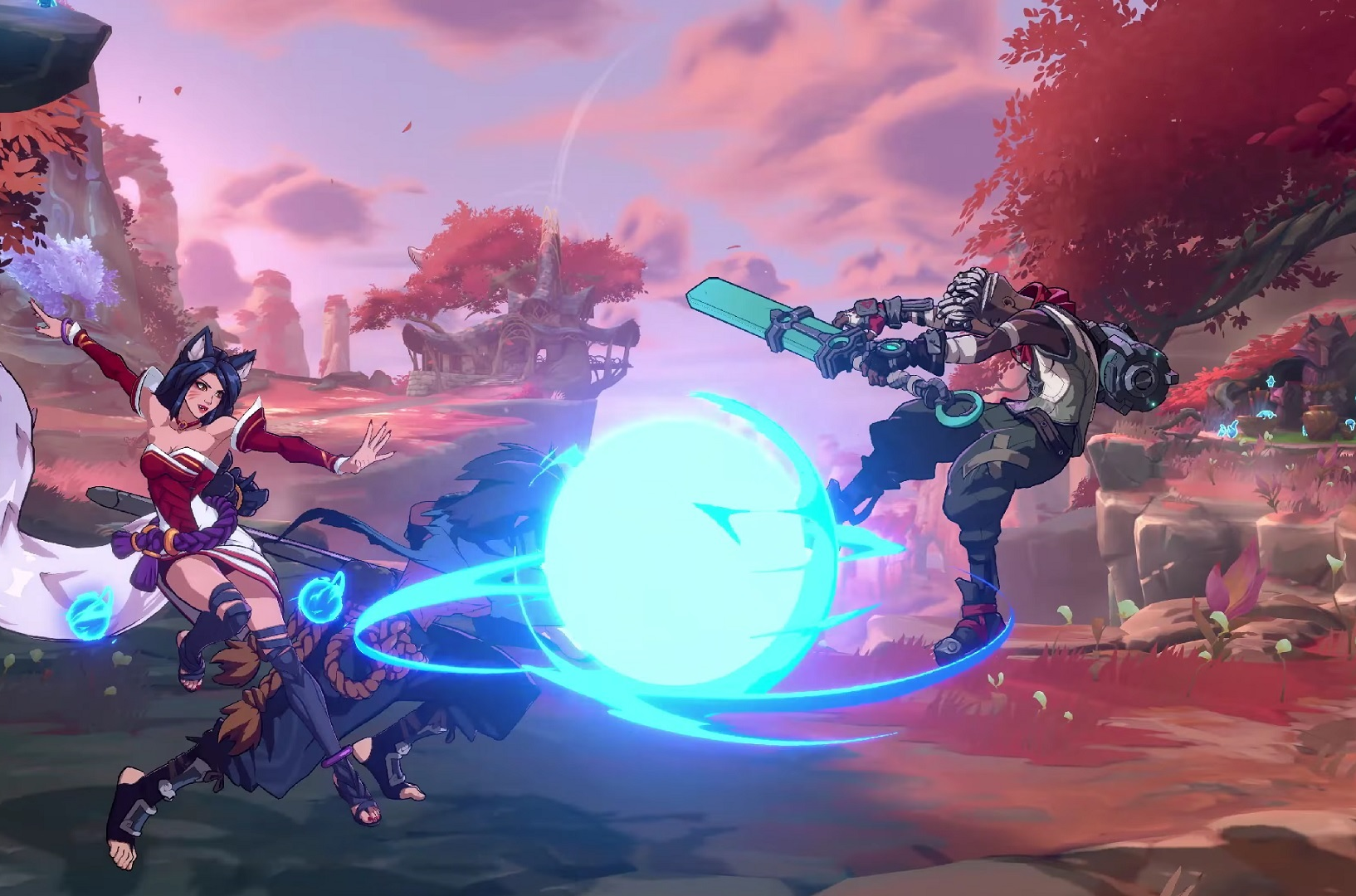
The core rhythm doesn’t change in 1v1: you still have assists, tags, and meter to juggle — you just make every decision yourself.
- Assist calls extend pressure or protect approaches; avoid calling them raw in neutral unless they’re safe.
- Tags save health and refresh options; look for safe windows (knockdowns, projectile cover, or after plus frames) to avoid getting punished.
- Meter should serve guaranteed damage or a decisive momentum shift; avoid spending on low‑odds reversals without a read.
Avoid these common 1v1 snags
| Issue | What’s happening | Fix |
|---|---|---|
| You keep getting queued as teammates | One or both players are partied as a duo | Leave the duo party before issuing a direct Challenge |
| You miss your online match start | Lobby matchmaking uses a cabinet with a short join timer | Head to the highlighted cabinet immediately and press Join Cabinet within the timer window |
| Your friend can’t enter your lobby | Lobby ID or region mismatch | Double‑check the lobby ID and ensure both players are in the same region and on the current game version |
When to use each 1v1 route
- Local Versus: best for offline sets, labs, or on‑site events; zero network variables.
- Private lobby: best for scheduled sets with friends, tournaments, or practice blocks with rematches on tap.
- Public challenge: best for quick tests, matchup reps, or scouting different playstyles without queue randomness.
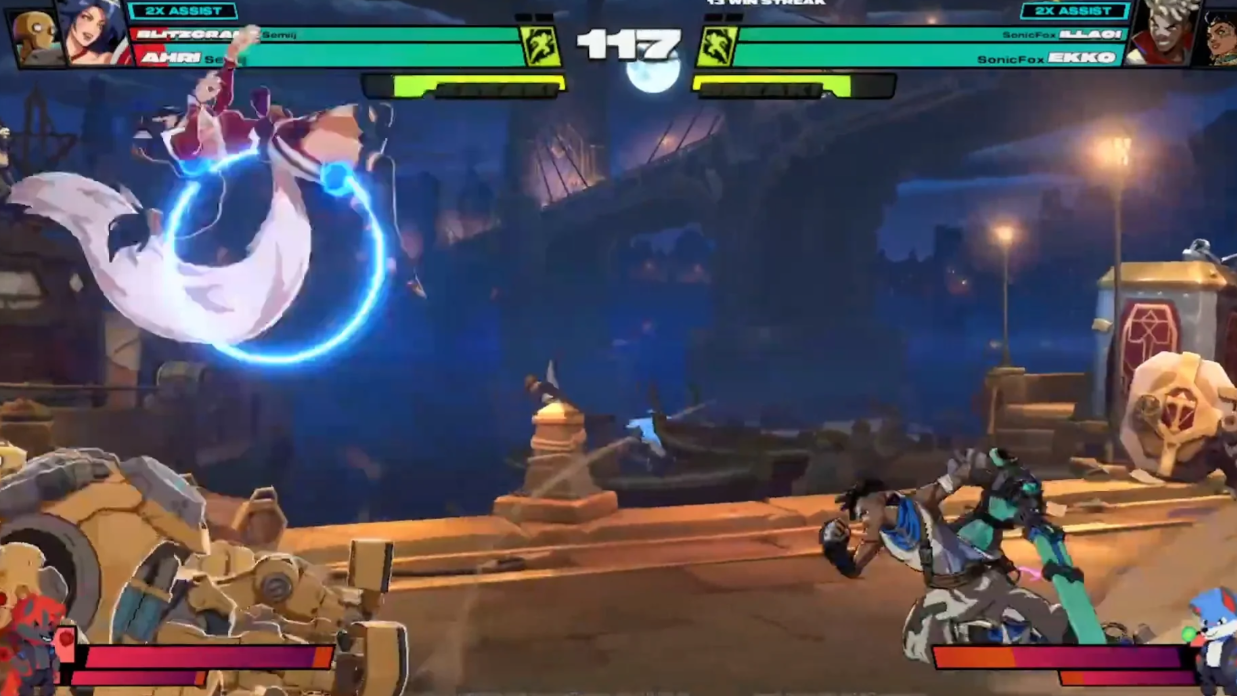
Whether you’re running sets on a couch or calling out a rival in the lobby, 1v1 in 2XKO is straightforward: pick Versus for local, use private lobbies for controlled online matches, or issue a direct challenge in public spaces. Treat your duo like a complete toolkit, tag to protect your lead, and let solid spacing and confirms carry the set.