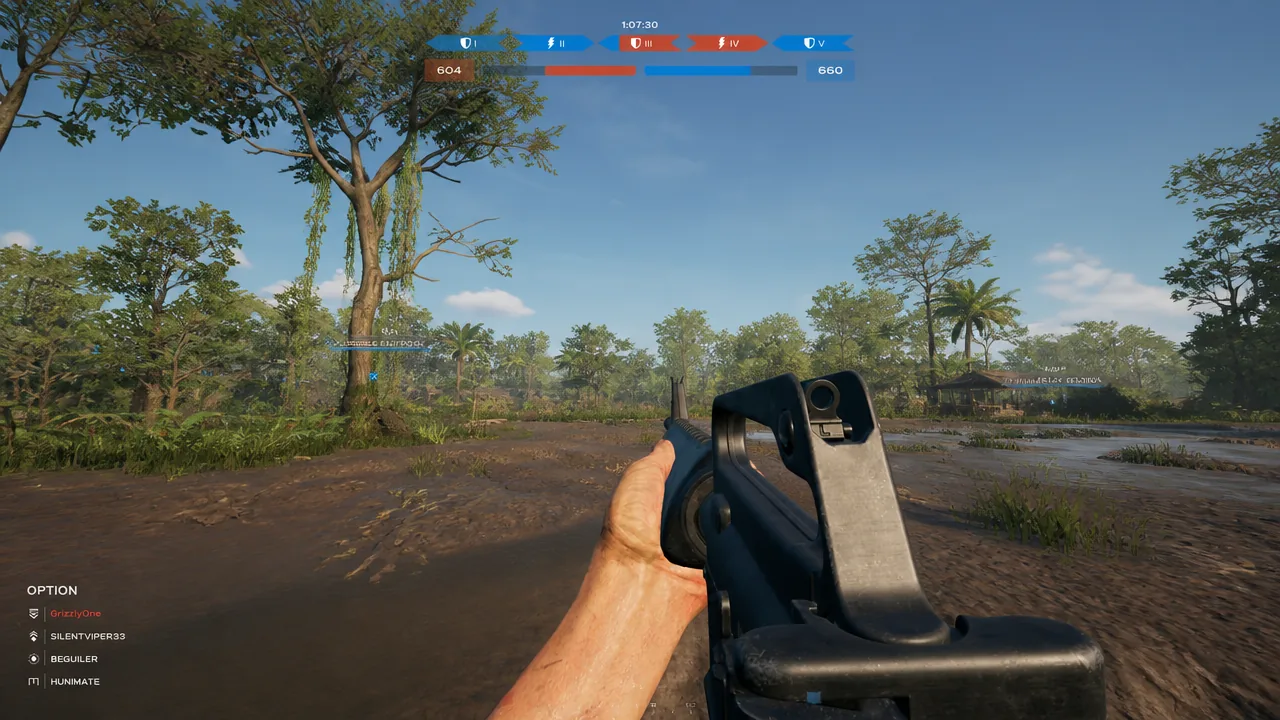
Crossplay in Hell Let Loose: Vietnam puts PlayStation, Xbox, and PC players in the same 50v50 battles, and it is switched on by default. If you would rather stick to a single platform, the game gives you two separate ways to shut it off before you drop into a match.
Quick answer: Open the settings gear in the top-right corner, go to General, set Crossplay to Off, then press Apply Settings and refresh the server list. You can also open Enlist and set the Server Type filter to PC Only or Console Only.
Turn off crossplay in the General settings
This is the persistent option. It stays applied across your sessions until you change it back, and it restricts the whole server list to matches that use only your platform.
Note: The pool of matching servers will be noticeably smaller, since most players leave crossplay enabled.
Filter by Server Type when you enlist
The second method filters the browser directly, without touching your saved settings. It is handy when you want to browse a mixed pool most of the time but restrict a single session.
| Your platform | Server Type options |
|---|---|
| PC | Console + PC, PC Only |
| Console (PS5, Xbox Series X|S) | Console + PC, Console Only |
What disabling crossplay changes, and what it doesn’t
Turning crossplay off limits which platforms you connect with. It does not control what input other players use. A PC-only lobby can still contain PC players who are using a controller, so switching crossplay off is not a way to avoid controller users entirely.
Controller players get aim assist, whether they are on console or using a pad on PC, and the developers have confirmed the values match the original Hell Let Loose. For most people, the decision to keep crossplay on or off comes down to how much that aim assist bothers you when you are on mouse and keyboard.
The trade-off in server availability
There is no penalty for disabling crossplay, but there is a cost in where you can play. The official servers all run with crossplay enabled, so restricting yourself to a single input means queuing into community-run private servers instead. Those servers award the same XP as official ones, though some enforce their own rules, such as a required language in voice chat.
| Setting | Result |
|---|---|
| Crossplay on | Access to official servers, the full player pool, and faster queues |
| Crossplay off | Single-platform lobbies only, community servers, a smaller pool |
If you host your own community server, you get to choose whether crossplay is on or off for it, matching the platform-access controls Team17 built into the game. For a casual player, though, keeping crossplay enabled is usually the better call, because a game built around full 50v50 battles depends on matches staying populated.