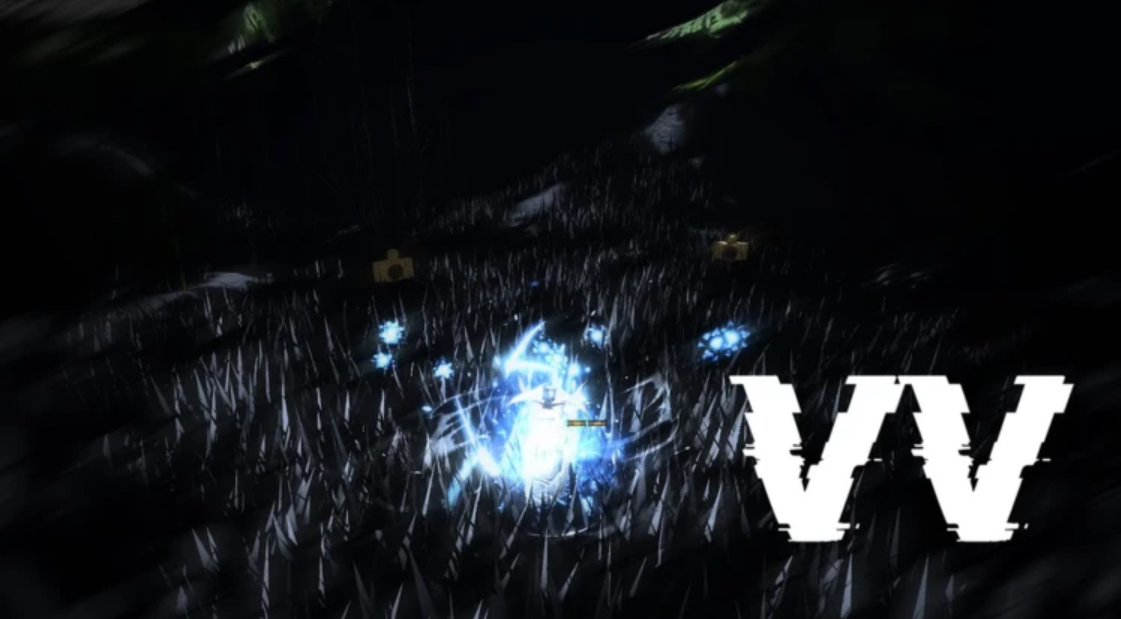
Z-Step is the movement cancel competitive players rely on in VV: Ultimatum, the Roblox fighting RPG built around Shinigami, Quincy, and Hollow combat. It uses a flash step to cut off the recovery frames of a skill, so your character slides into a new position instead of standing locked in an animation. Because the game punishes you for holding still under its posture system, that extra mobility decides a lot of exchanges.
Quick answer: Throw out a launcher, chain into a skill, then tap your flash step key (Q on the default PC layout) during the skill’s recovery. If you dash out instantly instead of watching the animation finish, the Z-Step landed.
What the Z-Step does
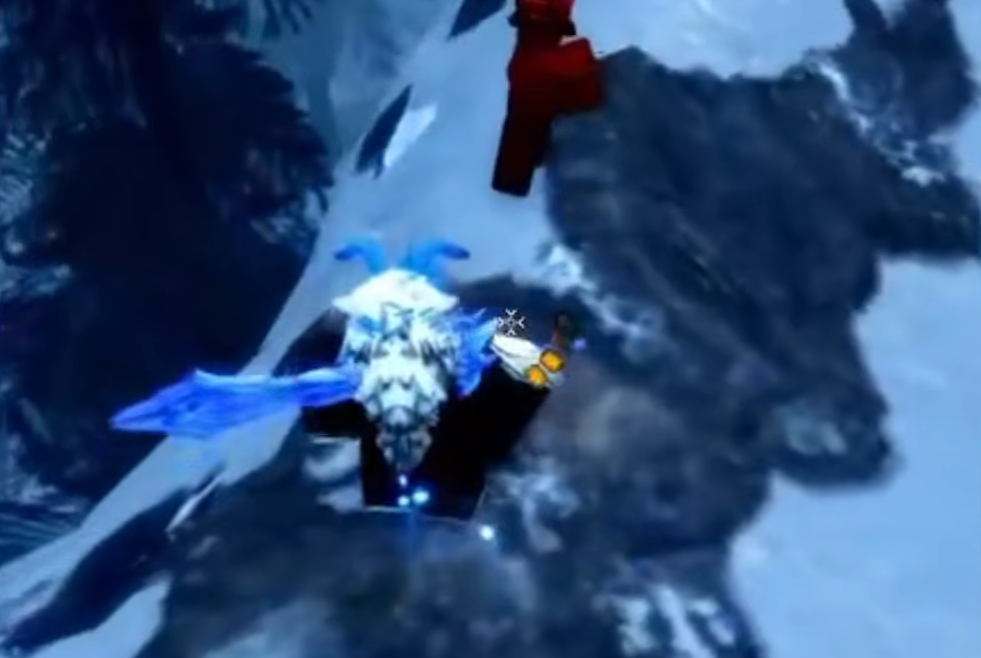
A Z-Step is an animation cancel. Rather than letting a launcher or skill play out to the end, you interrupt it with a flash step input, known in-game as Shunpo. The payoff is faster repositioning and tighter combo timing, which is why it shows up in almost every serious PvP rotation.
It belongs to the same speed family as the game’s other mobility tools. Both PvE and PvP reward movement, so being able to close distance or break out of a combo string with a Z-Step gives you a real edge over anyone who only walks and blocks.
Requirements before you can Z-Step
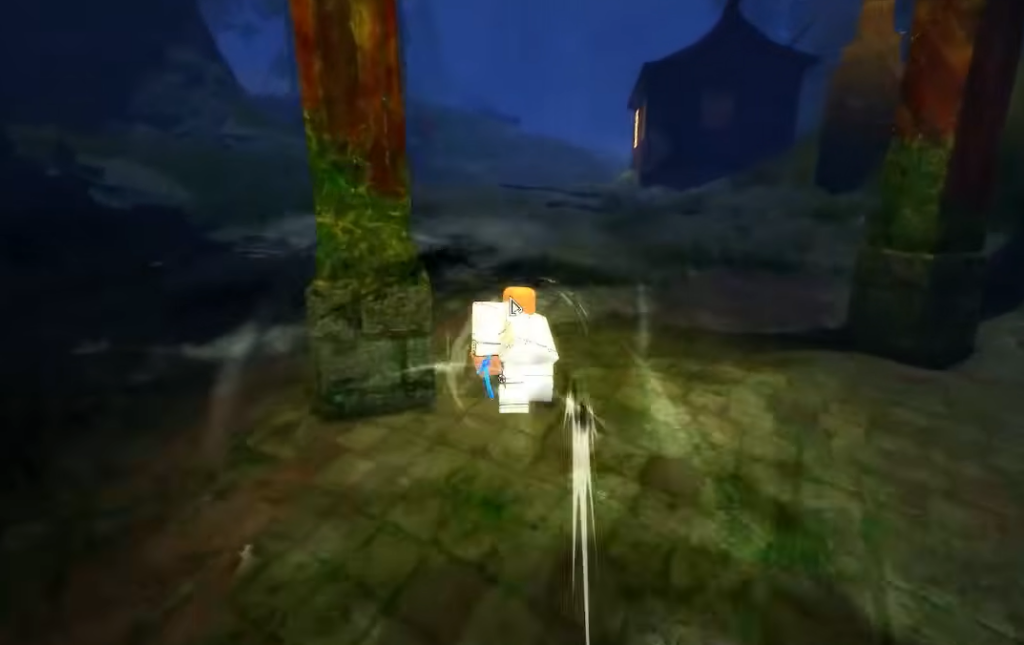
The one hard requirement is Shunpo, the flash step that powers the cancel. Shunpo sits in the Speed skill tree, which every build is expected to invest in no matter which faction you pick. Without it there is no flash step to cancel into, so the technique simply cannot fire.
| What you need | Where it comes from |
|---|---|
| Shunpo (flash step) | Speed skill tree, unlock it early |
| A launcher move | Your equipped weapon or skill set |
| A follow-up skill | One of your assigned ability slots |
| Correct keybinds | The in-game controls menu, since inputs vary by weapon |
Keybinds shift depending on your weapon and loadout. On the default PC scheme, Fast Dash sits on Q, but open the Settings menu under the Keybind section to confirm your launcher, skill, and Shunpo keys before you drill the timing.
How to perform a Z-Step
How to know the Z-Step worked
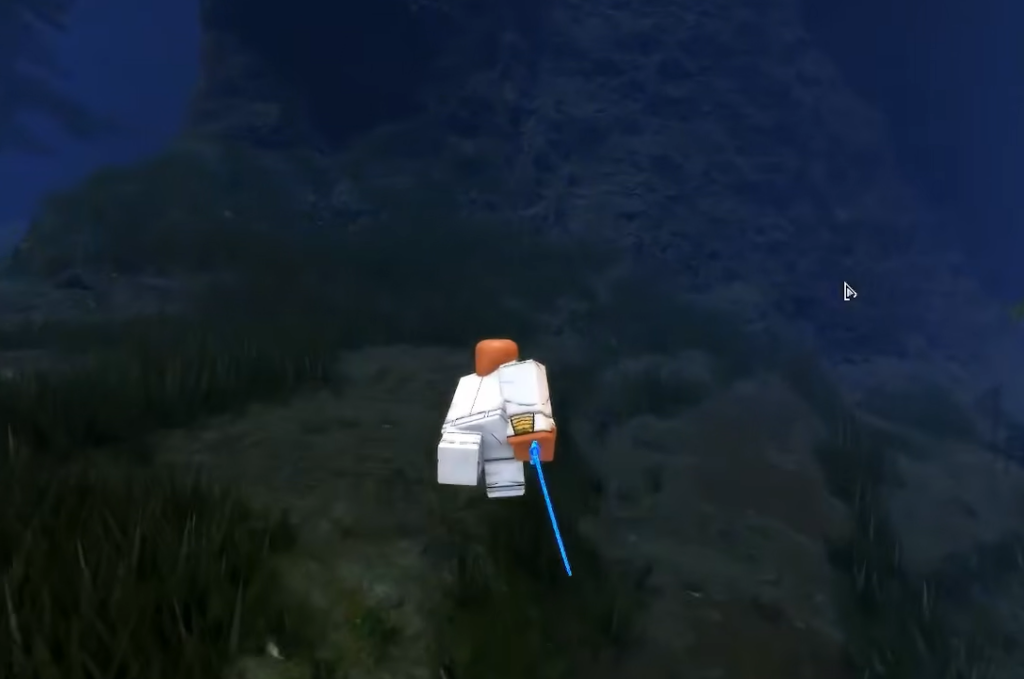
A clean Z-Step reads as an instant slide. Your character clips the previous animation short and dashes to a new position with no landing lag. If the full skill animation plays out and you only move afterward, the cancel never registered, and the fix is to input the flash step earlier.
Why the Z-Step fails
- Shunpo is not unlocked, so there is no flash step to cancel into. Put points into the Speed tree first.
- The flash step key is pressed too late, after the recovery window closes, so the animation finishes normally.
- Wrong keybinds. If your launcher, skill, or Shunpo keys differ from the defaults, the inputs will not line up until you confirm them in the controls menu.
More than anything, the Z-Step rewards repetition. Once the launcher, skill, and Shunpo inputs feel automatic, you can fold it into combos and use it to slip out of pressure, keeping your posture intact while your opponent guesses where you went.