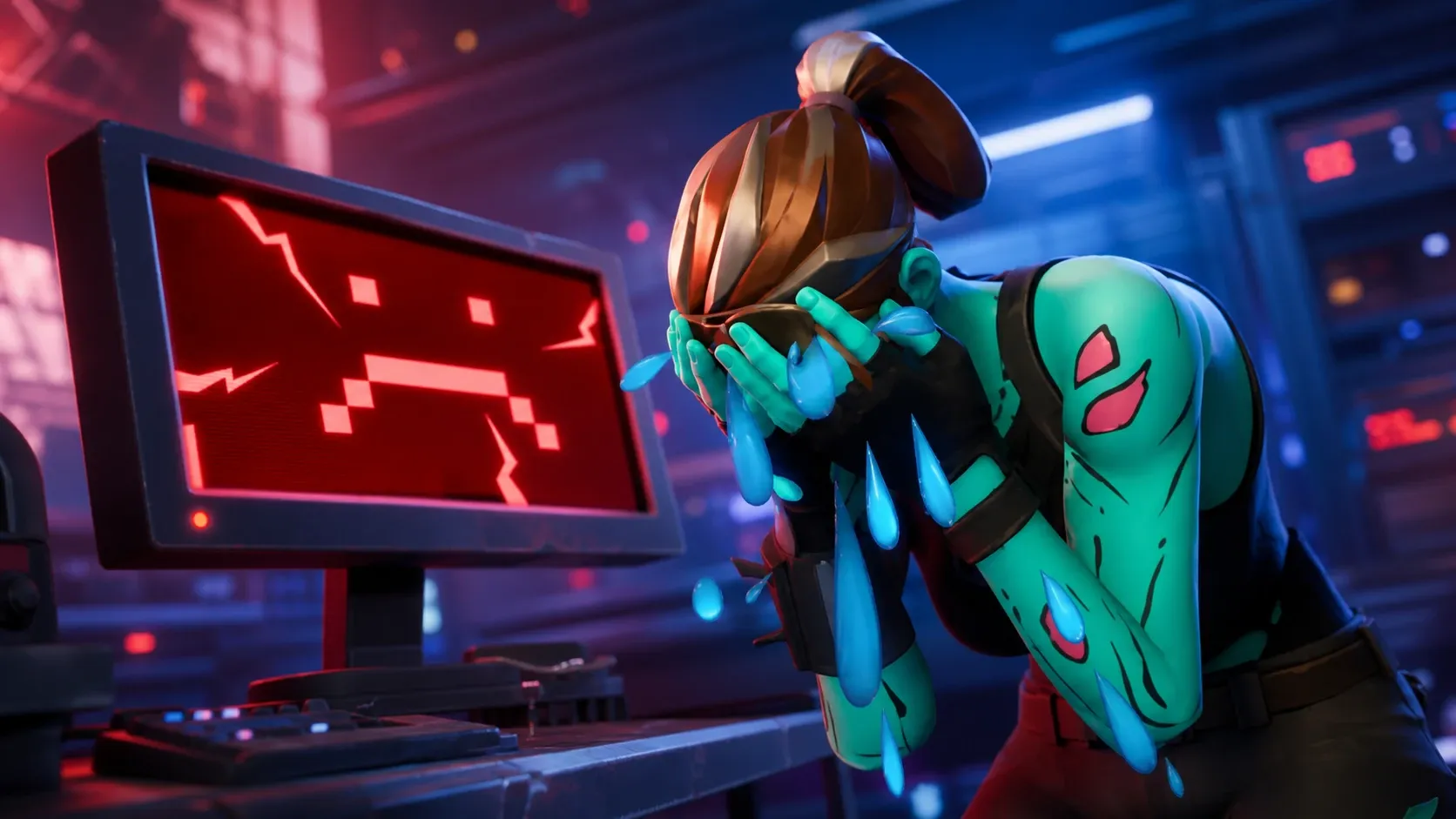
Fortnite servers go offline on a regular schedule, mostly to push new content, and the Chapter 7 Season 3 rollout is one of the bigger disruptions of the year. If you are stuck on a loading screen or seeing connection errors, the first thing to confirm is whether the outage is on Epic’s side or your own setup.
Quick answer: Epic’s official status page currently lists Fortnite as Operational. Servers came back after the end-of-season live event and the Chapter 7 Season 3 update, so if you still can’t get in, restart the game and confirm the latest patch finished installing.
Current Fortnite server status
All core Fortnite services are running. That includes Game Services, Login, Matchmaking, the Item Shop, Parties, Friends and Messaging, Voice Chat, and Stats and Leaderboards. The connected modes, LEGO Fortnite, Fortnite Festival, and Rocket Racing, are also operational.
There was real turbulence around the Chapter 7 Season 3 launch. The end-of-season live event drew heavy load, and players reported failures launching the game, connecting to servers, and queuing into matches. At peak, login and matchmaking errors were widespread before Epic stabilized things. A separate matchmaking issue on June 2 affected the ME region and then spilled into other regions, but it was resolved the same day.
To verify status yourself at any moment, the Epic Games Status website is the authoritative source. It breaks every service down individually, so you can tell whether the problem is Login, Matchmaking, or the Item Shop rather than guessing.
Why Fortnite goes down: scheduled update downtime
Most Fortnite outages are planned. Epic takes the servers offline to apply patches, add seasonal content, and fix bugs. When this happens, matchmaking is disabled first, and shortly after you’ll see a Servers not responding message. That text during a known maintenance window is expected behavior, not a sign your account or connection is broken.
Downtime length depends on the type of update.
| Update type | Typical downtime |
|---|---|
| Mid-season content patch | 1–2 hours |
| Seasonal launch update | Up to 8 hours |
Seasonal launches like Chapter 7 Season 3 sit at the longer end because Epic is swapping in an entirely new season’s worth of content. The v40.41 maintenance that preceded the end-of-season live event ran from 8:00 UTC and completed within roughly two hours, which is a useful reference for the smaller patches.
Fortnite Chapter 7 Season 3 update schedule
Chapter 7 Season 3 is live. The season’s first numbered patch arrives on launch day, with the next content update following later in June.
| Update | Date |
|---|---|
| 41.00 (Chapter 7 Season 3) | June 6, 2026 |
| 41.10 | June 25, 2026 |
The 41.10 patch on June 25 is the next scheduled update, and it follows the standard mid-season pattern. Downtime for these updates generally begins at 4 AM ET / 1 AM PT, with matchmaking ending a few minutes earlier. Expect a one to two hour window for a mid-season patch like 41.10, shorter than the seasonal launch.
What to do if you still can’t get in
If Epic’s status page shows everything operational but you remain locked out, the problem is most likely local. Work through the checks below before assuming the servers are down.
You’ll know it worked when the game reaches the lobby without a Servers not responding prompt and matchmaking places you into a session. During heavy launch traffic, error code 2 and repeated queue failures are common even when servers are technically online, so a second or third attempt often connects.
For the smoothest experience around the June 25 update, plan to play after the maintenance window closes rather than right at the 4 AM ET cutoff, when matchmaking is already winding down.